
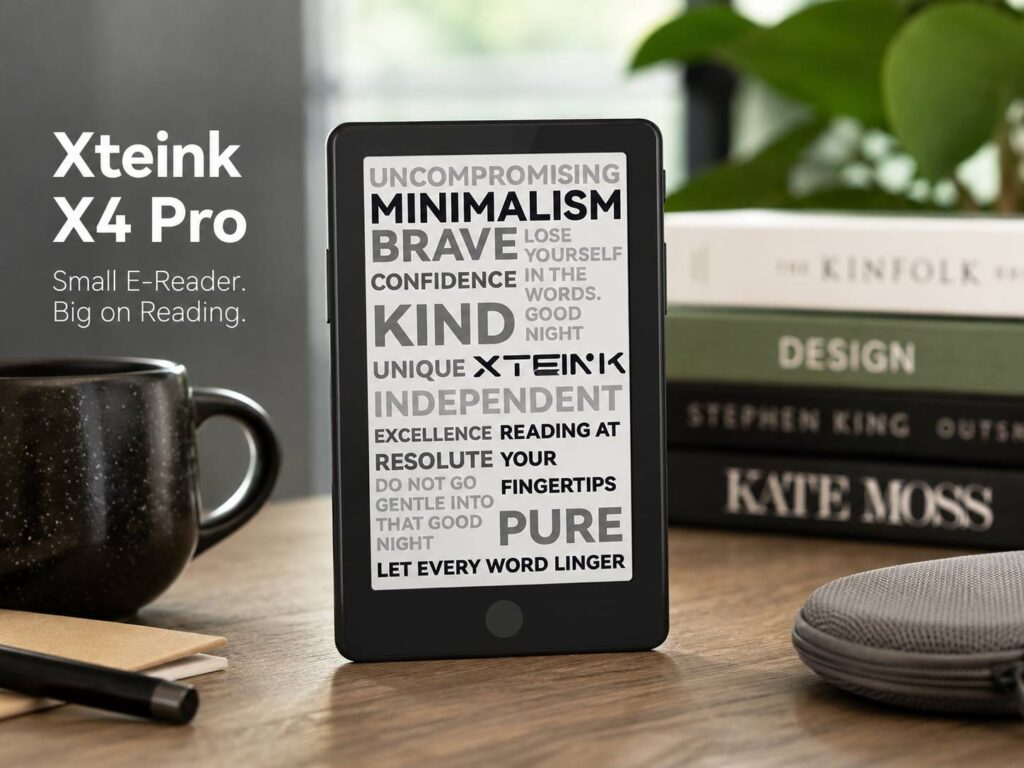
Small e-readers have always sounded great on paper. They fit in a pocket, weigh almost nothing, and make it easier to read during short breaks. The problem is that many compact models feel too basic once you start using them.
The Xteink X4 Pro tries to fix that.
It keeps the tiny 4.3-inch E Ink display found on the earlier Xteink X4, but it adds two features that readers have been asking for: a touchscreen and an adjustable front light. Those changes may sound simple, yet they make the device much easier to use during everyday reading.
The X4 Pro launched at $99. That puts it above the standard X4, but it still costs less than many premium Kindle and Kobo models. It is not trying to replace a full-size e-reader for everyone. Instead, it focuses on readers who want something small, light, and easy to carry.
A pocket-sized e-reader made for short reading sessions
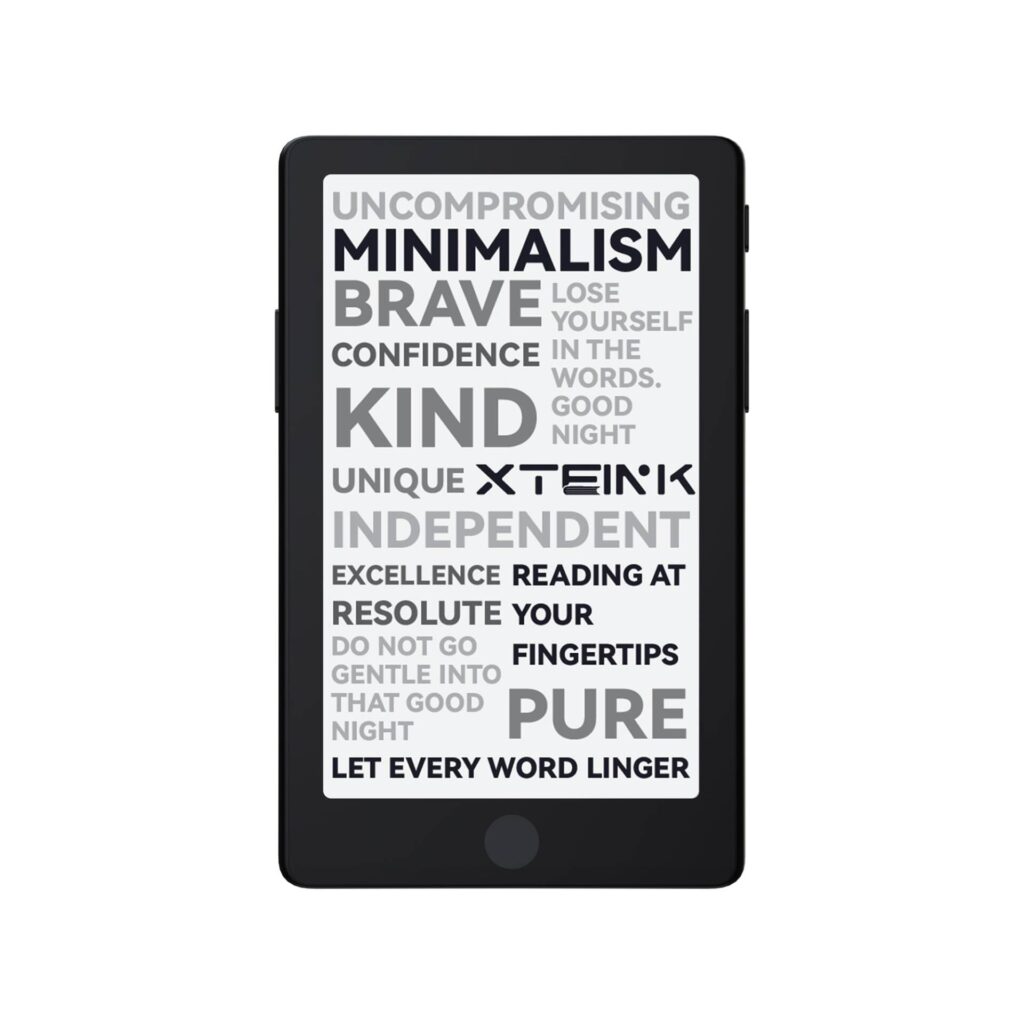
The Xteink X4 Pro measures about 111.3 x 69.2 x 5.95 mm and weighs close to 72 grams. That makes it smaller and lighter than most mainstream e-readers.
You can carry it in a jacket pocket, a small handbag, or a travel pouch without giving it much thought. It feels closer in size to a compact smartphone than a traditional Kindle.
The 4.3-inch E Ink screen has an 800 x 480 resolution. It does not look as sharp as a modern 300 PPI Kindle display, and fewer words fit on each page. Still, text remains clear enough for novels, short stories, saved articles, and other simple reading material.
Page turns happen more often on a screen this small. Some readers will find that distracting. Others may like the compact format, mainly during short reading sessions.
It works well during:
- Bus or train rides
- Coffee breaks
- Airport waits
- Queues
- Lunch breaks
- A few quiet minutes before bed
The small screen may not suit long study sessions or large PDF documents. For casual reading, though, the size feels practical rather than restrictive.
The touchscreen makes navigation much easier
Earlier Xteink readers depended heavily on physical controls. The buttons worked well for turning pages, but menus and settings often took too many presses.
The X4 Pro keeps physical page-turn buttons on both sides. It then adds touchscreen controls for opening books, moving through menus, changing settings, and managing files.
This mix of buttons and touch controls makes sense.
Physical buttons feel comfortable during one-handed reading. Touch controls feel more natural when you need to choose a book, enter a Wi-Fi password, adjust brightness, or open a settings page.
A touch-sensitive home button sits below the display. It gives readers a quick way to return to the main menu.
The touchscreen may not feel as quick as the panels used by Kindle or Kobo. E Ink devices often react more slowly than phones, and a smaller brand may not offer the same level of software polish. A few taps may need extra care.
Even so, touch support solves one of the main frustrations found on the original X4. Basic navigation now feels less mechanical and more familiar.
The adjustable front light is the biggest upgrade
The front light may be the strongest reason to choose the X4 Pro over the regular X4.
Readers can adjust both brightness and color temperature. The cooler white setting works well during the day. A warmer tone feels softer in a dark room and is more pleasant during late-night reading.
The light does not adjust itself. There is no automatic brightness sensor, so you need to set it by hand. That is not a major problem on a device this simple, but readers used to premium models will notice the difference.
Light distribution may not look perfectly even across the full screen. Small E Ink devices often struggle with this. Brighter areas near the edge can appear at higher settings.
Still, having a built-in front light changes the way the X4 Pro can be used.
You can read in bed, on an evening flight, or in a dim room without turning on another lamp. You do not need a clip-on reading light either.
That gives the device far more flexibility than the original model.
Storage is generous for a compact reader
The Xteink X4 Pro includes 16GB of internal storage. It supports microSD cards with capacities up to 256GB.
For standard EPUB books, 16GB is already plenty. Most ebooks take only a few megabytes, so the internal storage can hold thousands of titles.
A microSD card becomes more useful for readers who store:
- Manga
- Scanned documents
- Image-heavy books
- Large PDF files
- Personal archives
- Offline reference material
The reader supports common formats such as EPUB, MOBI, TXT, PDF, JPG, and PNG.
Books can be transferred through a USB connection or the Xteink mobile app. The device supports 2.4GHz Wi-Fi, which is used for pairing and wireless file transfers.
The X4 Pro does not offer the same bookstore experience as a Kindle or Kobo. There is no large built-in shop tied to a mature reading platform. This device works best for people who already own ebook files and feel comfortable managing them.
DRM-protected books can create trouble. Books purchased through Amazon, Apple, or other locked platforms may not transfer directly.
Readers who rely heavily on Amazon’s store may get more value from a Kindle. Our detailed Kindle vs iPad for reading in 2026 guide can help you compare screen comfort, app support, battery life, and reading features before choosing a device.
The magnetic back is clever, but not perfect
The X4 Pro has magnets inside its rear panel. These allow it to attach to compatible magnetic phone cases, rings, and accessories.
It is an interesting idea. You can place the e-reader on the back of a phone and carry both devices together.
Real-world results will depend on the phone, case, and magnet strength. The reader may extend past the bottom of smaller phones, and the connection may not feel secure enough for an active day.
For that reason, the magnetic system feels more useful as a stand or mounting option than a permanent carrying method.
The low weight makes this less of a concern. At 72 grams, the X4 Pro is easy to carry on its own.
A protective case still makes sense. E Ink screens can crack under pressure, and a small reader may end up sharing a pocket with keys or other hard objects. A thin cover adds some bulk, but it offers welcome protection.
The custom charging port is not ideal
The Xteink X4 Pro uses a magnetic pogo-pin charging connector instead of a normal USB-C port.
The thin body likely influenced this choice. A standard port would take up more internal space and may require a slightly thicker shell.
Still, a custom connector creates an extra inconvenience.
You need the included magnetic adapter to charge the reader. Losing it means a regular USB-C cable will not help on its own. Replacement adapters are available, but carrying another proprietary accessory feels unnecessary in 2026.
A standard USB-C port would have made the X4 Pro easier to use during travel. Many people already carry one cable for phones, headphones, tablets, and other devices.
The magnetic connector is probably the clearest hardware compromise on this model.
The larger battery supports the new features
The X4 Pro uses a 1,100mAh battery. That is a clear increase over the 650mAh batteries used in the regular X4 and X3.
The larger battery helps support the touchscreen, Wi-Fi connection, and front light.
Battery life will change based on brightness, wireless use, page refresh activity, and sleep settings. Someone who keeps Wi-Fi off and uses low brightness should get longer use between charges.
E Ink screens draw very little power once a page is displayed. Most battery use comes from the front light, wireless transfers, menu activity, and page refreshes.
The X4 Pro may not reach the long battery figures advertised by larger Kindle models, but its battery size looks sensible for such a thin device.
Xteink X4 Pro vs Xteink X4
The X4 Pro and the regular X4 share the same 4.3-inch screen size. Both include 16GB of storage and support microSD cards up to 256GB.
The Pro model brings several useful upgrades:
- Touchscreen controls
- Adjustable warm and cool front lighting
- A larger 1,100mAh battery
- A thinner body
- Lower weight
- Updated software navigation
- USB and app-based file transfers
The regular X4 costs less, so it may still appeal to readers who only use it during the day.
For most new buyers, the Pro version feels like the more complete choice. The touchscreen makes menus easier, and the front light makes the reader useful in far more places.
Owners of the original X4 have a harder decision. The reading screen remains the same size, and basic file support has not changed much. The upgrade makes more sense for people who often read at night or find button-only menus frustrating.
Who is the Xteink X4 Pro made for?
The X4 Pro suits readers who care more about portability than screen size.
It is a good fit for people who:
- Carry a device everywhere
- Read during short breaks
- Own DRM-free ebooks
- Prefer physical page buttons
- Want warm and cool front lighting
- Feel comfortable transferring files
- Do not need a built-in Kindle or Kobo store
A larger Kindle or Kobo remains a better choice for readers who want waterproofing, sharper text, faster touch controls, advanced notes, larger fonts, and a polished ebook store.
The X4 Pro takes a different route. It gives up some comfort and software depth to keep the body extremely small.
That trade feels reasonable for commuters and frequent travelers. It may also appeal to people trying to spend less time reading on a phone.
A small e-reader that now feels far more complete
The Xteink X4 Pro fixes the two biggest weaknesses of the company’s earlier mini e-readers.
Touch input makes navigation easier. The adjustable front light makes nighttime reading possible without extra accessories.
The custom charging connector remains frustrating, and the software may not feel as polished as a Kindle or Kobo. The 4.3-inch screen will feel cramped to some readers too.
Still, the low weight, physical buttons, expandable storage, and front light create a useful mix.
The X4 Pro is not the best e-reader for every type of reader. It does one job well: it makes it easy to keep a proper E Ink reading device close by at all times.
For people who want to turn a few spare minutes into reading time, that may be enough.