
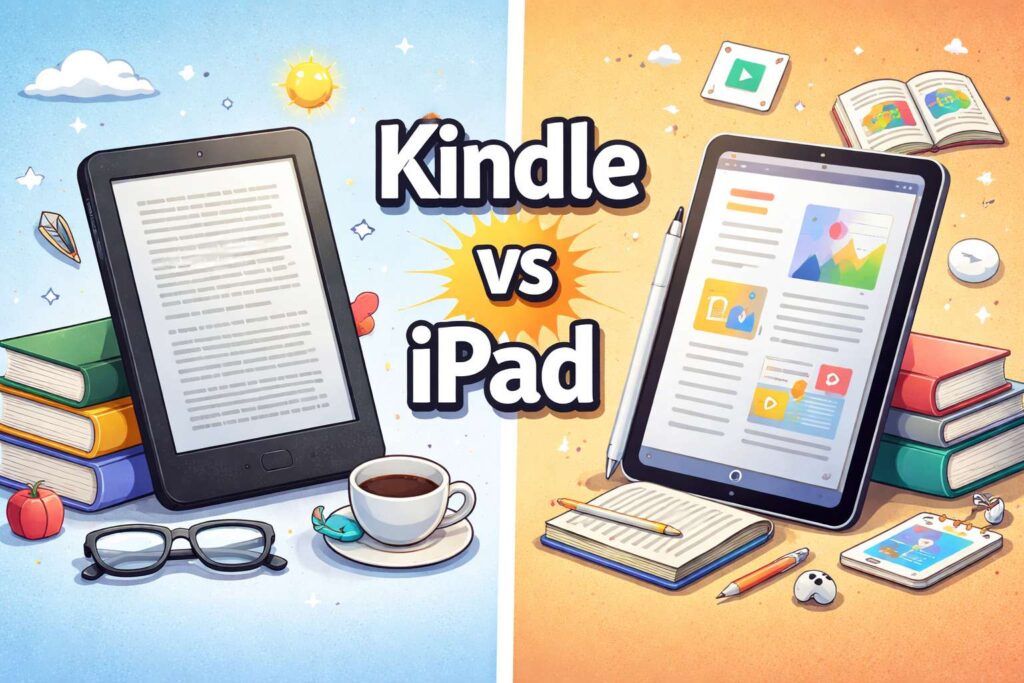
A Kindle and an iPad can both handle books, but they do not feel the same in real life. That is the key point most buyers need first. A Kindle is built for reading first. An iPad is built for many tasks, and reading is one of them.
So the better choice depends on the kind of reading you do most. Some people want a device that disappears in the hand and lets them stay with the book for hours. Others want a screen that can handle novels, PDFs, class notes, comics, web articles, and apps on the same day. Those are two very different jobs.
For most readers, the split is pretty simple. A Kindle works best for novels, long sessions, travel, and bedtime reading. An iPad works best for PDFs, textbooks, color content, note-taking, and mixed daily use. That does not mean one is good and the other is bad. It means each one wins in a different part of daily life.
The screen changes the whole reading experience
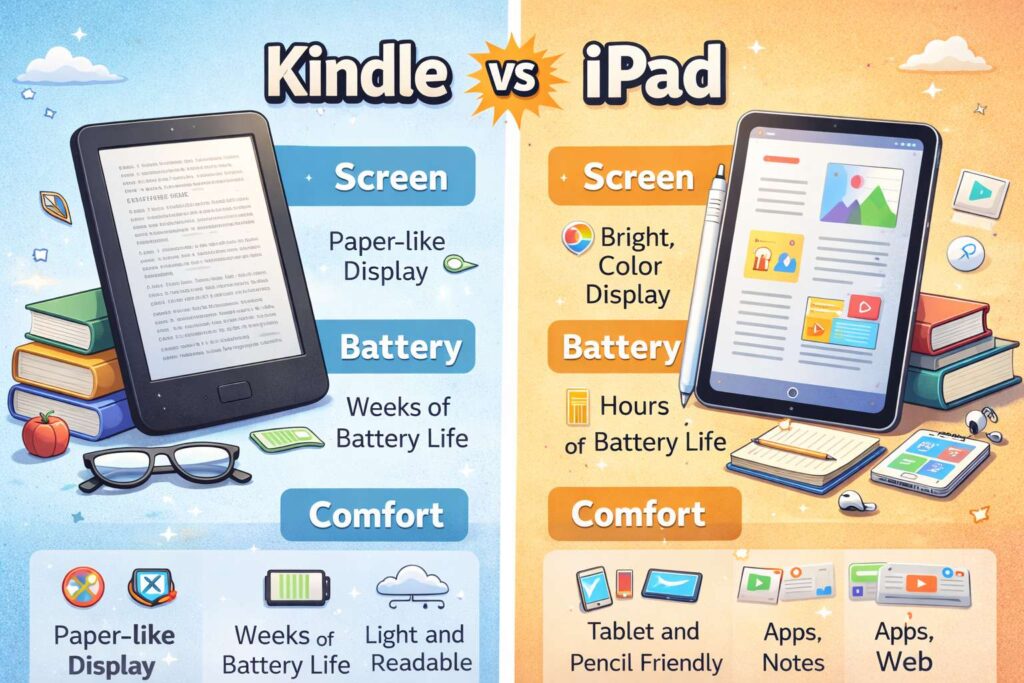
The screen is the first big reason these devices feel so different. A Kindle uses an e-ink display that looks closer to paper. The text feels calm, and the glare is much lower in bright light. That makes a real difference on a balcony, near a window, or outside on a sunny day.
An iPad uses a bright color screen. It looks sharp, rich, and lively. Covers pop more. Comics look much better. Magazines, charts, photos, and illustrated books feel far more natural on an iPad. So the iPad gives you a more flexible screen, but the Kindle gives you a more reading-first screen.
For long stretches of plain text, many readers still prefer Kindle. The page feels quieter. The device asks less from your eyes. At night, that matters too. Warm light settings on modern Kindles help the screen feel softer in dim rooms. An iPad can still work well at night, but the experience feels more like using a tablet than using an e-reader.
That difference sounds small at first, but it adds up over time. Ten minutes of reading is one thing. An hour in bed with a novel is another.
Battery life is not even close
Battery life is one of the biggest reasons people stick with Kindle. You charge it, toss it in a bag, and forget about it for a long time. That kind of freedom is easy to undervalue until you live with it.
An iPad has solid battery life for a tablet, yet it still behaves like a tablet. You use apps. The screen stays bright. Notifications come in. Video, browsing, downloads, and multitasking all use power. So it becomes part of your normal charging routine.
A Kindle feels lighter in this part of life. It is ready after days away from home. It is ready on a trip. It is ready after sitting on a shelf. For readers who hate battery anxiety, that alone can make the choice easier.
Weight and comfort matter more than people expect
Weight can look minor on a spec sheet, but your wrists notice it fast. A Kindle is easier to hold in one hand for long sessions. That matters on the couch, in bed, on a train, or in a waiting room.
A full-size iPad feels much heavier after twenty or thirty minutes. Even the iPad mini, which is a lot easier to hold than the larger iPad, still feels more like a tablet than an e-reader. So hand comfort tends to push heavy book readers toward Kindle.
There is another comfort factor too. Many Kindle models are built for reading near water. That makes them easier to take to the beach, pool, or bath. Most people do not treat an iPad that casually.
So comfort is not just about weight. It is about the kind of places where you want to read and the way the device fits into those moments.
Kindle helps you stay in the book
Focus is a huge part of reading, and Kindle is excellent at it. You open the device, pick a book, and read. That simple flow is one of its biggest strengths.
An iPad gives you freedom, but freedom can turn into noise. A message arrives. A browser tab is open. Email is right there. Video is one tap away. Then your reading session becomes ten minutes of reading and twenty minutes of everything else.
That is not a flaw in the iPad. It is just the nature of a full tablet. For school, work, and daily life, that flexibility is useful. For deep reading, it can get in the way.
So readers who want fewer distractions often feel at home on Kindle. Readers who like switching between tasks usually feel better on iPad.
PDFs, textbooks, comics, and magazines favor the iPad
This is where the iPad starts to pull ahead in a clear way. PDFs often look cramped on a smaller e-reader screen. Textbooks, scanned files, charts, and multi-column pages usually feel better on a color tablet with more room.
That matters a lot for students and work use. A novel can adapt well to almost any reading screen. A fixed-layout PDF cannot. It needs space. It needs zoom. It needs color at times. It needs faster movement between pages, notes, and files. The iPad handles that job far better.
Comics and magazines tell the same story. They simply look better on an iPad. The art is in color. Layout matters. Visual detail matters. A Kindle can still manage some of that content, yet it is rarely the best place for it.
So people who read novels first often lean Kindle. People who read mixed formats often lean iPad.
Note-taking creates a second big divide
Some readers just highlight a line or save a quote. In that case, Kindle is often enough. The reading tools are simple, quick, and easy to live with.
Yet readers who write in the margins, mark up papers, organize study notes, or sketch ideas around a text will usually get more from an iPad. Apple Pencil support changes the experience. You can read, underline, annotate, circle, copy, move to Notes, and keep building from there.
That workflow matters for students, researchers, teachers, and many office users. They are not just reading for pleasure. They are reading, sorting, thinking, and writing at the same time.
Kindle has improved here, especially with larger models built for writing. Even so, the iPad still offers a wider workspace for serious annotation and study.
Store access and reading tools feel different too
A Kindle keeps the book front and center. The reading tools are built around that goal. Looking up words, changing font size, checking progress, and jumping between books feels quick and familiar. The overall design keeps your attention on reading.
The iPad takes a broader path. You can read in Apple Books, Kindle, Kobo, Libby, or other apps. That flexibility is useful. So an iPad can fit many store choices and reading habits in one place.
This part comes down to what you value more. A Kindle offers a cleaner reading lane. An iPad offers more app choice and a broader digital life around the book.
Which one is better for travel and daily carry?
Travel readers often love Kindle for one simple reason. It asks very little from you. It is light, the battery lasts a long time, and it slips into a bag without much thought. You can bring it on a plane, toss it into a backpack, and pull it out days later.
An iPad can still be a great travel device. In fact, it can do much more on a trip. You can read, watch movies, check maps, answer mail, and store tickets in one place. So the iPad wins on range.
Yet for pure reading on the move, Kindle often feels easier. It is the sort of device you bring just for your own quiet time, and there is something nice about that.
The best choice depends on the kind of reader you are
A Kindle is the better pick for readers who spend most of their time with novels, memoirs, and other long-form books. It is a better fit for bedtime reading, outdoor reading, and long sessions where comfort matters more than features.
An iPad is the better pick for readers who need more than books. It is a stronger tool for textbooks, PDFs, comics, note-taking, and multi-use days. It makes more sense for students, busy professionals, and people who want one device that does many jobs well.
There is one middle ground worth mentioning. The iPad mini sits closer to a true reading device than the larger iPad does. It is smaller, easier to hold, and still gives you color, apps, and strong note tools. For some people, that balance feels just right.
Final verdict
Choose a Kindle if reading is the main event. It feels calmer, lighter, and more focused. It stays out of the way, and that is a big part of its charm.
Choose an iPad if reading is just one part of a bigger digital routine. It handles more formats, more tasks, and more types of work. So it gives you wider use across the day.
For deep reading, Kindle still feels better for many people. For broad use, iPad takes the win. That is the cleanest way to see it.