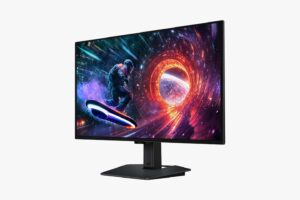
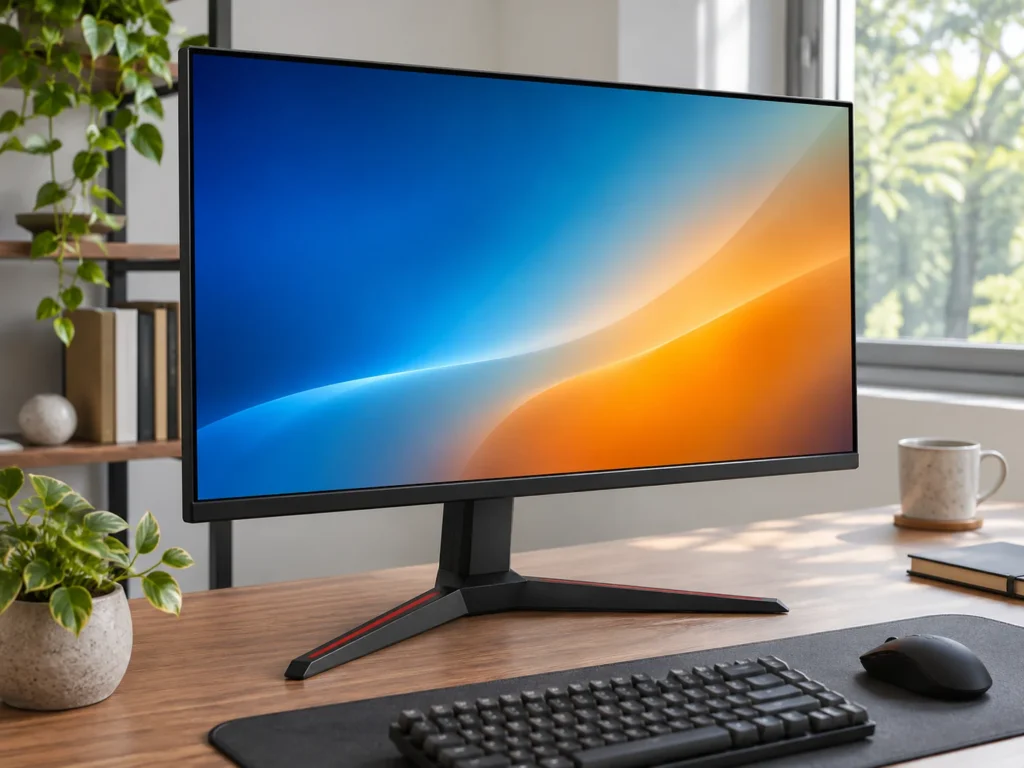
At native resolution, Samsung’s Odyssey G6 G60H runs at up to 600 Hz. Its 1,100 Hz mode drops the picture to HD and depends on what your PC can output. Samsung says the 27-inch IPS monitor will reach US retailers starting in December at $899.99.
Choose between QHD and HD
Dual Mode keeps the full 2,560 by 1,440 pixels in QHD and raises the refresh ceiling when you switch to HD. The launch announcement leaves the exact HD resolution open. If you mainly play one competitive shooter, check its frame rate at lower settings before deciding how much you would gain from the faster mode.
The monitor has a DisplayPort 2.1 input and two HDMI 2.1 inputs. For a variable-refresh setup with GeForce, NVIDIA’s G-SYNC Compatible listing specifies DisplayPort and a range of 48 to 600 Hz. The driver column still reads “Upcoming Driver.” Check that entry for the supported driver before buying for G-SYNC.
Check the graphics card and operating system
Samsung says macOS supports neither Dual Mode nor the native maximum refresh rate. Radeon RX 6000 cards and older can’t reach 1,000 Hz. AMD FreeSync Premium also stops short of the monitor’s highest refresh mode, even with a compatible card.
What Samsung’s 1 ms claim measures
The panel starts a new refresh about every 0.91 ms in HD at its highest setting. Samsung’s in-house “Extreme” response-time test measures how long a pixel takes to change between shades of gray. The company rounds down any average from 1.00 to 1.99 ms to list the monitor as 1 ms.
A refresh can therefore begin while a pixel is still changing. That comparison explains why refresh rate alone can’t tell you how sharp a target will look in motion. Samsung’s Odyssey Clear Motion setting is designed to reduce blur. The launch material doesn’t give a separate measured result for it.
The ASUS ROG Swift OLED PG259QWS Ace is a different choice. ASUS lists up to 720 Hz at its native 1080p resolution, with a 0.02 ms gray-to-gray rating. Those are ASUS’s figures under its own test conditions. Choose by the resolution you want to play at and check which variable-refresh mode your graphics card can use.