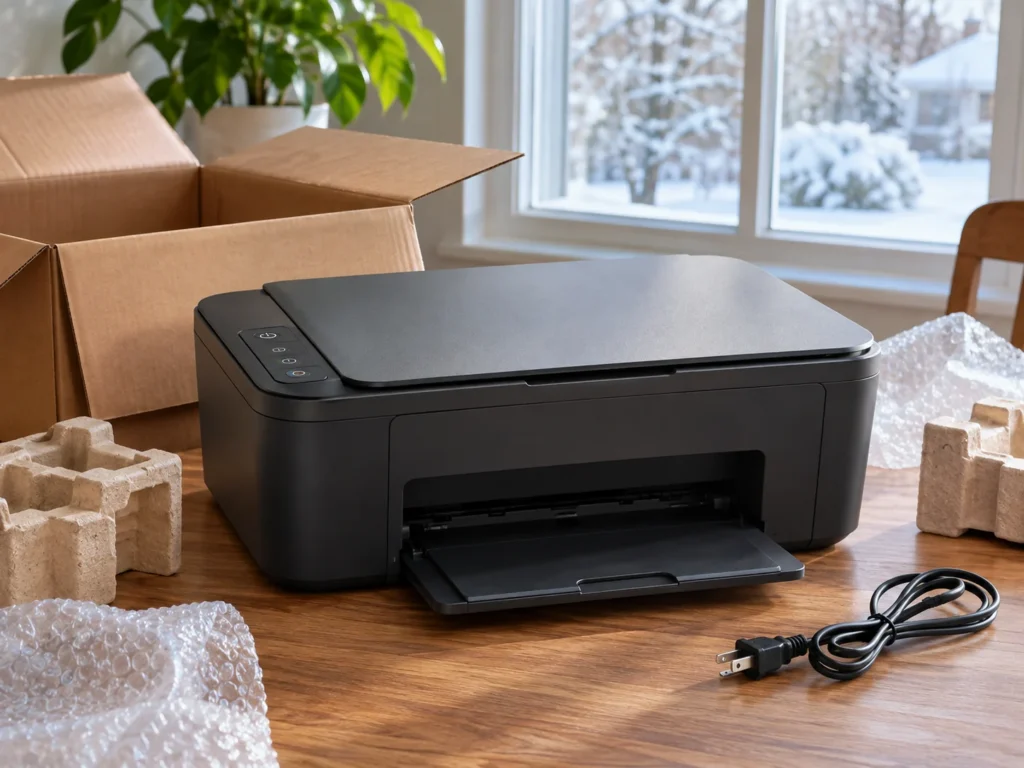
Bring a cold printer inside and let it warm up before you set it up. For Epson’s ET-2800 and ET-2803, the ink bottles need at least three hours at room temperature before you fill the tanks. Canon’s imageCLASS MF656Cdw manual calls for at least two hours to let the machine adjust to the warmer room.
Let EcoTank bottles warm before the first fill
Epson lists 5°F as the freezing point for the ink in these models. Its specifications give a two-hour thaw time at 77°F. Follow the longer instruction in the ink handling section when a bottle comes in from the cold, since that guidance applies before you use the ink.
Wait in a heated room where the printer can run. The ET-2800 guide lists an operating range starting at 50°F, so a cold garage can still be too cold even after the wait. Keep the bottles sealed until you’re ready to fill the tanks.
Once the tanks are filled, follow the setup sheet for the first ink charge. Leave the printer on until charging finishes. This is a different problem from keeping an inkjet unused for several weeks, when the print head needs attention.
Give a Canon laser time to adjust to the room
Canon says moving the MF656Cdw from a cool, dry place to a warm, humid room can leave water droplets inside. That can cause jams, poor print quality or a fault. Set it where it will run and give it the full adjustment time before printing.
If the room itself warms up quickly every day, look for “Control Condensation” in the model’s Maintenance menu. Canon says blank sheets may come out while that mode runs. For a delivery, use the acclimation time in the manual as your starting point.
Check the manual for your exact model
Use the model number on the box to find the printer’s operating temperature range. For a tank printer, check the ink storage and handling section as well. Let both the printer and its ink reach the conditions the manual specifies before you start setup.