
Smart speakers started with a strong idea. Ask a question, play a song, set a timer, or turn off a lamp without touching your phone. For a few years, that felt fresh. Then the category slowed down.
Many people kept their speakers plugged in, but they used them for the same five tasks. Music. Weather. Alarms. Lights. Kitchen timers. That was useful, yet it was not enough to make smart speakers feel exciting.
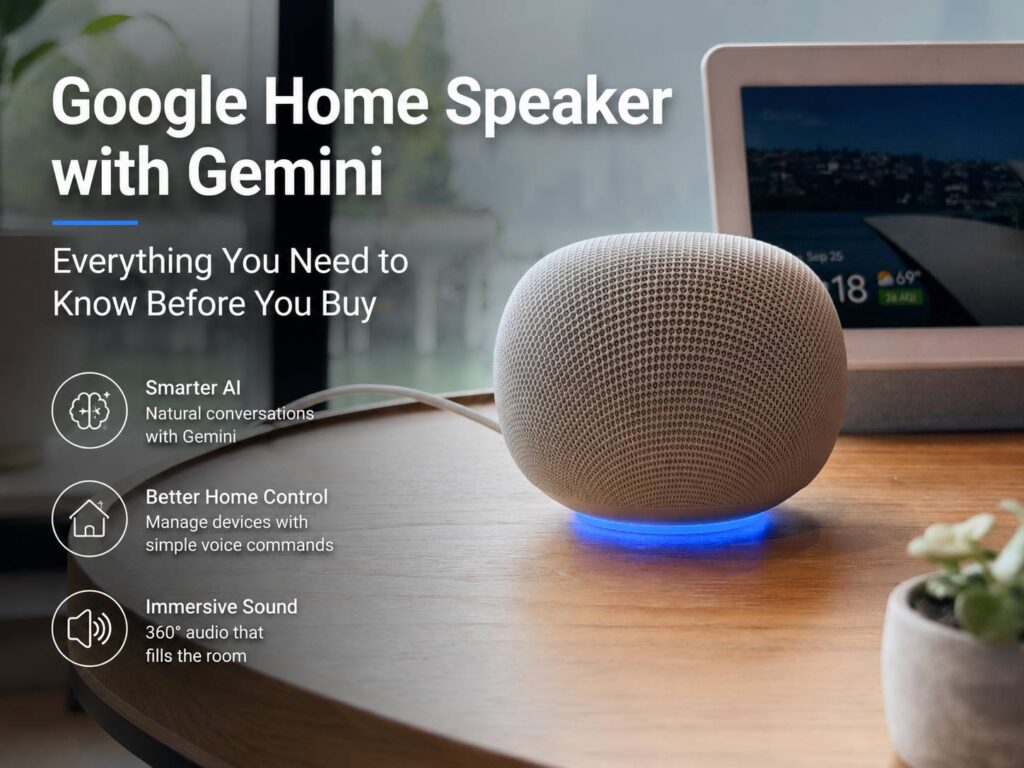
Google now wants to change that with the Google Home Speaker with Gemini. This new speaker puts Gemini for Home at the center of the experience. So, instead of acting like a basic voice remote, it aims to understand normal speech, longer requests, follow-up questions, and home control in a more natural way.
That sounds like the upgrade smart speakers needed years ago.
Why Google’s New Smart Speaker Feels Different
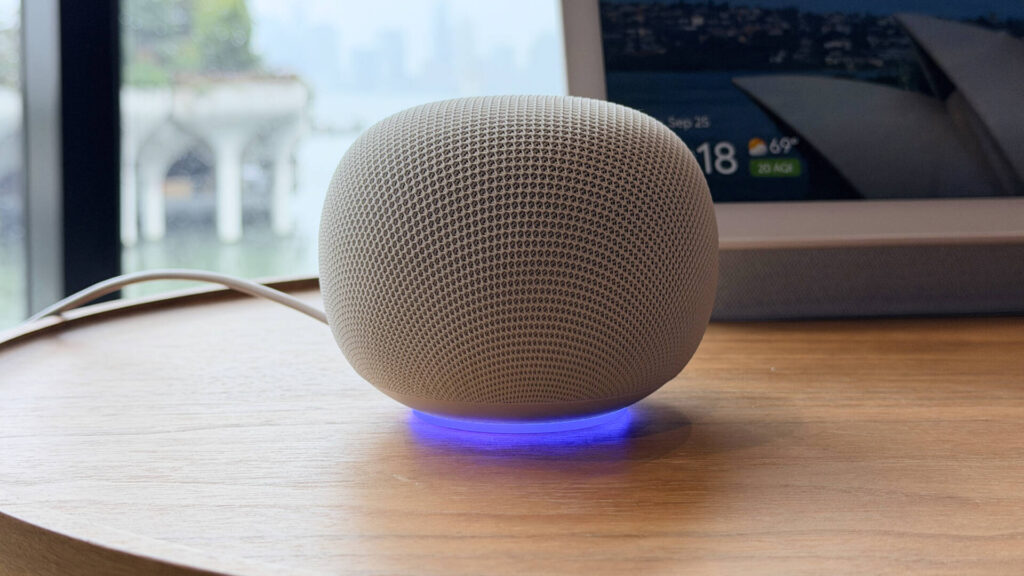
The Google Home Speaker with Gemini does not look like a wild new gadget. It still has the soft, fabric-covered style people expect from a home speaker. It comes in calm colors, sits neatly on a counter or shelf, and keeps the simple shape that works in most rooms.
Still, the bigger change sits inside the software. Gemini for Home gives the speaker a new brain. Instead of short, stiff commands, users can speak more naturally. That matters in daily use.
For example, you do not need to break every request into tiny steps. You can ask for several actions at once. You can tell it to turn off the living room lights, lower the thermostat, and play quiet music. Then you can follow up without starting over.
That is the real promise here. Google wants the smart speaker to feel less like a machine that waits for perfect wording and more like a helpful home assistant.
Gemini for Home Could Fix the Biggest Smart Speaker Problem
Older voice assistants often worked well only when users spoke in a very clear format. That became frustrating fast. If you forgot a device name, used the wrong phrase, or changed your mind mid-sentence, the speaker often missed the point.
Gemini for Home tries to solve that. It can handle more natural requests, and it can deal with corrections better. For example, you can start asking for one light, then change to another light before the request ends.
That small detail matters. People do not speak at home like they type search queries. They pause, correct themselves, and add details as they talk. A smart speaker should understand that.
This shift makes the new Google Home Speaker more useful for real rooms, not just demo videos. Kitchens, bedrooms, and living rooms are busy places. You might have food on the stove, a child asking for help, or a phone in another room. In those moments, the speaker needs to understand you the first time.
Smarter Home Control, Not Just Voice Search
The new Google Home Speaker aims to do more than answer trivia. Its best use sits inside the smart home.
You can use it with lights, thermostats, cameras, plugs, speakers, and other supported devices in the Google Home app. Then Gemini can help you control them with less effort. For example, a user could ask for a calmer evening setup, then let the speaker adjust several devices at once.
This is where Gemini starts to feel practical. It can turn a vague home request into useful actions. That is more helpful than asking users to memorize each device name and routine.
Google has been adding Gemini features across its living room products too. For example, Gemini on Google TV can fix picture settings by voice, which shows how Google wants voice control to move past basic commands. The new Home Speaker fits that same plan, but for the whole house.
Better Conversations Make a Big Difference
A useful speaker needs to understand follow-up questions. That sounds simple, but older smart speakers often treated every new question like a fresh start.
Gemini changes that by keeping more context during a conversation. You can ask a question, hear the answer, then ask something connected to it. That makes the speaker feel less repetitive.
For example, you might ask what to cook for dinner. Then you can ask it to build a shopping list. After that, you can ask how long the recipe takes. The speaker should keep the thread clear enough to help without making you repeat every detail.
This helps during normal routines. Cooking, cleaning, getting ready for work, and winding down at night all involve quick questions and small tasks. A speaker that understands context can save time in those moments.
Sound Still Matters
A smart speaker still needs to sound good. The Google Home Speaker with Gemini includes 360-degree audio, so it can fill a room from one small device.
That makes sense for kitchens and open spaces. People move around, so audio needs to spread evenly. The speaker can play music, podcasts, audiobooks, and TV audio. It can also work with other Google speakers and Cast-enabled devices.
The speaker can pair with Google TV Streamer too. That gives users a cleaner way to improve TV sound without adding a full soundbar setup.
Still, sound should not be the only reason to buy it. Plenty of Bluetooth speakers deliver strong audio for the price. The main reason to care about this device is Gemini for Home. The better sound is a strong bonus.
Google Home Premium Adds More Power
The speaker includes key features out of the box, but Google keeps some advanced tools inside Google Home Premium.
That paid plan adds features like Gemini Live, automation help, sound detection, camera history search, and home summaries, based on the tier. So, users who own Nest cameras and several smart devices will get more value from the subscription.
This creates a clear split. Basic smart speaker users can enjoy music, voice control, answers, timers, and standard home actions. Smart home users with cameras, sensors, and routines will see the larger benefit from the paid plan.
That is fair, but buyers should know it before purchase. The speaker costs less than many premium audio devices, yet the full Gemini home experience can cost more over time.
Privacy Controls Need to Be Simple
A smarter speaker raises a fair question: how much should a home device hear?
Google answers part of that with a physical microphone mute switch. That gives users a clear way to stop voice listening. The speaker also uses a light ring to show when it listens, thinks, or responds.
These controls matter. People want smart home help, but they also want clear signs and simple choices. A physical switch feels better than hiding every privacy control inside an app.
No voice speaker will satisfy every privacy concern. Yet clear controls make the device easier to trust in a shared home.
Who Should Buy the Google Home Speaker with Gemini?
This speaker makes the most sense for people who already use Google Home. If your house has Nest cameras, smart bulbs, a Google TV Streamer, Android phones, or YouTube Music, the device fits well.
It also makes sense for people who liked the idea of smart speakers but got tired of weak voice control. Gemini gives Google a real chance to make the category feel useful again.
A casual music listener may prefer a simple Bluetooth speaker. A heavy smart home user will get more from this Google model. That is the key difference.
Final Thoughts
The Google Home Speaker with Gemini feels like a needed reset for smart speakers. It does not try to win with a strange design or a flashy gimmick. Instead, it focuses on the one thing smart speakers should have done better all along: understand people at home.
My real opinion is that this speaker has the right target. Smart speakers do not need to replace phones, tablets, or TVs. They need to help during small, busy moments. Set the room. Answer the next question. Play the right audio. Handle a routine. Fix a request without making the user start over.
If Gemini for Home works well in daily use, this speaker could make Google’s smart home lineup feel fresh again. If it struggles with context, people will return to timers and music. The product lives or dies on that difference.