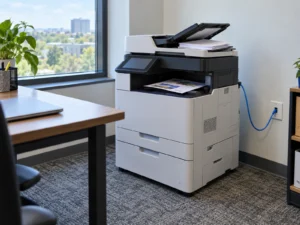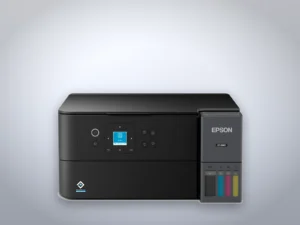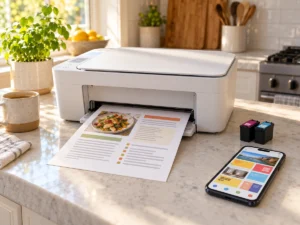
Two of the flaws Microsoft fixed on October 13, 2026, sit in the Windows PostScript printer driver and carry a severity score of 9.8 out of 10. An attacker who needs no password could run code on a Windows computer by sending it a specially crafted print job over the network, according to Microsoft. Nobody has been seen using either flaw, and Microsoft rates exploitation as less likely. The fix is the October Windows update, installed on the PC. Home and Pro computers still on Windows 10 get it only through Microsoft’s Extended Security Updates program.
Six PostScript driver flaws in one update
Microsoft’s October release lists six flaws in its PostScript printer driver. CVE-2026-70147 and CVE-2026-70153 are the two rated 9.8, both remote code execution through a buffer overflow, with no sign-in and no action needed from anyone at the PC. A third, CVE-2026-108467, is rated 8.8 because the attacker needs a low-level account on the target first. The other three, each rated 7.8, work only on the PC itself and need someone there to do something first. Each can end with the attacker holding SYSTEM privileges, the highest level on Windows.
The description of the first critical flaw names a crafted print job sent to “an affected print service over the network,” and the second a crafted packet sent to “an affected service.” In the NVD record for the first flaw, CISA’s triage marks it as automatable, meaning an attacker could script it against many computers, and records no exploitation so far.
The same update carries eight fixes for Print Spooler components and eight for the Windows USB print driver, all rated Important, one level below Critical.
Where PostScript printers come in
Microsoft’s standard Windows driver for PostScript printers, Pscript, reads a PostScript Printer Description file (.ppd) in which the printer maker describes what its model can do. Brother, for one, lists BR-Script3, its PostScript 3 compatible emulation, among the print languages of the MFC-L8930CDW color laser. Microsoft’s own driver documentation now tells printer makers to build on its IPP class driver instead, but Pscript still ships in every version the update covers.
Microsoft lists every supported version of Windows 10 and 11 as affected, and its notes don’t say whether a PC with no PostScript printer installed can be reached. Treat every Windows PC as needing the update, whatever printer sits next to it.
The flaw is in Windows, not in the printer. A firmware update from Brother, HP or Canon won’t close it, and the Windows update leaves the printer’s own software alone. That is the reverse of the printers hacked at Pwn2Own Ireland between October 6 and 8, where the weak code sat in the printers and only new printer firmware can fix it.
The PC that shares a printer
Microsoft’s wording points at a computer that accepts print jobs from others over the network. A Windows PC does that when it shares its printer with the other computers in the house or office. If a desktop in a home office shares a laser printer with two laptops, update that desktop first and restart it.
To see whether a PC shares its printer, open the printer’s Printer properties and look at the Sharing tab. A ticked Share this printer box means other computers can send it jobs. If nobody else prints through it, there is no reason to leave that box ticked.
Checking the build number
Press Windows+R, type winver and press Enter, and the window that opens shows the version and the OS build.
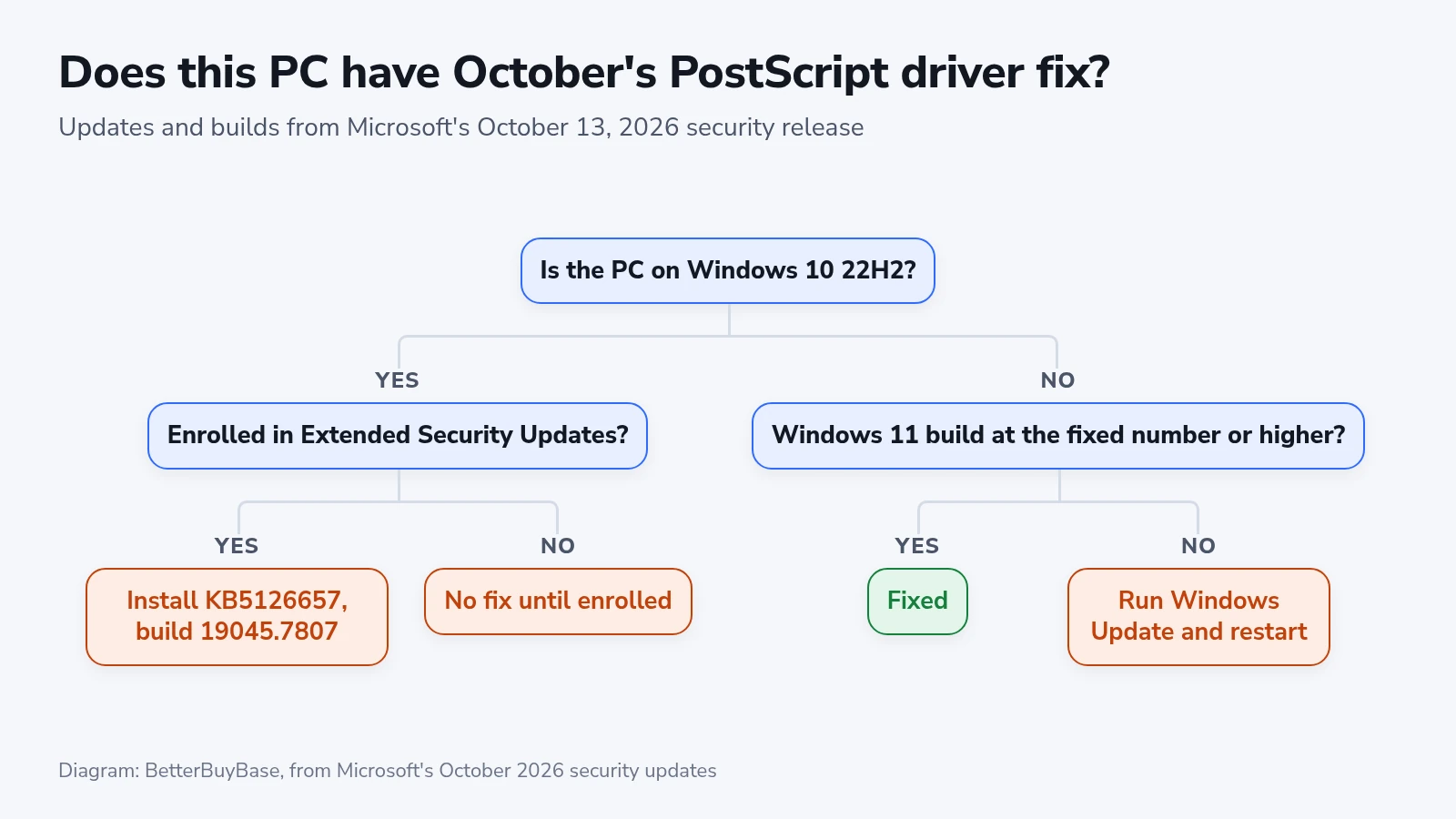
- Windows 11 versions 24H2, 25H2 and 26H2 get the fix in update KB5127648, which takes the build to 26100.9711, 26200.9711 or 26300.9711. If the number after the dot is 9711 or higher, the PC has it.
- Windows 11 version 26H1 gets it in KB5127646, build 28000.3231.
- Windows 10 version 22H2 enrolled in Extended Security Updates gets it in KB5126657, build 19045.7807.
If the build is lower, open Settings, then Windows Update, select Check for updates and restart when asked.
Windows 10 without Extended Security Updates
Microsoft stopped regular support for Windows 10 on October 14, 2025. A Windows 10 PC that isn’t enrolled in the Extended Security Updates program for home PCs gets none of October’s fixes, including the two rated 9.8. If that PC is the one sharing the printer, it is the weakest point in the setup.
Enrolling puts it back on the monthly updates. Microsoft’s page for home PCs says the program provides security updates through October 12, 2027, and enrollment stays open until that date.