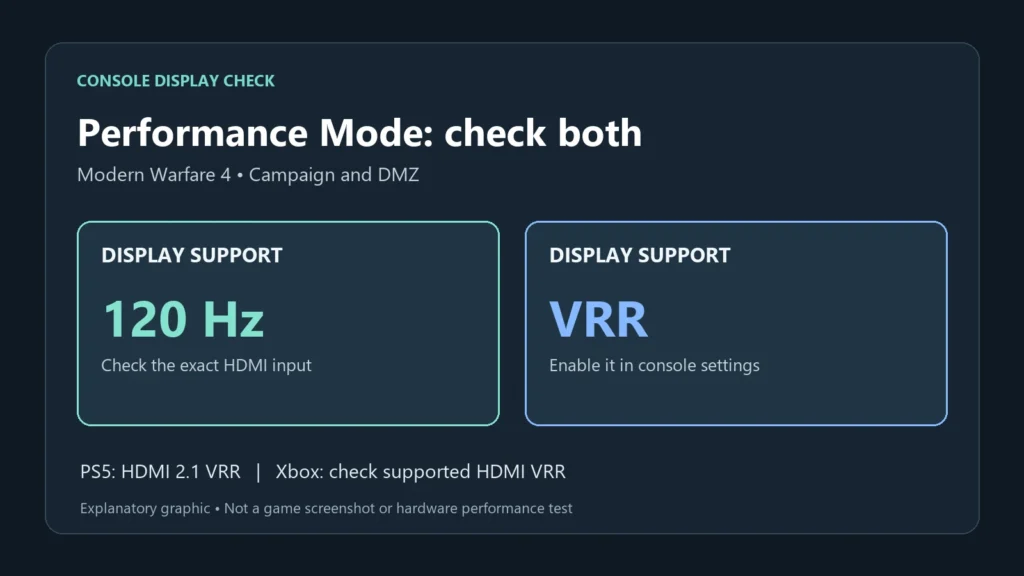
Modern Warfare 4 requires VRR for Performance Mode in its campaign and DMZ on PS5 and Xbox Series X|S, according to Activision’s October 20 update. Its troubleshooting advice is to use a display that supports both 120 Hz and VRR, then enable VRR in the console settings. A 120 Hz monitor without variable refresh rate does not qualify.
The two consoles don't accept the same kind of VRR. An Xbox takes AMD FreeSync over HDMI, so many 1440p gaming monitors can pass. A PS5 needs HDMI 2.1 VRR, which plenty of monitor spec sheets never mention.
What Activision's post covers
The post went out on Activision's Call of Duty Updates account on X, on October 20. It names the campaign and DMZ, the game's extraction mode. Warzone's Performance Mode will need VRR too once Season 1 arrives.
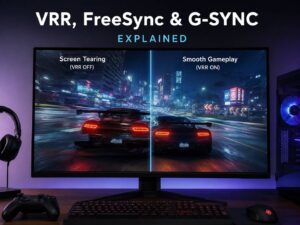
Multiplayer isn't named, and the post gives no reason for the rule. VRR syncs the display's refresh to the console's output, which cuts screen tearing and uneven frame pacing.
On an Xbox Series X, Activision's Xbox page puts the game at 60 fps in 4K or 120 fps at 1440p.
Xbox counts FreeSync over HDMI
Microsoft lists three HDMI features for the Series X: Auto Low Latency Mode, HDMI Variable Refresh Rate and AMD FreeSync. Either kind of VRR works, so a monitor doesn't need the newest HDMI standard to qualify.
A console has no DisplayPort, so the monitor's FreeSync has to work on its HDMI input. A spec sheet that lists FreeSync for DisplayPort only won't help here.
The 1440p target doesn't call for HDMI 2.1 either. A display without HDMI 2.1 can still run 120 Hz at a lower resolution. A 1440p FreeSync monitor can be an Xbox option if its manual confirms 120 Hz and VRR together over HDMI. Check the exact input timings rather than relying on the HDMI version label.
To check, open Settings > General > TV & display options and set Refresh rate to 120 Hz. The 4K TV details page there shows what the console reads from the display. The VRR menu under Video modes offers Always On, Gaming Only and Off, and either of the first two covers the game.
PS5 needs HDMI 2.1 VRR
On a PS5, VRR works only on HDMI 2.1 VRR-compatible TVs and PC monitors, Sony said when the feature arrived in April 2022. It names no other kind, so FreeSync over HDMI 2.0 doesn't count, even on a monitor that handles the Xbox target.
HDMI 2.1 on the box isn't proof. Check for explicit HDMI VRR support in the display’s specifications or manual. A display may also ship with VRR switched off, or offer it on only some of its HDMI inputs.
LG's page for the UltraGear 27GR93U-B lists two HDMI 2.1 inputs and FreeSync Premium, and promises up to 120 Hz on current consoles. It doesn't say HDMI VRR in so many words.
So check on the console. Open Settings > Screen and Video > Video Output and make sure neither VRR nor 120 Hz Output is set to Off. The PS5 reads the display's capabilities on its own, and the Information for the Connected HDMI Device entry on that screen is where to look.
A 1440p monitor can be checked from the same menu. Its Test 1440p Output option tries 1440p with VRR before you switch the console to that resolution.
Settings and cables to try first
Rule out the usual setup gaps before you decide the monitor is the problem. Sony and Microsoft point to the same few:
- Turn on FreeSync, Adaptive-Sync or VRR in the monitor's own menu.
- Use the HDMI input the manual names for HDMI 2.1 or for consoles.
- Use the HDMI cable that came with the console, or an Ultra High Speed one.
- Plug the console straight into the monitor, not through a receiver or another box in between.
Then go back to the console's display screen and check it again.
Warzone comes next
If the console still shows no VRR, check the exact display model, input, firmware and supported console timings with the manufacturer before buying a replacement. A replacement for a PS5 needs HDMI VRR named in its spec sheet or manual, because HDMI 2.1 alone doesn't settle it. Warzone's Performance Mode follows the same rule once Season 1 arrives.