Logitech’s October 31, 2026 retirement notice does not announce a shutdown of installed Logitech Gaming Software (LGS). If an older device still depends on it, preserve your installer and profiles separately before changing a working setup.
What the retirement notice says
Logitech says G HUB replaced LGS for new devices from 2019. Its notice sets October 31 as the removal date for LGS installation files, download links and support documentation. It says alternative installer access is being explored, without naming a permanent replacement location.
Preserve the installer and your profiles separately
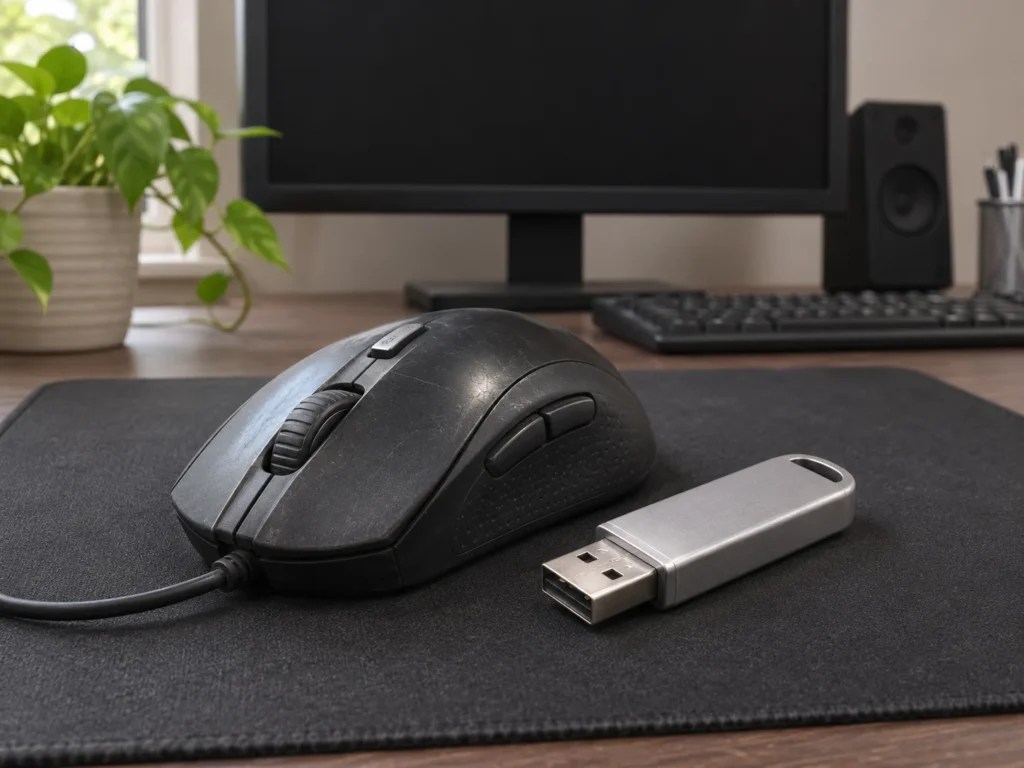
If you have the official installer, keep a backed-up copy with its version, device model and operating system recorded. An installer does not contain your personal profiles. Confirm the file’s publisher before installing it, and leave normal Windows security protections enabled.
Logitech’s LGS help guide describes importing and exporting profiles. Export the profiles your device supports and save those files with your backup. Record important DPI steps, button assignments, lighting and game associations so you can compare them after a restore.
The guide also describes onboard profiles and Profiles To Go on supported devices. Onboard memory and desktop profiles serve different purposes. A setting stored on a mouse does not establish that every macro or automatic game switch will work without LGS.
Check the exact model before moving to G HUB
Look up the model in the manufacturer’s current compatibility information. A similar name or a newer generation is not proof that G HUB supports an older device. Check its available functions before removing LGS.
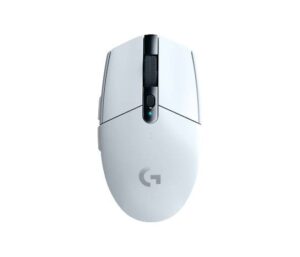
Before changing a Logitech G305 setup, check the buttons, DPI settings and profiles you actually use. Keep the original setup until you have verified the replacement. Desktop profiles and device memory still need separate attention.
Check a backup without breaking a working setup
Confirm that the installer and exported profiles are present in your backups. Do not uninstall a working configuration simply to test the files. If a later reinstall is necessary, check model and operating-system compatibility first.
A retained installer preserves access to that version. It does not guarantee compatibility with a future operating system. The useful backup is the installer, the supported profile exports and a record of the settings that matter to you.