
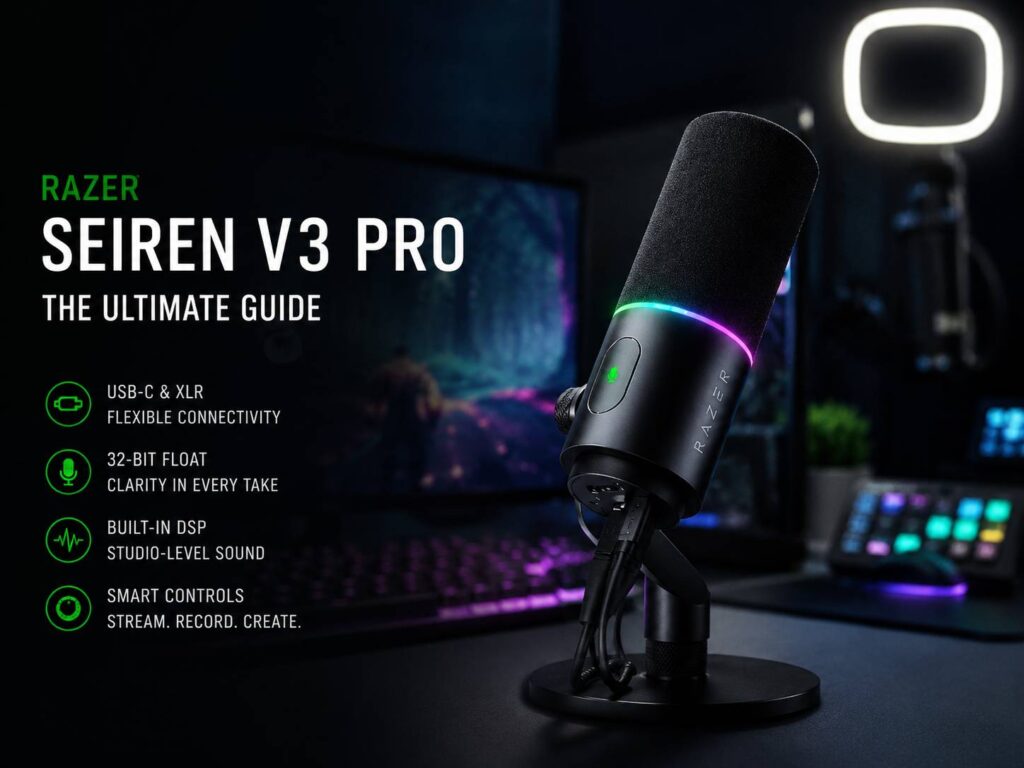
The Razer Seiren V3 Pro feels like a clear step up for streamers, podcasters, and creators who want better audio without making their desk look like a small recording studio. It brings USB-C and XLR into one microphone, so it works for simple setups now and more advanced setups later.
That mix matters. Many creators start with a USB mic, then hit a point where they want more control. They look at audio interfaces, mixers, better gain control, and cleaner routing. The Seiren V3 Pro gives them that path without forcing a full mic swap.
It is not a cheap basic mic for quick video calls. Instead, it targets people who record often, stream live, or care about clear voice quality. For that audience, the feature set makes sense.
A Better Path for Streamers Who Want Room to Grow
Most new streamers want simple gear. They want to plug in a mic, open OBS, test their levels, and go live. USB-C makes that easy. The Seiren V3 Pro connects straight to a PC through USB-C, so users do not need an audio interface from day one.
Then, once the setup grows, XLR becomes useful. XLR works with audio interfaces and mixers, so creators get more control over gain, monitoring, and routing. That helps with podcasts, dual-PC streaming, voice-over work, and more advanced recording spaces.
This is where the Seiren V3 Pro earns attention. It does not lock creators into one setup. It gives beginners a clean start, but it still fits a more serious desk later.
That flexibility makes it stronger than many simple USB microphones. It also feels more practical than buying a budget mic now and replacing it six months later.
32-Bit Float Gives Loud Reactions More Breathing Room
Streaming rarely stays quiet. A calm intro can turn into a loud laugh, a shout, or a big reaction in seconds. Normal audio can clip during those moments, and clipped sound often feels harsh or ruined.
The Seiren V3 Pro supports 32-bit float through Razer Synapse on Windows. This gives recordings more headroom, so loud moments have a better chance of staying usable. It will not fix poor mic placement, and it will not remove every mistake. Still, it gives creators a useful safety net.
For live streamers, that can mean cleaner highlight clips. For podcasters, it can save a strong take that had one loud laugh. For YouTubers, it can cut down on audio repair during editing.
That feature alone helps the mic feel more creator-focused. It is not just about sounding good in a quiet room. It is about staying usable during real sessions.
Built-In Audio Processing Helps Clean Up Everyday Recording
The Seiren V3 Pro includes built-in DSP tools, which help process the voice before it reaches the final mix. That can include AI noise reduction, compression, limiting, and expansion.
These tools matter most in normal rooms. Many creators record near a gaming keyboard, a PC fan, a window, or a shared wall. Some record in bedrooms or home offices with no acoustic treatment. So built-in processing can make setup easier and reduce the need for extra plugins.
Compression helps smooth the voice. A limiter helps control sharp volume spikes. Noise reduction cuts down steady background sound. Expansion can make quiet moments cleaner.
This does not replace good technique. The mic still needs a proper position, a sensible gain level, and a quiet space where possible. But for many creators, built-in processing saves time and removes some of the stress from audio setup.
The Voice-First Design Makes Sense for Creators
Razer built the Seiren V3 Pro around a 30 mm capsule and a cardioid pickup pattern. That means it focuses on the voice in front of the mic and rejects some sound from the sides and rear.
For streaming and podcasting, that is the right choice. Most users will place the mic on a boom arm or desk stand, then speak into it from a close distance. This setup helps voices sound fuller and more direct.
The mic has a listed frequency response of 50 Hz to 16 kHz. That range suits speech well. It does not try to act like a full music studio mic, and that is fine. A creator microphone should make spoken voice sound clean, steady, and present.
The official specs also list a high maximum sound pressure level, which helps the mic handle loud voices. That fits streamers who react loudly during games or creators who record animated voice clips.
USB-C Keeps It Simple, XLR Keeps It Serious
The best use case for this mic is clear: start simple, then grow later.
USB-C works well for:
- Twitch streaming
- YouTube voice-over
- Solo podcasting
- Gaming commentary
- Discord calls
- Laptop recording
- OBS setups without extra gear
XLR makes sense for:
- Audio interfaces
- Mixers
- Multi-mic podcast desks
- Dual-PC streaming setups
- More hands-on gain control
- Cleaner studio-style routing
This dual connection setup gives the Seiren V3 Pro a longer life on a creator’s desk. That matters at its price. A cheaper mic can work well for basic use, but it may feel limiting once the creator adds more gear.
If someone already likes Razer gear for their desk setup, the Seiren V3 Pro also fits naturally beside other Razer products. For example, a creator building a clean workspace may pair it with a productivity mouse like the one covered in this Razer Pro Click Mini review, then add a boom arm, headphones, and lighting over time.
The Controls Feel Made for Real Streaming
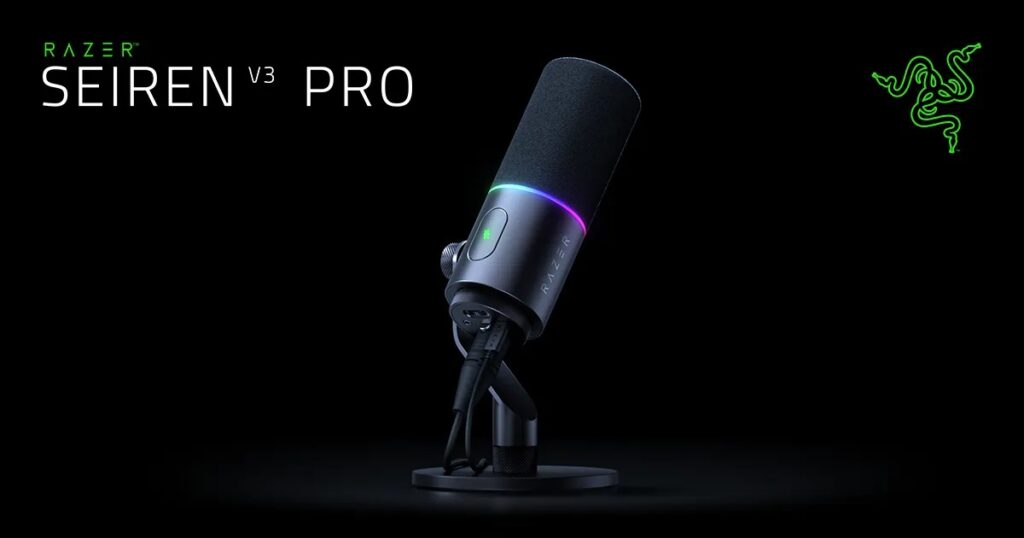
A good streaming mic needs fast controls. The Seiren V3 Pro includes a touch mute button with an LED indicator, manual gain control, and a 3.5 mm headphone monitoring jack.
The mute button helps during calls, streams, and quick breaks. The LED indicator gives instant feedback, so users can see the mic status at a glance. That sounds small, but live creators know how easy it is to forget mute status during a stream.
Manual gain control also helps. Opening software every time a voice level changes gets annoying. A physical control makes quick fixes easier.
The headphone jack matters too. Direct monitoring helps users hear their voice and catch problems sooner. This can help with mic distance, background noise, and gain levels.
Chroma RGB Adds Style, But Status Feedback Matters More
The Seiren V3 Pro includes Razer Chroma RGB lighting. Some creators will like the look, especially if the mic appears on camera. It can match a gaming desk, a stream room, or a themed setup.
Still, the useful part is status feedback. Lighting can help show mute state and level changes. That gives streamers quick visual cues during live use.
RGB does not make a mic sound better. No creator should buy a microphone only for lighting. But in this case, the lighting has a practical role, and it fits the Razer audience.
Who Should Buy the Razer Seiren V3 Pro?
The Seiren V3 Pro fits creators who want one mic that can handle both simple and advanced setups. It makes the most sense for people who plan to record often and care about voice quality.
It is a good fit for:
- Streamers upgrading from a headset mic
- YouTubers recording voice-over
- Podcasters who want USB now and XLR later
- Gamers who want cleaner voice chat
- Creators who record in home offices or bedrooms
- Users who want software control through Razer Synapse
It is not the best pick for someone who only needs a mic for rare meetings. A cheaper USB microphone can handle that job. The Seiren V3 Pro makes more sense for people who want better sound and plan to keep improving their setup.
At US$249.99, it sits in a serious price range. That price feels easier to accept if the buyer will use both USB-C and XLR, or if 32-bit float support and onboard processing matter to their workflow.
Final Opinion
The Razer Seiren V3 Pro stands out because it solves a real creator problem. Many people do not know whether they need USB or XLR. This mic removes that pressure by offering both.
It also adds 32-bit float support, built-in processing, direct controls, headphone monitoring, and a voice-focused capsule. Together, these features make it feel more complete than a basic gaming microphone.
My honest opinion: this mic is not for everyone, but it makes strong sense for streamers and creators who want to grow. It gives beginners a simple USB-C start, then gives them an XLR path once their setup becomes more serious. That makes it a smart upgrade for creators who care about sound and want gear that can stay useful longer.