
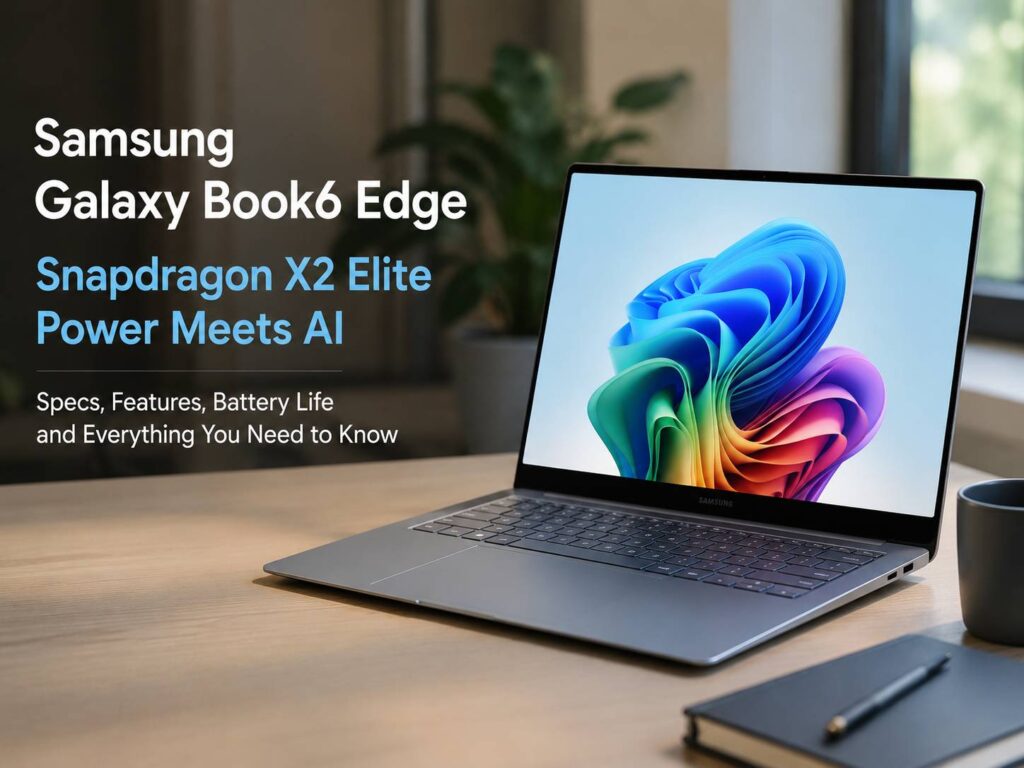
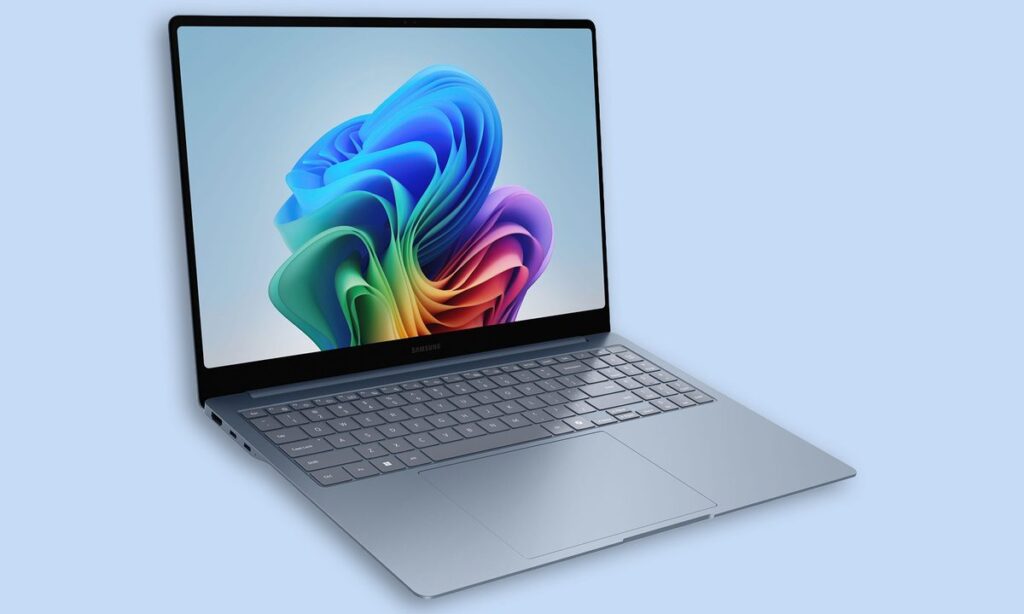
Samsung is giving its Galaxy Book line a stronger AI focus with the Galaxy Book6 Edge. The headline feature is the Snapdragon X2 Elite chip, but the laptop brings more than a new processor. It has a slim 16-inch body, an AMOLED touch display, Wi-Fi 7, Galaxy AI tools, and a battery-first design.
That mix makes sense. Many laptop buyers want a fast machine for work, study, calls, browsing, streaming, and AI features. They do not want a heavy gaming laptop. They want something light, sharp, quiet, and ready to run for hours.
So, the Galaxy Book6 Edge feels aimed at a clear type of user. It fits people who work on the move, write often, manage files, edit light content, attend video calls, and use a Galaxy phone. For them, this laptop brings a premium Windows setup with a Samsung-style device experience.
Snapdragon X2 Elite Is the Main Upgrade
The Galaxy Book6 Edge uses the Snapdragon X2 Elite X2E-88-100 processor. This chip gives the laptop its biggest advantage. It combines a Qualcomm Oryon CPU, Qualcomm Adreno graphics, and a Qualcomm Hexagon NPU.
The NPU matters most for AI tasks. Samsung lists up to 80 TOPS of AI performance, so the laptop has enough local power for Copilot+ PC features and Galaxy AI tools. That means more AI tasks can run on the laptop instead of relying only on cloud processing.
For users, that can mean faster responses and a smoother feel. For example, AI search, image tools, translation, and writing support can feel more immediate. Privacy gets a small boost too, since more work can stay on the device.
My view is simple: this is the right direction for premium laptops. AI features need to feel quick and useful. They should not feel like slow web tools added on top of Windows. Samsung seems to understand that.
A 16-Inch AMOLED Display Gives It a Premium Feel
The Galaxy Book6 Edge comes with a 16-inch AMOLED anti-reflective touchscreen. The resolution is 2880 x 1800, so text, images, videos, and dashboards should look crisp.
That screen size gives users more room to work. You can keep a document open next to research. You can edit photos with more space. You can join a call and keep notes visible at the same time.
Plus, AMOLED panels usually make movies, photos, and web pages look rich. Samsung has plenty of experience with this display type, so the screen should be one of the laptop’s strongest points.
Touch support adds another practical layer. It helps with quick scrolling, image selection, simple edits, and app controls. Not every task needs touch, but it feels useful on a large, sharp laptop screen.
Battery Life Looks Built for Real Work Days
Samsung lists a 61.8 Wh battery and up to 22 hours of video playback. Real battery life will change based on brightness, apps, Wi-Fi use, and workload. Still, the official figure shows Samsung wants this laptop to last well away from the charger.
Fast charging helps too. Samsung says the laptop can reach up to 40 percent charge in about 30 minutes. That makes a difference during travel, office breaks, school days, and long meetings.
For this reason, the Snapdragon X2 Elite chip matters beyond speed. A laptop needs to stay quick on battery, not just when plugged in. Many thin Windows laptops lose some charm once the charger stays at home. The Galaxy Book6 Edge looks built to solve that daily problem.
Ports and Wireless Support Are Better Than Expected
Thin laptops often remove too many ports. Samsung made a better choice here. The Galaxy Book6 Edge includes two USB 4.0 ports, one USB 3.2 port, HDMI 2.1, a microSD slot, and a headphone and mic combo port.
That selection covers normal work needs. You can connect accessories through USB-C, use a wired headset, move files from a microSD card, and connect a monitor through HDMI. For a laptop that measures only 12.3 mm thick, this is a useful setup.
Next, wireless support looks ready for the next few years. The laptop includes Wi-Fi 7 and Bluetooth 5.4. Wi-Fi 7 will matter more as homes, offices, and routers catch up. So, this laptop should age better than models stuck on older wireless standards.
Galaxy AI and Copilot+ Features Need to Save Time
The Galaxy Book6 Edge supports Copilot+ PC tools and Samsung Galaxy AI features. Samsung highlights AI Select, AI Cut-out, natural language search, translation, email help, Quick Search, Samsung Gallery, and Samsung Settings.
These tools sound useful, but their value depends on daily use. AI Select can help users pull useful content from the screen. AI Cut-out can speed up simple image edits. Natural language search can help people find files, photos, and settings with less digging.
That matters. Most people do not need AI that feels flashy once. They need AI that saves a few minutes several times per day. For example, find a setting faster. Remove a background. Search a file by description. Translate a message. Draft a clearer reply.
At the same time, search habits are changing fast. Google is already testing deeper AI search experiences in Chrome, and readers can see more context in this related guide on how Chrome searches may go straight to AI Mode. So, laptops with stronger local AI hardware now feel more relevant than they did a year ago.
Galaxy Device Features Make It Better for Samsung Users
The Galaxy Book6 Edge becomes more useful for people who already use a Galaxy phone or tablet. Samsung includes features like Storage Share, Nearby Devices, Multi Control, Second Screen, and Quick Share.
These tools help users move files, use a tablet as a second screen, share content, and control multiple Samsung devices with one keyboard and mouse. That kind of setup can save time during normal work.
For example, a student can move photos from a Galaxy phone to the laptop for a project. A remote worker can use a Galaxy tablet as another screen during a call. A content creator can copy files faster without sending them through email.
This is where Samsung has a real advantage. The laptop is not only a Windows device. It fits into a wider Galaxy setup, and that gives it a clearer identity.
Who Should Care About the Galaxy Book6 Edge?
The Galaxy Book6 Edge looks best for people who want a premium AI laptop with strong battery claims, a large AMOLED screen, and tight Samsung device features. It fits students, writers, business users, remote workers, and everyday creators.
It is not the best choice for heavy gaming or demanding 3D work. Users who need maximum graphics power should look at laptops with dedicated GPUs. Still, that is not the point here. Samsung built this laptop for mobility, AI tasks, office work, browsing, streaming, and smooth daily use.
The 16 GB RAM and 512 GB storage version should handle normal workloads well. Still, buyers with large video files, big photo libraries, or many offline projects should look for higher storage options where available.
My honest opinion: the Galaxy Book6 Edge looks like one of Samsung’s more focused laptop releases. It does not try to be everything. Instead, it tries to make daily Windows use faster, lighter, and more connected.
Final Verdict
The Samsung Galaxy Book6 Edge brings the right mix for a modern AI laptop. It has Snapdragon X2 Elite power, 80 TOPS NPU performance, a 16-inch AMOLED touch display, Wi-Fi 7, a thin body, and strong Galaxy ecosystem tools.
The best part is the balance. Samsung did not build only a spec sheet. It built a laptop that makes sense for real work days. The display looks premium, the AI hardware has purpose, the battery claims are strong, and the ports are practical.
For Galaxy phone users, this laptop should feel more complete than many standard Windows machines. For everyone else, it still looks like a strong premium AI laptop with clear strengths.