
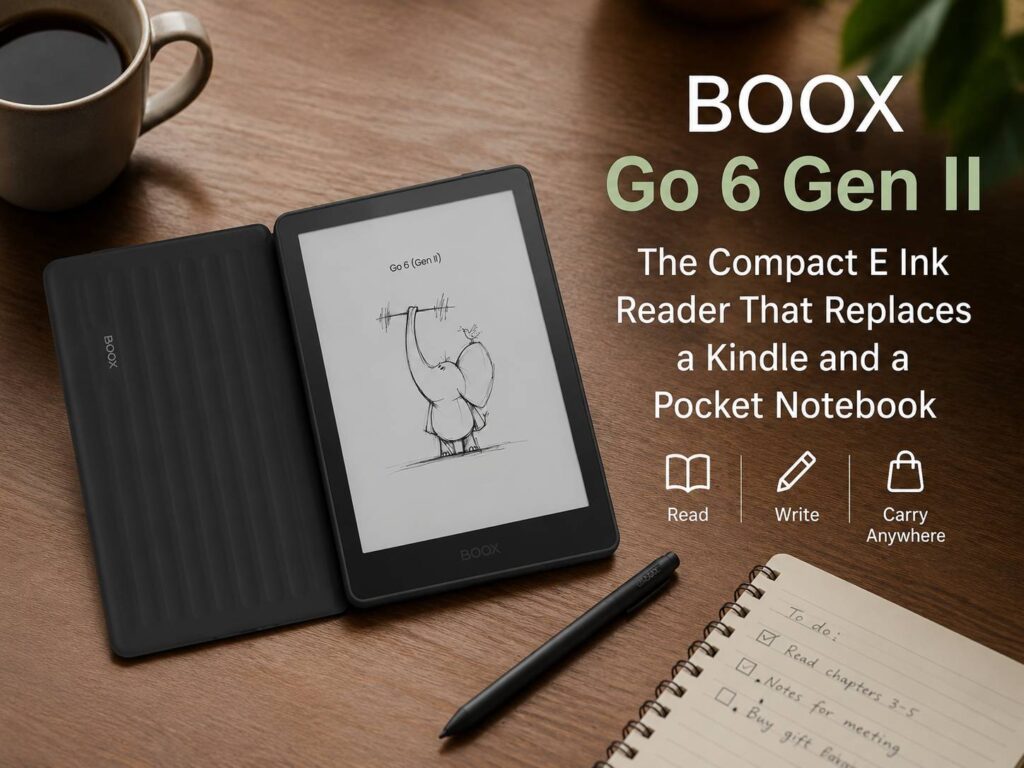
The BOOX Go 6 Gen II looks like a small eReader, but it does more than hold books. It reads Kindle titles through the Kindle app, opens EPUB and PDF files, runs Android apps, and supports quick handwritten notes with the InkSense Plus stylus. So, instead of carrying a Kindle and a small paper notebook, some readers can use one compact E Ink device.
That idea feels practical. A phone can handle reading apps, but its screen gets tiring during long sessions. A tablet gives you more power, but it brings glare, weight, and too many distractions. For many people, E Ink still feels better for books, notes, articles, and quiet reading time.
The Go 6 Gen II sits in a useful middle spot. It is smaller than a full digital notebook, yet more flexible than a basic eReader. That makes it a smart option for readers who want one light device for books, PDFs, saved articles, and quick notes.
Why the BOOX Go 6 Gen II Feels More Flexible Than a Basic Kindle
A standard Kindle works best for one main task: reading Kindle books. That simple setup makes it easy to use, and many readers love it for that reason. Still, the limits show up fast if your reading life spreads across several apps and file types.
The BOOX Go 6 Gen II runs Android 11 and includes Google Play Store support. So, you can install popular reading apps such as Kindle, Kobo, Libby, Readwise Reader, Google Play Books, Pocket, and more. Instead of locking your books inside one store, the device gives you more room to read from different places.
This matters more in 2026 than it did a few years ago. Many readers now buy books from several stores. Some borrow library books. Others save newsletters, web articles, PDFs, manuals, and work files. For that kind of use, a closed eReader can feel too narrow.
The 6-inch ePaper screen keeps the device familiar. It has a sharp 300 ppi display, so text should look crisp for books and articles. Plus, the compact size makes it easy to hold with one hand. It will not feel like a large writing tablet, but it should feel comfortable on a couch, train, plane, or desk.
For readers comparing devices, this also links to a bigger question: should you buy an E Ink reader or use a tablet instead? That choice depends on your habits, and this Kindle vs iPad for reading in 2026 guide is a useful place to compare the two styles.
A Small E Ink Device That Handles More Than Books
One of the strongest reasons to look at BOOX is file support. The Go 6 Gen II can open many common formats, including PDF, EPUB, EPUB3, AZW3, MOBI, TXT, DOC, DOCX, FB2, RTF, HTML, ZIP, PRC, PPT, and PPTX. It can handle image and audio formats too.
That wide support helps in real life. A normal week might include a Kindle book, a work PDF, a saved article, a DOCX file, a travel guide, and a scanned form. With a basic eReader, you often need to convert files or send them through a special service. With BOOX, you get more direct control.
That control makes the Go 6 Gen II feel closer to a tiny reading computer than a plain eReader. It is still built around E Ink, so it stays calm and easy on the eyes. Yet it gives you more choices than a Kindle-style device.
For students, that can mean carrying lecture notes and books in one pocketable reader. For commuters, it can mean offline reading without phone alerts. For workers, it can mean opening a PDF report during travel without pulling out a laptop.
The Note Feature Changes the Whole Purpose
The Go 6 Gen II supports the InkSense Plus stylus. BOOX lists 4,096 pressure levels and USB-C charging for the pen. That turns the device into more than a reader.
You can use it for quick notes, short lists, book comments, study prompts, simple sketches, and daily reminders. Then, instead of grabbing a sticky note or opening a phone app, you can write straight on an E Ink screen.
This is where the device becomes more interesting. A 6-inch screen will not replace a full-size notebook for long writing sessions. It will feel too small for large mind maps, heavy PDF markup, or long journal pages. Still, it works well for short notes, and that is exactly what many people need during the day.
A small digital notebook has one clear advantage over paper: it keeps your notes in the same place as your reading. If you read a book and get an idea, you can write it down right away. If you review a document and need a reminder, you can keep it on the same device.
That sounds simple, but it can make a big difference for people who read and think on the move.
Android Apps Give It a Clear Edge
The Android setup is the main reason the BOOX Go 6 Gen II can replace more than one device. Google Play access means you can shape the reader around your own apps.
For example, Kindle users can keep their Amazon library. Kobo readers can keep their Kobo books. Library users can install supported library apps. People who save web articles can use Pocket or similar tools. Then, everything sits on one E Ink device.
That said, Android on E Ink has limits. Apps built for phones do not always feel perfect on a black-and-white screen. Fast scrolling can look choppy. Menus can feel slower than they do on a phone. Some apps may need display tweaks.
Still, that trade feels fair if you want freedom. A Kindle feels cleaner for one store. BOOX feels better for mixed reading.
Storage and Travel Use Make Sense
The Go 6 Gen II includes 3GB of RAM and 32GB of built-in storage. That should be enough for many books, apps, notes, and PDFs. The microSD slot makes the device more useful, since you can carry a larger offline library without depending on cloud storage.
That is helpful for travel. You can load books, guides, work files, and saved articles before you leave home. Then you can read without weak Wi-Fi, roaming data, or constant syncing.
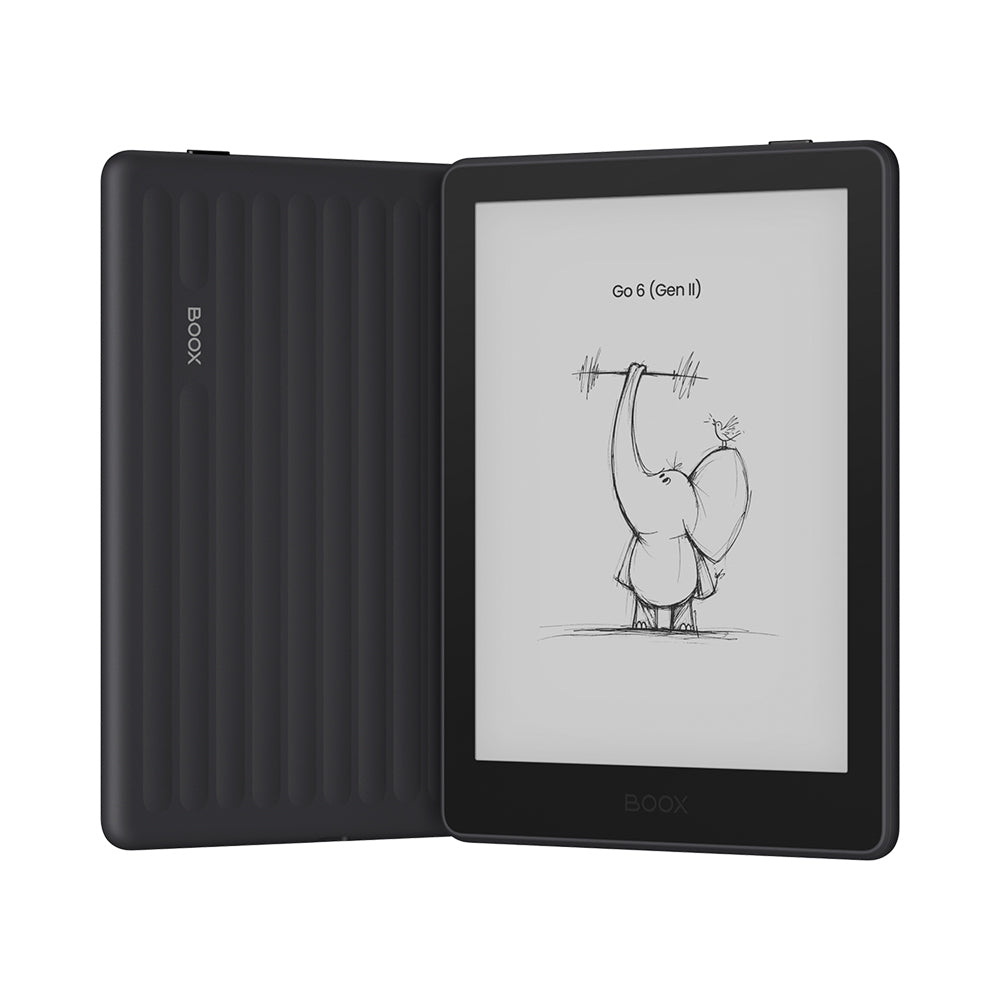
The device weighs about 160 g and measures 149 x 109 x 6.8 mm. So, it is close to pocket size and much lighter than most tablets. The 1,500 mAh battery is not huge, but E Ink uses far less power than an LCD or OLED screen during static reading.
For people who want a light everyday carry device, this size is one of the biggest selling points.
Who Should Look at the BOOX Go 6 Gen II?
The BOOX Go 6 Gen II fits readers who want more freedom than a basic Kindle gives. It suits people who read from several apps, collect mixed file types, and take quick notes during the day.
It makes sense for:
- Kindle users who want Google Play access
- Kobo users who read Kindle books too
- Students who need a small PDF reader
- Travelers who want books and notes in one place
- Workers who read documents on the go
- Readers who hate file conversion
- Minimalists who prefer fewer devices in their bag
It makes less sense for people who only read Amazon books and want the simplest device possible. A basic Kindle still wins for that kind of reading. It is also not the best choice for heavy handwriting. A larger BOOX tablet, Kindle Scribe, Kobo Elipsa, or reMarkable-style device will feel better for long notes.
My Honest View
The BOOX Go 6 Gen II feels useful because it solves a real problem. Many readers do not keep everything in one app or one store anymore. They move between Kindle books, PDFs, web articles, library loans, and work documents. A locked eReader can feel too limited for that.
The note feature gives it another layer of value. It should not be treated like a full notebook replacement, but it can replace a pocket notebook for quick thoughts and daily lists. That is enough to make it more practical than a reader-only device.
The best part is the mix: a sharp 6-inch E Ink screen, Android apps, Google Play, microSD storage, wide file support, front lighting, and stylus support. Together, those features create a small device that can handle reading and light note taking without turning into a full tablet.
For the right person, the Go 6 Gen II could be the device that stays in the bag every day.
What to Check Before Buying
Before buying, check the full price with the InkSense Plus stylus. The pen matters if you plan to use the notebook features. Without it, the device works more like a flexible Android eReader.
Next, think about your main reading apps. The device supports Google Play, but every Android app behaves a little differently on E Ink. Reading apps should work better than fast video, social, or animation-heavy apps.
Then, think about screen size. Six inches works well for novels, short notes, saved articles, and small documents. Large PDFs, textbooks, sheet music, and full-page reports will feel cramped. For those tasks, a bigger screen makes more sense.
Final Thoughts
The BOOX Go 6 Gen II does not try to beat Kindle by being simpler. Instead, it tries to give readers more choice. You can read from several apps, open many file types, store files on a microSD card, and write quick notes with a stylus.
That makes it one of the more interesting small E Ink devices for 2026. It is not the perfect pick for every reader, but it offers a strong blend of portability, app freedom, and note support.
If you want one compact device for books, PDFs, articles, and quick handwritten notes, the BOOX Go 6 Gen II deserves a close look.