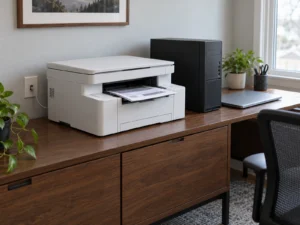
If you use a Windows 11 PC for printing or scanning, check whether the November 10 security update has installed. The November fixes include a Windows eSCL scanner vulnerability and Windows print spooler vulnerabilities. A printer firmware update won’t update those Windows components.
Check your Windows 11 build
Type winver into Start and open the result. Note both the version and the OS build. Microsoft’s KB5132061 lists build 26300.9974 for version 26H2 and 26200.9974 for 25H2. For Windows 11 Enterprise and Education on 24H2, it lists 26100.9974.
If your build is older, open Settings, then Windows Update, check for updates and restart if Windows asks. If your PC is managed by work or school, give the version and build to the person who manages updates.
Shared printers and scanners
Until the update is installed, avoid connecting to unfamiliar shared printers. Last month’s PostScript driver fix addressed a different issue. Installing that fix alone does not bring Windows up to the November build.