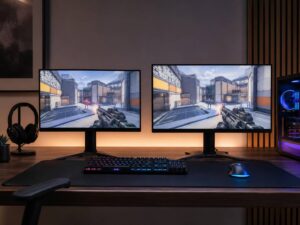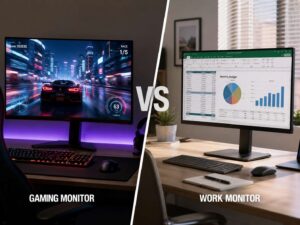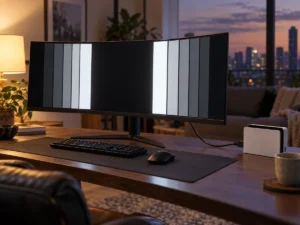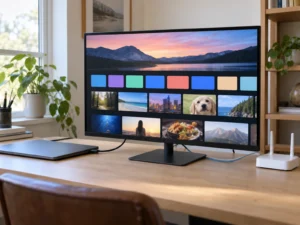
HDR in games has a reputation for being fiddly, and the reason is simple. The game has no idea what your screen can do, so it guesses. On 27 August 2026, alongside its 2027 Odyssey monitor range, Samsung said it plans to expand HDR10+ GAMING support to more than 20 major titles by the first half of 2027, starting with a partnership with Activision Blizzard on Call of Duty: Modern Warfare 4. That makes this a good time to look at what the format actually does, what has to be certified before it works, and whether it changes anything for a monitor you already own.
The problem HDR10+ GAMING is trying to solve
A game engine renders bright highlights and dark shadows against an assumed display. The developer picks values that look acceptable across a wide range of screens, because they have to. If your monitor is much brighter or much dimmer than that assumption, the picture drifts away from the intent.
That is why so many games open with a calibration screen asking you to drag a slider until a logo barely disappears. You are doing by eye what the software could not work out for itself. The result varies by person, by room lighting and by patience.
What the format changes
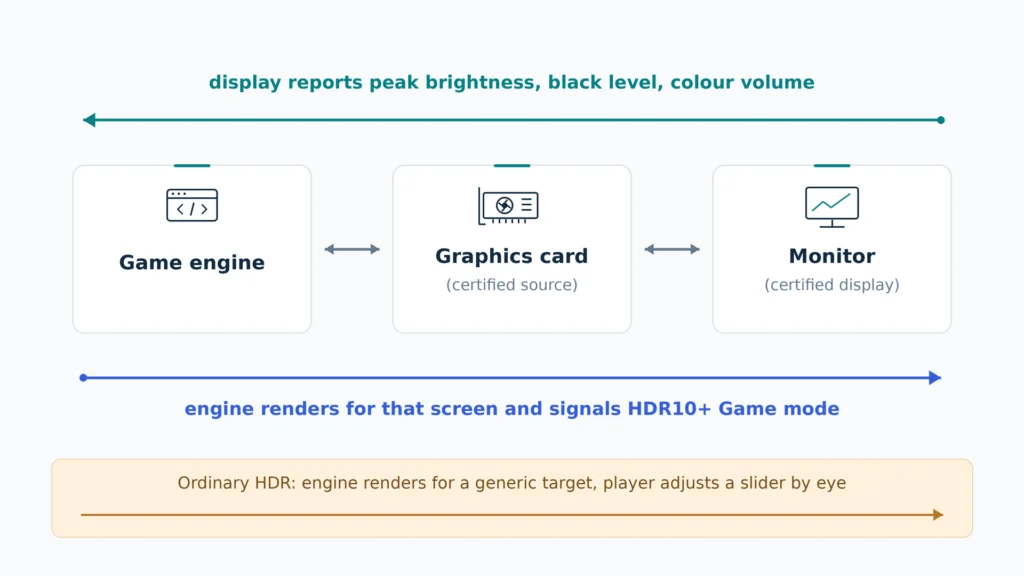
HDR10+ GAMING adds real-time, two-way communication between the display and the game. The engine reads the actual capabilities of your screen, including its peak brightness, and renders for that screen rather than for a generic target. It then signals the display through the graphics card, and the display switches itself into HDR10+ Game mode automatically.
So the tone mapping moves. Instead of the monitor guessing how to squeeze the game’s output into its own range, the engine does the work up front using verified numbers from the panel. That is a meaningful architectural difference, not a marketing distinction.
Both ends have to be certified
Certification runs at both ends of the chain, and this part is often skipped in coverage. On the display side, testing verifies that the screen reports its luminance honestly, covering peak brightness, black level and colour volume. On the source side, graphics card certification verifies that the GPU can correctly signal the display to enter HDR10+ Game mode.
General HDR10+ certification is separate and broader. It checks luminance accuracy, colour gamut and tone mapping behaviour at an independent test centre, specifically looking for highlight clipping and a washed-out image. A device that fails any of those tests does not carry the mark.
It is not the same thing as a DisplayHDR badge
This confusion is worth clearing up. DisplayHDR is a performance tier that tells you roughly how bright a panel gets and how well it controls light. HDR10+ is a metadata and handshake standard that tells the picture how to arrive. One describes the hardware, the other describes the conversation.
A monitor can carry both, one, or neither. Take a 27-inch 4K OLED such as the Samsung Odyssey OLED G81SF, which is rated to DisplayHDR True Black 400. That rating tells you about black level and small-area brightness. It says nothing about whether a game engine can query the panel and render for it. Check the two things separately when you shop.
What certification cannot do
A standard cannot make a dim panel bright. Two certified displays from different makers will handle the same signal correctly, and neither will be clipped or washed out, but the better panel still shows deeper blacks and brighter highlights. Certification guarantees correct handling relative to each screen’s own limits, not an identical picture.
That distinction matters when you read the marketing. Support for the format is a compatibility feature. Panel quality remains a hardware question, and it is still the one that decides how HDR looks.
What you need before any of this works
Three pieces have to line up. You need a display that carries HDR10+ GAMING certification, a graphics card certified as a source, and a game that implements the format. Miss any one and you fall back to ordinary HDR with its manual sliders.
The ecosystem is wider than the gaming piece alone. HDR10+ is royalty free and open, with 185 companies signed up as adopters and more than 22,000 certified products across televisions, phones, monitors and disc players. Certified gaming support is narrower, and today it spans Samsung OLED and Neo QLED televisions plus a set of PC gaming monitors.
Does it change what you should buy
Not on its own, and that is the honest answer. If you are choosing between two monitors with similar panels and one supports the format, take it. If you are weighing a brighter panel against a certified one, take the brighter panel, because peak output changes every HDR scene and format support changes only the ones in supporting games.
Check the certified product list for your exact model code before you assume support, too. Manufacturers reuse model families across regions, and a suffix change can mean a different panel.
Where this leaves current owners
Nothing about your existing setup gets worse. Games that support HDR10+ GAMING still run in ordinary HDR on hardware that lacks it, using the same calibration screens as before.
The change to watch is titles rather than hardware. A format with a handful of supporting games stays a curiosity. Samsung’s stated target of more than 20 titles by the first half of 2027 is the number that would move it into ordinary buying advice, and that target is a plan rather than a shipped result.