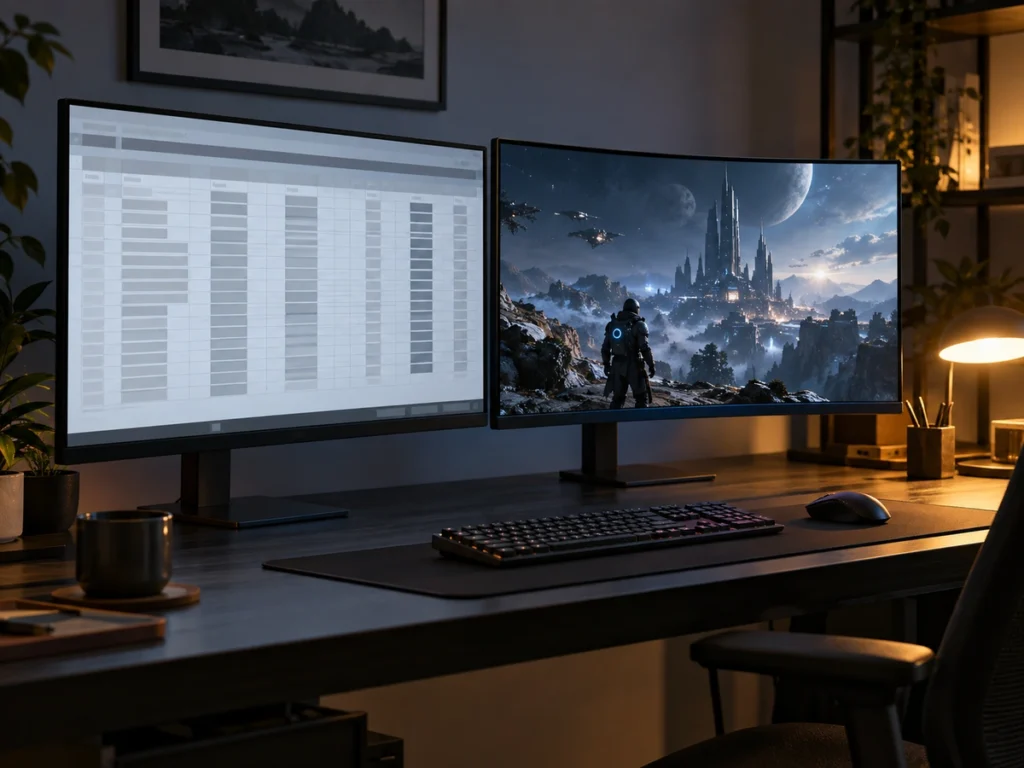
Dell’s US store now sells the Alienware AW3226Q at $699.99, which puts its newest 32-inch 4K OLED $50 below the AW3225QF listed beside it. The older monitor is discounted to $749.99 from what Dell calls an estimated value of $999.99, and TFTCentral reported the newer one’s US release on October 6. Both have a 3840 x 2160 panel at 140 ppi and a three-year warranty that covers burn-in. For a desk that mixes long documents with games, the AW3226Q is the better buy, because its flat RGB-stripe panel draws text the way Windows expects, and the price of that is a lower refresh rate.
Two panel types under one Alienware name
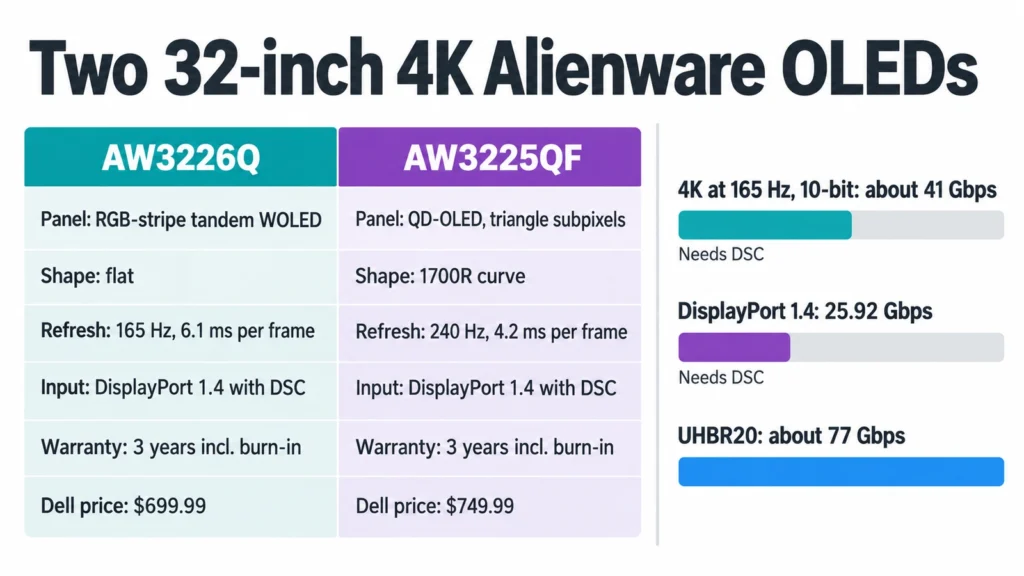
The AW3226Q uses LG Display’s tandem WOLED panel with an RGB-stripe layout, according to TFTCentral, and Dell’s own description is “RGB stripe tandem OLED.” Tandem means the panel stacks light-emitting layers on top of each other. RGB stripe means each pixel has red, green and blue subpixels side by side in a row, which is the layout ClearType, the text smoothing built into Windows, is designed for.
The AW3225QF is a QD-OLED, a Samsung Display panel whose subpixels sit in a triangle. ClearType still renders for a row, so letters on it can show faint colored fringes along their edges. The 140 ppi of both screens keeps those fringes small, and on the AW3226Q there are none to keep small.
The AW3225QF also curves at 1700R, while the AW3226Q is flat. A curve brings the edges of the picture toward one player centered in front of it. It sits less neatly beside a flat second monitor and bends the straight lines of a page layout or a drawing.
165 Hz against 240 Hz at 4K
The AW3226Q refreshes at 165 Hz, a new frame every 6.1 ms. The AW3225QF reaches 240 Hz, a frame every 4.2 ms. Dell rates both at 0.03 ms gray-to-gray in their fastest mode, so on either screen the refresh rate sets the limit on motion clarity, not the pixels.
The gap shows only when a graphics card delivers more than 165 frames per second at 4K. In recent games that takes a top-end card, or a competitive shooter at low settings. Below that point both monitors follow the game’s frame rate through variable refresh, and the AW3225QF’s higher ceiling sits unused.
The DisplayPort line on Dell’s page
Dell’s AW3226Q page disagrees with itself. The tech specs table lists one DisplayPort 1.4 input and two HDMI 2.1 inputs, and the box contents include a DisplayPort 1.4 cable. The ports diagram further down the same page labels that socket “Displayport 2.1 UHBR20.” TFTCentral’s spec list agrees with the table, so DisplayPort 1.4 is the figure to plan around.
A 4K frame at full refresh with 10-bit color is about 41 Gbps of pixel data before blanking: 3840 times 2160 pixels, times 165 frames, times 30 bits. DisplayPort 1.4 carries 25.92 Gbps, so the picture travels with Display Stream Compression, which VESA describes as visually lossless. UHBR20 carries about 77 Gbps and would not need it.
Dell’s spec table for the AW3225QF lists the same single DisplayPort 1.4 input, with DSC, for its 240 Hz mode, so the two Alienwares are equal here. Use the cable in the box, and skip buying a DisplayPort 2.1 cable for either monitor.
Same HDR badge and the same burn-in cover
Both monitors carry VESA’s DisplayHDR True Black 400 certification and a 1,000-nit peak rating. TFTCentral ties the AW3226Q’s modest HDR tier to the missing white subpixel in this panel, the subpixel that lifts brightness on other WOLED monitors. Dell rates the AW3226Q at 250 nits in SDR.
The warranty text matches word for word on Dell’s two pages: three years of Advanced Exchange Service and Premium Panel Exchange, including coverage for OLED burn-in. Under Advanced Exchange, Dell ships a replacement after a phone or online diagnosis and charges a fee if the faulty unit is not returned.
Dell rates the AW3226Q at 33.3 W in use against 42.5 W for the AW3225QF. At eight hours a day, the 9.2 W gap comes to about 27 kWh a year.
Picking between the two
Take the AW3226Q if your games run below 165 frames per second at 4K and you also read and write on the screen. It is $50 cheaper, flat, and free of text fringing.
The AW3225QF earns its extra $50 only for a player whose card pushes past 165 fps in fast shooters, and only while Dell’s discount holds. At Dell’s estimated value of $999.99 it would cost $300 more than the AW3226Q for 75 Hz and a curve.