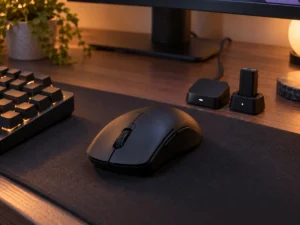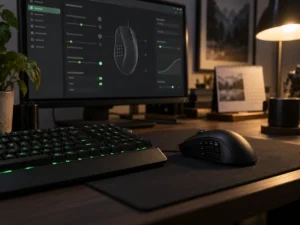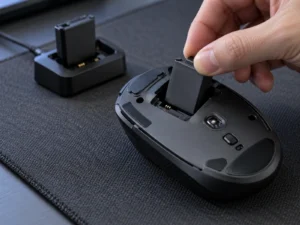
The leftmost side button on Razer’s new Basilisk V4 Pro comes set to AI Prompt Master, a Razer Synapse 4 tool that opens a small window over whatever app you are in and sends text to ChatGPT or Microsoft Copilot. It turns a highlighted paragraph into a rephrased one, a summary or a drafted email. Razer charges nothing for it, the AI service runs on your own free or paid account, and Synapse can remap the button or switch the tool off. The mouse was announced on October 8 and costs $169.99 on Razer’s US store as of October 10.
How AI Prompt Master works
With Synapse 4 installed and running, you press and hold the button and the AI Prompt Master window opens over the current app. You choose the AI engine first, then a template. Rephrase, Summarize and Compose Email come built in, you can save your own, and an Image option sits beside them. Rephrase asks for a length and a tone before you click Submit.
Text you highlighted before the long press lands in the prompt box by itself, with no copying or pasting. Nothing leaves your PC until you click Submit, and then the text goes to the engine you picked, which Razer calls a third-party AI service. If your employer restricts what may be pasted into ChatGPT or Copilot, the button falls under the same rule, because the text ends up in the same place.
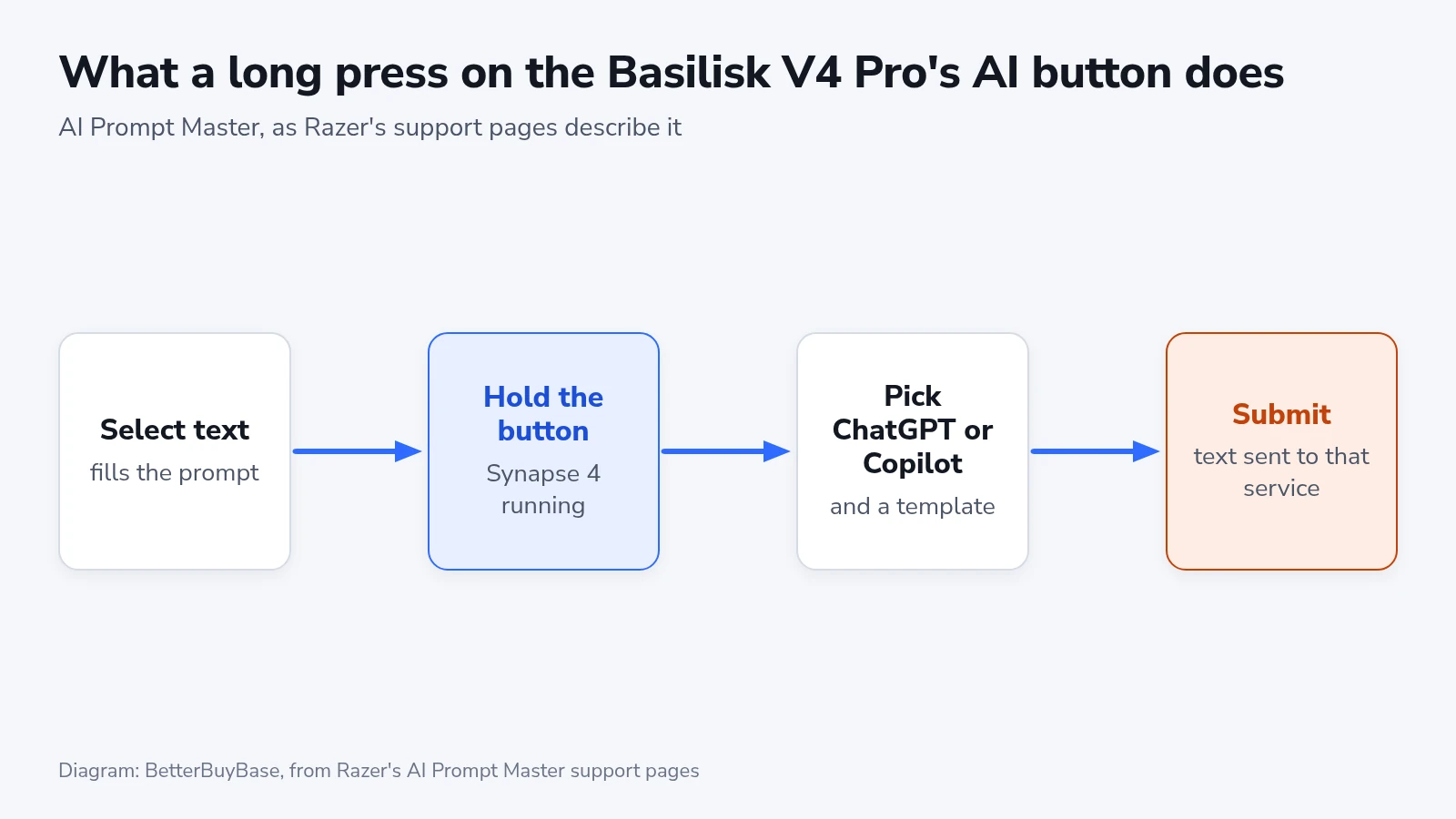
The tool is free on any supported device, according to Razer’s FAQ, and works with free or paid AI accounts. Requests made through it count against a paid plan’s usage limits like any others you send.
Turning it into an ordinary button
Razer’s FAQ for the mouse lists the three side buttons, from left to right, as AI Prompt Master, Mouse Button 5 and Mouse Button 4, and all three can be remapped in Synapse. To switch the AI tool off without assigning anything else, open Synapse 4, click the AI Prompt Master button, then Disable and Save.
AI Prompt Master cannot be used without Synapse 4, Razer’s support page says, so on a PC where you never install it the overlay never appears. The supported-device list, last updated August 11, names five mice, the Razer Naga V3 Pro among them, and has not added the Basilisk V4 Pro yet. The V4 Pro’s own product page counts AI Prompt Master among its 14 customizable controls, so the gap reads as a list that has not caught up with the launch.
Against the Basilisk V3 Pro
The comparison here is with the original Basilisk V3 Pro, the 30K-sensor model, which Razer later followed with a V3 Pro 35K. Razer’s launch announcement says the shape and the thumb rest carry over, and the multi-function trigger stays, moved for a more natural reach. The changes sit in the buttons, the wheel, the wireless link and the battery.
| Basilisk V3 Pro | Basilisk V4 Pro | |
|---|---|---|
| Programmable buttons | 11 | 12 |
| Sensor | Focus Pro 30K, 750 IPS, 70 G | Focus Pro 50K Gen-3, 930 IPS, 90 G |
| Wireless polling | 1,000 Hz | 8,000 Hz |
| Rated battery at 1,000 Hz | 110 hours | 200 hours |
| Optical switches | Gen-3, 90 million clicks | Gen-4, 100 million clicks |
| Weight | 112 g | 100 g |
| Chroma lighting | 11 zones | 7 zones with underglow |
The new controls are a third side button and an M1 button on the edge. The wheel keeps its four-way tilt and free spin and gains a 48-step mode beside the familiar 24-step one, which Razer pitches for cycling hotbars and inventories in finer steps.
Razer rates the V4 Pro for true 8,000 Hz polling both wireless and over the cable. Both battery ratings in the table assume 1,000 Hz. At 8,000 Hz, Razer’s spec table gives the V4 Pro 54 hours, a little over a quarter of its 1,000 Hz figure.
Bluetooth 6.2 pairs with up to three devices, so the receiver, the cable and three Bluetooth hosts give five connections to switch between with a button, a gaming PC, a laptop and a tablet in Razer’s example. Wireless charging still needs a dock sold separately. The new Mouse Dock V2 Pro comes with the magnetic puck that replaces the cover on the mouse’s base, and its built-in receiver runs at the full polling rate. Razer’s list of mice that can connect through that dock includes the Basilisk V3 Pro and V3 Pro 35K, so the dock is not tied to the new mouse.
Which Basilisk to buy
Pay for the V4 Pro if you want the third side button under your thumb and a wireless link Razer rates for 8,000 Hz, the two changes you would feel in a game. The AI button needs no place in that decision, since one Synapse setting turns it into a plain side button or switches it off.