
The Logitech MK880 pairs a full-size keyboard with an M850 L mouse. The standard box works over Bluetooth and leaves out the optional Bolt receiver. That detail matters most if you use a desktop tower without Bluetooth.
Review
Logitech MK880 review: check the receiver and mouse shape
Affiliate disclosure: the price links on this page may earn us a commission at no extra cost to you. Retailers cannot pay for placement or influence the score. How we stay independent
Quick verdict
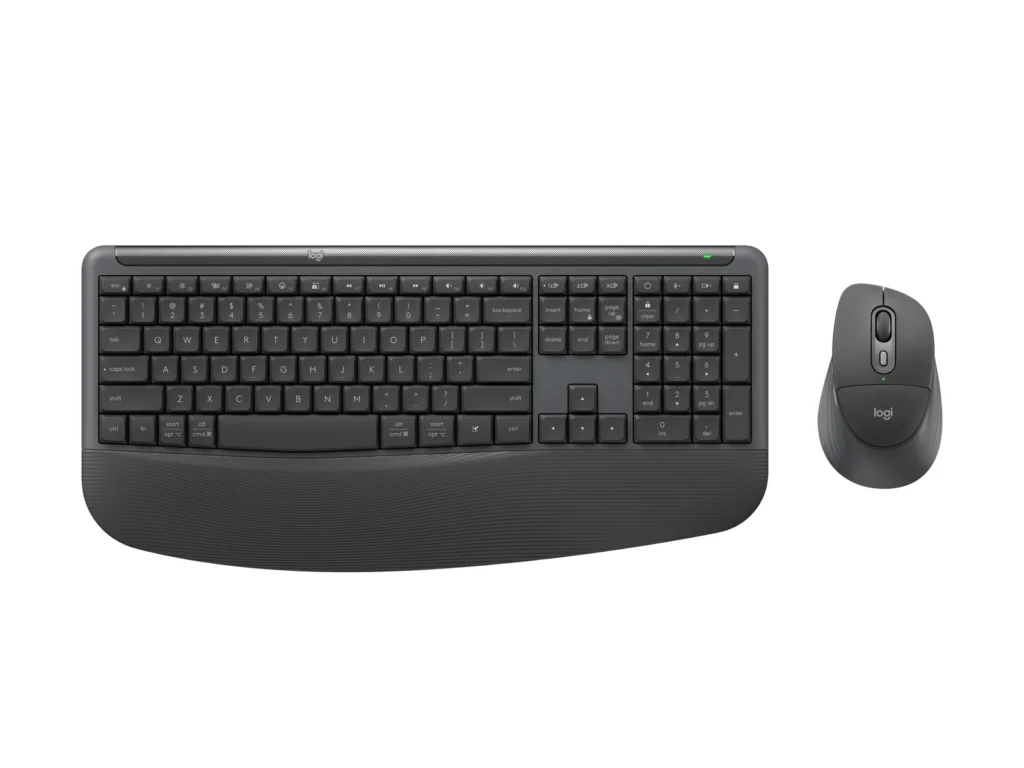
RecommendationRecommended for a laptop or Bluetooth desktop where you want a palm rest built into the keyboardEvidence: maker figures, some of them conflicting
The standard MK880 pairs directly with a Bluetooth computer. If your desktop has no Bluetooth, budget for a compatible Bolt receiver or check the contents of the Business box.
Strengths
- Built-in palm rest
- Batteries rated in years for both pieces
- Logi Options+ can move the keyboard and mouse between three devices together, so one key press changes the whole desk
Weaknesses
- No Logi Bolt receiver in the standard box, so a desktop without Bluetooth needs one bought separately
- Right-handed mouse only
- Spillproof, with no water-resistance certification
Key specifications
- Model
- Signature Comfort Plus Combo MK880, graphite (keyboard YR-0112, mouse M850 L MR0125)
- Connection
- Bluetooth 5.2, Logi Bolt ready (receiver not included)
- Report rate
- 7.5 ms over Bluetooth (keyboard and mouse)
- Keyboard
- Full size, 109 plunger keys, 3.4 mm travel, 50 gf actuation, built-in palm rest
- Keyboard weight
- 790 g with batteries
- Spill protection
- Spillproof only, no water-resistance certification
- Mouse
- M850 L, right-handed, 6 buttons, 400 to 4,000 DPI, palm cushion
- Batteries
- Alkaline, replaceable (keyboard 2 x AAA, mouse 1 x AA per the Business page)
- Battery life (Logitech)
- Keyboard 49 months (spec article) or 36 months (Business page), mouse 24 months
- Multi-device
- 3 Easy-Switch channels, coupled switching through Logi Options+
- Compatibility
- Windows 10 and 11, macOS 12+, ChromeOS, iPadOS 15+, Android 12+, Linux
How we reviewed it
- Basis
- Research-based: assessed from the manufacturer’s published specifications, documentation and the independent sources listed at the end. We have not tested this unit ourselves; any measurement quoted belongs to the cited source.
- Method
Logitech's specification article for the standard MK880 supplied the connection, compatibility, key, mouse and battery figures. Logitech's MK880 for Business page supplied the receiver option and the battery sizes, and its keyboard battery rating differs from the spec article's.
- Evidence
Logitech wrote both sources, and the battery comparison is our reading of the two keyboard ratings they give.
- Limitations
Logitech's battery and durability figures have no outside test behind them in this review. Logitech's pages don't say why the standard and Business keyboards carry different battery ratings.
What comes in the standard box
Not rated · Evidence: maker figures only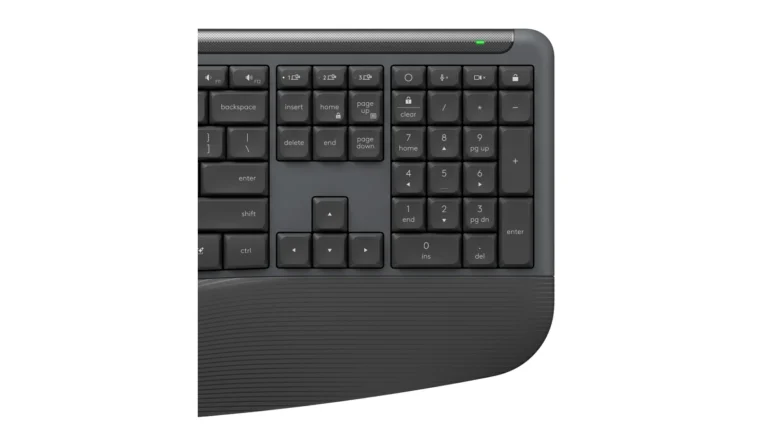
Logitech lists both the keyboard and the mouse as Bolt receiver ready. The standard package comes without that receiver, so Bluetooth is the connection you can use out of the box.
The Business version lists a USB-C Bolt receiver. Check the version and your computer’s ports before ordering for a desktop without Bluetooth. The keyboard has three Easy-Switch keys, and Logitech lists coupled switching through its software.
Batteries: 49 months or 36
Not rated · Evidence: conflicting sources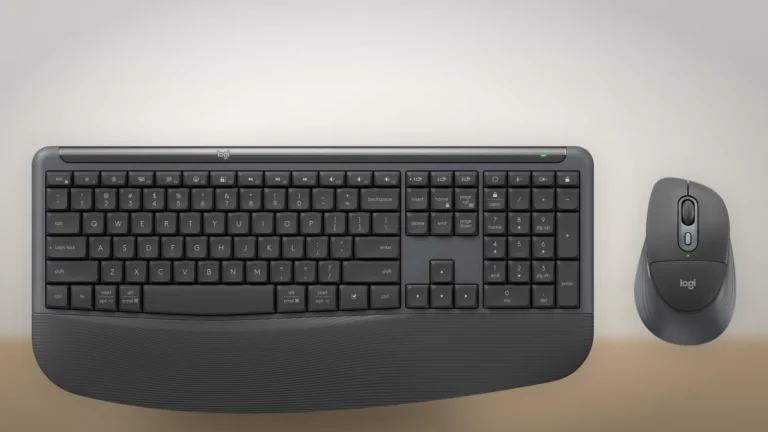
Logitech rates the standard keyboard at 49 months. Its Business page gives the keyboard up to 36 months on two AAA cells. Both pages give the mouse 24 months. These are manufacturer estimates for the respective packages. Your replacement interval will depend on use.
Palm rest, plunger keys and the M850 L mouse
Not rated · Evidence: maker figures only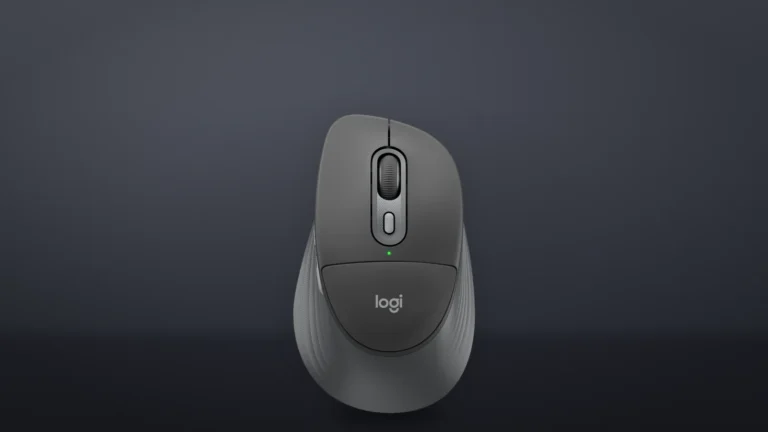
The full-size keyboard has 109 keys, a built-in palm rest and 3.4 mm of total key travel. Logitech describes the keyboard as spillproof and lists no water-resistance certification.
The six-button M850 L has a sculpted right-handed shape. That makes handedness worth checking before buying the two devices together.
Where to buy
In-stock offers for this exact model, sorted by item price in USD. Shipping is not included unless a retailer supplies it. Not every retailer is listed. Prices last checked 13 minutes ago.
| Retailer | Item price | Shipping | Availability | Checked | Link |
|---|---|---|---|---|---|
| Amazon.com | $99.99 | See retailer | In stock | Check price at Amazon.com |
Prices and availability come from retailer feeds and change without notice; the retailer’s page is authoritative. We may earn a commission if you buy through these links.
Final verdict
Logitech Signature Comfort Plus Combo MK880, graphite, US layout (keyboard YR-0112, mouse M850 L MR0125)
RecommendationRecommended for a laptop or Bluetooth desktop where you want a palm rest built into the keyboard
This review gives no score out of 10, because no section rests on a measurement by an independent body. The recommendation and the written verdict stand on their own.
Pros
- Built-in palm rest
- Batteries rated in years for both pieces
- Logi Options+ can move the keyboard and mouse between three devices together, so one key press changes the whole desk
- Pairs with a laptop or Mac with no dongle
Cons
- No Logi Bolt receiver in the standard box, so a desktop without Bluetooth needs one bought separately
- Right-handed mouse only
- Spillproof, with no water-resistance certification
- Logitech's two keyboard battery ratings disagree
- 7.5 ms report rate
Conclusion
Our research-based office-use rating is 7.3/10. Replaceable batteries and Logitech’s rated service intervals are strengths. The standard package lacks a receiver, and the right-handed mouse limits who can use the whole set comfortably. We did not measure battery life or test comfort.
Our take
Check the mouse shape before buying the set. You can add a Bolt receiver later, but the bundled mouse is shaped for a right hand.
- Best for
- Laptop and Mac owners who want a full-size keyboard on the desk
- Typists who rest their wrists
- Home offices that switch between a work laptop, a personal laptop and a tablet
- Consider an alternative if
- Your desktop has no Bluetooth
- You mouse left-handed
- You want a keyboard that fits in a laptop bag with room to spare
Questions readers ask
Does the Logitech MK880 come with a USB receiver?
No. Logitech's spec article lists the standard MK880 as Logi Bolt ready, with the receiver not included. The MK880 for Business connects over Bluetooth or a Logi Bolt USB-C receiver.
Which mouse comes with the MK880?
The M850 L, model MR0125, the same right-handed mouse Logitech sells on its own, with a palm cushion and a 400 to 4,000 DPI sensor.
What batteries does the MK880 use?
Logitech's Business page lists two AAA cells in the keyboard and one AA in the mouse, all replaceable alkaline batteries.
Sources
- Logitech Support: Specification - Signature Comfort Plus MK880support.logi.com
- Logitech: Signature Comfort Plus Combo MK880 for Business (920-013971)logitech.com
This review was created with the help of AI. How we work
Related articles
RecommendedLogitech Signature Comfort Plus Combo MK880, graphite, US layout (keyboard YR-0112, mouse M850 L MR0125)Compare prices