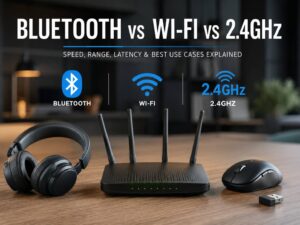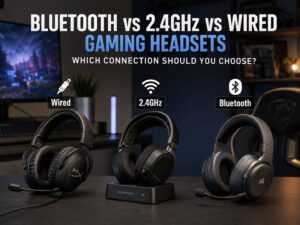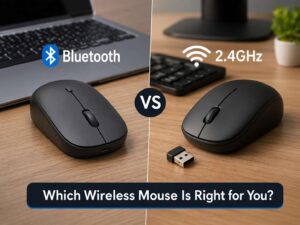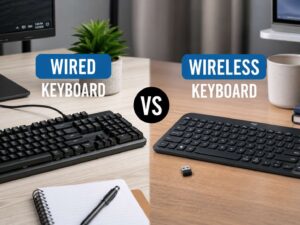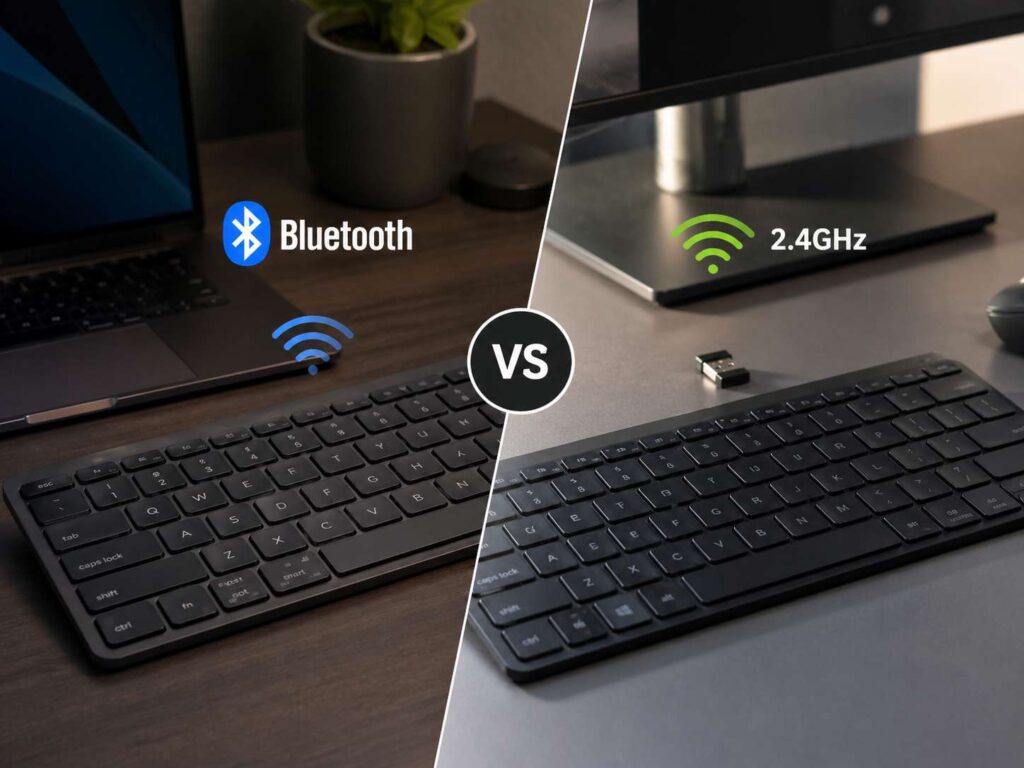
Wireless keyboards all promise a cleaner desk, but they do not all connect the same way. Some use Bluetooth. Others use a 2.4GHz USB receiver. Many newer models now include both.
That choice matters. It affects speed, setup, battery life, gaming performance, device switching, and daily comfort. A keyboard can feel great on paper, then feel slow or annoying if the wireless mode does not match your setup.
Bluetooth works best for laptops, tablets, phones, travel, and multi-device use. A 2.4GHz keyboard works best for desktop PCs, gaming, fast wake, BIOS access, and a more direct plug-and-play feel.
So, which one should you buy? Pick Bluetooth for flexibility. Pick 2.4GHz for speed and stability. Pick both if you want the safest choice in 2026.
Bluetooth vs 2.4GHz Keyboard: The Main Difference
A Bluetooth keyboard connects through the Bluetooth chip inside your device. Your laptop, tablet, phone, or desktop pairs with the keyboard through system settings. No USB receiver is needed.
A 2.4GHz keyboard uses a small USB receiver. Many users call it a dongle. You plug that receiver into your device, then the keyboard talks to it through a private wireless link.
That sounds like a small detail, but it changes the whole experience.
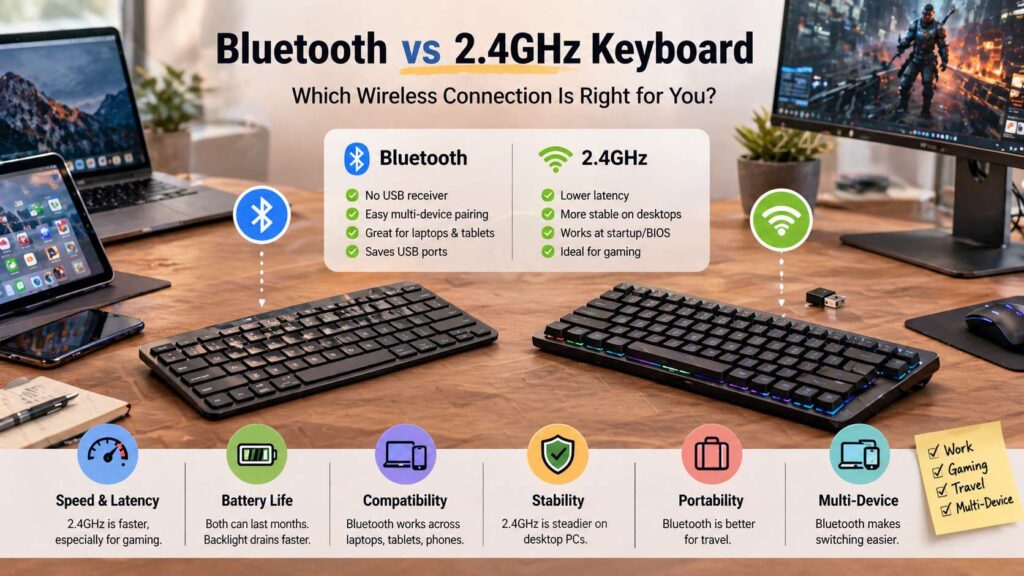
Bluetooth saves a USB port. It works across many device types. It also makes switching between a laptop, tablet, and phone much easier.
2.4GHz needs a USB port, but it often feels faster and more reliable at a fixed desk. It starts working sooner after boot. It often works better before login. Plus, it usually gives gamers a lower-lag connection.
What Is a Bluetooth Keyboard?
A Bluetooth keyboard uses the same wireless family that connects headphones, mice, speakers, controllers, and other accessories. Most current Bluetooth keyboards use a low-power Bluetooth mode, so they can run for weeks or months on a charge.
The biggest benefit is simple portability. You do not need a receiver. You do not lose a tiny USB part in your bag. You pair the keyboard once, then your device remembers it.
This makes Bluetooth a smart fit for thin laptops, MacBooks, iPads, Android tablets, phones, and Chromebooks. It also suits people who work across several screens during the day.
Many Bluetooth keyboards let you pair three devices. For example, you can pair one key with your laptop, one with your tablet, and one with your phone. Then you switch with a shortcut.
Still, Bluetooth has weak spots. Pairing can fail on some PCs. Wake time can feel slower. Some desktops have poor Bluetooth antennas. A Bluetooth keyboard may also fail to work in BIOS, recovery screens, or some disk password prompts.
For daily typing, that usually feels fine. For troubleshooting a PC, it can waste time.
What Is a 2.4GHz Keyboard?
A 2.4GHz keyboard connects through a USB receiver. You plug the receiver into your computer, turn on the keyboard, and start typing.
This setup feels closer to a wired keyboard. The computer reads the receiver like a normal USB keyboard. For desktop PCs, that is a big plus.
A 2.4GHz keyboard often works during startup, before Windows or macOS fully loads. It can work in BIOS screens, boot menus, login screens, and recovery tools. That makes it useful for PC users who tweak settings or fix system problems.
Gamers also prefer 2.4GHz in many cases. The connection often has lower latency than standard Bluetooth. It also wakes faster and handles fast input better on performance-focused keyboards.
There is one trade-off: you need the receiver. Lose it, and the keyboard may become useless or hard to re-pair. Some brands sell replacement receivers. Others do not.
Latency: Which One Feels Faster?
Latency means input delay. It is the time between pressing a key and seeing the action happen on screen.
For writing, emails, browsing, school work, and office tasks, a good Bluetooth keyboard feels fine. Most people will not notice a delay during normal typing.
For gaming, 2.4GHz is the better pick. It usually gives a sharper feel. Key presses register faster, and the connection feels more direct.
This matters more in fast games. Competitive shooters, rhythm games, racing games, and action games reward quick input. Even a small delay can feel distracting.
A 2.4GHz gaming keyboard often advertises features like low-latency wireless, 1000Hz polling, or fast USB receiver mode. Those terms matter more for gaming than for simple typing.
Bluetooth still has a place. It works well for casual play, couch setups, tablet games, and media control. Still, 2.4GHz is the safer choice for serious gaming.
For a related comparison on mouse connections, you can read this guide on Bluetooth vs 2.4GHz mouse in 2026.
Stability and Wireless Interference
Both Bluetooth and 2.4GHz keyboards use the crowded 2.4GHz radio band. Wi-Fi routers, wireless mice, earbuds, controllers, USB hubs, and metal desk frames can all create noise.
A 2.4GHz keyboard can drop letters if the receiver sits in a bad spot. Desktop users often plug the receiver into the back of the PC. That area has cables, metal panels, and other USB devices. The signal can suffer.
A simple fix works well. Move the receiver closer to the keyboard. Use a front USB port or a short USB extension cable. Keep the receiver away from thick metal and busy USB 3.0 devices.
Bluetooth can also struggle. Old drivers, weak adapters, crowded docks, and poor laptop antennas can cause lag or random disconnects. On desktop PCs, a separate Bluetooth adapter with a better antenna often helps.
For a fixed desk, 2.4GHz usually gives a steadier experience. For a laptop, Bluetooth often feels clean enough and keeps the setup simple.
Battery Life: Bluetooth vs 2.4GHz
Battery life does not come down to connection type alone. The keyboard design matters more.
A slim Bluetooth keyboard with no backlight can run for months. Some models last a year or more on AAA batteries or coin cells. Low-power Bluetooth helps during idle time and light typing.
A 2.4GHz keyboard can also last for months. Many office keyboards use very little power. A USB receiver does not mean poor battery life by itself.
Backlighting changes everything. White backlighting drains the battery faster. RGB lighting drains it even faster. A wireless mechanical keyboard with bright RGB can last days instead of months.
Battery size also matters. A keyboard with a large internal battery will outlast a thin model with a small cell. Sleep mode matters too. A keyboard that sleeps quickly saves power, but it can take a moment to wake.
For long battery life, look for three things: no RGB, a large battery, and strong sleep behavior.
Gaming: Bluetooth or 2.4GHz Keyboard?
For gaming, 2.4GHz wins.
Bluetooth works for relaxed play. It is fine for turn-based games, single-player titles, media control, and casual couch gaming. It also helps if you use a tablet or handheld device.
A 2.4GHz keyboard fits fast games better. It gives lower delay, better wake behavior, and a more stable link. Most gaming brands treat 2.4GHz as the main wireless mode for performance.
Wired USB-C still has value too. It gives the most predictable connection and charges the battery at the same time. Many gamers use 2.4GHz every day, then switch to wired mode for tournaments or long sessions.
Search terms like 2.4GHz gaming keyboard, low latency wireless keyboard, wireless mechanical keyboard, and 1000Hz keyboard polling rate often lead to gaming-focused models.
Office Work and Writing
For office work, both connection types can work well.
Bluetooth fits laptops and hot desks. It saves USB ports and travels better. It also lets you switch between a work laptop and a personal tablet with less clutter.
2.4GHz fits desktop setups. You plug in the receiver once, then forget it. The keyboard wakes fast and usually works before login.
Writers should care about comfort first. Layout, key spacing, switch feel, sound, and wrist angle matter more than the wireless mode. A comfortable keyboard helps more than a faster receiver during long writing sessions.
Still, connection choice can shape your day. Bluetooth helps if you jump between devices. 2.4GHz helps if you want the keyboard to wake right away every morning.
Compatibility With Windows, Mac, iPad, Android, and Linux
Bluetooth has the widest device reach. It works with Windows laptops, MacBooks, iPads, Android tablets, phones, Chromebooks, and many Linux systems.
That makes Bluetooth the better choice for users who move between device types. It also works well for people with USB-C-only laptops.
2.4GHz works best with devices that support USB input. Desktop PCs, laptops, Chromebooks, and many Linux systems usually read the receiver with no extra setup. Tablets and phones can work with USB-C adapters, but that setup feels less tidy.
Mac users should check the key layout. Some keyboards use Windows labels only. Better models include Mac keycaps or a Mac mode for Command and Option.
iPad users should pick Bluetooth in most cases. It avoids adapters and keeps the setup portable.
Linux users often get simple typing from 2.4GHz receivers. Bluetooth can work too, but adapter quality and desktop settings make a bigger difference.
Security and Privacy
A keyboard sends everything you type. That includes passwords, emails, search terms, and private messages. For that reason, wireless security deserves attention.
Modern Bluetooth supports paired connections and encrypted data. Trusted brands also publish clearer security details for business users.
2.4GHz security depends on the brand and receiver. Some brands use encrypted links and secure pairing. Cheap unknown keyboard sets can use weaker designs.
For home use, this may not be your biggest concern. For offices, shared spaces, admin accounts, and finance work, buy from a trusted brand. Look for encrypted wireless, firmware support, and clear product documentation.
Avoid no-name wireless keyboard bundles for sensitive work. The price can look tempting, but the keyboard handles too much private input.
Portability and Travel
Bluetooth is better for travel.
A Bluetooth keyboard connects to a laptop, tablet, or phone without a receiver. It keeps your bag lighter and your USB ports free. It also removes the risk of losing a tiny dongle.
2.4GHz travel keyboards can still work well. Some include a receiver slot inside the keyboard body. That helps a lot. Even then, the receiver remains one more small item to track.
For travel, choose a light Bluetooth keyboard with quiet keys, a solid cover, and long battery life. A compact 75 percent or 65 percent layout can save space without feeling too cramped.
Multi-Device Use
Bluetooth is the better wireless mode for multi-device use.
Many Bluetooth keyboards have three pairing slots. You can connect one slot to a laptop, one to a tablet, and one to a phone. Then you switch with one key or a key combo.
Some 2.4GHz systems support multiple devices through brand software. Still, Bluetooth handles mixed devices more naturally. It does not need a receiver for each device.
A hybrid keyboard gives the best mix. Use 2.4GHz for your main desktop. Use Bluetooth for a laptop or tablet. Use USB-C for charging and wired typing.
That setup covers work, gaming, travel, and backup use with one keyboard.
Bluetooth vs 2.4GHz Keyboard for a Clean Desk
Bluetooth creates the cleanest desk for laptop users. No receiver sticks out. No USB-A adapter hangs from a USB-C port. No hub is needed just for a keyboard.
2.4GHz creates a cleaner desk for desktop users in a different way. You plug the receiver into the PC once. Then the keyboard behaves like a simple wireless USB keyboard. No pairing menus. No device switching mistakes.
A wireless desk can still feel messy if charging becomes annoying. For that reason, a USB-C charging port matters. A keyboard that charges through USB-C and works in wired mode gives you a strong fallback.
For a deeper look at keyboard connection choices, see this guide on wired vs wireless keyboard.
Which Wireless Keyboard Should You Buy?
Choose a Bluetooth keyboard if you use laptops, tablets, phones, iPads, MacBooks, or Chromebooks. It is the better pick for travel and multi-device switching.
Choose a 2.4GHz keyboard if you use a desktop PC, play games, enter BIOS screens, use a KVM switch, or want a keyboard that wakes fast.
Choose a hybrid keyboard if you want the safest buy. A model with Bluetooth, 2.4GHz, and wired USB-C gives you the most freedom. You can use Bluetooth on the go, 2.4GHz at your desk, and USB-C during charging.
That triple-mode setup is one of the best features to look for in 2026 wireless keyboards.
Best Pick by User Type
Students should choose Bluetooth. It works well with laptops and tablets, and it keeps bags lighter.
Office workers can choose either. Bluetooth fits shared desks and laptop work. 2.4GHz fits fixed desks and docking stations.
Writers should focus on comfort first, then choose the connection. Bluetooth is better for multi-device writing. 2.4GHz is better for a fixed writing desk.
Gamers should choose 2.4GHz or wired USB-C. Bluetooth is fine for casual play, but it is not the best choice for fast input.
Mac and iPad users should choose Bluetooth in most cases. The setup is simpler, and the device support is better.
Desktop PC users should choose 2.4GHz. It starts faster, feels steadier, and avoids Bluetooth adapter issues.
Final Verdict
Bluetooth and 2.4GHz keyboards both make sense in 2026, but they serve different users.
Bluetooth is better for portability, tablets, phones, MacBooks, iPads, and multi-device setups. It keeps ports free and works across many devices.
2.4GHz is better for gaming, desktop PCs, fast wake, startup screens, and plug-and-play use. It feels more direct and often stays steadier at a fixed desk.
The best choice for most buyers is a keyboard with both. A triple-mode keyboard with Bluetooth, 2.4GHz, and USB-C covers nearly every setup. You get clean travel use, fast desktop use, and wired backup in one keyboard.
Pick Bluetooth for flexibility. Pick 2.4GHz for speed. Pick both if you want one keyboard that handles work, gaming, travel, and daily typing with less hassle.