
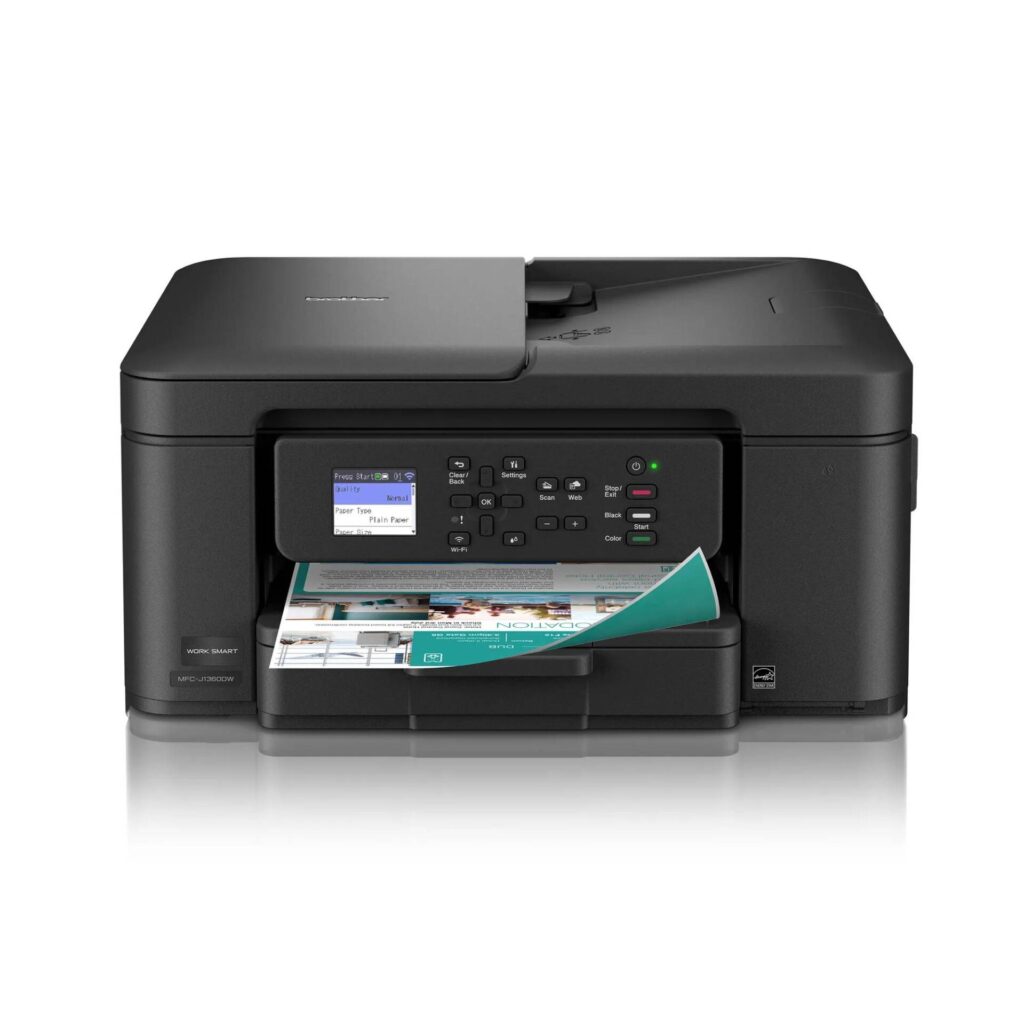
Brother MFC-J1360DW: Specs, Price, Pros & Cons
Brother's MFC prefix has stood for fax for decades, and the MFC-J1360DW breaks the pattern: it prints, copies and scans, and nothing on the spec sheet mentions a fax line. It is a cartridge-based model at the bottom of Brother's inkjet all-in-ones, and a near neighbor, the MFC-J1365DW, uses Brother's INKvestment cartridges for buyers who print more.
What surprises at this level is the paper handling. Automatic two-sided printing, a document feeder for multi-page scans and a reasonable paper tray are all fitted, three parts that the cheapest printers usually leave out. Wi-Fi and AirPrint cover phones and laptops.
Its print resolution is 6,000 dpi, a high figure for a budget inkjet. The body is light, so it moves easily between a shelf and a desk, and it takes little room on either.
Everything it gives up points to light use. The monthly duty cycle is a small fraction of what office inkjets are rated for, the document feeder holds fewer sheets than most, and there is no Ethernet port for a wired network. The cartridges are ordinary ones, and the set in the box runs out early, so the first ink purchase comes sooner than a printer this cheap suggests.
The household it suits prints a boarding pass, a school form or a photo now and then and switches the printer off in between, the pattern Brother's rated volume describes. Anyone who went looking for a cheap fax machine should keep looking. A family that prints every day will get further on the INKvestment model or on a supertank, where the cost of each page is lower.
Category strengths
Where the Brother MFC-J1360DW beats the median
- A higher print resolution ?6,000 dpi vs 4,800 dpi (median)
- A slightly lighter build ?7.6 kg vs 7.98 kg (median)
Where the Brother MFC-J1360DW trails the median
- No ethernet ?
- A much lower monthly duty cycle ?2,500 pages vs 10,000 pages (median)
- A lower ADF capacity ?20 sheets vs 35 sheets (median)
- A lower output tray capacity ?50 sheets vs 67.5 sheets (median)
How this VS Score was computed
Score 48: each known spec is measured against the median of all printers (65 products), then weighted; 50 means level with that median. In classes of six or more, a value beyond the class’s 10th–90th percentile range counts as that limit, so one extreme product cannot set the scale. 66% of the scoreable weight could be used; unknown values, features not applicable to this class and proxies (battery capacity where a rated life exists) add or remove nothing.
| Specification | This product | Cohort median | Score weight | Points moved |
|---|---|---|---|---|
| Automatic duplex printing | Yes | 73% of the class have it | 1 | +50.0 |
| Automatic document feeder | Yes | 55% of the class have it | 1 | +50.0 |
| Supertank / refillable ink | No | 30% of the class have it | 0.5 | −24.0 |
| Duplex scanning | No | 23% of the class have it | 0.5 | −24.0 |
| Ethernet | No | 54% of the class have it | 0.5 | −24.0 |
| Touchscreen display | No | 45% of the class have it | 0.5 | −24.0 |
| Monthly duty cycle | 2,500 | 10,000 | 0.3 | −11.1 |
| ADF capacity | 20 | 35 | 0.5 | −10.5 |
| Fax | No | 35% of the class have it | 0.2 | −9.6 |
| Print resolution | 6,000 — capped at the class’s upper range (5,760) | 4,800 | 0.5 | +5.0 |
| Output tray capacity | 50 | 67.5 | 0.3 | −3.9 |
| Weight | 7.6 | 7.98 | 0.3 | +0.9 |
| Print speed (black) | 16 | 16 | 2 | +0.0 |
| Print speed (color) | 9 | 9 | 1 | +0.0 |
| Input tray capacity | 150 | 150 | 1 | +0.0 |
Not scored: Color printing (standard for the class (88% have it)); All-in-one (standard for the class (85% have it)); Wi-Fi (standard for the class (97% have it)); Wi-Fi Direct (standard for the class (90% have it)); USB (standard for the class (100% have it)); Apple AirPrint (standard for the class (97% have it)); Mobile app printing (standard for the class (100% have it)).
Editor’s note
Start with the thing the name gets wrong. Brother's MFC prefix has meant fax for decades, and this machine does not have one. There is no fax section on Brother's own specification page, the network features list reads printing and scanning only, and there is no telephone cord in the box. It prints, copies and scans. If you went looking specifically for a cheap fax machine, this is not it, and I would rather you learned that here than after delivery.
Taken as what it is, a bottom-of-the-market all-in-one that includes automatic duplex printing, a 20-sheet document feeder and a 150-sheet tray is decent value. Budget printers usually skip all three.
The numbers set the boundaries clearly. Black printing reaches 16 ppm and color drops to 9 ppm, with the first color page taking about 9.6 seconds. The maximum monthly duty cycle is 2,500 pages and Brother's recommended volume is 50 to 1,000 pages a month, an order of magnitude below the rest of this class. The output tray holds 50 sheets. There is no Ethernet, and the 1.8-inch display is not a touchscreen.
The cost trap is the starter ink. The cartridges in the box are rated at roughly 200 pages each, so the first replacement set arrives early, and the LC501 cartridges that follow are ordinary ones with ordinary economics.
This makes sense for a household that prints school forms, tickets and the occasional photo and leaves the printer off in between. If you print most days, the ink bill will overtake the purchase price quickly, and either Brother's own INKvestment models or a supertank will cost less to live with.
Specifications
Quality bars show where each figure sits between the lowest and highest of the 65 printers this VS Score is measured against.
Printing
Scanning & copying
Paper handling
Connectivity
Design
Sources and verification
Where the specifications come from
- Official product pagebrother-usa.com
- Independent testingrtings.com
Verification
- First published
- Specifications last checked
- Sheet completeness
- 24 of 24 specifications verified; the rest show as Unknown and are never estimated or scored
- Page type
- Product specification page — Compiled from the manufacturer’s published specifications and the cited sources; this is not a hands-on test.
- Basis
- Research-based: specifications and editorial text were compiled from the documents listed here and the manufacturer’s published data. We have not tested this unit ourselves; where independent measurements are mentioned they belong to the linked publication.
Where to buy
Prices and availability may change. Check the retailer before buying. We may earn a commission on purchases.
Price history
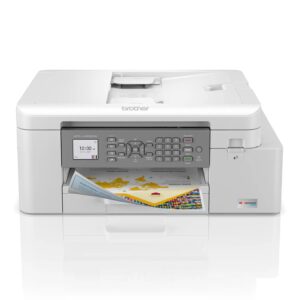
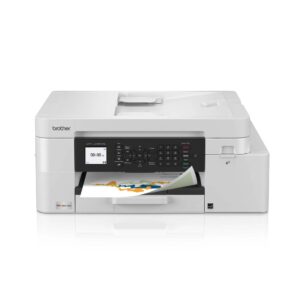
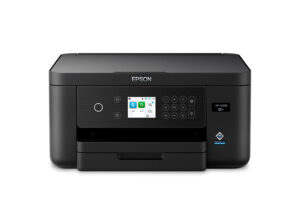
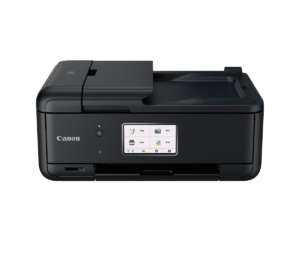
Printers with similar specs to the Brother MFC-J1360DW
Ratings & reviews
No reviews yet. Be the first to share your experience.
The bottom line
The Brother MFC-J1360DW earns a VS Score of 48, below the median of the 65 printers it is measured against (a score of 50 is level with that median).
- Who it’s for
- Households that print occasionally (forms, tickets, the odd photo) and want duplex printing and a document feeder at the very bottom of the market.
- Who should look elsewhere
- Anyone who needs fax, despite the MFC branding, and anyone printing most days: the duty cycle and the small starter cartridges both say light duty only.
- The trade-off that matters
- A very low purchase price against running costs and headroom. You save at the till and pay it back in cartridges if your volume is anything but modest.
- The main alternative
- Brother MFC-J1365DW is the same class of machine fitted with INKvestment Tank cartridges, which is the version worth having if you print regularly.
The VS Score is calculated from the weighted specifications above, each measured against the median of comparable printers — a shortlisting guide, not a substitute for your own priorities. See how we score.





