
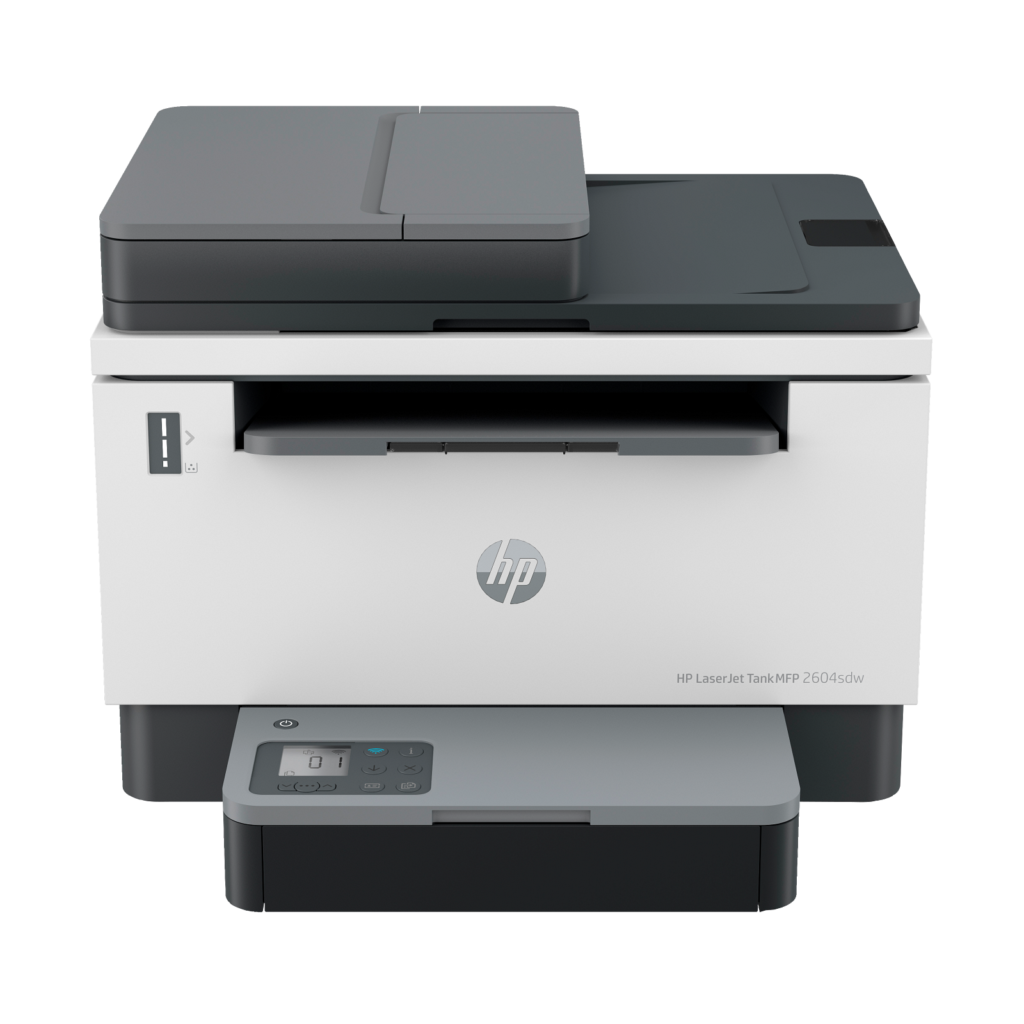
HP LaserJet Tank MFP 2604sdw: Specs, Features, Pros & Cons
Choosing a black-only printer in 2026 is a decision rather than an oversight. It means sending photographs and colored charts somewhere else, in exchange for pages that arrive quickly, dry and smudge-proof, from a machine that does not object to sitting unused for a month. That trade is why mono lasers still exist, and this one adds a second twist on top of it.
Instead of clicking in a toner cartridge, you pour toner in from a bottle. HP borrowed the refill idea from the tank printers that took the low end of the market away from it and applied it to laser hardware, so the cost of a page falls to a fraction of what cartridge machines charge. The printer arrives with several thousand pages of toner already loaded.
This is the fully equipped member of that family. It turns pages over by itself, has a feeder for multi-page copying, takes a real stack of paper, and can be wired into a network instead of depending on Wi-Fi. For a small office, a surgery or a classroom that mostly prints text, the specification is well matched to the work.
Two cautions belong before the table. The imaging drum, the part that eventually wears out on any laser, is not user-replaceable here, so end-of-life maintenance means a service visit. And the model has been discontinued, which makes its price unpredictable and support harder to find. A tank printer's economics rest on paying more once and recovering it slowly. A scarcity markup on top of that breaks the logic the machine was bought for.
Category strengths
Where the HP LaserJet Tank MFP 2604sdw beats the median
- A higher print speed (black) ?22 ppm vs 16 ppm (median)
- A much higher input tray capacity ?250 sheets vs 150 sheets (median)
- Has supertank / refillable ink ?
- A much higher monthly duty cycle ?25,000 pages vs 10,000 pages (median)
- A much higher output tray capacity ?100 sheets vs 67.5 sheets (median)
- A higher ADF capacity ?40 sheets vs 35 sheets (median)
Where the HP LaserJet Tank MFP 2604sdw trails the median
- No color printing ?
- A much lower print resolution ?600 dpi vs 4,800 dpi (median)
- A heavier build ?9.5 kg vs 7.98 kg (median)
How this VS Score was computed
Score 59: each known spec is measured against the median of all printers (65 products), then weighted; 50 means level with that median. In classes of six or more, a value beyond the class’s 10th–90th percentile range counts as that limit, so one extreme product cannot set the scale. 70% of the scoreable weight could be used; unknown values, features not applicable to this class and proxies (battery capacity where a rated life exists) add or remove nothing.
| Specification | This product | Cohort median | Score weight | Points moved |
|---|---|---|---|---|
| Color printing | No | 88% of the class have it | 1.5 | −72.0 |
| Automatic duplex printing | Yes | 73% of the class have it | 1 | +50.0 |
| Automatic document feeder | Yes | 55% of the class have it | 1 | +50.0 |
| Print speed (black) | 22 | 16 | 2 | +38.0 |
| Input tray capacity | 250 | 150 | 1 | +33.0 |
| Supertank / refillable ink | Yes | 30% of the class have it | 0.5 | +25.0 |
| Ethernet | Yes | 54% of the class have it | 0.5 | +25.0 |
| Duplex scanning | No | 23% of the class have it | 0.5 | −24.0 |
| Touchscreen display | No | 45% of the class have it | 0.5 | −24.0 |
| Print resolution | 600 — capped at the class’s lower range (1,200) | 4,800 | 0.5 | −18.5 |
| Monthly duty cycle | 25,000 | 10,000 | 0.3 | +15.0 |
| Fax | No | 35% of the class have it | 0.2 | −9.6 |
| Output tray capacity | 100 | 67.5 | 0.3 | +7.2 |
| ADF capacity | 40 | 35 | 0.5 | +3.5 |
| Weight | 9.5 | 7.98 | 0.3 | −2.4 |
Not scored: Print speed (color) (unknown: not scored); All-in-one (standard for the class (85% have it)); Wi-Fi (standard for the class (97% have it)); Wi-Fi Direct (standard for the class (90% have it)); USB (standard for the class (100% have it)); Apple AirPrint (standard for the class (97% have it)); Mobile app printing (standard for the class (100% have it)).
Editor’s note
The LaserJet Tank is the toner equivalent of an EcoTank, and that is unusual. Instead of buying cartridges you pour toner in from a reload kit, HP claims the refill takes about fifteen seconds, and the box arrives with roughly 5,000 pages already in the tank. Running cost lands around 0.7 cents per page against the three to five cents a cartridge machine will charge you. For a small office bleeding money on toner, that is the entire argument, and it is a good one.
The 2604sdw is the well-equipped one in the family: automatic duplex printing, a document feeder so multi-page copies do not need babysitting, wireless and Ethernet, 22 ppm.
Two things need saying before anyone buys, though.
The first is buried in a footnote. The imaging drum is replaceable only through an authorized service provider. At around 50,000 pages that means a service call, where other lasers take a part you click in yourself. That is an awkward fact on a machine whose whole pitch is low running costs.
The second is that it is discontinued, and that changes the calculation completely. The maths only ever worked by paying more up front and earning it back over five to eight thousand pages. If today's asking price has drifted up because stock is scarce, the payback period stretches past the point where buying a current model with a warranty and an available drum makes more sense.
It prints black only, and there is no fax.
At its real historical price this was an easy recommendation for a high-volume mono office. Today, check what HP's current LaserJet Pro equivalent costs before committing to a machine nobody stocks.
Specifications
Quality bars show where each figure sits between the lowest and highest of the 65 printers this VS Score is measured against.
Printing
Scanning & copying
Paper handling
Connectivity
Design
Sources and verification
Where the specifications come from
- Official product pagesupport.hp.com
- Independent testingrtings.com
Verification
- First published
- Specifications last checked
- Sheet completeness
- 23 of 24 specifications verified; the rest show as Unknown and are never estimated or scored
- Page type
- Product specification page — Compiled from the manufacturer’s published specifications and the cited sources; this is not a hands-on test.
- Basis
- Research-based: specifications and editorial text were compiled from the documents listed here and the manufacturer’s published data. We have not tested this unit ourselves; where independent measurements are mentioned they belong to the linked publication.
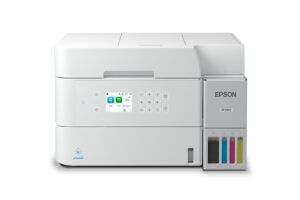
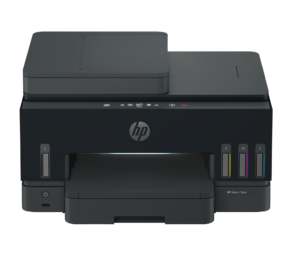
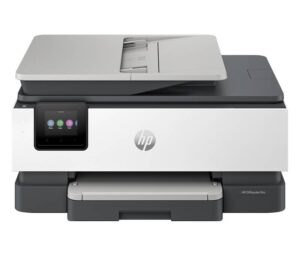
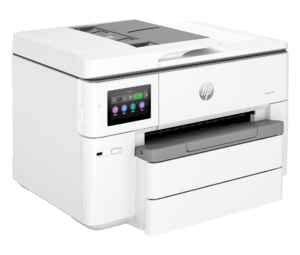
Printers with similar specs to the HP LaserJet Tank MFP 2604sdw

Ratings & reviews
No reviews yet. Be the first to share your experience.
The bottom line
The HP LaserJet Tank MFP 2604sdw earns a VS Score of 59, above the median of the 65 printers it is measured against (a score of 50 is level with that median).
- Who it’s for
- Small offices, clinics, churches and classrooms printing a lot of black text (HP's own range is 250 to 2,500 pages a month) that want refillable toner and a feeder for multi-page copying.
- Who should look elsewhere
- Anyone who needs color or fax, since it has neither, and anyone who scans double-sided documents, since the feeder is single-sided. Anyone printing lightly will never recover the tank's up-front cost.
- The trade-off that matters
- The cheapest pages in the class, against a drum you cannot replace yourself. Everything about the running cost is excellent until the imaging drum wears out and it becomes a service call.
- The main alternative
- Brother MFC-L2820DW: faster at 34 ppm with conventional toner cartridges and normal parts availability, the safer buy now that this HP is discontinued.
The VS Score is calculated from the weighted specifications above, each measured against the median of comparable printers — a shortlisting guide, not a substitute for your own priorities. See how we score.




