
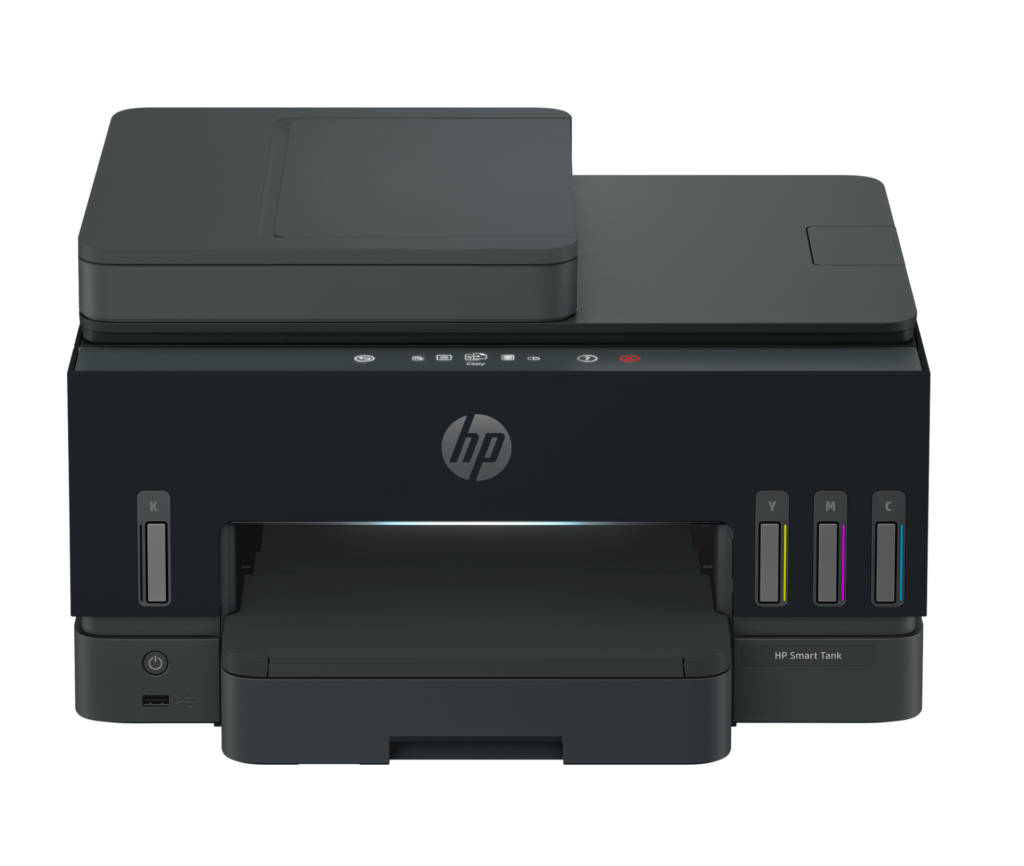
HP Smart Tank 7603: Specs, Price, Pros & Cons
The Smart Tank 7603 is HP's answer to a market Epson built: the refillable-tank all-in-one for a household or small office that prints enough to be tired of buying cartridges. HP's pitch is the ink in the box (it ships with bottles rated for up to three years of typical home printing), and the machine underneath is a fairly complete home-office printer.
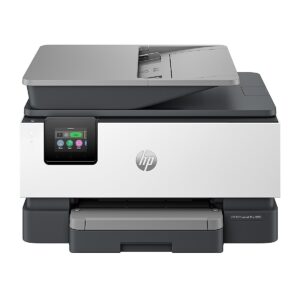
The completeness is the point. It has a 35-sheet automatic document feeder for copying and scanning stacks, automatic two-sided printing, a color fax modem, a 250-sheet paper tray, and, unusually at this level, a built-in Gigabit Ethernet port alongside dual-band Wi-Fi and Wi-Fi Direct. The touchscreen handles walk-up copying and scan-to-PDF without a computer.
Speed is where tank printers give something back for their running costs, and this one is no exception: HP's ISO figures are 15 pages a minute in black and 9 in color, with a first page in about 14 seconds. HP recommends 400 to 1,200 pages a month, which is the right range for a busy family or a two-person office. Thermal inkjet with pigment black and dye colors gives sharp text and reasonable photos, with borderless printing to letter size.
Scanning is the simpler half of the machine: the flatbed tops out at letter size while the feeder takes legal, and it is worth checking what the feeder can and cannot do against the paperwork you actually handle.
The buyer it suits is someone printing a few hundred pages a month who wants the ADF, duplex and fax of a business machine with the running costs of a tank. It makes less sense for anyone who prints little, since they will never recoup the higher purchase price, or for photo-first buyers, who should look at six-color machines.
Category strengths
Where the HP Smart Tank 7603 beats the median
- A much higher input tray capacity ?250 sheets vs 150 sheets (median)
- Has supertank / refillable ink ?
- Has touchscreen display ?
- Has fax ?
- A much higher output tray capacity ?100 sheets vs 67.5 sheets (median)
- A slightly lighter build ?7.7 kg vs 7.98 kg (median)
Where the HP Smart Tank 7603 trails the median
- A slightly lower print speed (black) ?15 ppm vs 16 ppm (median)
- A lower monthly duty cycle ?6,000 pages vs 10,000 pages (median)
How this VS Score was computed
Score 69: each known spec is measured against the median of all printers (65 products), then weighted; 50 means level with that median. In classes of six or more, a value beyond the class’s 10th–90th percentile range counts as that limit, so one extreme product cannot set the scale. 66% of the scoreable weight could be used; unknown values, features not applicable to this class and proxies (battery capacity where a rated life exists) add or remove nothing.
| Specification | This product | Cohort median | Score weight | Points moved |
|---|---|---|---|---|
| Automatic duplex printing | Yes | 73% of the class have it | 1 | +50.0 |
| Automatic document feeder | Yes | 55% of the class have it | 1 | +50.0 |
| Input tray capacity | 250 | 150 | 1 | +33.0 |
| Supertank / refillable ink | Yes | 30% of the class have it | 0.5 | +25.0 |
| Ethernet | Yes | 54% of the class have it | 0.5 | +25.0 |
| Touchscreen display | Yes | 45% of the class have it | 0.5 | +25.0 |
| Duplex scanning | No | 23% of the class have it | 0.5 | −24.0 |
| Fax | Yes | 35% of the class have it | 0.2 | +10.0 |
| Output tray capacity | 100 | 67.5 | 0.3 | +7.2 |
| Print speed (black) | 15 | 16 | 2 | −6.0 |
| Monthly duty cycle | 6,000 | 10,000 | 0.3 | −6.0 |
| Weight | 7.7 | 7.98 | 0.3 | +0.6 |
| Print speed (color) | 9 | 9 | 1 | +0.0 |
| Print resolution | 4,800 | 4,800 | 0.5 | +0.0 |
| ADF capacity | 35 | 35 | 0.5 | +0.0 |
Not scored: Color printing (standard for the class (88% have it)); All-in-one (standard for the class (85% have it)); Wi-Fi (standard for the class (97% have it)); Wi-Fi Direct (standard for the class (90% have it)); USB (standard for the class (100% have it)); Apple AirPrint (standard for the class (97% have it)); Mobile app printing (standard for the class (100% have it)).
Editor’s note
This is what happens when HP fits its bottle-fed tank system into a full home-office machine: no other printer in HP's current tank range pairs duplex printing with a document feeder, fax, Ethernet, a proper paper tray and a touchscreen. Combined with sub-cent bottle economics (roughly 6,000 pages from a black bottle, 8,000 from each color), it reads like the complete package.
Two omissions keep it from being one, and both matter at this price. The document feeder is single-sided: the printer prints two-sided beautifully, but it cannot scan or copy a two-sided original unattended, which is precisely the workflow a small office buys an ADF for. And the 3-inch touchscreen is a monochrome graphics panel, not the color display the price bracket suggests. HP also states outright that the machine does not multitask. It does one job at a time.
The price needs care too. Regular retail and Amazon have been far apart, and at the upper end Epson's EcoTank ET-4950 and Canon's MegaTank G-series are direct, well-established alternatives. Check the day's price before assuming.
The review base is thin (3.7 stars from just thirty ratings), which for a machine this expensive means you are partly buying on faith in HP's platform, with little accumulated owner experience behind it.
I would buy it for a home office that prints a lot, in duplex, from a real paper tray, and occasionally faxes. It does all of that with cheap ink. I would not buy it expecting a duplex scanner or a premium screen, because at this price those absences are legitimate complaints.
Specifications
Quality bars show where each figure sits between the lowest and highest of the 65 printers this VS Score is measured against.
Printing
Scanning & copying
Paper handling
Connectivity
Design
Sources and verification
Where the specifications come from
- Official product pagehp.com
- Retailer listing (cross-check)amazon.com
Verification
- First published
- Specifications last checked
- Sheet completeness
- 24 of 24 specifications verified; the rest show as Unknown and are never estimated or scored
- Page type
- Product specification page — Compiled from the manufacturer’s published specifications and the cited sources; this is not a hands-on test.
- Basis
- Research-based: specifications and editorial text were compiled from the documents listed here and the manufacturer’s published data. We have not tested this unit ourselves; where independent measurements are mentioned they belong to the linked publication.
Where to buy
Prices and availability may change. Check the retailer before buying. We may earn a commission on purchases.
Price history
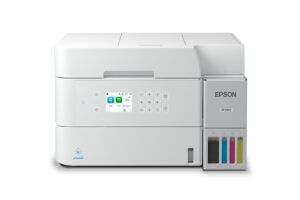
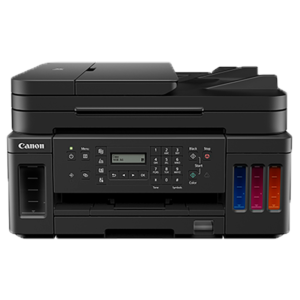
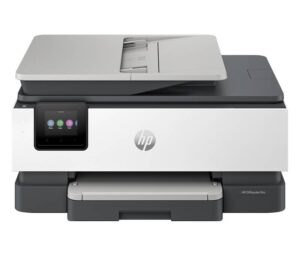
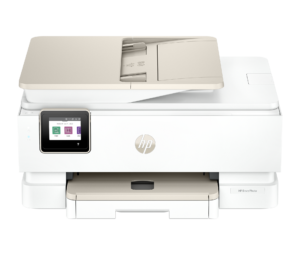
Printers with similar specs to the HP Smart Tank 7603
Ratings & reviews
No reviews yet. Be the first to share your experience.
The bottom line
The HP Smart Tank 7603 earns a VS Score of 69, above the median of the 65 printers it is measured against (a score of 50 is level with that median).
- Who it’s for
- A small office or busy household that will use fax and a wired network connection, and plans to run the machine on bottled ink for years.
- Who should look elsewhere
- Anyone who needs to copy or scan two-sided originals unattended, or who expects a color touchscreen at a price that elsewhere buys one.
- The trade-off that matters
- Full office plumbing with very cheap ink, undercut by a simplex feeder and a basic screen. The two corners HP cut are exactly where office buyers look first.
- The main alternative
- Epson EcoTank ET-4950: the direct rival at similar money, with a longer track record in the tank market and a color touchscreen.
The VS Score is calculated from the weighted specifications above, each measured against the median of comparable printers — a shortlisting guide, not a substitute for your own priorities. See how we score.





