Apple Magic Mouse (USB-C): Specs, Features, Pros & Cons
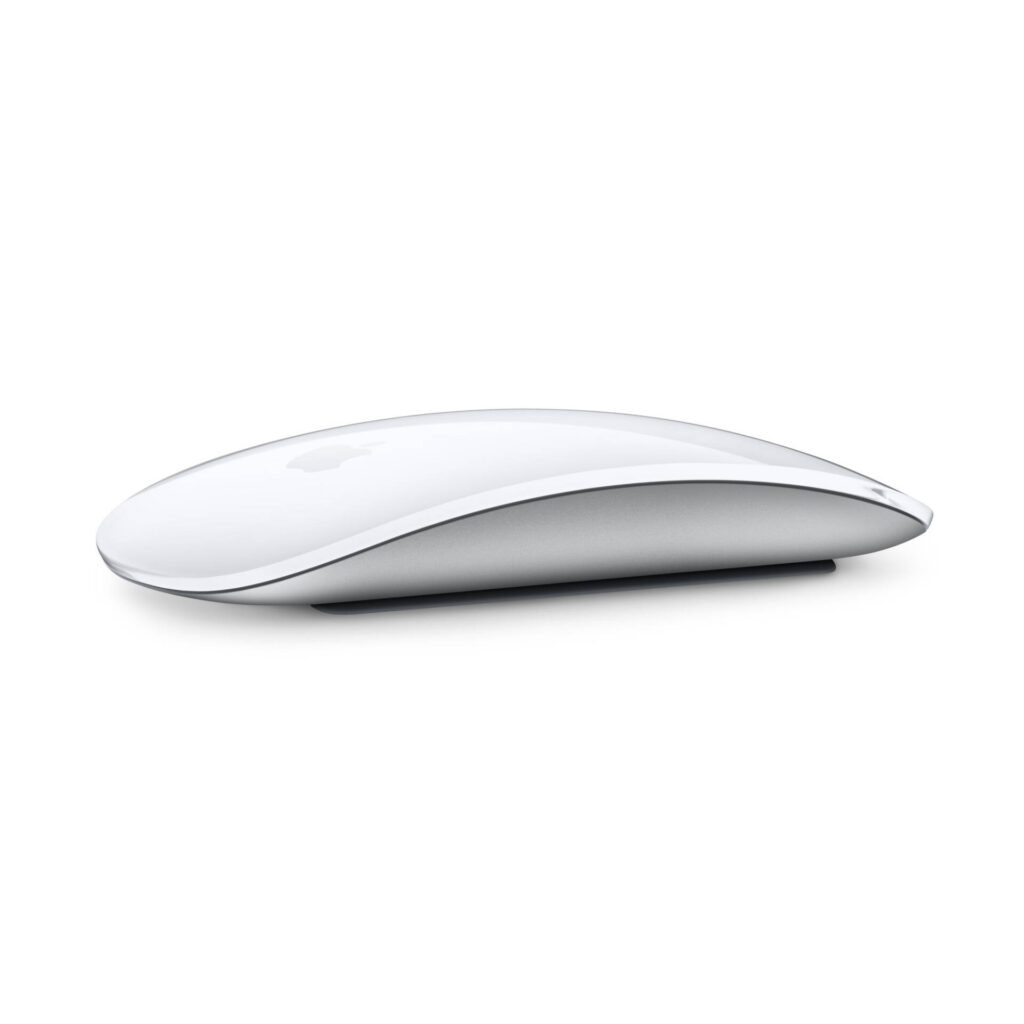
The Magic Mouse is the only mouse Apple makes, and the USB-C version is the same object it has been since 2015 with the one change everyone asked for: the charging port is now USB-C, so the woven cable in the box is the same one that charges an iPhone or a MacBook. The Lightning model it replaces was discontinued in late 2024.
Everything else about it is deliberately unlike a conventional mouse. There are no buttons in the usual sense. The whole top is a Multi-Touch surface, so a click is a press anywhere and scrolling, swiping between pages and switching desktops are finger gestures on the shell. It is symmetrical, so left- and right-handed use is identical, and at 99 grams and just over two centimeters tall it is one of the flattest mice sold.
The battery is built in and Apple rates it at "about a month or more" between charges. It pairs over Bluetooth and needs macOS 15.1 or iPadOS 18.1 or later. Apple publishes nothing about the sensor, resolution, polling rate or switches, which is why this page's specification table is unusually sparse. The fields are empty because Apple does not state them, not because they are zero.
The famous compromise is unchanged: the charging port is on the underside, so the mouse cannot be used while it charges. Apple's position is that a few minutes of charging gives hours of use. The position of everyone who has been caught at the wrong moment is well documented.
It suits a Mac or iPad owner who values the gesture surface, the low profile and the easy pairing, and who works in short sessions rather than all day. It is a poor fit for gaming, for anyone with wrist strain, and for anyone who expects a spec sheet.
Where the Apple Magic Mouse (USB-C) beats the median
- Has horizontal scrolling ?
Where the Apple Magic Mouse (USB-C) trails the median
- Fewer connection options ?
- A heavier build ?99 g vs 89 g (median)
How this VS Score was computed
No VS Score: only 21% of the scoreable weight could be compared like for like with all mice (83 products), under the 30% a score needs. The known figures below are measured against that class median so you can see where each stands; nothing is added up or ranked.
| Specification | This product | Cohort median | Score weight | Points moved |
|---|---|---|---|---|
| Connection | 1 | 2 | 0.8 | −20.0 |
| USB-C charging | Yes | 68% of the class have it | 0.3 | +15.0 |
| Horizontal scrolling | Yes | 46% of the class have it | 0.2 | +10.0 |
| Weight | 99 | 89 | 1 | −5.0 |
Not scored: Max sensitivity (unknown: not scored); Max tracking speed (unknown: not scored); Max acceleration (unknown: not scored); Polling rate (unknown: not scored); Adjustable lift-off distance (unknown: not scored); Buttons (unknown: not scored); Grip styles (unknown: not scored); Free-spin scroll wheel (unknown: not scored); Click latency (unknown: not scored); Switch lifespan (unknown: not scored); Debounce adjustment (unknown: not scored); Wireless polling rate (unknown: not scored); Battery life (unknown: not scored); Battery capacity (unknown: not scored); Quick charge (unknown: not scored); Wireless charging (unknown: not scored); Onboard memory (unknown: not scored); Software customization (unknown: not scored); Adjustable weights (unknown: not scored); RGB lighting (unknown: not scored).
Editor’s note
My view of the Magic Mouse is that it is a great trackpad that happens to move, and whether that is a compliment depends entirely on how you use a Mac. For a day of browsing, documents and switching between desktops, the gesture surface is better than a scroll wheel and two side buttons. For precision work or games, it is worse than almost any conventional mouse at half the price.
The USB-C change is welcome and cosmetic. Apple did not move the port, did not add a second button, and did not touch the shape, so the reasons to buy or avoid it are the ones they were in 2015. The port on the underside remains the thing to think about: it is a design choice Apple has defended for a decade, and it means the mouse is unusable for the few minutes it charges. A month of battery life makes that rare, and a spare on the desk makes it irrelevant, but nobody should be surprised by it.
The part that would make me hesitate for many people is ergonomics. The mouse is two centimeters tall, and a palm grip is not possible. It is held with the fingertips and moved from the wrist. That is fine for an hour and not fine for eight, and anyone with a history of wrist trouble should look elsewhere before they look here.
The part I would not hold against it is the empty spec table. Apple does not publish DPI or polling figures for any of its input devices, and for the person this is aimed at those numbers would not change the decision.
I would buy it for a Mac desk where gestures matter and sessions are short, and for an iPad that wants a pointer. I would send a full-time desk worker to a sculpted wireless mouse from Logitech, and any gamer anywhere else.
Specifications
Quality bars show where each figure sits between the lowest and highest of the 83 mice this VS Score is measured against.
Sensor & tracking
Design & handling
Switches & latency
Connectivity
Battery
Features
Sources and verification
Where the specifications come from
- Official product pageapple.com
Verification
- First published
- Specifications last checked
- Sheet completeness
- 10 of 34 specifications verified; the rest show as Unknown and are never estimated or scored
- Page type
- Product specification page — Compiled from the manufacturer’s published specifications and the cited sources; this is not a hands-on test.
- Basis
- Research-based: specifications and editorial text were compiled from the documents listed here and the manufacturer’s published data. We have not tested this unit ourselves; where independent measurements are mentioned they belong to the linked publication.
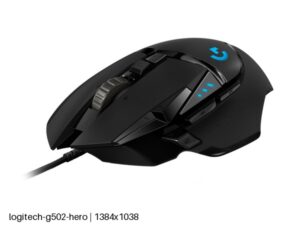
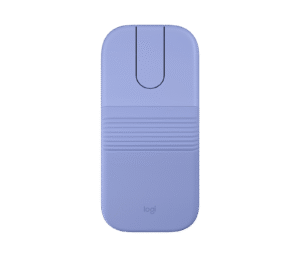
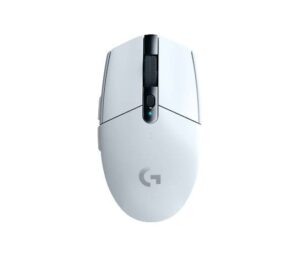
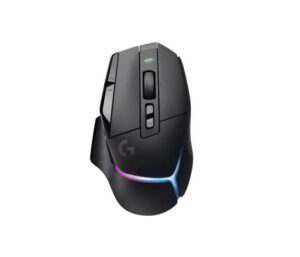
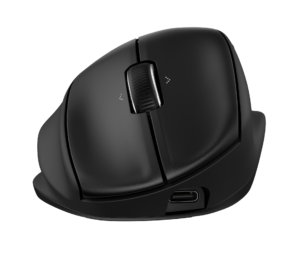
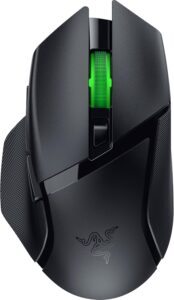
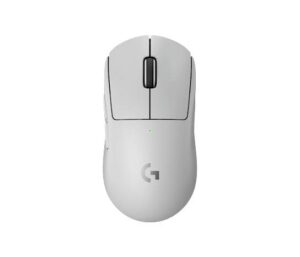
Mice with similar specs to the Apple Magic Mouse (USB-C)
Ratings & reviews
No reviews yet. Be the first to share your experience.
The bottom line
- Who it’s for
- A Mac or iPad owner who works in gestures (swiping pages, scrolling with a finger, switching desktops) in shorter sessions, and who wants the flattest, cleanest-looking mouse that pairs the moment it is switched on.
- Who should look elsewhere
- Full-day desk workers and anyone with wrist strain, because the two-centimeter profile forces a fingertip grip. Also wrong for gamers and precision work, with no DPI control and no side buttons, and for anyone bothered by a charging port on the underside.
- The trade-off that matters
- You trade the comfort and controls of a shaped mouse for a touch surface that makes macOS gestures feel native. The port location is the smaller compromise. The height is the one people live with every day.
- The main alternative
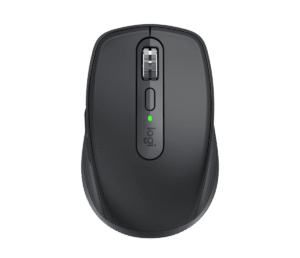
- Logitech MX Anywhere 3S: a compact Bluetooth mouse with a real scroll wheel, side buttons and a sculpted shape, for Mac owners who want the portability without the fingertip-only grip.
The VS Score is calculated from the weighted specifications above, each measured against the median of comparable mice — a shortlisting guide, not a substitute for your own priorities. See how we score.
Latest Mice