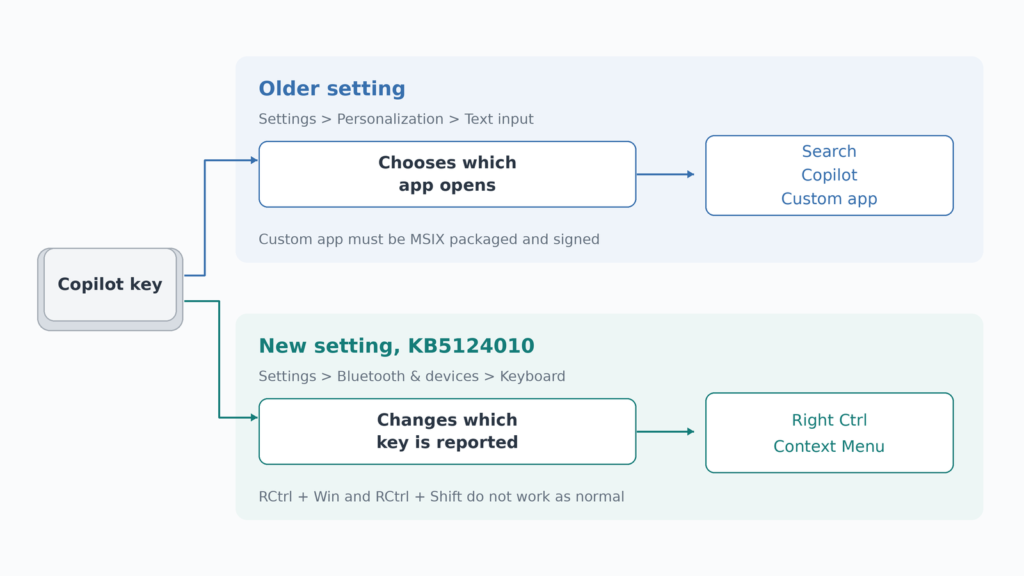
Windows 11 can now turn the Copilot key back into a Right Ctrl or Context Menu key. Microsoft shipped the setting in KB5124010, the optional preview update of September 22, 2026, under Settings, Bluetooth & devices, Keyboard. It arrives in stages. So Copilot key remapping may be missing on a laptop that already has the update. Microsoft also warns that Right Ctrl shortcuts that add Shift or the Windows key stop working normally once the remap is on.
Which laptops lost a key
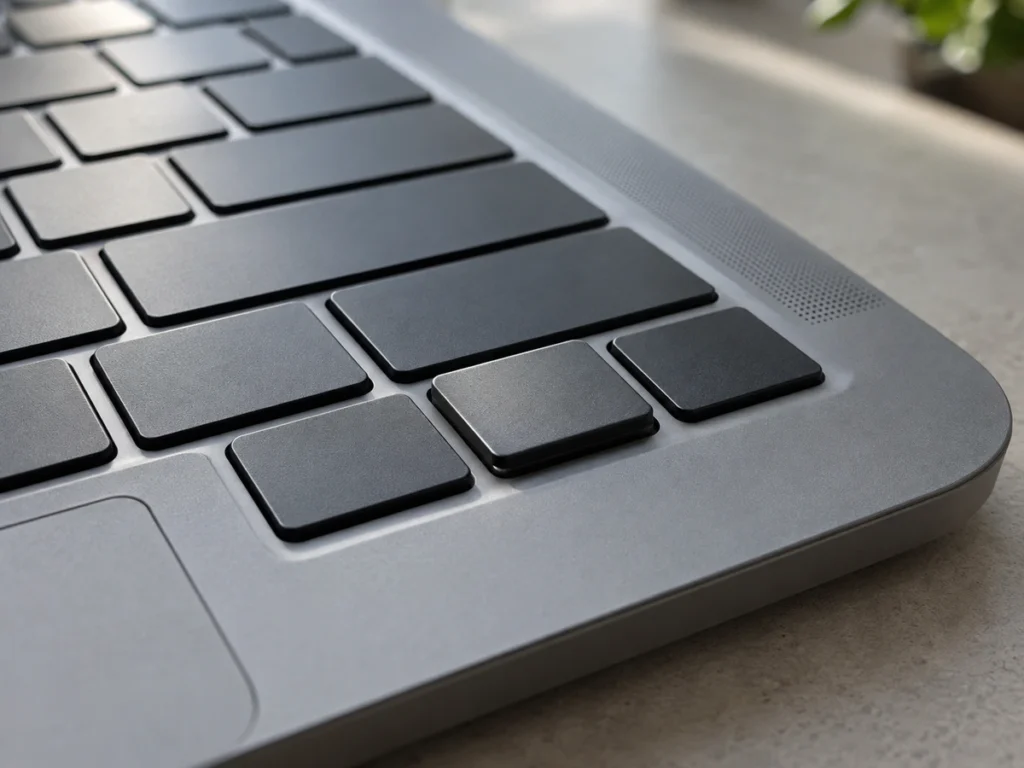
Starting in 2024, Microsoft says, manufacturers released Windows 11 devices with a dedicated Copilot key that on select models replaces the Right Ctrl or the Context Menu key. Microsoft has not published a list of those models, so the quickest check is the bottom row of your own keyboard: if the Copilot key sits where Right Ctrl or the Menu key used to be, this setting is for you.
The update and its rollout
The setting first appeared in the Release Preview channel on September 10 in builds 26100.9539 and 26200.9539, which cover Windows 11 versions 24H2 and 25H2. It became available to every PC on those versions, and on version 26H2, on September 22 as KB5124010, OS builds 26100.9550, 26200.9550 and 26300.9550. Microsoft's release note says the update lets you remap the Copilot key to function as the Right Ctrl or Context Menu key, "helping preserve familiar keyboard shortcuts and accessibility workflows."
KB5124010 is an optional preview, which Windows Update offers without forcing it. Microsoft lists the Copilot key change in the update's gradual rollout section, which it describes as delivering an update in phases, "so features reach devices over time instead of all at once." The next monthly security update is due October 13. Even after it installs, the option may take longer to appear on some machines.
To check, open Settings, then Bluetooth & devices, then Keyboard, after installing the update and restarting.
Why some Right Ctrl shortcuts break
"If you remap the Copilot key to Right Control, shortcut combinations that include RCtrl+Win and RCtrl+Shift will not work as normal," Microsoft's support page says. It recommends the Left Ctrl key for those combinations.
Microsoft does not explain the cause, but the key's wiring lines up with it. In April 2024 Tom's Hardware found that the Copilot key does not send a key of its own. Pressing it sends three at once, Left Shift, the Windows key and F23, a function key last seen on 122-key terminal keyboards from the IBM era. Dell told the site that the assignment is standard and set at Microsoft's direction. The two modifiers in Microsoft's warning are the two the key already sends.
Microsoft's warning names only those two combinations, so chords such as Right Ctrl plus C or Right Ctrl plus an arrow fall outside it. A shortcut such as Ctrl+Shift+Esc for Task Manager, pressed with the right hand, is the kind to retrain onto Left Ctrl.
How it differs from the older Copilot key option
Windows already let you change what the Copilot key opens. Under Settings, Personalization, Text input, the "Customize Copilot key on keyboard" option offers Search, Copilot or a custom app, and Microsoft limits the custom choice to apps that are MSIX packaged and signed, which in practice means Store apps and apps their makers have registered for the key. That option picks which program starts. The new one changes which key Windows thinks you pressed, which is what a shortcut or a screen reader needs.
The Context Menu choice brings back the key that opens the right-click menu for whatever has focus. Shift+F10 does the same job, but a two-key chord pressed hundreds of times a day is slower, and it is harder for anyone with limited hand mobility.
External keyboards and remapping software
A desktop keyboard without a Copilot key loses nothing here. A full-size board such as the Logitech MX Keys S keeps the traditional 108-key layout and switches between three computers, so a laptop with a Copilot key can sit closed on a stand while you type on a conventional bottom row.
Keyboards differ in where their own remapping lives. Logitech's keys are customized in the Logi Options+ app, which runs on the computer, and versions before 2.7 carried a flaw that let a standard Windows account take full control of the PC. A keyboard that supports VIA works the other way. VIA's documentation says the firmware copies the keymap into the keyboard's own EEPROM memory, and the VIA app edits that copy, so a remapped key travels with the keyboard to any computer without software running. The Keychron K5 Max, a full-size QMK and VIA board with onboard profiles, is one example.
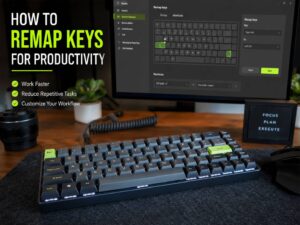
On a laptop that does not have the setting yet, Microsoft's free PowerToys Keyboard Manager can remap the key's shortcut, but its remaps work only while PowerToys is running. The wider case for remapping keys, from Caps Lock to a mute key, works with either tool.
Other changes in KB5124010
The same update removes PC-to-PC Migration, the setup option that copied files and settings straight from an old PC, and Microsoft now points people to Windows Backup instead. It also improves reliability for LE Audio accessories and fixes microphone compatibility with some Bluetooth Classic audio devices, according to the release notes.
Should you change the setting
If losing Right Ctrl or the Menu key has slowed you down since 2024, turn the setting on as soon as it appears, then move any Right Ctrl shortcut that includes Shift or the Windows key to Left Ctrl. If you never reached for either key, leave the Copilot key as it is, since the remap gives you nothing back. While you wait for the rollout, PowerToys covers the gap, and its rule can go once the built-in setting is on.