The Dune keypad, three aluminum keys that plug into a MacBook's USB-C port and change their job with the app on screen, shipped to a few hundred early buyers, and its maker has since moved on. Project Mirage now calls itself Aina, has raised $5.5 million to build an AI wearable, and points visitors to a waitlist sign-up. For a Mac owner who wants physical meeting controls today, the useful question is which keyboard or macro pad on sale does the same work, and what each one gives up against Dune's trick of remapping itself per app.
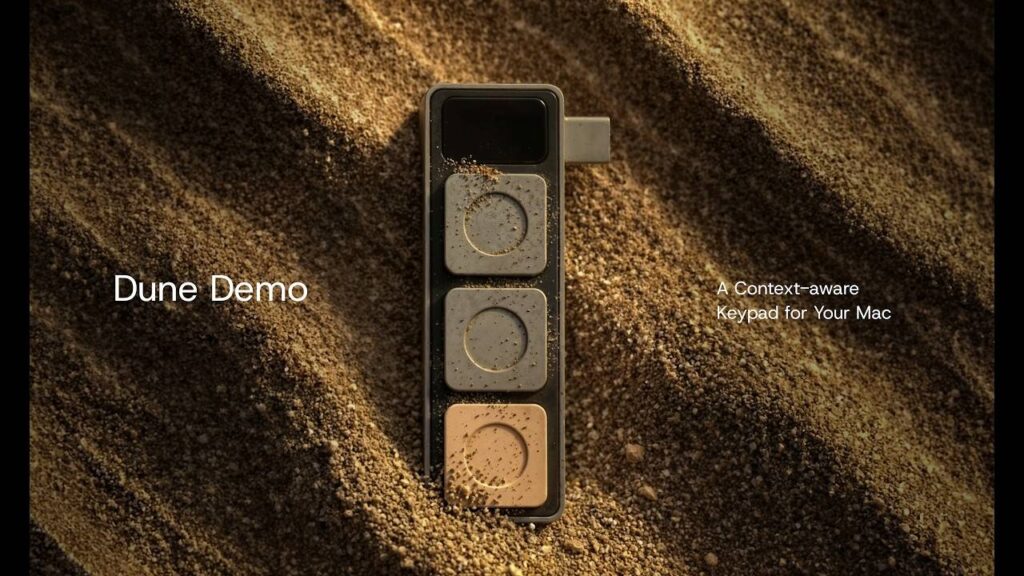
What Dune does
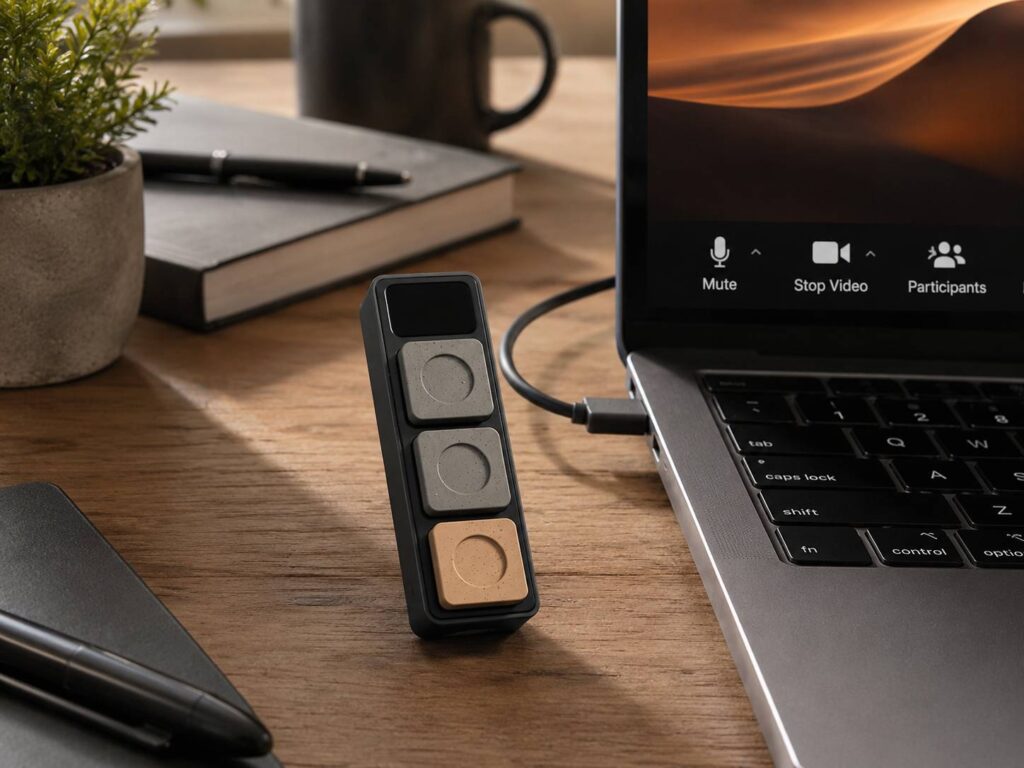
Dune is a bar of CNC-machined anodized aluminum, 40 by 10 by 10 mm and 50 g, with three keys and no battery. It draws power from the USB-C port it plugs into, which Project Mirage says should be the lower one on the left side of the Mac. Its compatibility list names only laptops: the 13-inch and 15-inch MacBook Air from the M2 onward and the 14-inch and 16-inch MacBook Pro from the M1 Pro onward, on macOS 15 or later. A Mac mini, iMac or Mac Studio is not on it.
The keys follow the app in front. In Zoom, Microsoft Teams or Google Meet, the first key toggles the microphone and the second the camera, and unmuting also brings the meeting window to the front. Dune reads the calendar too, surfacing a meeting link two minutes before the call so that one key joins it and another sends attendees a running-late email. In GitHub the keys become Approve PR, Request Changes and Close, and Notion, Figma and Excel get their most-used shortcuts by default. Any key can also open a URL or run a script.
Nothing on the keys shows their current job. Setup runs through Claude, where you describe the shortcut in plain language and Claude writes it and assigns it to a key.
Context switching against stored macro layers
A macro key on a keyboard stores a keystroke or a sequence and sends it, when pressed, to whichever app has focus. A mute shortcut sent while your notes are in front goes to the notes unless the meeting app offers the shortcut as a global one. Dune's mute key avoids that miss by pulling the call window forward as it toggles.
The Corsair K100 RGB is the traditional answer: six dedicated macro keys, a programmable control wheel, and 8 MB of onboard storage that Corsair says holds about 200 profiles. Six keys beat three, but each one does whatever its current profile says, and the labels live in your memory.
The Keychron C100 8K goes the other way, with one hundred blank mechanical keys and no default function at all. Keychron's Launcher assigns them from a Chromium browser, and the keymap lives on the pad, so it works on any computer you plug it into. It suits someone with a long list of fixed shortcuts for one editing or broadcast program, and its blank keys need a label maker.
The Corsair Galleon 100 SD is the one board here whose keys tell you what they do. Its top edge carries a Stream Deck section of LCD keys, two dials and a screen, run by Elgato's own software, so each key's label is drawn on the key itself. It is a wired, extended full-size board with the deck attached, though, and anyone who only wants mute and camera buttons pays for far more keyboard than the job needs.
The office keyboards that already cover meetings
For the meeting job alone, the closest substitute on sale is an office keyboard with programmable keys. The Logitech MX Keys S works with macOS, and Logitech's Smart Actions in the Logi Options+ app chain several steps onto one keystroke. It pairs with three computers over Bluetooth or a receiver. The Logitech Signature Slim Solar+ K980 for Mac has Mac legends and the Mac modifier order, and its programmable keys can be reassigned in Logitech's software. It charges from room light and connects only over Bluetooth.
Both send shortcuts rather than reading the app, so neither will join a call from the calendar or change what its keys do when you switch apps. They do leave the MacBook's ports free. A Dune plugged into a MacBook with two USB-C ports takes half of them. Add a single-cable USB-C monitor and both ports are in use, with the charger relying on the monitor or on MagSafe where the MacBook has it.
Which one to buy
Owners of a Dune can keep using it, with one caveat. Its value lives in software that tracks each meeting app, and Aina has not said how long the Dune app will keep receiving updates now that the company is building a different product.
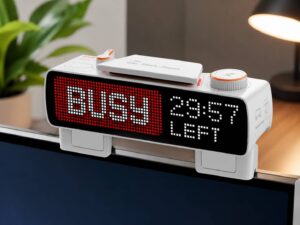
A Mac owner who wants meeting shortcuts on physical keys today gets the most from the MX Keys S, because its programmable keys need no port and follow you between a desktop and a laptop. Set the meeting app's mute shortcut to work globally first, or the key will miss whenever another window is in front. Someone who runs a long list of fixed shortcuts in one program will get more from the C100's hundred keys than from three that change meaning. The Galleon 100 SD makes sense only where a Stream Deck was already on the shopping list. For calls in a shared room, the Flipper Busy Bar handles the other half of the problem by showing the people behind you that the microphone is live.