
Best Monitors
Our pick of the best monitors, ranked by VS Score from 109 we compared.
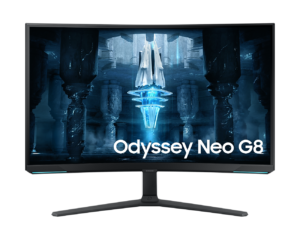
Samsung Odyssey Neo G8 S32BG85
Top pickWho it’s for: A player with a top-end graphics card who wants HDR that holds up in a lit room, and who likes a strongly curved screen.
- A much higher contrast ratio ?1000000:1 vs 3500:1 (median)
- Much higher peak brightness ?1,000 nits vs 400 nits (median)
- A higher refresh rate ?240 Hz vs 172.5 Hz (median)
68Points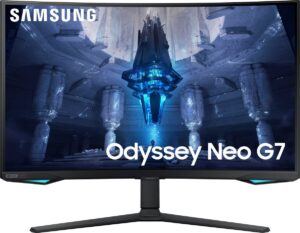
Who it’s for: Console and PC players who want bright, convincing HDR on a large, wraparound screen and who play or watch far more than they type.
- A much higher contrast ratio ?1000000:1 vs 3500:1 (median)
- Much higher peak brightness ?1,000 nits vs 400 nits (median)
- Has local dimming ?
67Points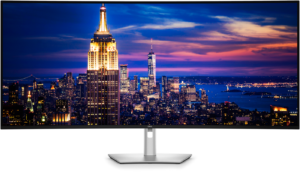
Who it’s for: Someone running two or three screens and a dock today, especially with more than one computer on the desk, who wants a single panel with switching and laptop charging built in.
- A much bigger screen ?51.5" (130.81 cm) vs 27" (68.58 cm) (median)
- More HDMI ports ?2 vs 1 (median)
- More DisplayPort inputs ?2 vs 1 (median)
66Points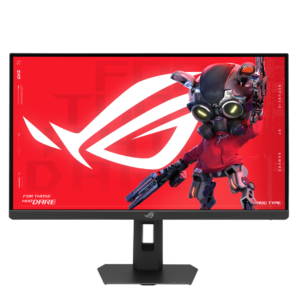
Who it’s for: A powerful PC used for both detailed desk work and gaming. Text and photos look print-sharp, and the lower-resolution mode keeps competitive play fast.
- A much faster response time ?0.3 ms vs 1 ms (median)
- A much higher pixel density ?219 ppi vs 109 ppi (median)
- Has USB-C ?
65Points
Who it’s for: Someone who reads, codes or edits photos for most of the day and wants the same screen to handle games properly afterwards, with a graphics card strong enough to make use of it.
- Much higher peak brightness ?1,250 nits vs 400 nits (median)
- A much higher pixel density ?218 ppi vs 109 ppi (median)
- Has USB-C ?
65Points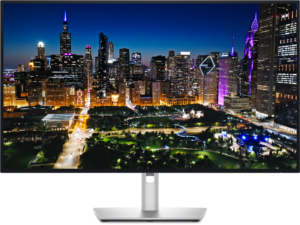
Who it’s for: A hybrid worker whose desk hosts a company laptop and a personal computer in turn, and who wants one cable for each plus better blacks than ordinary office panels.
- Much higher peak brightness ?600 nits vs 375 nits (median)
- More DisplayPort inputs ?2 vs 1 (median)
- A much higher contrast ratio ?3000:1 vs 2000:1 (median)
63Points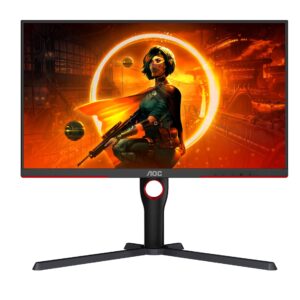
Who it’s for: A budget buyer who plays single-player games and watches films in a dim room, and wants HDR highlights that visibly stand out rather than a badge on the box.
- Much higher peak brightness ?1,000 nits vs 300 nits (median)
- Has local dimming ?
- Has height adjustment ?
62Points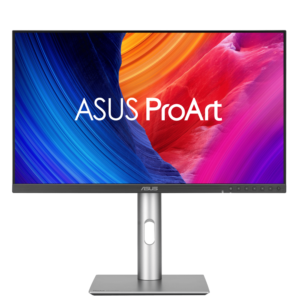
Who it’s for: A photographer, retoucher or designer who spends the day on type and fine detail and wants a laptop to charge and connect on one cable.
- Has built-in speakers ?
- A bigger screen ?31.5" (80.01 cm) vs 27" (68.58 cm) (median)
- A higher pixel density ?218 ppi vs 163 ppi (median)
62Points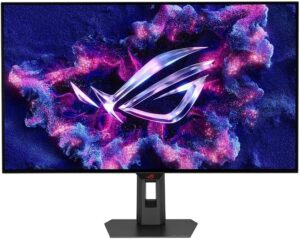
Who it’s for: A desktop player who wants fine detail for story games and a separate shooter mode, with the graphics card to feed both.
- Has USB-C ?
- Has motion blur reduction ?
- Higher peak brightness ?1,300 nits vs 1,000 nits (median)
62Points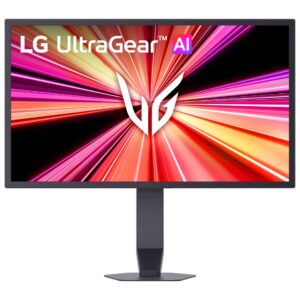
Who it’s for: Competitive shooter players with a current-generation GPU and the right DisplayPort revision, who want the highest refresh rate that exists at full resolution.
- A much higher refresh rate ?1,000 Hz vs 180 Hz (median)
- Has USB-C ?
- More HDMI ports ?2 vs 1 (median)
62Points