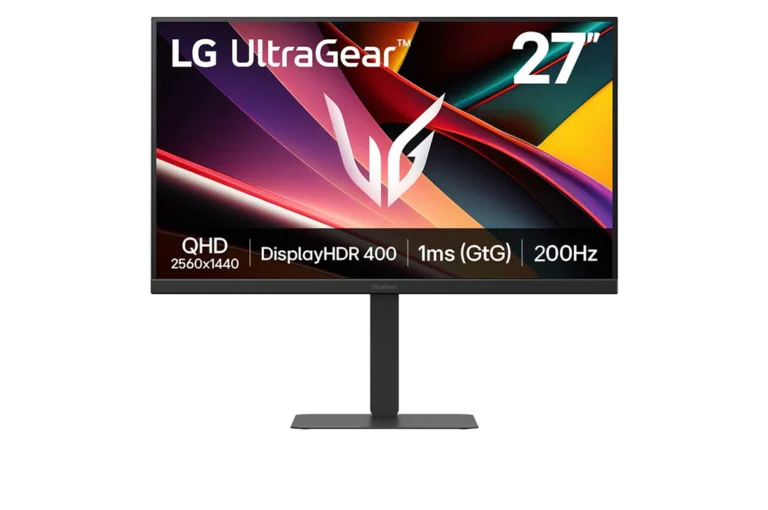
No current price: sold on LG's own US store ($249.99 on October 20, 2026), which our price feeds do not cover
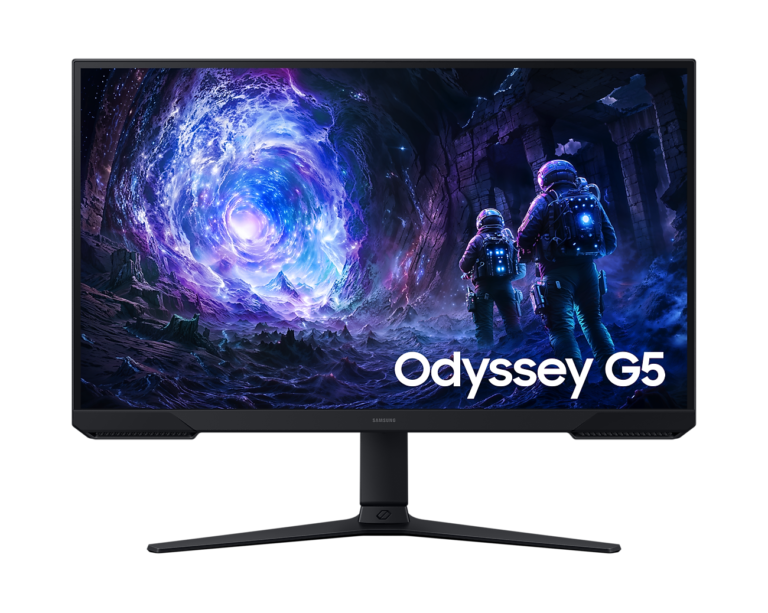
36 facts in comparison
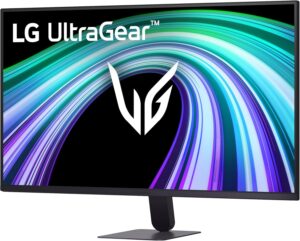
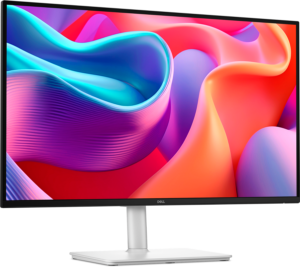
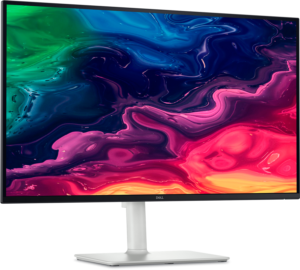
LG UltraGear 27G610A-B vs Samsung Odyssey G5 G51F
LG rates the IPS panel in its UltraGear 27G610A-B at 1,000:1 contrast, and Samsung rates the VA panel in its Odyssey G5 G51F at 3,000:1. With the lights off, that is the gap between a gray night sky and a black one. Otherwise they are built for the same desk: 27 inches, 1440p, two HDMI ports, one DisplayPort, and no speakers or USB-C.
Both makers print 1 ms response, but LG's figure is gray-to-gray in its Faster setting. Samsung labels its own MPRT, a blur measure tied to its Extreme (MBR) mode, so the matching numbers say nothing about which panel is quicker.
Some of LG's feature images promise HDMI 2.1. LG's spec table and manual list HDMI 2.0, with 144 Hz at full resolution, the same HDMI ceiling Samsung's manual gives the G51F. Both manuals list 1440p at 120 Hz on HDMI, so a PS5 or an Xbox Series X runs the same on either.
On DisplayPort the LG reaches 200 Hz and the Samsung 180 Hz, a gap of about half a millisecond per frame. VESA lists the LG under DisplayHDR 400, and the Samsung accepts HDR10 signals without a VESA tier. LG publishes sRGB coverage at 99%. Samsung gives only an NTSC figure, which cannot be set beside it.
The Samsung has one feature the LG lacks, the Extreme (MBR) blur-reduction mode. Its manual locks the response menu while FreeSync is on, so the mode and variable refresh never run together. Both stands raise, tilt, swivel and turn into portrait, with 120 mm of height travel on the Samsung and 110 mm on the LG.
Editor’s note
LG's manual spells out adaptive sync on both inputs, FreeSync Premium on HDMI and Adaptive-Sync on DisplayPort, and its spec page lists factory calibration. The weak spot is the IPS contrast, which LG does not dress up. The manual also warns that its Faster overdrive setting can add motion blur with some content.
Samsung's panel is the stronger one for dark scenes, and its stand gives a little more height travel than LG's. Samsung publishes no gray-to-gray figure, and its HDR10 support has neither the brightness nor the local dimming to change how a game looks.
Extreme (MBR) helps only in games played at a fixed refresh rate, because the manual locks it out while FreeSync runs. It also locks the brightness control, so the screen runs at whatever level the mode sets. That makes it a tool for a shooter at a steady, high frame rate. For games whose frame rate swings, FreeSync remains the better setting.
Head-to-head points: every spec is scaled between these products only, so a product can score high here and modestly on its own page, where the VS Score measures it against the median of its class.
Where the LG UltraGear 27G610A-B beats the Samsung Odyssey G5 G51F
- IPS Panel type ?IPS vs VA
- Higher peak brightness ?400 nits vs 300 nits
- DisplayHDR 400 HDR ?DisplayHDR 400 vs HDR10
- A higher refresh rate ?200 Hz vs 180 Hz
Where the Samsung Odyssey G5 G51F beats the LG UltraGear 27G610A-B
- A much higher contrast ratio ?3000:1 vs 1000:1
- Has motion blur reduction ?
Key real-world differences
The spec sheet pulls in both directions. These are the gaps big enough to shape the decision — with the actual figures, and what each one means in real-world use.
- Panel typePictureIPS vs VA — advantage LG UltraGear 27G610A-B
The panel technology; OLED offers the best contrast.
- Contrast ratioPicture1000:1 vs 3000:1 — 3× more for the Samsung Odyssey G5 G51F
The ratio between the brightest and darkest output.
- Motion blur reductionGamingNo vs Yes — only the Samsung Odyssey G5 G51F has it
Backlight strobing for clearer motion.
- Refresh rateGaming200 Hz vs 180 Hz — 11.1% more for the LG UltraGear 27G610A-B
Higher refresh rates are smoother for gaming and scrolling.
The step from 60 to 120 Hz is obvious; differences above 120 Hz are far subtler in everyday use.
Which one should you buy?
There is no single answer — it depends on what you will actually use it for. Match your priority to the pick below.
- Best for picture LG UltraGear 27G610A-B takes the category 91 to 75 — driven by panel type (IPS vs VA).
- Top overall score LG UltraGear 27G610A-B tops the overall VS Score at 92 while winning 1 of 4 categories outright. That is on specifications alone: no current price is on record for every product here.
Where each one falls short
LG UltraGear 27G610A-B
- Contrast ratio: 1000:1 vs 3000:1
- Motion blur reduction: No vs Yes
- 7 specs are unreported (shown as Unknown) and excluded from its scores.
Samsung Odyssey G5 G51F
- Panel type: IPS vs VA
- HDR: DisplayHDR 400 vs HDR10
- Peak brightness: 400 nits vs 300 nits
- 7 specs are unreported (shown as Unknown) and excluded from its scores.
What matters to you?
Drag the sliders to weight each category and re-rank the products to suit your priorities.
Score breakdown
Picture
Gaming
Ergonomics & design
Connectivity
Features
Specs last verified October 20, 2026LG UltraGear 27G610A-B: 35 of 42 specs verified (83%)Samsung Odyssey G5 G51F: 35 of 42 specs verified (83%)Unverified specs show as Unknown — never estimated, never scored
Where to buy
No price is available to track yet.
Prices and availability may change. Check the retailer before buying. We may earn a commission on purchases.
What reviewers say
The bottom line
The LG 27G610A-B is the one to buy for a gaming PC in a room with the lights on. Its IPS panel holds color from an angle, it carries the only VESA HDR certification of the pair, and it runs faster over DisplayPort.
If the monitor will be used mostly at night, for story games and films with the lights down, the G51F is worth taking instead. Its VA panel keeps dark scenes black, and the blur-reduction mode is there for the fast games you play without FreeSync. A console changes nothing, since both monitors take one over HDMI at the same speed.
Latest comparisons
Latest Monitors