
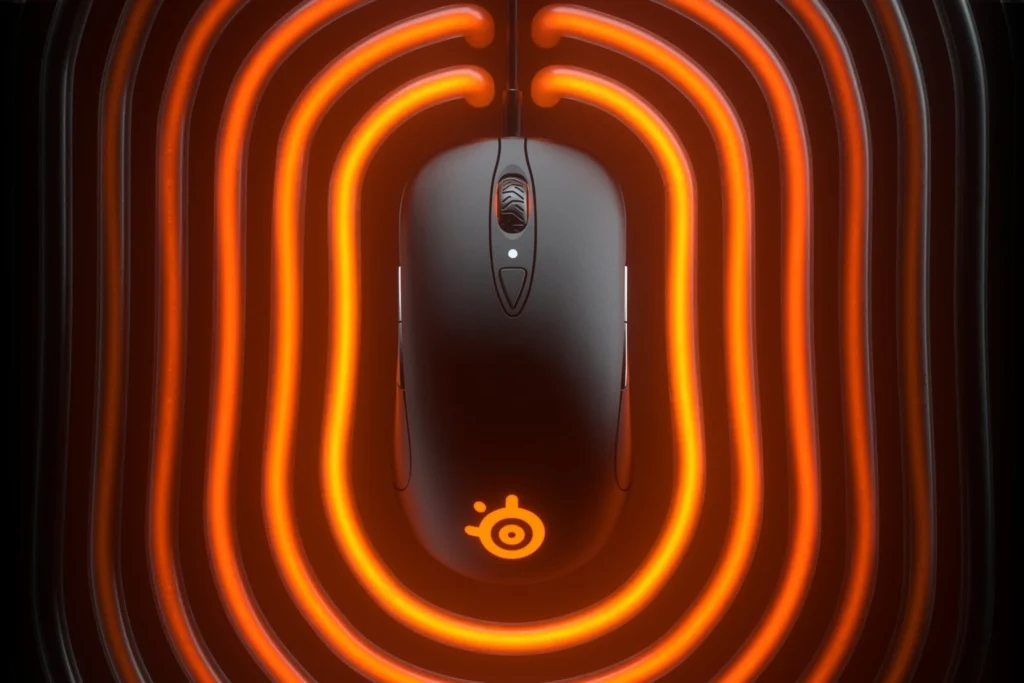
SteelSeries Sensei Ten: Specs, Features, Pros & Cons
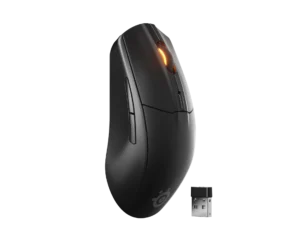
Some mouse shapes outlive the hardware inside them. The Sensei silhouette, low and symmetrical with a gentle rear rise and buttons on both flanks, has been in the SteelSeries catalog in one form or another since the early days of competitive gaming. The Sensei Ten is the version that put a modern sensor underneath it.
That history is the product. People buy this because they already know how it feels, or because they want an ambidextrous shape that does not force them into the tall, right-hand-only hump most gaming mice have settled on. The symmetry is real rather than cosmetic: there are thumb buttons on both sides, so a left-handed player gets the same mouse instead of a compromise.
It is wired, and that is not a soft limitation. There is no wireless mode to enable later and no USB-C socket, so the cable is a permanent part of the arrangement. The lead itself is conventional rubber, less flexible than the light paracord type that newer competitive mice have standardized on, so cable drag is something to manage with a bungee.
Weight is the other place the age shows. By the standard of what the same money buys now it sits on the heavy side, and a player whose aim depends on fast repeated flicks will feel the difference.
Where it still makes sense is for someone who values a known, comfortable, symmetrical shape over chasing the lightest possible shell, and for left-handed players tired of being an afterthought. For a buyer starting fresh with no attachment to the shape, the current generation gives more for the same outlay.
Category strengths
Where the SteelSeries Sensei Ten beats the median
- More supported grip styles ?
- Has RGB lighting ?
- More buttons ?8 vs 6 (median)
Where the SteelSeries Sensei Ten trails the median
- Fewer connection options ?
- A lower max sensitivity ?18,000 DPI vs 25,600 DPI (median)
- A lower max tracking speed ?450 IPS vs 650 IPS (median)
- A lower switch lifespan ?60 million clicks vs 80 million clicks (median)
- A slightly heavier build ?92 g vs 89 g (median)
How this VS Score was computed
Score 47: each known spec is measured against the median of all mice (81 products), then weighted; 50 means level with that median. In classes of six or more, a value beyond the class’s 10th–90th percentile range counts as that limit, so one extreme product cannot set the scale. 56% of the scoreable weight could be used; unknown values, features not applicable to this class and proxies (battery capacity where a rated life exists) add or remove nothing.
| Specification | This product | Cohort median | Score weight | Points moved |
|---|---|---|---|---|
| Connection | 1 | 2 | 0.8 | −20.0 |
| Max sensitivity | 18,000 | 25,600 | 1 | −15.0 |
| Max tracking speed | 450 | 650 | 0.8 | −12.0 |
| Buttons | 8 | 6 | 0.6 | +10.2 |
| Grip styles | 3 | 2 | 0.4 | +10.0 |
| RGB lighting | Yes | 46% of the class have it | 0.2 | +10.0 |
| Switch lifespan | 60 | 80 | 0.2 | −2.4 |
| Weight | 92 | 89 | 1 | −2.0 |
| Max acceleration | 50 | 50 | 0.4 | +0.0 |
| Polling rate | 1,000 | 1,000 | 0.8 | +0.0 |
Not scored: Adjustable lift-off distance (unknown: not scored); Horizontal scrolling (unknown: not scored); Free-spin scroll wheel (unknown: not scored); Click latency (unknown: not scored); Debounce adjustment (unknown: not scored); Wireless polling rate (unknown: not scored); USB-C charging (unknown: not scored); Battery life (unknown: not scored); Battery capacity (unknown: not scored); Quick charge (unknown: not scored); Wireless charging (unknown: not scored); Onboard memory (standard for the class (86% have it)); Software customization (standard for the class (97% have it)); Adjustable weights (unknown: not scored).
Editor’s note
The Sensei Ten preserves the low, symmetrical Sensei shape that many competitive players already know. Its biggest practical advantage is familiarity: medium and larger hands can use claw, fingertip, or relaxed palm styles without a tall ergonomic hump. Side buttons appear on both flanks, so the physical shell accommodates either hand, although software assignments need to be set accordingly.
This is a wired mouse from an earlier generation. The 92 g weight is no longer light by current esports standards, the rubber cable is less flexible than modern paracord-style leads, and there is no wireless mode or USB-C. Buttons on the opposite side can be pressed accidentally until disabled. Buyers seeking the lightest possible rapid-swipe mouse should look at newer designs.
SteelSeries' TrueMove Pro sensor is rated to 18,000 CPI, 450 IPS, and 50 g, with tilt tracking intended to maintain consistency when the mouse is lifted at an angle. The ambidextrous shell has eight buttons, onboard profile storage, RGB zones, and SteelSeries GG configuration. The mechanical switches carry a 60-million-click rating, though used-unit condition matters more than the original laboratory figure.
Consider the Sensei Ten if its proven shape is the deciding factor or if a discounted wired mouse is preferable to managing batteries. Skip it for ultra-light gaming, quiet clicks, or cable-free desks. Inspect used examples for double-clicking, wheel behavior, worn side grips, and cable damage. Check that retailer listings name the Sensei Ten specifically, since the older Sensei 310 and Sensei Wireless share the name.
Its symmetrical outline remains the attraction, particularly for fingertip and claw players who dislike strongly sculpted ergonomic shells. However, the right-side buttons can be awkward or accidental depending on grip. At anything close to current premium pricing, newer lightweight mice give a more convincing combination of cable, feet, and wireless convenience.
Specifications
Quality bars show where each figure sits between the lowest and highest of the 81 mice this VS Score is measured against.
Sensor & tracking
Design & handling
Switches & latency
Connectivity
Battery
Features
Sources and verification
Where the specifications come from
- Official product pagesteelseries.com
- Datasheet or manualdownloads.steelseriescdn.com
- Independent testingrtings.com
Verification
- First published
- Specifications last checked
- Sheet completeness
- 20 of 34 specifications verified; the rest show as Unknown and are never estimated or scored
- Page type
- Product specification page — Compiled from the manufacturer’s published specifications and the cited sources; this is not a hands-on test.
- Basis
- Research-based: specifications and editorial text were compiled from the documents listed here and the manufacturer’s published data. We have not tested this unit ourselves; where independent measurements are mentioned they belong to the linked publication.
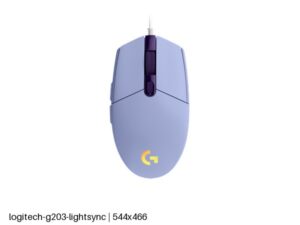
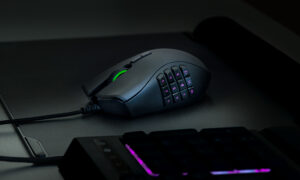
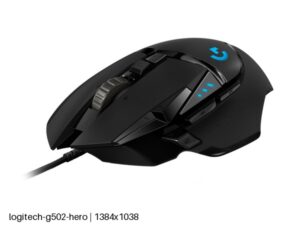
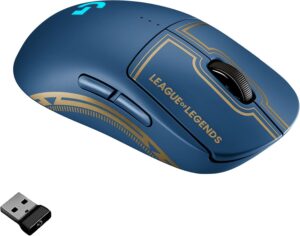
Mice with similar specs to the SteelSeries Sensei Ten
Ratings & reviews
No reviews yet. Be the first to share your experience.
The bottom line
The SteelSeries Sensei Ten earns a VS Score of 47, below the median of the 81 mice it is measured against (a score of 50 is level with that median).
- Who it’s for
- Left-handed players, or anyone attached to the Sensei shape, who want a low symmetrical wired mouse with thumb buttons on both flanks.
- Who should look elsewhere
- Look elsewhere for a cable-free desk, quiet clicks or the lightest possible shell for fast flick aiming.
- The trade-off that matters
- It is a wired mouse of an older generation, and the stiff rubber lead is the part that shows it. Budget for a bungee, or the cable will drag on every sweep.
- The main alternative
- Logitech G Pro Wireless League of Legends Edition: an ambidextrous shell with side buttons that can go on either flank, wireless and lighter
The VS Score is calculated from the weighted specifications above, each measured against the median of comparable mice — a shortlisting guide, not a substitute for your own priorities. See how we score.





