
Acer Nitro VG270K L1: Specs, Price, Pros & Cons
Most inexpensive monitors of this size choose a middling resolution and spend the rest of the budget on refresh rate. This Acer makes the opposite bet, putting a full UHD pixel count on a screen priced with the entry-level models, and nearly everything about the product follows from that one choice.
The Nitro badge belongs to Acer's budget gaming range, but the monitor fits a different buyer better: someone who works at a desk all day with documents, code or spreadsheets, and wants text that looks printed rather than pixelated without paying for a premium office display. For that person sharpness is the feature they will notice every hour, and gaming is something the screen can also do on the side.
That density comes with a setup step. At a normal viewing distance, text and interface elements are too small at native size, so Windows needs its display scaling raised, which works well in current applications and can look soft in some older ones. On a Mac the fit is less comfortable: macOS looks best at exactly double a standard resolution, and this pixel count on this screen size lands between its preferred settings, so text is drawn in a scaled mode that is perfectly usable but not as crisp as the pixel count suggests.
It also expects the connected computer to send a high-resolution signal. Most current laptops and graphics cards do that without complaint, while some older machines and cheaper docks cannot manage it at full smoothness, so it is worth checking the output of the machine it will sit beside.
Its worth depends almost entirely on how much of the screen time goes on reading. For that buyer it is one of the more distinctive budget monitors.
Category strengths
Where the Acer Nitro VG270K L1 beats the median
- A much higher pixel density ?163 ppi vs 109 ppi (median)
- Has built-in speakers ?
Where the Acer Nitro VG270K L1 trails the median
- A much lower refresh rate ?72 Hz vs 180 Hz (median)
- No height adjustment ?
- Lower peak brightness ?250 nits vs 400 nits (median)
- No swivel adjustment ?
- No USB hub ?
- No pivot adjustment ?
How this VS Score was computed
Score 43: each known spec is measured against the median of IPS gaming monitors, 27 to 31 inches (30 products), then weighted; 50 means level with that median. In classes of six or more, a value beyond the class’s 10th–90th percentile range counts as that limit, so one extreme product cannot set the scale. 75% of the scoreable weight could be used; unknown values, features not applicable to this class and proxies (battery capacity where a rated life exists) add or remove nothing.
| Specification | This product | Cohort median | Score weight | Points moved |
|---|---|---|---|---|
| USB-C | No | 24% of the class have it | 0.5 | −24.0 |
| Local dimming | No | 21% of the class have it | 0.4 | −19.2 |
| Height adjustment | No | 80% of the class have it | 0.4 | −19.2 |
| Resolution | 4K | 1440p | 1.2 | +15.6 |
| Adaptive sync | FreeSync | G-Sync Compatible | 0.6 | −15.0 |
| Pixel density | 163 | 109 | 0.5 | +12.5 |
| Refresh rate | 72 — capped at the class’s lower range (144) | 180 | 1.2 | −12.0 |
| Built-in speakers | Yes | 30% of the class have it | 0.2 | +10.0 |
| Peak brightness | 250 — capped at the class’s lower range (300) | 400 | 0.8 | −9.6 |
| Swivel | No | 66% of the class have it | 0.2 | −9.6 |
| HDR | HDR10 | DisplayHDR 400 | 0.5 | −6.0 |
| USB hub | No | 50% of the class have it | 0.05 | −2.2 |
| Pivot | No | 76% of the class have it | 0.02 | −1.0 |
| Screen size | 27 | 27 | 1.2 | +0.0 |
| Panel type | IPS | IPS | 0.8 | +0.0 |
| Color depth | 10 | 10 | 0.3 | +0.0 |
| Response time | 4 — capped at the class’s upper range (1) | 1 | 0.8 | +0.0 |
| Contrast ratio | 1,000 | 1,000 | 0.6 | +0.0 |
| DCI-P3 coverage | 95 | 95 | 0.6 | +0.0 |
| HDMI ports | 2 | 2 | 0.4 | +0.0 |
| DisplayPort inputs | 1 | 1 | 0.4 | +0.0 |
Not scored: Local dimming zones (unknown: not scored); Variable refresh rate (standard for the class (100% have it)); Motion blur reduction (unknown: not scored); Input lag (unknown: not scored); Tilt (standard for the class (100% have it)); USB-C power delivery (unknown: not scored); Headphone output (standard for the class (87% have it)); KVM switch (not applicable: only 0% of this class have it); Webcam (not applicable: only 0% of this class have it); Microphone (not applicable: only 0% of this class have it); Ethernet (not applicable: only 0% of this class have it); Picture-by-picture (not applicable: only 20% of this class have it).
Editor’s note
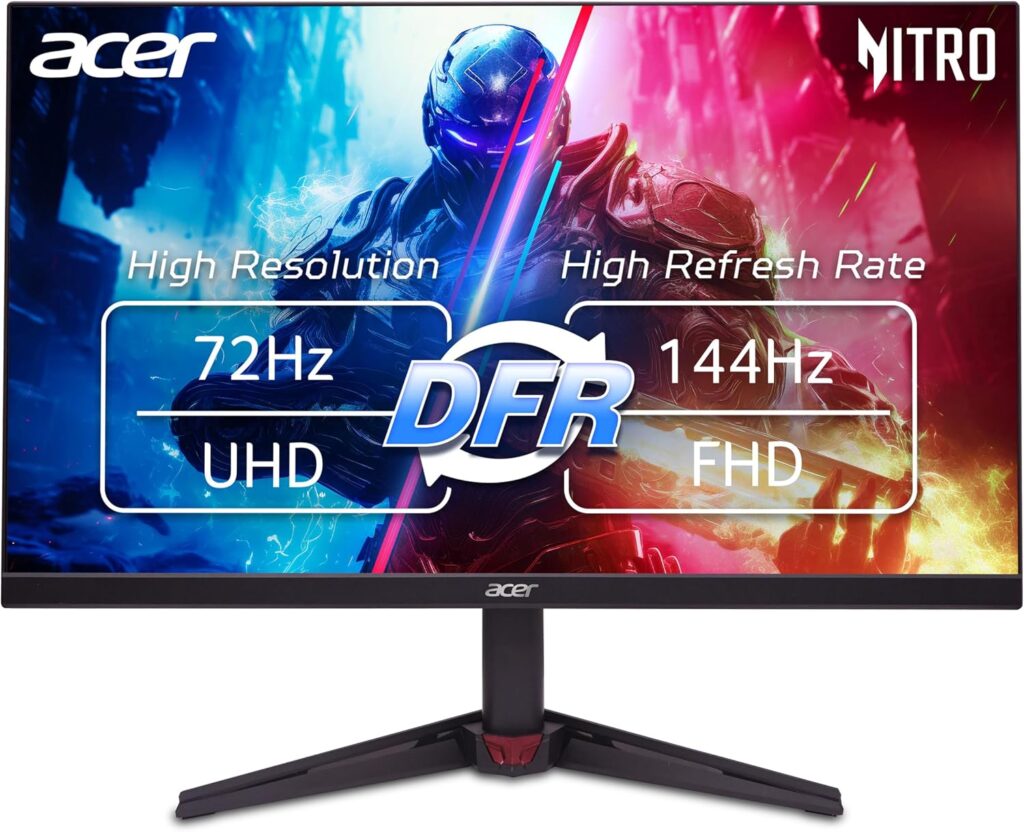
The VG270K L1 sells one number (4K for very little money) and one asterisk that deserves to be read first. The panel runs 3840×2160 at 72 Hz natively. Its boxed 144 Hz only exists in a dual mode that drops the whole screen to 1080p. Acer calls this DFR, and it is a clever trick for the odd fast-paced session, but it means this is a 4K monitor that can impersonate a fast FHD one, not both at once.
Read it as a sharp, inexpensive desktop display and it makes sense. A 27-inch 4K IPS panel gives you 163 ppi text (the kind of crispness no QHD monitor approaches), with 99% sRGB, a claimed 95% DCI-P3, two HDMI 2.0 ports, small built-in speakers and Acer's three-year warranty. For documents, code and general use with casual gaming on the side, that is a strong package at the price.
The cost-cutting is easy to list. 250 nits is dim if your room is bright, and the HDR10 badge is decode-only. There is no real HDR here. The stand only tilts. There is no USB hub or USB-C at all. And a detail worth knowing: the DisplayPort is 1.2, which caps 4K at 60 Hz, so the full native refresh comes over HDMI. Response is 4 ms GtG, and the 0.5 ms marketing figure is Acer's blur-reduction number.
Within Acer's own family, the VG270K V4 runs the same idea at 160 Hz for considerably more, and the plain L version is 60 Hz for less. This L1 is the sensible middle if sharpness is the point and gaming is occasional. Serious gamers should treat the boxed refresh claim as the footnote it is.
Specifications
Quality bars show where each figure sits between the lowest and highest of the 30 IPS gaming monitors, 27 to 31 inches this VS Score is measured against.
Picture
Gaming
Ergonomics & design
Connectivity
Features
Sources and verification
Where the specifications come from
- Official product pageacer.com
- Retailer listing (cross-check)amazon.com
Verification
- First published
- Specifications last checked
- Sheet completeness
- 37 of 42 specifications verified; the rest show as Unknown and are never estimated or scored
- Page type
- Product specification page — Compiled from the manufacturer’s published specifications and the cited sources; this is not a hands-on test.
- Basis
- Research-based: specifications and editorial text were compiled from the documents listed here and the manufacturer’s published data. We have not tested this unit ourselves; where independent measurements are mentioned they belong to the linked publication.
Where to buy
Prices and availability may change. Check the retailer before buying. We may earn a commission on purchases.
Price history
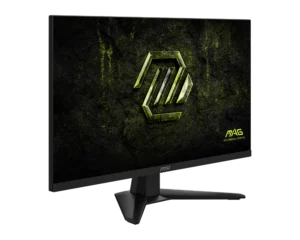
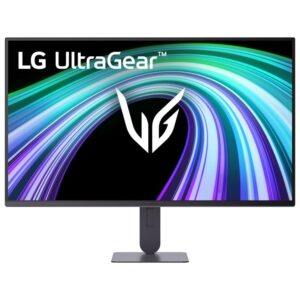
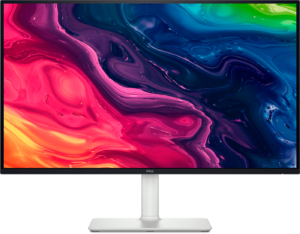
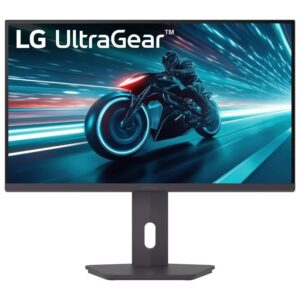
Monitors with similar specs to the Acer Nitro VG270K L1

Ratings & reviews
No reviews yet. Be the first to share your experience.
The bottom line
The Acer Nitro VG270K L1 earns a VS Score of 43, below the median of the 30 IPS gaming monitors, 27 to 31 inches it is measured against (a score of 50 is level with that median).
- Who it’s for
- Text-first desks on a budget. The pixel density is the entire point: little else at this money puts that much sharpness in front of you.
- Who should look elsewhere
- Anyone buying it for the refresh rate printed on the box. That figure exists only in a mode that switches the entire screen to a much lower resolution, and at native resolution this is a slow panel.
- The trade-off that matters
- Class-leading sharpness per pound, paid for in everything else: brightness, HDR, stand adjustment and connectivity all sit at the bottom of the class.
- The main alternative
- Samsung ViewFinity S7 S70H 27-inch is the same sharp-desktop-for-work idea with eye-care certification and PIP/PBP, if the dual-mode gaming trick means nothing to you.
The VS Score is calculated from the weighted specifications above, each measured against the median of comparable IPS gaming monitors, 27 to 31 inches — a shortlisting guide, not a substitute for your own priorities. See how we score.




