
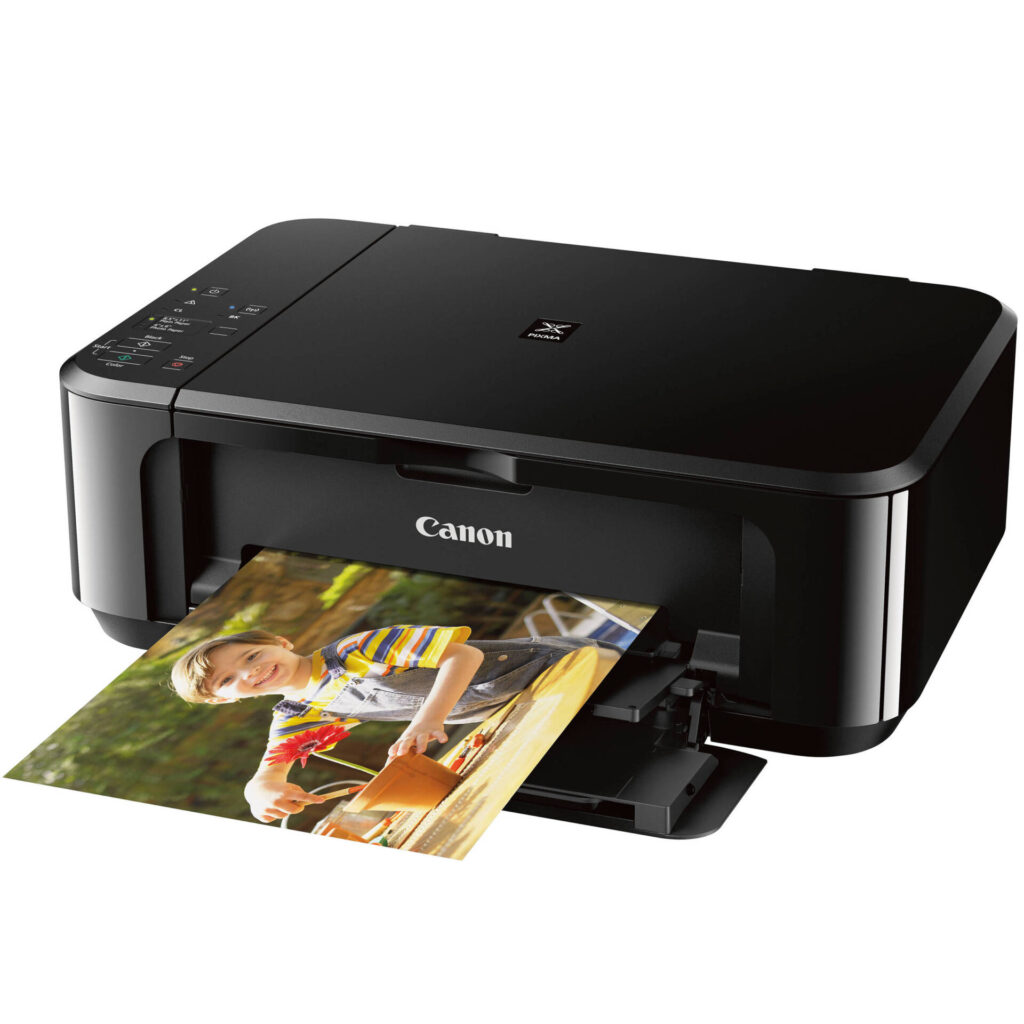
Canon PIXMA MG3620: Specs, Features, Pros & Cons
A printer that has been on sale for a decade tells you something before you read a single line of its specification. It means the design was cheap enough to keep manufacturing, popular enough to keep stocking, and never good enough that anyone bothered replacing it with something better. All three are true here.
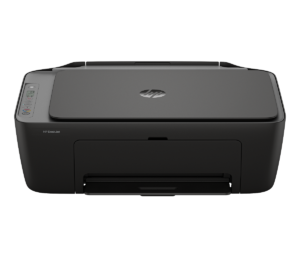
What sits on the desk is a compact all-in-one with a flatbed scanner, a front paper cassette and a control area made of buttons and indicator lights, with no screen. Setup and most settings happen through Canon's phone app or through the driver, because the printer itself has almost no interface to speak of. Wireless is the only way onto a network.
It prints on both sides without help, which is still slightly unusual at this end of the market and is the one specification that would make me choose it over a rival at the same money. It prints borderless too, and Canon has kept it available in more than one color, which matters to people buying a machine that has to sit somewhere visible.
The thing to understand properly is the ink architecture, because it governs everything this printer costs across its life, and none of it is visible from a shelf price.
One further caution follows from its age. Because the model has been around so long, the reviews and prices you turn up online may describe a market position it no longer occupies. Check what it costs today against a modern refillable machine before concluding that the low entry price is a saving rather than a deferral.
Category strengths
Where the Canon PIXMA MG3620 beats the median
- A lighter build ?5.4 kg vs 7.98 kg (median)
Where the Canon PIXMA MG3620 trails the median
- No automatic document feeder ?
- A lower print speed (black) ?9.9 ppm vs 16 ppm (median)
- No ethernet ?
- A lower print speed (color) ?5.7 ppm vs 9 ppm (median)
- A lower input tray capacity ?100 sheets vs 150 sheets (median)
- No Wi-Fi Direct ?
How this VS Score was computed
Score 30: each known spec is measured against the median of all printers (65 products), then weighted; 50 means level with that median. In classes of six or more, a value beyond the class’s 10th–90th percentile range counts as that limit, so one extreme product cannot set the scale. 61% of the scoreable weight could be used; unknown values, features not applicable to this class and proxies (battery capacity where a rated life exists) add or remove nothing.
| Specification | This product | Cohort median | Score weight | Points moved |
|---|---|---|---|---|
| Automatic duplex printing | Yes | 73% of the class have it | 1 | +50.0 |
| Automatic document feeder | No | 55% of the class have it | 1 | −48.0 |
| Print speed (black) | 9.9 | 16 | 2 | −38.0 |
| Supertank / refillable ink | No | 30% of the class have it | 0.5 | −24.0 |
| Duplex scanning | No | 23% of the class have it | 0.5 | −24.0 |
| Ethernet | No | 54% of the class have it | 0.5 | −24.0 |
| Touchscreen display | No | 45% of the class have it | 0.5 | −24.0 |
| Print speed (color) | 5.7 | 9 | 1 | −18.0 |
| Input tray capacity | 100 | 150 | 1 | −17.0 |
| Wi-Fi Direct | No | 90% of the class have it | 0.3 | −14.4 |
| Fax | No | 35% of the class have it | 0.2 | −9.6 |
| Weight | 5.4 | 7.98 | 0.3 | +7.2 |
| Print resolution | 4,800 | 4,800 | 0.5 | +0.0 |
Not scored: Color printing (standard for the class (88% have it)); Monthly duty cycle (unknown: not scored); All-in-one (standard for the class (85% have it)); ADF capacity (unknown: not scored); Output tray capacity (unknown: not scored); Wi-Fi (standard for the class (97% have it)); USB (standard for the class (100% have it)); Apple AirPrint (standard for the class (97% have it)); Mobile app printing (standard for the class (100% have it)).
Editor’s note
The MG3620 is a 2016 design still on shelves in 2026, and it survives on price alone. It is worth being clear-eyed about what that means.
The good part: it prints automatically on both sides and feeds from a 100-sheet front cassette, both of which the very cheapest printers usually omit. It supports AirPrint and Mopria, prints borderless up to 8.5 by 11 inches, and it is small and light at 11.9 pounds. Canon still sells it in black, white and red.
Everything else is a compromise. Canon rates it at approximately 9.9 images per minute in black and 5.7 in color, slow enough to notice on any multi-page document, and a borderless 4 by 6 photo takes about 44 seconds. There is no document feeder, no fax, no Ethernet and no meaningful display. The headline 4800 x 1200 dpi figure applies to color only, and pigment black text prints at 600 x 600 dpi.
The real problem is the ink. This uses Canon's two-cartridge FINE system, one pigment black and one tri-color. When any single color runs out the whole color cartridge is spent, however much cyan is left. Cost per page is poor by modern standards, and it is the reason I would not recommend this to anyone who prints regularly.
Where it fits is the household that prints in bursts (a return label here, a school form there) and wants to spend as little as possible up front. Bought for that, it is fine.
If your printing is steady rather than occasional the arithmetic flips quickly, and a refillable tank printer will be cheaper within a year even though it costs more today.
Specifications
Quality bars show where each figure sits between the lowest and highest of the 65 printers this VS Score is measured against.
Printing
Scanning & copying
Paper handling
Connectivity
Design
Sources and verification
Where the specifications come from
- Official product pagecanon.ca
- Independent testingrtings.com
Verification
- First published
- Specifications last checked
- Sheet completeness
- 21 of 24 specifications verified; the rest show as Unknown and are never estimated or scored
- Page type
- Product specification page — Compiled from the manufacturer’s published specifications and the cited sources; this is not a hands-on test.
- Basis
- Research-based: specifications and editorial text were compiled from the documents listed here and the manufacturer’s published data. We have not tested this unit ourselves; where independent measurements are mentioned they belong to the linked publication.
Printers with similar specs to the Canon PIXMA MG3620
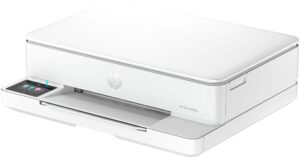
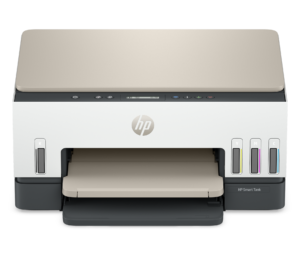
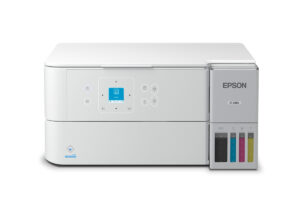
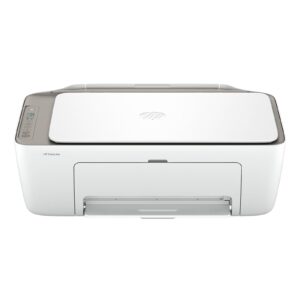
Ratings & reviews
No reviews yet. Be the first to share your experience.
The bottom line
The Canon PIXMA MG3620 earns a VS Score of 30, below the median of the 65 printers it is measured against (a score of 50 is level with that median).
- Who it’s for
- Households that print in occasional bursts and want the lowest possible purchase price, with automatic duplex and a proper paper cassette as a bonus.
- Who should look elsewhere
- Anyone printing regularly, printing photos in quantity, or needing a feeder, fax or Ethernet. People who print steadily lose the savings in cartridges within a year.
- The trade-off that matters
- The cheapest way in, paid back on every page afterwards. The two-cartridge system discards usable ink whenever one color empties before the others.
- The main alternative
- A refillable tank printer such as Epson's EcoTank line costs noticeably more up front and removes this machine's one real weakness, the cost of every page it prints.
The VS Score is calculated from the weighted specifications above, each measured against the median of comparable printers — a shortlisting guide, not a substitute for your own priorities. See how we score.





