
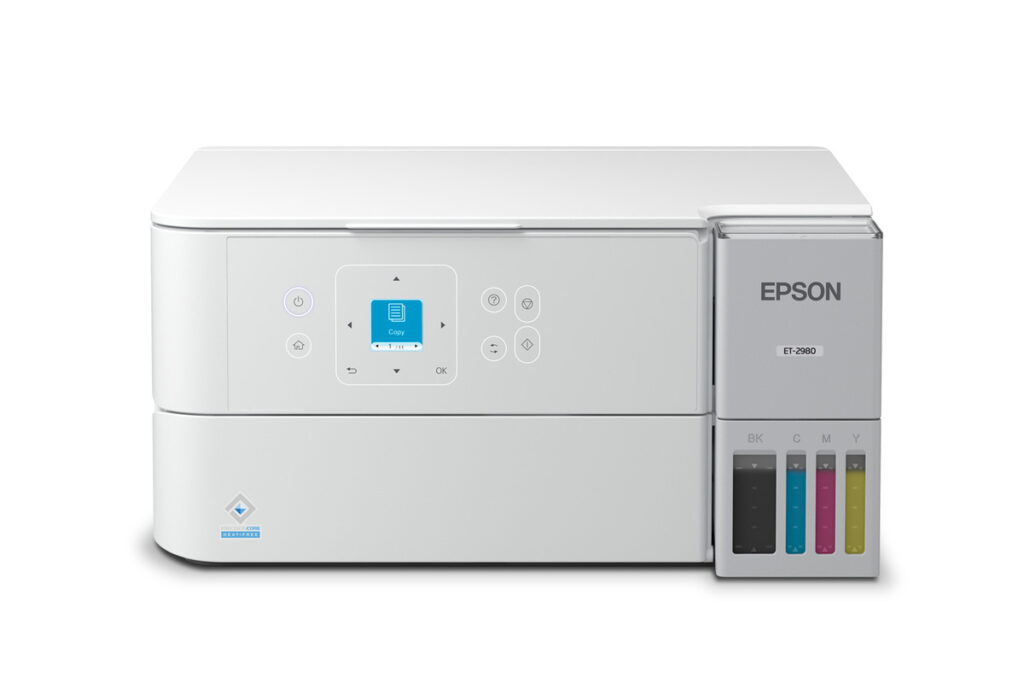
Epson EcoTank ET-2980: Specs, Price, Pros & Cons
Epson's EcoTank range works like a ladder where each rung adds exactly one thing. Step up from the entry models and a mechanism appears that turns the paper over. Step up again and you get a document feeder, then a proper enclosed cassette, then a network socket. The ET-2980 occupies the first of those steps, which makes the buying question unusually simple: does two-sided printing matter in your house?
Underneath that step is the same proposition as every EcoTank. Ink arrives in bottles, the tanks are visible on the front of the machine, and the cost of a printed page drops to a fraction of what a cartridge printer charges. Epson invented this category and has had a decade to make refilling less awkward than it sounds.
What the machine is good at is unattended document work. Send a long report from a laptop, walk away, and come back to a stack printed on both sides. The engine is quicker than the entry models below it, the bottles are the larger series rather than the small ones, and Epson rates it for a steady monthly workload rather than occasional use.
The shape of the compromise is visible before you reach the table. This is a home printer with home printer paper handling: a rear feed that stands the sheets up in the open, a shallow output tray that wants emptying during long jobs, and a small non-touch display. Scanning is flatbed only, there is no network socket, and there is no fax. For a household printing steadily from a computer it is nicely judged. For anything that resembles an office, the next rung up is the one to look at.
Category strengths
Where the Epson EcoTank ET-2980 beats the median
- Has supertank / refillable ink ?
- A lighter build ?5.2 kg vs 7.98 kg (median)
Where the Epson EcoTank ET-2980 trails the median
- No automatic document feeder ?
- No ethernet ?
- A lower input tray capacity ?100 sheets vs 150 sheets (median)
- A much lower output tray capacity ?30 sheets vs 67.5 sheets (median)
- A much lower monthly duty cycle ?5,000 pages vs 10,000 pages (median)
- A slightly lower print speed (black) ?15 ppm vs 16 ppm (median)
- A lower print speed (color) ?8 ppm vs 9 ppm (median)
How this VS Score was computed
Score 40: each known spec is measured against the median of all printers (65 products), then weighted; 50 means level with that median. In classes of six or more, a value beyond the class’s 10th–90th percentile range counts as that limit, so one extreme product cannot set the scale. 63% of the scoreable weight could be used; unknown values, features not applicable to this class and proxies (battery capacity where a rated life exists) add or remove nothing.
| Specification | This product | Cohort median | Score weight | Points moved |
|---|---|---|---|---|
| Automatic duplex printing | Yes | 73% of the class have it | 1 | +50.0 |
| Automatic document feeder | No | 55% of the class have it | 1 | −48.0 |
| Supertank / refillable ink | Yes | 30% of the class have it | 0.5 | +25.0 |
| Duplex scanning | No | 23% of the class have it | 0.5 | −24.0 |
| Ethernet | No | 54% of the class have it | 0.5 | −24.0 |
| Touchscreen display | No | 45% of the class have it | 0.5 | −24.0 |
| Input tray capacity | 100 | 150 | 1 | −17.0 |
| Fax | No | 35% of the class have it | 0.2 | −9.6 |
| Output tray capacity | 30 | 67.5 | 0.3 | −8.4 |
| Weight | 5.2 | 7.98 | 0.3 | +8.1 |
| Monthly duty cycle | 5,000 | 10,000 | 0.3 | −7.5 |
| Print speed (black) | 15 | 16 | 2 | −6.0 |
| Print speed (color) | 8 | 9 | 1 | −6.0 |
| Print resolution | 4,800 | 4,800 | 0.5 | +0.0 |
Not scored: Color printing (standard for the class (88% have it)); All-in-one (standard for the class (85% have it)); ADF capacity (unknown: not scored); Wi-Fi (standard for the class (97% have it)); Wi-Fi Direct (standard for the class (90% have it)); USB (standard for the class (100% have it)); Apple AirPrint (standard for the class (97% have it)); Mobile app printing (standard for the class (100% have it)).
Editor’s note
The ET-2980's place in Epson's range comes down to a single feature: it is the cheapest EcoTank that turns the page over by itself. Automatic duplex printing, rated at 6.5 ppm black in two-sided mode, is the dividing line between it and the entry ET-2903, and if double-sided documents are part of your routine, that line is worth real money.
The rest of the step up is meaningful too. The engine runs 15 ISO ppm black and 8 color, faster than the ET-2903, the current entry model, and the bottles are the larger 502 series: a 127 ml black rated at 8,500 ISO pages, colors at 6,500. A published 5,000-page monthly duty cycle and an 800-page recommended volume make it the first EcoTank Epson itself positions for steady work rather than occasional printing.
What it is not is an office all-in-one, and its price makes that easy to misread. The scanner is a flatbed with no document feeder, so while the printer can produce two-sided pages, copying a two-sided original still means flipping sheets on the glass by hand. The duplex feature has no scanning counterpart. There is no fax, no Ethernet, the display is a small non-touch LCD, and paper input is a 100-sheet rear feed with a 30-sheet output tray, which needs tending on longer jobs. The warranty is one year, shorter than the older ET-2800's registration terms, and the maintenance box is a consumable you will eventually replace.
I would buy the ET-2980 for a home that prints steadily and double-sided (reports, drafts, schoolwork) straight from a computer. The moment multi-page copying or scanning enters the picture, the ET-3950's document feeder is what you are shopping for.
Specifications
Quality bars show where each figure sits between the lowest and highest of the 65 printers this VS Score is measured against.
Printing
Scanning & copying
Paper handling
Connectivity
Design
Sources and verification
Where the specifications come from
- Official product pageepson.com
- Datasheet or manualfiles.support.epson.com
- Independent testingrtings.com
Verification
- First published
- Specifications last checked
- Sheet completeness
- 23 of 24 specifications verified; the rest show as Unknown and are never estimated or scored
- Page type
- Product specification page — Compiled from the manufacturer’s published specifications and the cited sources; this is not a hands-on test.
- Basis
- Research-based: specifications and editorial text were compiled from the documents listed here and the manufacturer’s published data. We have not tested this unit ourselves; where independent measurements are mentioned they belong to the linked publication.
Where to buy
Prices and availability may change. Check the retailer before buying. We may earn a commission on purchases.
Price history
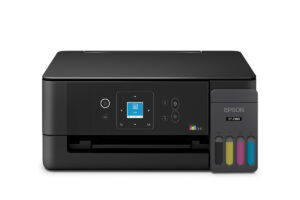
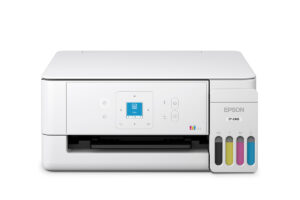
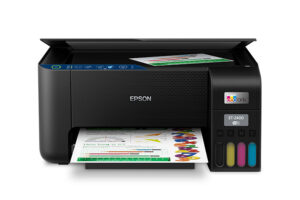
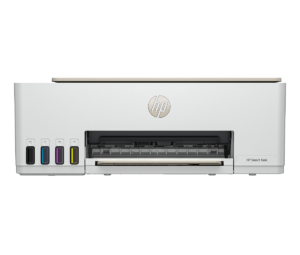
Printers with similar specs to the Epson EcoTank ET-2980

Ratings & reviews
No reviews yet. Be the first to share your experience.
The bottom line
The Epson EcoTank ET-2980 earns a VS Score of 40, below the median of the 65 printers it is measured against (a score of 50 is level with that median).
- Who it’s for
- Homes printing steadily and double-sided from a computer (reports, drafts, schoolwork), with the larger bottles doing the heavy lifting.
- Who should look elsewhere
- Anyone who copies or scans multi-page documents: the scanner is a bare flatbed, so the duplex printing has no scanning counterpart at all.
- The trade-off that matters
- You buy the cheapest auto-duplex EcoTank and accept a small rear feed, a shallow output tray and flatbed-only scanning around it.
- The main alternative
- Epson EcoTank ET-3950 adds the document feeder, a 250-sheet cassette and Ethernet. It is the machine to want once copying enters the routine.
The VS Score is calculated from the weighted specifications above, each measured against the median of comparable printers — a shortlisting guide, not a substitute for your own priorities. See how we score.




