
HP Smart Tank 6003: Specs, Features, Pros & Cons
A refillable printer is a bet on your own habits. You pay more at the till in exchange for ink that costs almost nothing per page, and the bet only pays off if you print enough to burn through what is sitting in the tanks. The honest first question about this machine is therefore not which features it has, but whether your household prints enough to justify climbing onto this ladder at all.
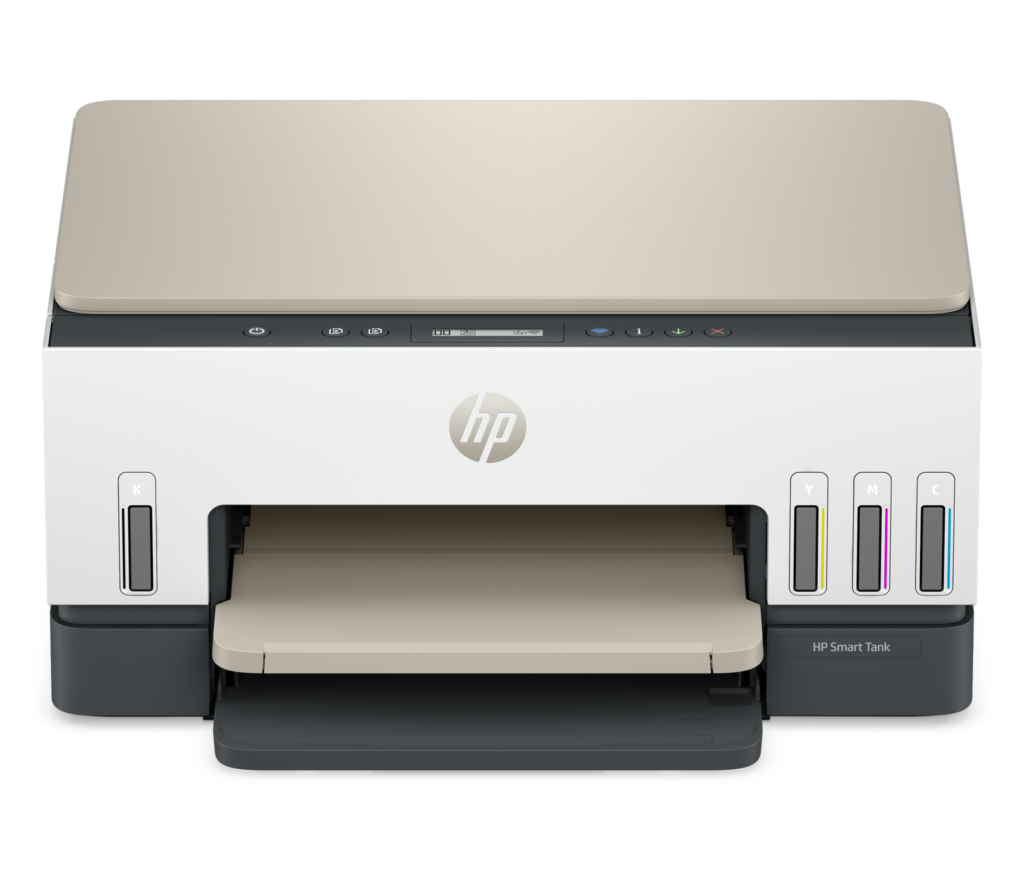
Assuming it does, the Smart Tank 6003 sits in the middle of HP's tank range: above the stripped-down entry models, below the ones with document feeders and touchscreens. What marks it out is the pairing of refillable tanks with automatic two-sided printing, a combination that usually costs more than this, and an enclosed paper tray deep enough that a school project does not mean standing over the machine feeding sheets.
The features that matter day to day are the quiet ones. Color stops being something you ration, because a color page costs roughly what a black one does. Paper lives behind a closed front, so it does not collect dust between jobs the way an open rear feed does. Setup, though, is a ritual: tanks to fill, printheads to prime, and a first page that arrives some minutes after the box is opened.
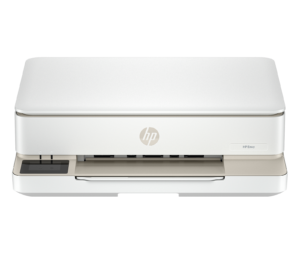
The limits are structural. Scanning and copying happen on the flatbed, one sheet at a time, which makes this the wrong machine for anyone digitizing stacks of paper. The control panel is a small monochrome readout with buttons, network access is wireless only, and the print engine is steady and unhurried. As a family printer it is well judged. As an office one it was never trying.
Category strengths
Where the HP Smart Tank 6003 beats the median
- Has supertank / refillable ink ?
- A much higher output tray capacity ?100 sheets vs 67.5 sheets (median)
- A lighter build ?6.38 kg vs 7.98 kg (median)
Where the HP Smart Tank 6003 trails the median
- No automatic document feeder ?
- A lower print speed (black) ?12 ppm vs 16 ppm (median)
- A much lower ADF capacity ?0 sheets vs 35 sheets (median)
- No ethernet ?
- A lower print speed (color) ?7 ppm vs 9 ppm (median)
- A much lower monthly duty cycle ?3,000 pages vs 10,000 pages (median)
How this VS Score was computed
Score 40: each known spec is measured against the median of all printers (65 products), then weighted; 50 means level with that median. In classes of six or more, a value beyond the class’s 10th–90th percentile range counts as that limit, so one extreme product cannot set the scale. 66% of the scoreable weight could be used; unknown values, features not applicable to this class and proxies (battery capacity where a rated life exists) add or remove nothing.
| Specification | This product | Cohort median | Score weight | Points moved |
|---|---|---|---|---|
| Automatic duplex printing | Yes | 73% of the class have it | 1 | +50.0 |
| Automatic document feeder | No | 55% of the class have it | 1 | −48.0 |
| Supertank / refillable ink | Yes | 30% of the class have it | 0.5 | +25.0 |
| Print speed (black) | 12 | 16 | 2 | −24.0 |
| Duplex scanning | No | 23% of the class have it | 0.5 | −24.0 |
| Ethernet | No | 54% of the class have it | 0.5 | −24.0 |
| Touchscreen display | No | 45% of the class have it | 0.5 | −24.0 |
| Print speed (color) | 7 | 9 | 1 | −11.0 |
| Monthly duty cycle | 3,000 | 10,000 | 0.3 | −10.5 |
| ADF capacity | 0 — capped at the class’s lower range (20) | 35 | 0.5 | −10.5 |
| Fax | No | 35% of the class have it | 0.2 | −9.6 |
| Output tray capacity | 100 | 67.5 | 0.3 | +7.2 |
| Weight | 6.38 | 7.98 | 0.3 | +3.9 |
| Print resolution | 4,800 | 4,800 | 0.5 | +0.0 |
| Input tray capacity | 150 | 150 | 1 | +0.0 |
Not scored: Color printing (standard for the class (88% have it)); All-in-one (standard for the class (85% have it)); Wi-Fi (standard for the class (97% have it)); Wi-Fi Direct (standard for the class (90% have it)); USB (standard for the class (100% have it)); Apple AirPrint (standard for the class (97% have it)); Mobile app printing (standard for the class (100% have it)).
Editor’s note
Refillable ink tanks and automatic two-sided printing rarely appear on the same cheap printer. Canon's nearest MegaTank rival at this money does not manage it, and that combination is the Smart Tank 6003's whole argument.
HP puts roughly two to three years of ink in the box: a 135 ml HP 32XL black bottle plus 70 ml color bottles, good for something like 6,000 black or 8,000 color pages before you spend anything on supplies. Against a cartridge all-in-one that costs less up front and then reclaims it within a year, that changes the arithmetic completely, provided you print enough to use it.
The omissions are all from HP's own spec table and they are consistent. No automatic document feeder, so every multi-page copy or scan is fed by hand on the flatbed. Fax and Ethernet are missing too, and there is no touchscreen: the panel is a two-line monochrome LCD with buttons. HP also states multitasking is not supported, and the wired port is USB 2.0. Speed is fair at 12 and 7 ISO ppm.
The awkward part is HP's own pricing. The spec-identical Smart Tank 6001 has been listing for noticeably less, which makes the premium for this one look like a charge for the colorway, and at full price it is the wrong one of the two to buy.
So it comes down to what you find it for. At a solid discount it is a sensible family printer for people who print a lot of color and are tired of cartridges. At full list, buy the 6001 and put the difference toward paper.
Specifications
Quality bars show where each figure sits between the lowest and highest of the 65 printers this VS Score is measured against.
Printing
Scanning & copying
Paper handling
Connectivity
Design
Sources and verification
Where the specifications come from
- Official product pagehp.com
- Retailer listing (cross-check)amazon.com
Verification
- First published
- Specifications last checked
- Sheet completeness
- 24 of 24 specifications verified; the rest show as Unknown and are never estimated or scored
- Page type
- Product specification page — Compiled from the manufacturer’s published specifications and the cited sources; this is not a hands-on test.
- Basis
- Research-based: specifications and editorial text were compiled from the documents listed here and the manufacturer’s published data. We have not tested this unit ourselves; where independent measurements are mentioned they belong to the linked publication.
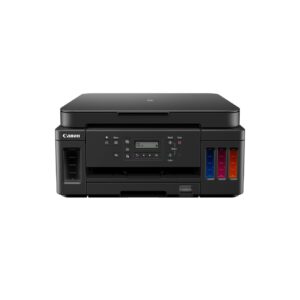
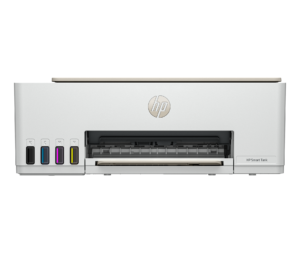
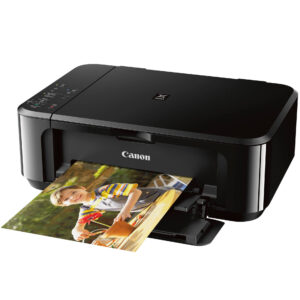
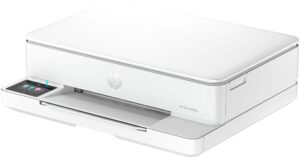
Printers with similar specs to the HP Smart Tank 6003
Ratings & reviews
No reviews yet. Be the first to share your experience.
The bottom line
The HP Smart Tank 6003 earns a VS Score of 40, below the median of the 65 printers it is measured against (a score of 50 is level with that median).
- Who it’s for
- Families printing several hundred color pages a month who want refillable tanks and automatic duplex without stepping up to a far pricier machine. HP's own recommended range for it is 400 to 800 pages a month.
- Who should look elsewhere
- Anyone with office needs (no ADF, no fax, no Ethernet) and anyone printing under about 30 pages a month, where ink sitting in tanks and cleaning cycles work against you.
- The trade-off that matters
- Cheap running costs bought with a bare feature set. The tanks and the duplex are good. The flatbed-only scanning, two-line LCD and USB 2.0 are where the money was saved.
- The main alternative
- HP Smart Tank 6001: HP's own spec table for it is identical, and it has been selling for less, which makes it the better buy at anything near list.
The VS Score is calculated from the weighted specifications above, each measured against the median of comparable printers — a shortlisting guide, not a substitute for your own priorities. See how we score.





