
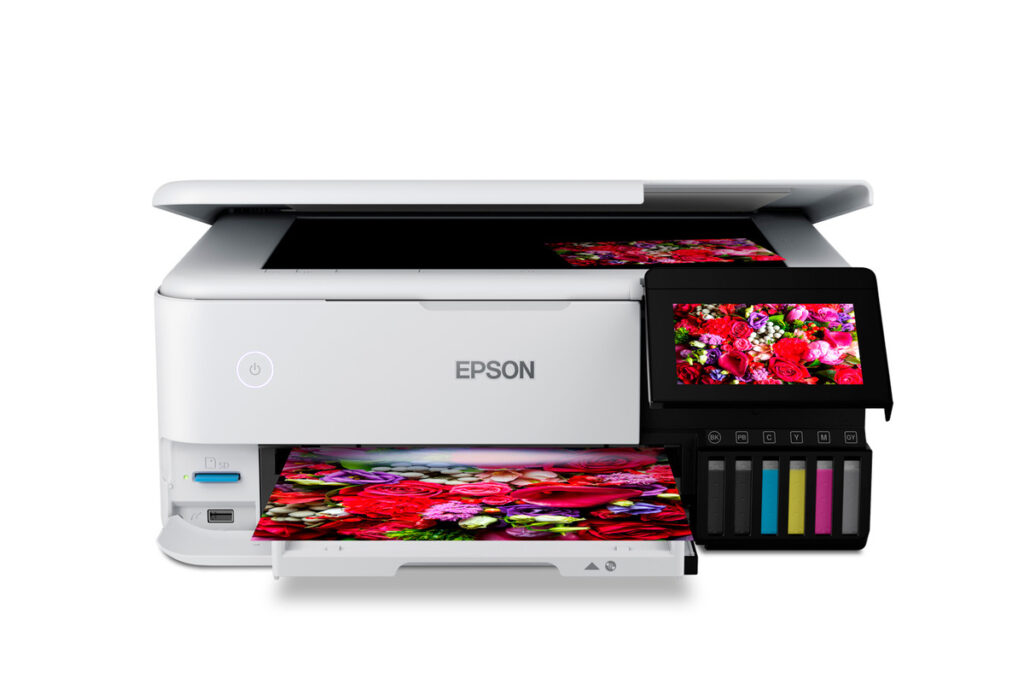
Epson EcoTank Photo ET-8550: Specs, Features, Pros & Cons
You can print far larger on the ET-8550 than you can scan or copy on it. The print path handles sheets well beyond letter size. The flatbed underneath is an ordinary scanner that stops at legal size. That asymmetry catches people out, because the phrase all-in-one implies the two halves match, and here they do not. If any part of the appeal is copying or digitizing large originals, this is the wrong machine and no setting will fix it.
The asymmetry is a clue to what the product is. This is a wide-format photo printer that has had a scanner added, not a family all-in-one that happens to print big. Everything expensive about it (the extra ink channels, the multiple feed paths, the rigid straight-through route for board stock) serves the printing side. Everything on the scanning and document side is the cheapest competent implementation Epson had on the shelf.
That framing settles the feature question too. The scan resolution quoted for the flatbed is the sort of number that exists to fill a row in a comparison table. Nothing in ordinary use comes close to needing it. The straight paper path, by contrast, changes what you can make, because thick media is the thing ordinary printers physically cannot accept.
Price is where the positioning gets awkward. Sold beside household tank printers it looks enormously expensive. Sold beside dedicated photographic printers it looks reasonable, and the second comparison is the fair one. The buyers who do well out of it arrive wanting a large-format photo printer and treat the scanner as a bonus. Anyone reasoning in the opposite direction (a family printer that can also do enlargements) is paying a great deal for a capability they will exercise a few times a year.
Category strengths
Where the Epson EcoTank Photo ET-8550 beats the median
- Has supertank / refillable ink ?
- Has touchscreen display ?
- A higher print speed (color) ?12 ppm vs 9 ppm (median)
- A higher print resolution ?5,760 dpi vs 4,800 dpi (median)
Where the Epson EcoTank Photo ET-8550 trails the median
- No automatic document feeder ?
- A lower input tray capacity ?100 sheets vs 150 sheets (median)
- A heavier build ?11.1 kg vs 7.98 kg (median)
- A lower output tray capacity ?50 sheets vs 67.5 sheets (median)
How this VS Score was computed
Score 54: each known spec is measured against the median of all printers (65 products), then weighted; 50 means level with that median. In classes of six or more, a value beyond the class’s 10th–90th percentile range counts as that limit, so one extreme product cannot set the scale. 61% of the scoreable weight could be used; unknown values, features not applicable to this class and proxies (battery capacity where a rated life exists) add or remove nothing.
| Specification | This product | Cohort median | Score weight | Points moved |
|---|---|---|---|---|
| Automatic duplex printing | Yes | 73% of the class have it | 1 | +50.0 |
| Automatic document feeder | No | 55% of the class have it | 1 | −48.0 |
| Supertank / refillable ink | Yes | 30% of the class have it | 0.5 | +25.0 |
| Ethernet | Yes | 54% of the class have it | 0.5 | +25.0 |
| Touchscreen display | Yes | 45% of the class have it | 0.5 | +25.0 |
| Duplex scanning | No | 23% of the class have it | 0.5 | −24.0 |
| Print speed (color) | 12 | 9 | 1 | +17.0 |
| Input tray capacity | 100 | 150 | 1 | −17.0 |
| Fax | No | 35% of the class have it | 0.2 | −9.6 |
| Print resolution | 5,760 | 4,800 | 0.5 | +5.0 |
| Weight | 11.1 | 7.98 | 0.3 | −4.2 |
| Output tray capacity | 50 | 67.5 | 0.3 | −3.9 |
| Print speed (black) | 16 | 16 | 2 | +0.0 |
Not scored: Color printing (standard for the class (88% have it)); Monthly duty cycle (unknown: not scored); All-in-one (standard for the class (85% have it)); ADF capacity (unknown: not scored); Wi-Fi (standard for the class (97% have it)); Wi-Fi Direct (standard for the class (90% have it)); USB (standard for the class (100% have it)); Apple AirPrint (standard for the class (97% have it)); Mobile app printing (standard for the class (100% have it)).
Editor’s note
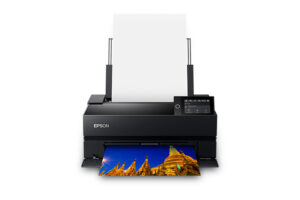
The ET-8550 is a different machine from the usual tank printer: a wide-format photo machine first, an all-in-one second. Six refillable tanks (adding Photo Black and Gray to the usual four) feed 13-by-19-inch borderless prints, and the flatbed scans at 4800 dpi. For a hobbyist photographer, the pitch is printing A3+ photos at bottle prices instead of watching a cartridge gauge fall with every enlargement.
That pitch is real, but three realities come with it.
First, photo yields are not document yields. The 552 bottles quote around 6,200 to 7,300 pages on document patterns, but photo output, measured on a different standard, consumes ink dramatically faster, and buyers who read the headline numbers as photo counts are the most common source of disappointment. All six colors must also be stocked: the printer will not run with any single tank empty, and a full six-bottle refill costs more than the four-bottle sets its siblings use.
Second, the paper handling is a photographer's, not an office's. Plain-paper capacity is modest: 100 sheets in the main cassette and another 50 in the rear feed. A second cassette takes 20 photo sheets, and the straight-through path takes a single sheet at a time, including board stock up to 1.3 mm. There is no document feeder and no fax, and the A3+ path needs generous clearance in front and behind. It occupies over 75 cm of depth when printing.
Third, at its list price it competes with dedicated photo printers like Canon's PRO-300, a pigment-ink machine aimed at color-critical work, which costs considerably more per print to feed.
I would buy the ET-8550 to print a lot of photos, largish, without ink anxiety. That is the use it is built for and where it is close to unrivalled. As a family's general-purpose printer it is an expensive way to get a flatbed.
Specifications
Quality bars show where each figure sits between the lowest and highest of the 65 printers this VS Score is measured against.
Printing
Scanning & copying
Paper handling
Connectivity
Design
Sources and verification
Where the specifications come from
- Official product pageepson.com
- Datasheet or manualfiles.support.epson.com
- Independent testingrtings.com
Verification
- First published
- Specifications last checked
- Sheet completeness
- 22 of 24 specifications verified; the rest show as Unknown and are never estimated or scored
- Page type
- Product specification page — Compiled from the manufacturer’s published specifications and the cited sources; this is not a hands-on test.
- Basis
- Research-based: specifications and editorial text were compiled from the documents listed here and the manufacturer’s published data. We have not tested this unit ourselves; where independent measurements are mentioned they belong to the linked publication.
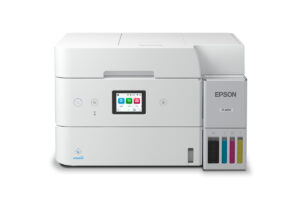
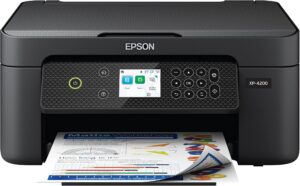
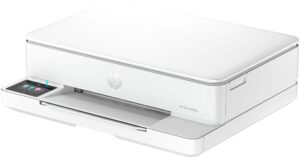
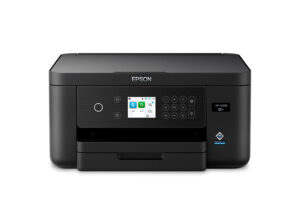
Printers with similar specs to the Epson EcoTank Photo ET-8550
Ratings & reviews
No reviews yet. Be the first to share your experience.
The bottom line
The Epson EcoTank Photo ET-8550 earns a VS Score of 54, above the median of the 65 printers it is measured against (a score of 50 is level with that median).
- Who it’s for
- Hobbyist photographers printing often and large. Borderless enlargements at bottle prices is this machine's entire reason to exist, and it is nearly alone there.
- Who should look elsewhere
- Families wanting a general-purpose printer: no document feeder, no fax, modest plain-paper capacity, and a full set of tanks that must all be stocked for it to run at all.
- The trade-off that matters
- Photo ink economics no cartridge printer approaches, in exchange for document-printer conveniences it does not have, and photo yields far below the headline page counts.
- The main alternative
- Canon imagePROGRAF PRO-300 is the pigment-ink alternative for color-critical work, at a much higher cost per print.
The VS Score is calculated from the weighted specifications above, each measured against the median of comparable printers — a shortlisting guide, not a substitute for your own priorities. See how we score.





