
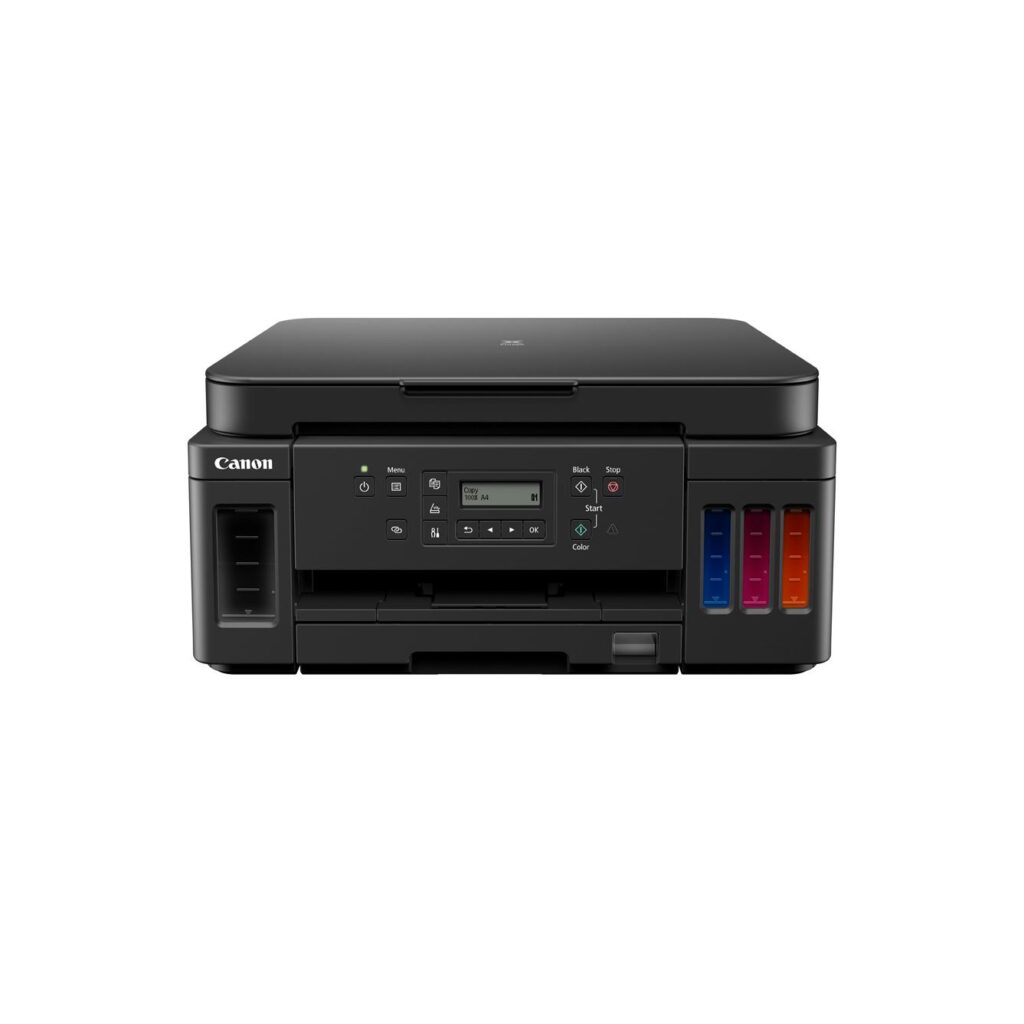
Canon PIXMA G6020: Specs, Features, Pros & Cons
Two inks go into this Canon and they behave differently. The black is a pigment that sits on the surface of plain paper and dries on contact, so text stays sharp and does not smear. The three colors are dyes, which soak into photo paper for richer tones. That split lets the PIXMA G6020 print documents properly and photos well from the same bottles.
The compromise shows in color documents. Charts and colored text on office paper come from the dye side, so they look softer and resist water less than the black beside them. Most household printing never shows the difference. Pages that will be handled often, filed for years or left near a sunny window do.
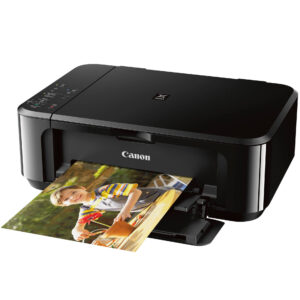
Around the inks, Canon built a MegaTank printer for a desk. There are two paper sources that hold a few hundred sheets between them, automatic two-sided printing and an Ethernet port, a rare fitting on a supertank. Wi-Fi, AirPrint and Canon's app handle phones and laptops, and the Ethernet cable stays optional.
Speed is the modest part. Black pages print at 13 ppm and color at 6.8 ppm, unhurried figures that suit a household that sends a job and walks away. Output resolution is 4,800 dpi.
What it gives up is on the scanning side. There is no document feeder, so every page of a scan or a copy goes on the glass by hand, and the flatbed is smaller than the largest paper the printer takes. Canon has since moved the model off its current list, which makes it a printer to buy at a clearance price or not at all.
Category strengths
Where the Canon PIXMA G6020 beats the median
- A much higher input tray capacity ?350 sheets vs 150 sheets (median)
- Has supertank / refillable ink ?
Where the Canon PIXMA G6020 trails the median
- No automatic document feeder ?
- A lower print speed (black) ?13 ppm vs 16 ppm (median)
- A lower print speed (color) ?6.8 ppm vs 9 ppm (median)
- A much lower monthly duty cycle ?5,000 pages vs 10,000 pages (median)
- A lower output tray capacity ?50 sheets vs 67.5 sheets (median)
- A slightly heavier build ?8.1 kg vs 7.98 kg (median)
How this VS Score was computed
Score 50: each known spec is measured against the median of all printers (65 products), then weighted; 50 means level with that median. In classes of six or more, a value beyond the class’s 10th–90th percentile range counts as that limit, so one extreme product cannot set the scale. 63% of the scoreable weight could be used; unknown values, features not applicable to this class and proxies (battery capacity where a rated life exists) add or remove nothing.
| Specification | This product | Cohort median | Score weight | Points moved |
|---|---|---|---|---|
| Automatic duplex printing | Yes | 73% of the class have it | 1 | +50.0 |
| Input tray capacity | 350 | 150 | 1 | +50.0 |
| Automatic document feeder | No | 55% of the class have it | 1 | −48.0 |
| Supertank / refillable ink | Yes | 30% of the class have it | 0.5 | +25.0 |
| Ethernet | Yes | 54% of the class have it | 0.5 | +25.0 |
| Duplex scanning | No | 23% of the class have it | 0.5 | −24.0 |
| Touchscreen display | No | 45% of the class have it | 0.5 | −24.0 |
| Print speed (black) | 13 | 16 | 2 | −18.0 |
| Print speed (color) | 6.8 | 9 | 1 | −12.0 |
| Fax | No | 35% of the class have it | 0.2 | −9.6 |
| Monthly duty cycle | 5,000 | 10,000 | 0.3 | −7.5 |
| Output tray capacity | 50 | 67.5 | 0.3 | −3.9 |
| Weight | 8.1 | 7.98 | 0.3 | −0.3 |
| Print resolution | 4,800 | 4,800 | 0.5 | +0.0 |
Not scored: Color printing (standard for the class (88% have it)); All-in-one (standard for the class (85% have it)); ADF capacity (unknown: not scored); Wi-Fi (standard for the class (97% have it)); Wi-Fi Direct (standard for the class (90% have it)); USB (standard for the class (100% have it)); Apple AirPrint (standard for the class (97% have it)); Mobile app printing (standard for the class (100% have it)).
Editor’s note
Most cheap ink-tank all-in-ones are built for a kitchen counter. The G6020 was built for a desk, and the difference shows in the parts nobody photographs.
Paper first: 350 sheets across two independent sources, a 250-sheet enclosed cassette plus a 100-sheet rear tray. Keep letterhead in one and plain paper in the other and you will reload rarely. Then a 100/10 Ethernet port, which almost nothing in this class offers and which matters if you want the printer on a wired network with a fixed address rather than hanging off Wi-Fi. Automatic duplex is included. Underneath is Canon's MegaTank system with GI-20 bottles, so running costs are a fraction of any cartridge machine.
Two omissions define who should not buy it. There is no automatic document feeder, so every page of a multi-page scan or copy is placed on the glass by hand. And there is a subtler trap: the printer takes Legal paper, but the flatbed only reaches Letter. You can print a Legal document and you cannot scan or copy one. If contracts are part of your week, that is disqualifying.
There is also no fax.
The thing to understand before buying is that this model is discontinued. Judge it as a clearance bargain. At a clearance price it is a lot of paper handling, Ethernet and cheap ink for the money, and the in-box bottles are worth a real slice of that. At anything near its old list price it makes no sense, because Canon's current G-series does the same job with a warranty you can rely on.
Buy it if you print a lot, scan a little, and found one cheap. Otherwise buy the model that has the feeder.
Specifications
Quality bars show where each figure sits between the lowest and highest of the 65 printers this VS Score is measured against.
Printing
Scanning & copying
Paper handling
Connectivity
Design
Sources and verification
Where the specifications come from
- Official product pagecanon.ca
- Independent testingrtings.com
Verification
- First published
- Specifications last checked
- Sheet completeness
- 23 of 24 specifications verified; the rest show as Unknown and are never estimated or scored
- Page type
- Product specification page — Compiled from the manufacturer’s published specifications and the cited sources; this is not a hands-on test.
- Basis
- Research-based: specifications and editorial text were compiled from the documents listed here and the manufacturer’s published data. We have not tested this unit ourselves; where independent measurements are mentioned they belong to the linked publication.
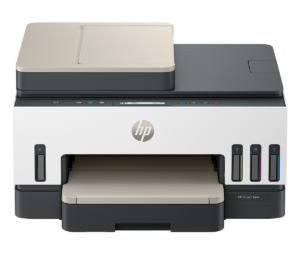
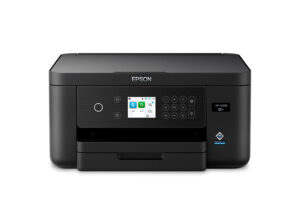
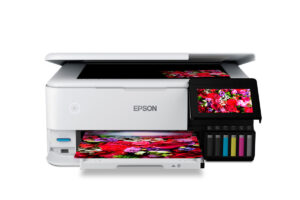
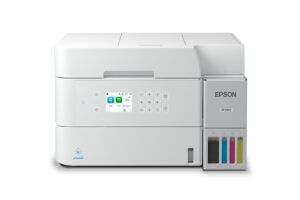
Printers with similar specs to the Canon PIXMA G6020
Ratings & reviews
No reviews yet. Be the first to share your experience.
The bottom line
The Canon PIXMA G6020 earns a VS Score of 50, level with the median of the 65 printers it is measured against.
- Who it’s for
- Home offices and families printing hundreds of pages a month who want cheap ink, a wired Ethernet drop and a paper path that does not need constant reloading, and whose scanning is occasional.
- Who should look elsewhere
- Anyone who scans or copies stacks of paper, because there is no document feeder, and anyone who handles Legal-size originals, because the flatbed physically stops at Letter. No fax either.
- The trade-off that matters
- Office-grade paper handling without office-grade scanning. Canon spent the budget on two trays, Ethernet and duplex printing, then left out the feeder that would have made the scanner match.
- The main alternative
- Canon PIXMA G7020: the same printer with the gap filled in, adding the automatic document feeder this one lacks.
The VS Score is calculated from the weighted specifications above, each measured against the median of comparable printers — a shortlisting guide, not a substitute for your own priorities. See how we score.





