24 facts in comparison
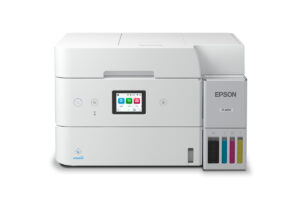
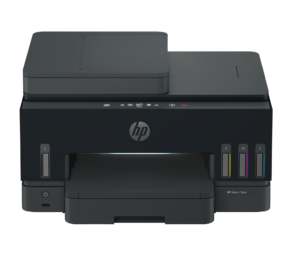
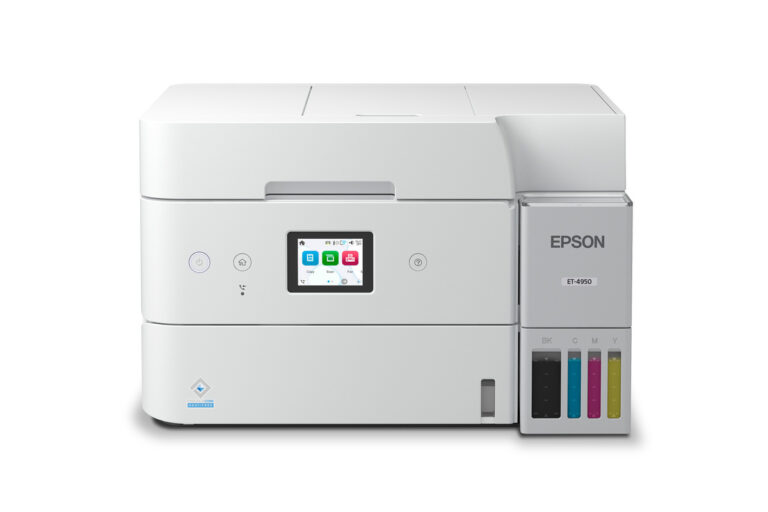
Epson EcoTank ET-4950 vs HP Smart Tank 7603
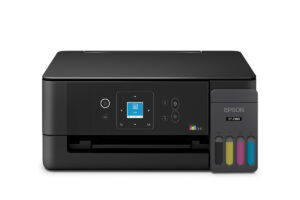
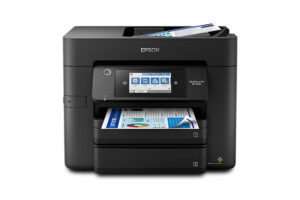
Both of these printers fax, and that is why they end up compared. Few tank printers still carry a fax modem, and the EcoTank ET-4950 and the Smart Tank 7603 are two a home office can turn to when medical, legal or government paperwork still arrives by phone line. Both pull paper from a 250-sheet cassette, print two-sided on their own, take a stack of originals in a document feeder and connect by cable or Wi-Fi. The differences sit in the smaller specs.
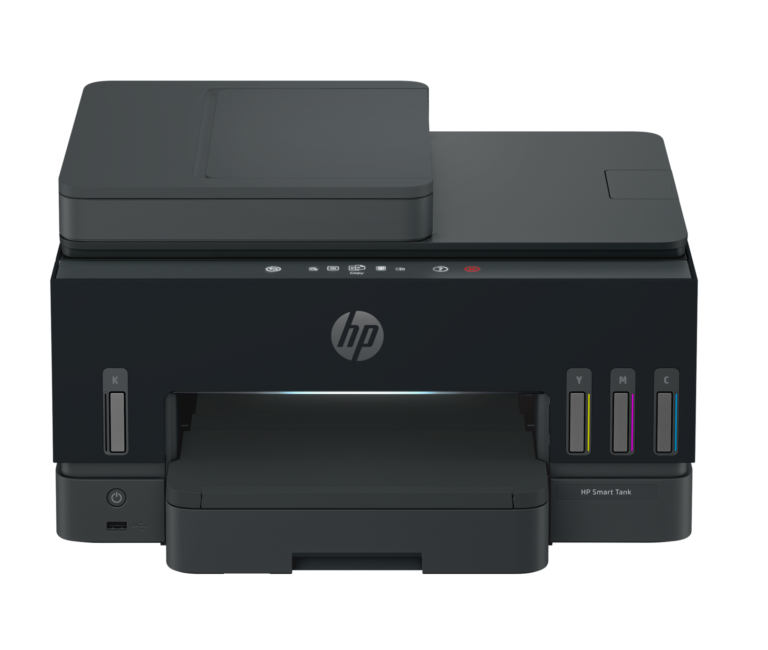
The spec most likely to decide it is the output tray. The Epson catches 30 sheets before someone has to empty it, the HP holds 100. With the same cassette feeding both, that gap decides whether a long two-sided job can finish while you are in another room. HP's document feeder also takes a few more originals than Epson's.
The Epson answers with speed and a better screen. Its black pages come out faster, Epson rates it for a much heavier month than HP rates its machine, and the touchscreen is in color where HP fits a monochrome panel. HP also states that the 7603 handles one job at a time, which matters more in a shared office than at a single desk.
Neither maker says plainly whether its feeder scans both sides of an original without help, so anyone digitizing two-sided contracts should check that before buying. And neither printer makes sense for someone who has stopped faxing. Epson sells the same chassis without the fax as the ET-3950, and the fax modem is most of what separates these two from simpler tank printers.
Editor’s note
I would lean towards the Epson for most home offices. Its black bottle is rated for 8,500 pages against roughly 6,000 for HP's, and its color screen makes the fax and copy menus easier to read than HP's mono panel. The weak spot is the small catch tray, which turns a long job into a trip back to the printer halfway through.
The HP looks like the better-equipped office machine on paper. It has a Gigabit Ethernet port, a tray that can hold a long report, and a warranty HP extends to three years when you register the printer, against one year on the Epson. But HP rates it for a lighter monthly load, and it will not run two jobs at once.
Anyone whose paperwork no longer arrives by fax should walk past both, because the fax modem is what lifts these two above simpler tank printers. Anyone scanning two-sided originals in bulk should confirm how each feeder handles them first.
Mind the names as well. The ET-4950 shares its chassis and setup guide with three close siblings, and ordering the wrong one is easy.
Head-to-head points: every spec is scaled between these products only, so a product can score high here and modestly on its own page, where the VS Score measures it against the median of its class.
Where the Epson EcoTank ET-4950 beats the HP Smart Tank 7603
- A higher print speed (black) ?18 ppm vs 15 ppm
- A much higher monthly duty cycle ?10,000 pages vs 6,000 pages
- A slightly lighter build ?7.3 kg vs 7.7 kg
Where the HP Smart Tank 7603 beats the Epson EcoTank ET-4950
- A higher ADF capacity ?35 sheets vs 30 sheets
- A much higher output tray capacity ?100 sheets vs 30 sheets
Key real-world differences
The spec sheet pulls in both directions. These are the gaps big enough to shape the decision — with the actual figures, and what each one means in real-world use.
- Print speed (black)Printing18 ppm vs 15 ppm — 20% more for the Epson EcoTank ET-4950
Black-and-white pages per minute; higher is faster.
- Output tray capacityPaper handling30 sheets vs 100 sheets — 3.3× more for the HP Smart Tank 7603
How many printed pages the output tray holds.
- Monthly duty cyclePrinting10,000 pages vs 6,000 pages — 66.7% more for the Epson EcoTank ET-4950
The maximum recommended pages per month.
- ADF capacityScanning & copying30 sheets vs 35 sheets — 16.7% more for the HP Smart Tank 7603
How many pages the document feeder holds at once.
- WeightDesign7.3 kg vs 7.7 kg — 5.2% less for the Epson EcoTank ET-4950
A lighter printer is easier to place and move.
On paper this is a win, but a gap this small is unlikely to be noticeable in daily use.
Which one should you buy?
There is no single answer — it depends on what you will actually use it for. Match your priority to the pick below.
- Best for printing Epson EcoTank ET-4950 takes the category 100 to 66 — driven by print speed (black) (18 ppm vs 15 ppm).
- Best for scanning & copying HP Smart Tank 7603 takes the category 100 to 81 — driven by ADF capacity (30 sheets vs 35 sheets).
- Best for paper handling HP Smart Tank 7603 takes the category 100 to 77 — driven by output tray capacity (30 sheets vs 100 sheets).
- Best for design Epson EcoTank ET-4950 takes the category 100 to 63 — driven by weight (7.3 kg vs 7.7 kg).
- On a budget HP Smart Tank 7603 is the cheaper way in at $ 319.99, and still scores 82 overall.
- Top overall score Epson EcoTank ET-4950 tops the overall VS Score at 95 while winning 2 of 5 categories outright.
Where each one falls short
Epson EcoTank ET-4950
- Output tray capacity: 30 sheets vs 100 sheets
- ADF capacity: 30 sheets vs 35 sheets
HP Smart Tank 7603
- Print speed (black): 18 ppm vs 15 ppm
- Monthly duty cycle: 10,000 pages vs 6,000 pages
What matters to you?
Drag the sliders to weight each category and re-rank the products to suit your priorities.
Score breakdown
Printing
Scanning & copying
Paper handling
Connectivity
Design
Specs last verified September 24, 2026Epson EcoTank ET-4950: 24 of 24 specs verified (100%)HP Smart Tank 7603: 24 of 24 specs verified (100%)Unverified specs show as Unknown — never estimated, never scored
Where to buy
Prices and availability may change. Check the retailer before buying. We may earn a commission on purchases.
What reviewers say
The bottom line
Take the Epson if the printer sits beside one or two people who are close by when jobs finish. The faster black output and the color screen pay off every day, and emptying a small tray is a minor chore when you are standing next to it.
The HP belongs in a shared office where jobs run with nobody watching. The larger output tray and the roomier feeder suit that kind of desk, and HP's longer warranty helps a machine several people lean on. Accept that it works through one task at a time and that its screen is plainer.
So count how often a job runs with nobody at the printer, and let that pick the model. If faxing has left your working life, buy neither.