34 facts in comparison
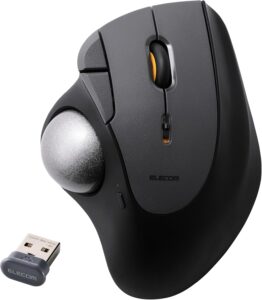
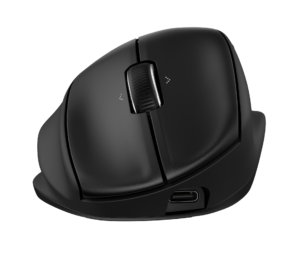
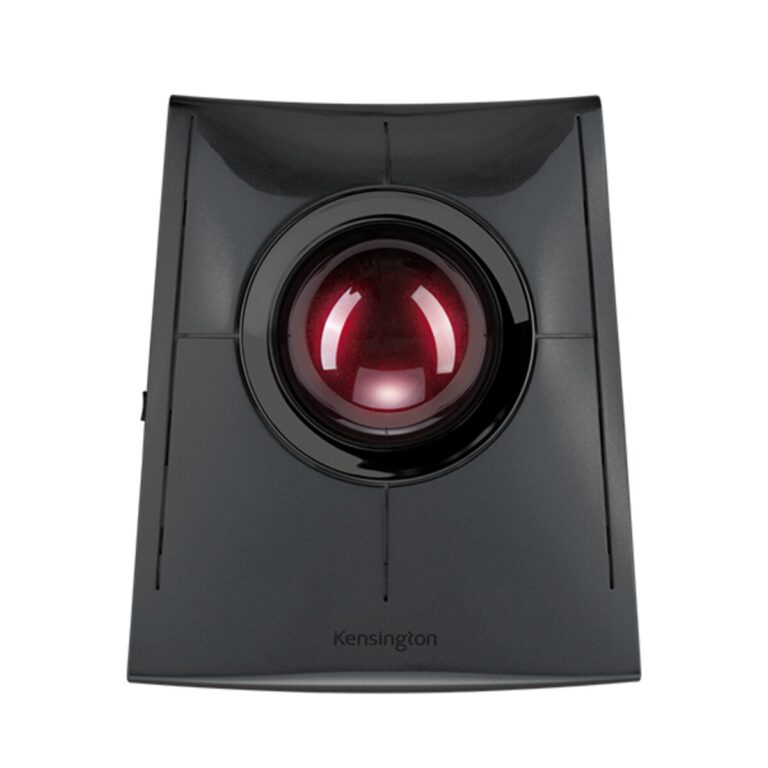
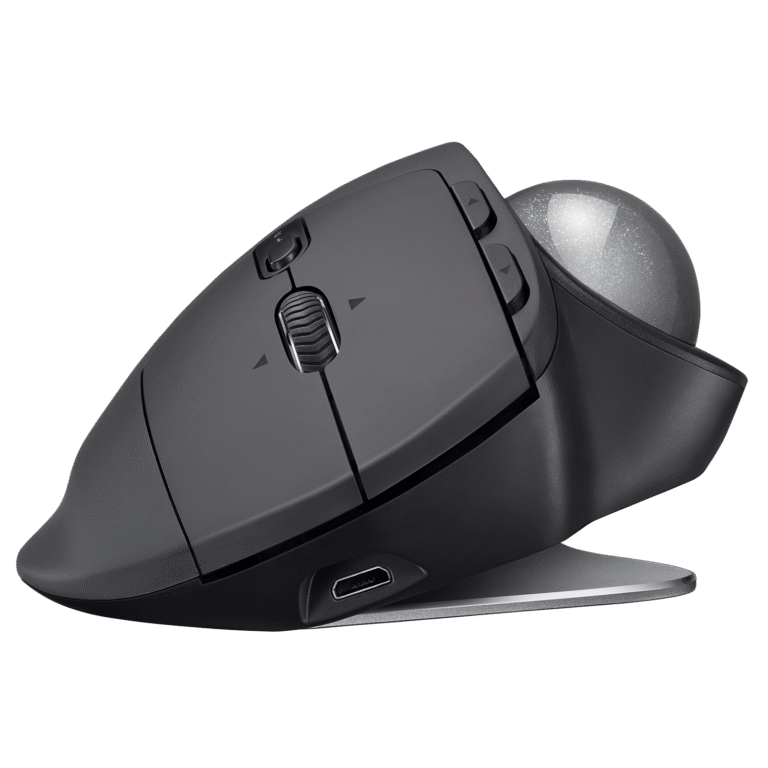
Kensington SlimBlade Pro Trackball vs Logitech MX ERGO
This comparison puts the Kensington SlimBlade Pro Trackball and Logitech MX ERGO side by side — two mice measured against the same 34-spec sheet, with every meaningful gap scored and explained. On our weighted VS Score the Logitech MX ERGO finishes ahead, 83 to 72 — a solid lead.
The single biggest measurable gap is buttons: 4 vs 8. A transparency note before you dive in: the spec sheets are Kensington SlimBlade Pro Trackball 62% and Logitech MX ERGO 71% complete. Anything unverified shows as Unknown and is left out of the scores — we never estimate a missing value.
Where the Kensington SlimBlade Pro Trackball beats the Logitech MX ERGO
- Has Wired ?
- Has USB-C charging ?
Where the Logitech MX ERGO beats the Kensington SlimBlade Pro Trackball
- A slightly lighter build ?259 g vs 285 g
- More buttons ?8 vs 4
Key real-world differences
The spec sheet pulls in both directions. These are the gaps big enough to shape the decision — with the actual figures, and what each one means in real-world use.
- ButtonsDesign & handling4 vs 8 — 2× more for the Logitech MX ERGO
More programmable buttons add functionality.
- USB-C chargingConnectivityYes vs No — only the Kensington SlimBlade Pro Trackball has it
Charges over the modern reversible USB-C connector.
- ConnectionConnectivityWired, 2.4 GHz wireless, Bluetooth vs 2.4 GHz wireless, Bluetooth — advantage Kensington SlimBlade Pro Trackball
The supported connection types.
- WeightDesign & handling285 g vs 259 g — 9% less for the Logitech MX ERGO
Lighter mice are easier to flick and less tiring; lower is better for most players.
On paper this is a win, but a gap this small is unlikely to be noticeable in daily use.
Which one should you buy?
There is no single answer — it depends on what you will actually use it for. Match your priority to the pick below.
- Best for design & handling Logitech MX ERGO takes the category 100 to 11 — driven by buttons (4 vs 8).
- Best for connectivity Kensington SlimBlade Pro Trackball takes the category 100 to 0 — driven by USB-C charging (Yes vs No).
- The safe all-rounder Logitech MX ERGO wins more of the categories that carry real weight, topping the overall VS Score at 83.
Where each one falls short
Kensington SlimBlade Pro Trackball
- Buttons: 4 vs 8
- 13 specs are unreported (shown as Unknown) and excluded from its scores.
Logitech MX ERGO
- USB-C charging: Yes vs No
- Connection: Wired, 2.4 GHz wireless, Bluetooth vs 2.4 GHz wireless, Bluetooth
- 10 specs are unreported (shown as Unknown) and excluded from its scores.
What matters to you?
Drag the sliders to weight each category and re-rank the products to suit your priorities.
Score breakdown
Sensor & tracking
Design & handling
Switches & latency
Connectivity
Battery
Features
Specs last verified September 4, 2026Kensington SlimBlade Pro Trackball: 21 of 34 specs verified (62%)Logitech MX ERGO: 24 of 34 specs verified (71%)Unverified specs show as Unknown — never estimated, never scored
What reviewers say
The bottom line
The Logitech MX ERGO comes out ahead, scoring 83 to 72 on our VS Score. It leads on Design & handling. The Kensington SlimBlade Pro Trackball answers back with stronger Connectivity. Pick the Logitech MX ERGO unless Connectivity matters most to you — then the Kensington SlimBlade Pro Trackball is the smarter buy.

Latest comparisons
 vs
vs
 vs
vs vs
vs vsvs
vsvs vs
vs vs
vs vs
vs
 vs
vs vs
vs