
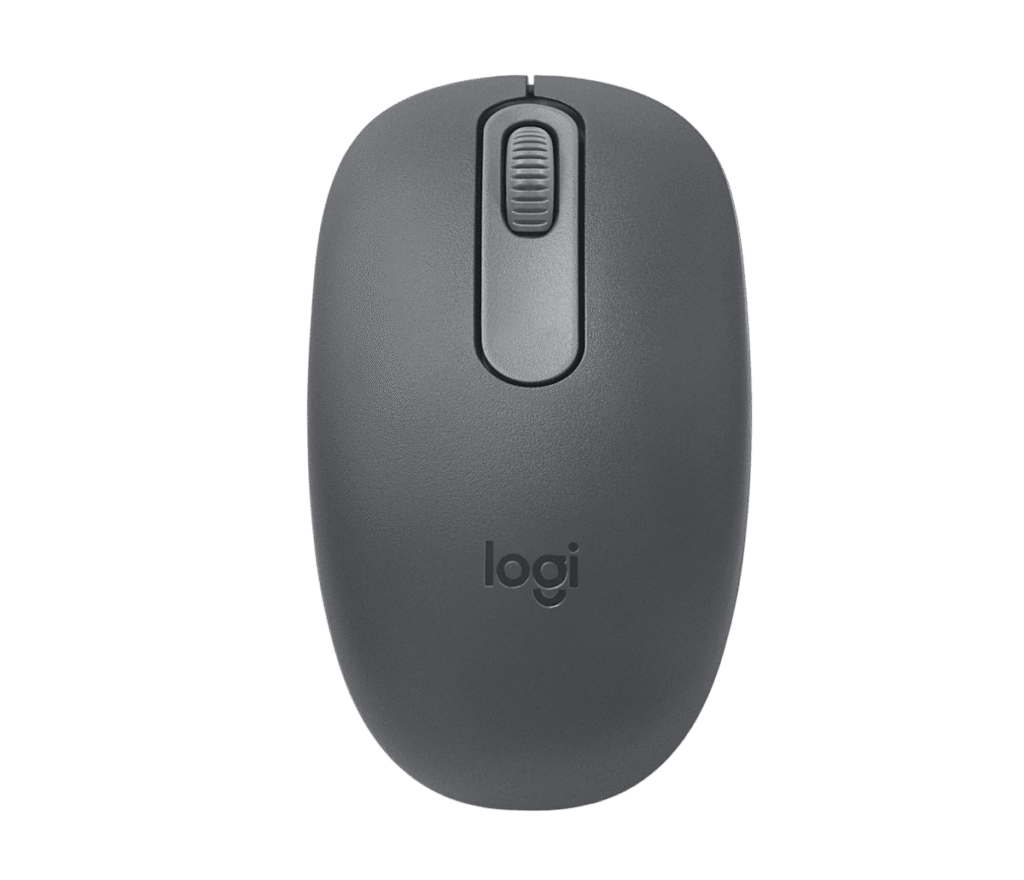
Logitech M196: Specs, Features, Pros & Cons
Logitech's own specification sheet lists this mouse's system requirements as compatibility with MacBook Neo laptops, an instant Bluetooth connection and a color-matched design. None of that is a system requirement. It is a marketing line that wandered into the wrong field, and it is fair warning that the M196 is a product defined more by positioning than by hardware.
The hardware is deliberately plain. One AA cell, pre-installed, rated for a year. Bluetooth Low Energy and nothing else: no USB receiver, no dongle to lose, and no way to use it on a machine without Bluetooth built in. Three buttons, a mechanical scroll wheel that moves line by line, and an ambidextrous shell small enough to disappear into a bag.
The number that deserves attention is the sensor: 1000 DPI, nominal, with no adjustment. That is low. Logitech's own M240, which sits at a similar place on the shelf, tracks at up to 4000. On a 1080p screen it will not bother anyone. On a high-resolution panel or two monitors side by side it means noticeably more hand movement to cross the same distance, and there is no setting to change it.
At 100 mm long and 76 grams this is a travel mouse rather than a desk mouse. The contoured shape guides either hand into position without committing to a right-handed curve, which helps if you swap hands during the day or share the machine with someone else.
Buy it for the year of battery life and the absence of a dongle. Do not buy it expecting the tracking or the software depth of something twice the price, because there is very little here beyond a well-made basic mouse in three colors.
Category strengths
Where the Logitech M196 beats the median
- Much longer battery life ?8,760 h vs 150 h (median)
- A lighter build ?76 g vs 89 g (median)
Where the Logitech M196 trails the median
- A much lower max sensitivity ?1,000 DPI vs 25,600 DPI (median)
- Fewer connection options ?
- No adjustable lift-off distance ?
- Fewer buttons ?3 vs 6 (median)
- No USB-C charging ?
- No quick charge ?
- No onboard memory ?
How this VS Score was computed
Score 34: each known spec is measured against the median of all mice (81 products), then weighted; 50 means level with that median. In classes of six or more, a value beyond the class’s 10th–90th percentile range counts as that limit, so one extreme product cannot set the scale. 53% of the scoreable weight could be used; unknown values, features not applicable to this class and proxies (battery capacity where a rated life exists) add or remove nothing.
| Specification | This product | Cohort median | Score weight | Points moved |
|---|---|---|---|---|
| Max sensitivity | 1,000 — capped at the class’s lower range (4,000) | 25,600 | 1 | −42.0 |
| Battery life | 8,760 — capped at the class’s upper range (2,920) | 150 | 0.8 | +40.0 |
| Connection | 1 | 2 | 0.8 | −20.0 |
| Adjustable lift-off distance | No | 61% of the class have it | 0.3 | −14.4 |
| USB-C charging | No | 67% of the class have it | 0.3 | −14.4 |
| Quick charge | No | 55% of the class have it | 0.3 | −14.4 |
| Onboard memory | No | 86% of the class have it | 0.3 | −14.4 |
| Free-spin scroll wheel | No | 34% of the class have it | 0.2 | −9.6 |
| RGB lighting | No | 46% of the class have it | 0.2 | −9.6 |
| Weight | 76 | 89 | 1 | +9.0 |
| Buttons | 3 — capped at the class’s lower range (5) | 6 | 0.6 | −4.8 |
Not scored: Max tracking speed (unknown: not scored); Max acceleration (unknown: not scored); Polling rate (unknown: not scored); Grip styles (unknown: not scored); Horizontal scrolling (unknown: not scored); Click latency (unknown: not scored); Switch lifespan (unknown: not scored); Debounce adjustment (not applicable: only 20% of this class have it); Wireless polling rate (unknown: not scored); Battery capacity (unknown: not scored); Wireless charging (not applicable: only 14% of this class have it); Software customization (unknown: not scored); Adjustable weights (not applicable: only 2% of this class have it).
Editor’s note
Two decisions define this mouse, and they pull in opposite directions.
The first is Bluetooth only. For a laptop mouse in 2026 that is the right call: one less object in the bag, one less USB port occupied, and a pairing that survives a reboot without ceremony. It is the wrong call if you also use a desktop without Bluetooth built in, or if you have ever fought a Bluetooth mouse through a wake-from-sleep stutter, because there is no receiver here to fall back on. Logitech has made that choice for you and there is no way to unmake it.
The second is the sensor, and it is harder to defend. A fixed resolution with no adjustment sits behind what Logitech puts in mice at the same level, including its own M240. For spreadsheets and email, which is what this mouse is for, it will not bother anyone. It is still the reason I would not hand one to someone working across a 4K panel or two monitors, where the extra hand movement adds up over a day.
The AA cell is the underrated part. A year of use from a battery you can replace in ten seconds beats a rechargeable mouse that wants a cable at an inconvenient moment, and it means the mouse does not quietly become disposable in year four when an internal cell stops holding charge.
Where it earns its place is as the mouse that lives in a bag: light, symmetrical, unobtrusive, and cheap enough that losing one is an annoyance rather than an expense. As the only mouse on a desk you sit at all day, the M240 Silent gives you a much better sensor and a quieter click for very little more, and that is what I would spend the difference on.
Specifications
Quality bars show where each figure sits between the lowest and highest of the 81 mice this VS Score is measured against.
Sensor & tracking
Design & handling
Switches & latency
Connectivity
Battery
Features
Sources and verification
Where the specifications come from
- Official product pagelogitech.com
- Datasheet or manualsupport.logi.com
- Retailer listing (cross-check)amazon.com
Verification
- First published
- Specifications last checked
- Sheet completeness
- 21 of 34 specifications verified; the rest show as Unknown and are never estimated or scored
- Page type
- Product specification page — Compiled from the manufacturer’s published specifications and the cited sources; this is not a hands-on test.
- Basis
- Research-based: specifications and editorial text were compiled from the documents listed here and the manufacturer’s published data. We have not tested this unit ourselves; where independent measurements are mentioned they belong to the linked publication.
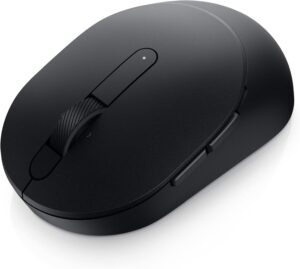
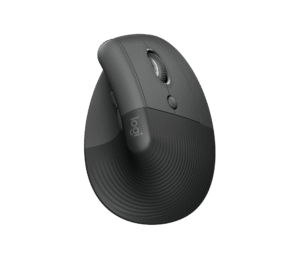
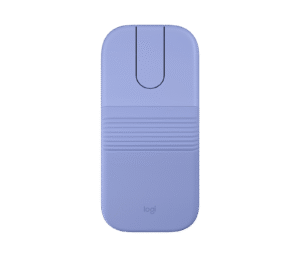
Mice with similar specs to the Logitech M196


Ratings & reviews
No reviews yet. Be the first to share your experience.
The bottom line
The Logitech M196 earns a VS Score of 34, below the median of the 81 mice it is measured against (a score of 50 is level with that median).
- Who it’s for
- Someone who wants a mouse that lives permanently in a laptop bag, pairs over Bluetooth without a dongle, and runs for a year on a cell they can buy at any corner shop.
- Who should look elsewhere
- Anyone using a desktop without built-in Bluetooth, and anyone working across a 4K panel or two monitors, because the fixed low-resolution sensor means measurably more hand movement and there is no setting to raise it.
- The trade-off that matters
- Dropping the USB receiver keeps the bag tidy but removes the fallback. If Bluetooth is unreliable on your machine, this mouse has no second way in.
- The main alternative
- Logitech M240 Silent is the same size and shape and also Bluetooth, but adds a 4000 DPI sensor and a much quieter click for very little more.
The VS Score is calculated from the weighted specifications above, each measured against the median of comparable mice — a shortlisting guide, not a substitute for your own priorities. See how we score.



