25 facts in comparison
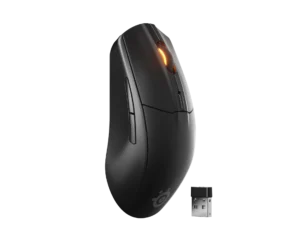
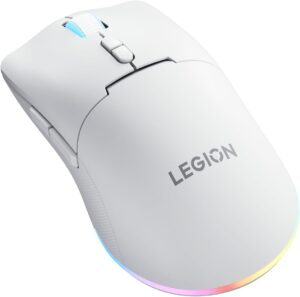
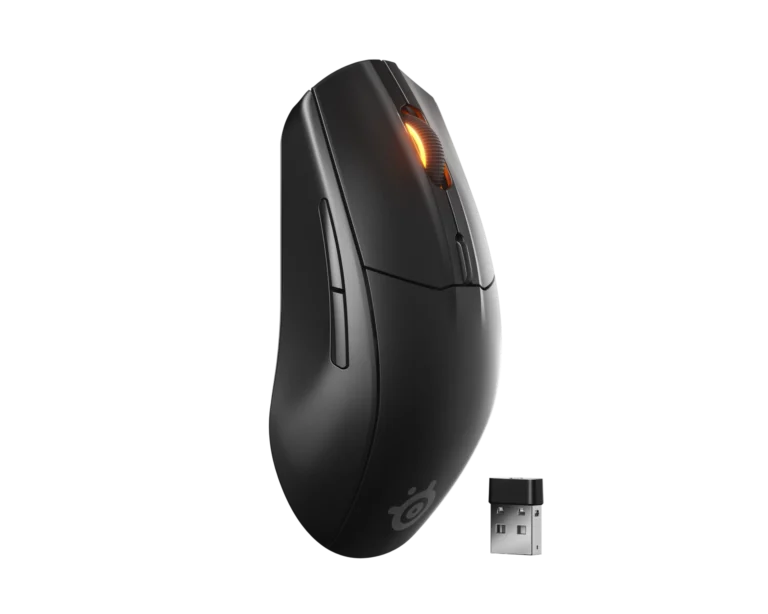
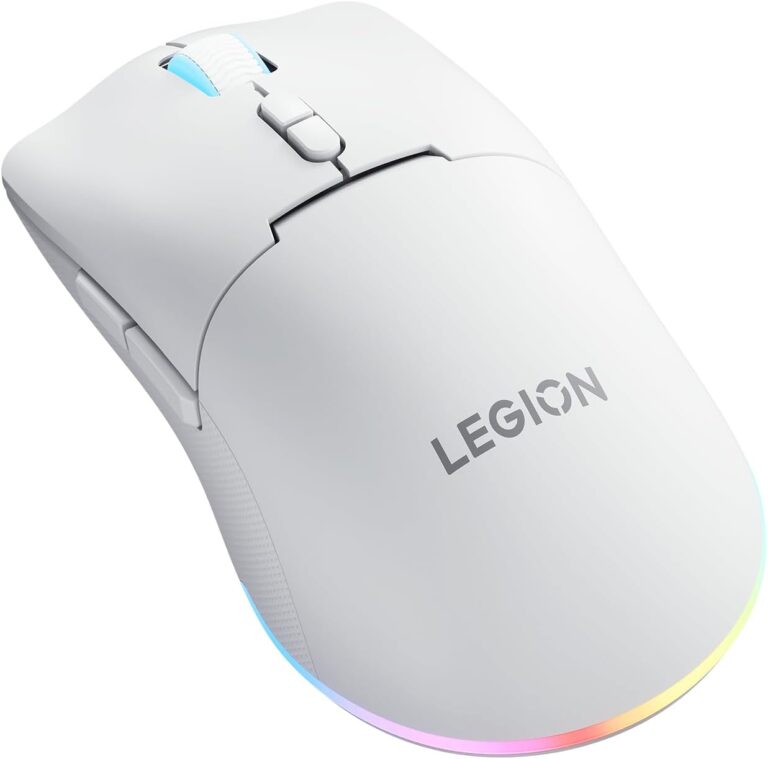
SteelSeries Rival 3 Wireless Gen 2 vs Lenovo Legion M220
Lenovo ships the Legion M220 with no companion app. Its DPI steps through a fixed ladder from a button on the mouse, and there is no software for giving its seven buttons new jobs. The SteelSeries Rival 3 Wireless Gen 2 works with SteelSeries GG, which handles sensitivity, button mapping and lighting. For a first wireless gaming mouse that sounds like a detail. It stops being one the first time a game wants a key on a side button.
The M220 is a medium-large shape Lenovo designed for a palm grip, and its symmetrical shell suits either hand. The Rival is suited to claw and fingertip grips, and its side buttons sit on the left, so it is a right-handed mouse in practice. A left-hander has one option here.
The Rival runs on AAA cells, one or two of them, so the owner trades runtime for weight. The M220 has a built-in battery that Lenovo rates at about 100 hours with the lighting off, and it charges over USB-C from a braided 1.8-meter cable that also lets it work wired. Both also pair over Bluetooth besides their dongles, so either one can follow a laptop around. A flat Rival waits for fresh cells. A flat M220 keeps working the moment the cable goes in.
SteelSeries quotes 18,000 DPI for the TrueMove Air and 400 IPS of tracking speed, while Lenovo quotes 5,000 DPI for an unnamed optical sensor and gives no tracking figure at all. Rated click life is the larger gap, with SteelSeries putting its switches at three times Lenovo's figure.
Editor’s note
The Rival is the more complete gaming mouse of the pair. SteelSeries GG covers the settings that make a mouse feel like yours, the switches are rated for long service, and the Bluetooth link on the same mouse makes it useful away from the desk. Its weakness is weight. With cells inside, it is heavier than the M220 by a margin you feel on every lift, and dropping to one cell cuts into the endurance that was the point of the design.
Lenovo's choices are sensible for a budget mouse until you want to change something. Tri-mode connection and a braided USB-C cable in the box cover every way of plugging in, and the built-in battery suits anyone who forgets to buy batteries. But a mouse with no software is finished the day it leaves the box. The DPI ladder cannot be adjusted between steps, and a game that wants a key on a side button gets nothing.
I would choose the Rival for any player who has ever rebound a button, and the M220 for a big-handed newcomer who just wants a comfortable wireless mouse with a cable for emergencies.
Head-to-head points: every spec is scaled between these products only, so a product can score high here and modestly on its own page, where the VS Score measures it against the median of its class.
Where the SteelSeries Rival 3 Wireless Gen 2 beats the Lenovo Legion M220
- A much higher max sensitivity ?18,000 DPI vs 5,000 DPI
- Has Claw, Fingertip ?
- A much higher switch lifespan ?60 million clicks vs 20 million clicks
- Much longer battery life ?450 h vs 100 h
- Has software customization ?
Where the Lenovo Legion M220 beats the SteelSeries Rival 3 Wireless Gen 2
- A lighter build ?95 g vs 111.6 g
- More buttons ?7 vs 6
- Has Wired ?
- Has USB-C charging ?
Key real-world differences
The spec sheet pulls in both directions. These are the gaps big enough to shape the decision — with the actual figures, and what each one means in real-world use.
- Max sensitivitySensor & tracking18,000 DPI vs 5,000 DPI — 3.6× more for the SteelSeries Rival 3 Wireless Gen 2
A higher maximum DPI moves the cursor further per inch of movement.
- Battery lifeBattery450 h vs 100 h — 4.5× more for the SteelSeries Rival 3 Wireless Gen 2
How long the mouse lasts on a charge (wireless).
- USB-C chargingConnectivityNo vs Yes — only the Lenovo Legion M220 has it
Charges over the modern reversible USB-C connector.
- Software customizationFeaturesYes vs No — only the SteelSeries Rival 3 Wireless Gen 2 has it
Companion software for remapping buttons and DPI.
- ConnectionConnectivity2.4 GHz wireless, Bluetooth vs Wired, 2.4 GHz wireless, Bluetooth — advantage Lenovo Legion M220
The supported connection types.
Which one should you buy?
There is no single answer — it depends on what you will actually use it for. Match your priority to the pick below.
- Best for sensor & tracking SteelSeries Rival 3 Wireless Gen 2 takes the category 100 to 0 — driven by max sensitivity (18,000 DPI vs 5,000 DPI).
- Best for design & handling Lenovo Legion M220 takes the category 80 to 20 — driven by weight (111.6 g vs 95 g).
- Best for connectivity Lenovo Legion M220 takes the category 100 to 0 — driven by USB-C charging (No vs Yes).
- Best for battery SteelSeries Rival 3 Wireless Gen 2 takes the category 100 to 0 — driven by battery life (450 h vs 100 h).
- Best for switches & latency SteelSeries Rival 3 Wireless Gen 2 takes the category 100 to 0 — driven by switch lifespan (60 million clicks vs 20 million clicks).
- On a budget Lenovo Legion M220 is the cheaper way in at $ 34.99, and still scores 52 overall.
Where each one falls short
SteelSeries Rival 3 Wireless Gen 2
- USB-C charging: No vs Yes
- Connection: 2.4 GHz wireless, Bluetooth vs Wired, 2.4 GHz wireless, Bluetooth
- Weight: 111.6 g vs 95 g
- 13 specs are unreported (shown as Unknown) and excluded from its scores.
Lenovo Legion M220
- Max sensitivity: 18,000 DPI vs 5,000 DPI
- Battery life: 450 h vs 100 h
- Software customization: Yes vs No
- 12 specs are unreported (shown as Unknown) and excluded from its scores.
What matters to you?
Drag the sliders to weight each category and re-rank the products to suit your priorities.
Score breakdown
Sensor & tracking
Design & handling
Switches & latency
Connectivity
Battery
Features
Specs last verified September 27, 2026SteelSeries Rival 3 Wireless Gen 2: 21 of 34 specs verified (62%)Lenovo Legion M220: 22 of 34 specs verified (65%)Unverified specs show as Unknown — never estimated, never scored
Where to buy
Prices and availability may change. Check the retailer before buying. We may earn a commission on purchases.
What reviewers say
The bottom line
Buy the SteelSeries Rival 3 Wireless Gen 2 if you are right-handed, hold the mouse with your fingertips or a claw grip, and want to remap buttons or fine-tune sensitivity in software. It is also the better pick for someone who would rather swap cells than remember a charging cable. Buy the Lenovo Legion M220 if your hand is large, you palm the mouse, or you are left-handed, and if the settings on the mouse itself are all you will ever touch. The trade-off is control against convenience. The Rival can be set up exactly as you like but stops when its cells do, while the M220 never needs batteries and falls back to its cable, yet stays as Lenovo configured it.