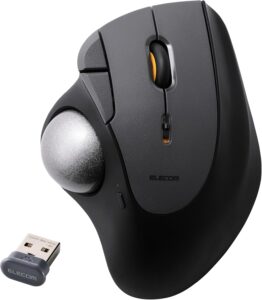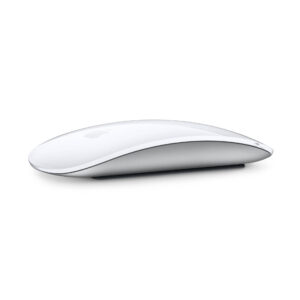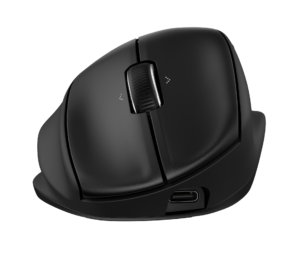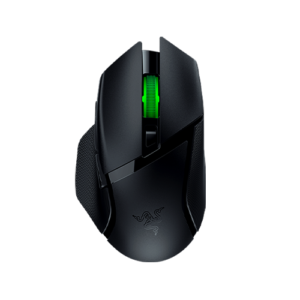
29 facts in comparison
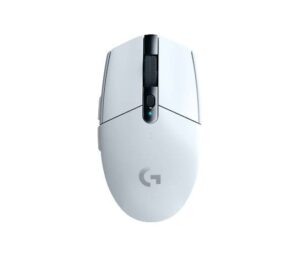
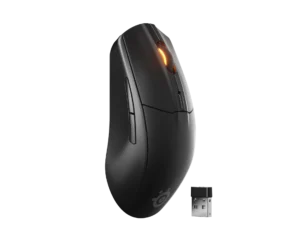
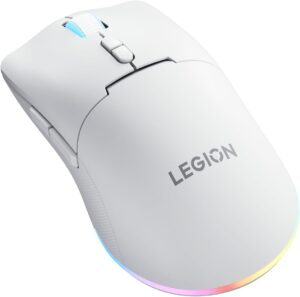
Logitech G305 LIGHTSPEED vs SteelSeries Rival 3 Wireless Gen 2 vs Lenovo Legion M220
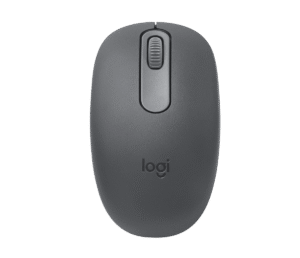
The Logitech G305 LIGHTSPEED runs on one AA cell, the SteelSeries Rival 3 Wireless Gen 2 on AAA cells, and the Lenovo Legion M220 on a built-in battery that charges over USB-C. That single difference decides more about living with these mice than any sensor figure, because it settles what happens on the evening the power runs out.
With the G305 or the Rival, the answer is a drawer. A fresh cell goes in, and the mouse is back in under a minute with nothing worn out inside it. Neither has a cable mode, though, so an empty drawer means a dead mouse. The M220 works the other way round. Its battery will age like any phone battery, but the braided cable in the box turns it into a wired mouse on the spot.
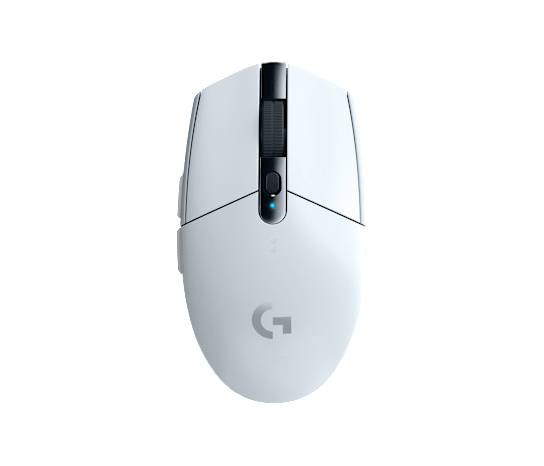
The G305 is the oldest and simplest design here. It talks to one computer through its LIGHTSPEED dongle and nothing else, so a tablet or a laptop with no spare USB-A port is out of reach. That dongle is the same low-latency link Logitech uses in its competitive mice, which is why the G305 still holds up for shooters.
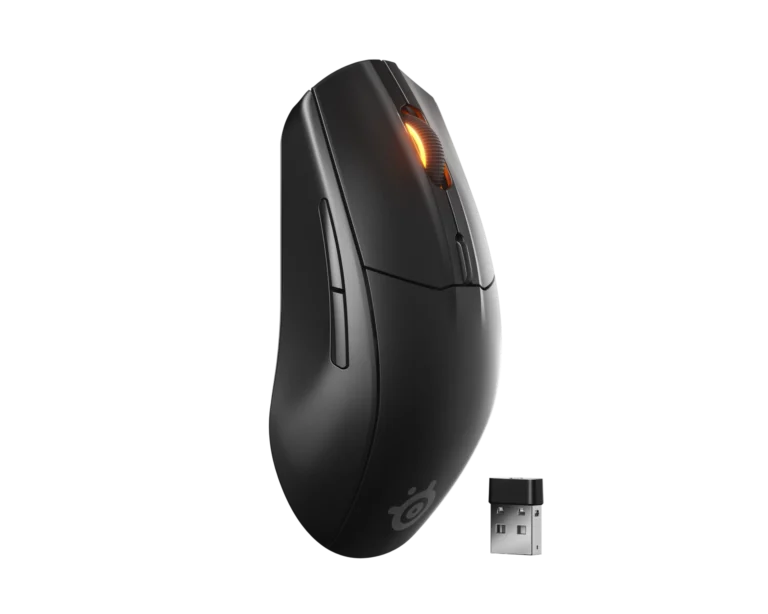
The Rival adds Bluetooth, and SteelSeries rates it for 175 hours on the dongle and 450 on Bluetooth, so Bluetooth is the mode that stretches the cells. With the cells inside it is the heaviest of the three, and its side buttons sit on the left, which rules out left-handers.
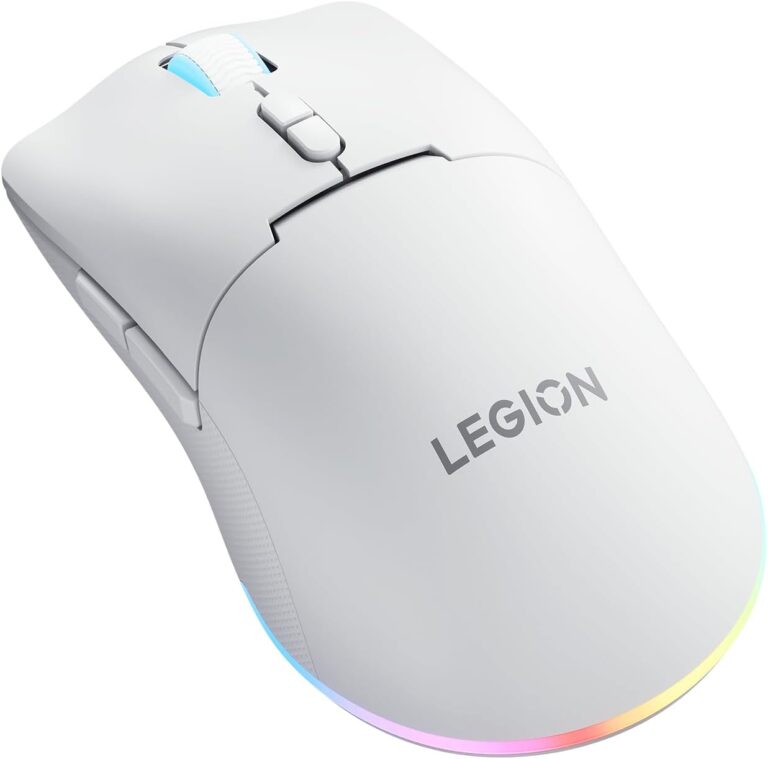
The M220 is the odd one out in shape too. Lenovo built it for a palm grip on a medium-large hand, while Logitech recommends the G305 for claw grips and the Rival is shaped for claw and fingertip grips. Someone who rests the whole palm on the mouse has exactly one shape here that was made for that.
Editor’s note
Logitech has sold the G305 for years with almost no changes, and the reason is visible in its parts list. The sensor and the wireless link come from the same families as Logitech's tournament mice, and onboard memory keeps a DPI setup on the mouse when it moves to another PC. What dates it is the single connection. There is no Bluetooth and no cable mode, so the dongle is the only way in.
The Rival answers that with its dual radio, and the hours SteelSeries quotes are generous. The cost is mass. Two AAA cells make it the heaviest mouse in this set, and the gap to the other two is large enough to feel in fast games. It also runs on a single cell, which takes some weight off and some runtime with it.
Lenovo's mouse is the one I would hesitate over most, and not because of the hardware. The tri-mode connection and the cable in the box are good value. The missing app is the problem, since DPI moves through fixed steps and Lenovo offers no software to remap a button. A first-time buyer may never notice. Someone who later wants a different button layout has no route at all.
Category strengths
- Logitech G305 LIGHTSPEED
- SteelSeries Rival 3 Wireless Gen 2
- Lenovo Legion M220
Spec wins (head-to-head)
- Logitech G305 LIGHTSPEED 0
- SteelSeries Rival 3 Wireless Gen 2 4
- Lenovo Legion M220 4
Why Logitech G305 LIGHTSPEED?
No standout advantages.
Why SteelSeries Rival 3 Wireless Gen 2?
- A much higher max sensitivity ?18,000 DPI vs 12,000 DPI
- Has Fingertip ?
- A much higher switch lifespan ?60 million clicks vs 20 million clicks
- Much longer battery life ?450 h vs 250 h
Why Lenovo Legion M220?
- A slightly lighter build ?95 g vs 99 g
- More buttons ?7 vs 6
- Has Wired ?
- Has USB-C charging ?
Key real-world differences
The spec sheet pulls in both directions. These are the gaps big enough to shape the decision — with the actual figures, and what each one means in real-world use.
- Max sensitivitySensor & tracking12,000 DPI vs 18,000 DPI vs 5,000 DPI — 3.6× more for the SteelSeries Rival 3 Wireless Gen 2
A higher maximum DPI moves the cursor further per inch of movement.
- Battery lifeBattery250 h vs 450 h vs 100 h — 4.5× more for the SteelSeries Rival 3 Wireless Gen 2
How long the mouse lasts on a charge (wireless).
- ConnectionConnectivity2.4 GHz wireless vs 2.4 GHz wireless, Bluetooth vs Wired, 2.4 GHz wireless, Bluetooth — advantage Lenovo Legion M220
The supported connection types.
- USB-C chargingConnectivity— vs No vs Yes — only the Lenovo Legion M220 has it
Charges over the modern reversible USB-C connector.
- Grip stylesDesign & handlingClaw vs Claw, Fingertip vs Palm — advantage SteelSeries Rival 3 Wireless Gen 2
The grip styles the shape suits.
Which one should you buy?
There is no single answer — it depends on what you will actually use it for. Match your priority to the pick below.
- Best for sensor & tracking SteelSeries Rival 3 Wireless Gen 2 takes the category 100 to 74 — driven by max sensitivity (12,000 DPI vs 18,000 DPI vs 5,000 DPI).
- Best for design & handling Lenovo Legion M220 takes the category 80 to 38 — driven by weight (99 g vs 111.6 g vs 95 g).
- Best for connectivity Lenovo Legion M220 takes the category 100 to 36 — driven by connection (2.4 GHz wireless vs 2.4 GHz wireless, Bluetooth vs Wired, 2.4 GHz wireless, Bluetooth).
- Best for battery SteelSeries Rival 3 Wireless Gen 2 takes the category 100 to 43 — driven by battery life (250 h vs 450 h vs 100 h).
- Best for switches & latency SteelSeries Rival 3 Wireless Gen 2 takes the category 100 to 20 — driven by switch lifespan (10 million clicks vs 60 million clicks vs 20 million clicks).
- On a budget Logitech G305 LIGHTSPEED is the cheaper way in at $ 29.99, and still scores 45 overall.
- The safe all-rounder SteelSeries Rival 3 Wireless Gen 2 wins 4 of 6 categories and tops the overall VS Score at 64.
Where each one falls short
Logitech G305 LIGHTSPEED
- Connection: 2.4 GHz wireless vs 2.4 GHz wireless, Bluetooth vs Wired, 2.4 GHz wireless, Bluetooth
- Grip styles: Claw vs Claw, Fingertip vs Palm
- Switch lifespan: 10 million clicks vs 60 million clicks vs 20 million clicks
- 12 specs are unreported (shown as Unknown) and excluded from its scores.
SteelSeries Rival 3 Wireless Gen 2
- USB-C charging: — vs No vs Yes
- Weight: 99 g vs 111.6 g vs 95 g
- 13 specs are unreported (shown as Unknown) and excluded from its scores.
Lenovo Legion M220
- Max sensitivity: 12,000 DPI vs 18,000 DPI vs 5,000 DPI
- Battery life: 250 h vs 450 h vs 100 h
- 12 specs are unreported (shown as Unknown) and excluded from its scores.
What matters to you?
Drag the sliders to weight each category and re-rank the products to suit your priorities.
Score breakdown
Sensor & tracking
Design & handling
Switches & latency
Connectivity
Battery
Features
Specs last verified October 10, 2026Logitech G305 LIGHTSPEED: 22 of 34 specs verified (65%)SteelSeries Rival 3 Wireless Gen 2: 21 of 34 specs verified (62%)Lenovo Legion M220: 22 of 34 specs verified (65%)Unverified specs show as Unknown — never estimated, never scored
Where to buy
Prices and availability may change. Check the retailer before buying. We may earn a commission on purchases.
What reviewers say
The bottom line
Take the Logitech G305 LIGHTSPEED if the mouse lives on one desktop PC and is used mostly for games. Its wireless link is the one Logitech trusts in its competitive mice, and a spare AA in the drawer covers the rare flat battery. Take the SteelSeries Rival 3 Wireless Gen 2 if the same mouse moves between a PC and a laptop or tablet, since Bluetooth is the reason it exists, and if you are right-handed. Take the Lenovo Legion M220 if you hold a mouse with the whole palm or never want to buy batteries, and accept that every setting lives on the mouse itself. The trade-off that decides it is power. Cells never wear out but leave no cable to fall back on, while a built-in battery ages yet keeps the mouse running on its cable.