
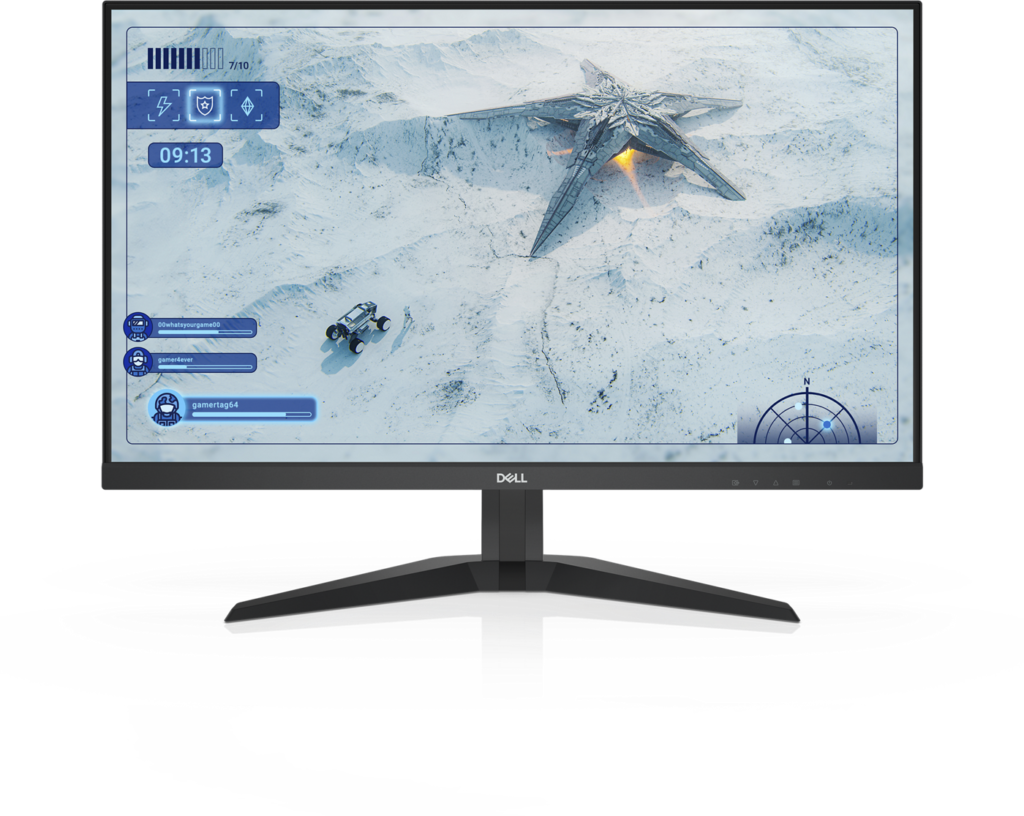
Dell G2725D: Specs, Features, Pros & Cons
Dell runs two gaming brands, and this monitor belongs to the plainer one. Alienware carries the design budget and the longer feature lists, while the G series takes similar panels and strips everything around them down to the essentials. For a buyer who only cares about the picture, that division can work in their favor.
Here the essentials are the screen and the refresh rate. It is a fast panel at the resolution now standard for this size, with adaptive sync to smooth out uneven frame rates, and on paper it keeps pace with monitors that cost a good deal more. Color is accurate for everyday use, although Dell makes no wide-gamut or HDR claims, and it is fair to treat it as a monitor for standard content.
It suits a player building a first high-refresh desk on a tight budget, especially one who already owns a monitor arm or has a desk that puts the screen at the right height. It also suits anyone stepping up from an older Full HD screen who wants more detail without the graphics burden of the next resolution up. Midrange cards from the last few years can hold high frame rates here in most games.
The cuts are physical. The stand only tilts, the two secondary video inputs run slower than the main one, there is no single-cable laptop connection, and there are no speakers, though a headphone socket is present. None of that touches the picture, and all of it touches daily comfort. Buyers who need to move the screen up or down should budget for an arm from the start.
Category strengths
Where the Dell G2725D trails the median
- No height adjustment ?
- No swivel adjustment ?
- No pivot adjustment ?
How this VS Score was computed
Score 42: each known spec is measured against the median of IPS gaming monitors, 27 to 31 inches (29 products), then weighted; 50 means level with that median. In classes of six or more, a value beyond the class’s 10th–90th percentile range counts as that limit, so one extreme product cannot set the scale. 60% of the scoreable weight could be used; unknown values, features not applicable to this class and proxies (battery capacity where a rated life exists) add or remove nothing.
| Specification | This product | Cohort median | Score weight | Points moved |
|---|---|---|---|---|
| USB-C | No | 24% of the class have it | 0.5 | −24.0 |
| Height adjustment | No | 79% of the class have it | 0.4 | −19.2 |
| Adaptive sync | FreeSync | G-Sync Compatible | 0.6 | −15.0 |
| Swivel | No | 64% of the class have it | 0.2 | −9.6 |
| Built-in speakers | No | 31% of the class have it | 0.2 | −9.6 |
| Pivot | No | 75% of the class have it | 0.02 | −1.0 |
| Screen size | 27 | 27 | 1.2 | +0.0 |
| Resolution | 1440p | 1440p | 1.2 | +0.0 |
| Panel type | IPS | IPS | 0.8 | +0.0 |
| Refresh rate | 180 | 180 | 1.2 | +0.0 |
| Response time | 1 | 1 | 0.8 | +0.0 |
| Peak brightness | 400 | 400 | 0.8 | +0.0 |
| Contrast ratio | 1,000 | 1,000 | 0.6 | +0.0 |
| HDMI ports | 2 | 2 | 0.4 | +0.0 |
| DisplayPort inputs | 1 | 1 | 0.4 | +0.0 |
Not scored: Color depth (unknown: not scored); DCI-P3 coverage (unknown: not scored); HDR (unknown: not scored); Pixel density (unknown: not scored); Local dimming (unknown: not scored); Local dimming zones (unknown: not scored); Variable refresh rate (standard for the class (100% have it)); Motion blur reduction (unknown: not scored); Input lag (unknown: not scored); Tilt (standard for the class (100% have it)); USB-C power delivery (unknown: not scored); USB hub (unknown: not scored); Headphone output (standard for the class (86% have it)); KVM switch (unknown: not scored); Webcam (unknown: not scored); Microphone (unknown: not scored); Ethernet (unknown: not scored); Picture-by-picture (unknown: not scored).
Editor’s note
The G2725D is the sensible budget version of the 27-inch 1440p gaming monitor, and understanding what Dell left out is the whole decision.
The panel itself is not where they saved. It is Fast IPS at 2560×1440 running 180 Hz over DisplayPort with a 1 ms gray-to-gray response and AMD FreeSync, which is the same basic recipe as monitors costing considerably more. Color covers 99% sRGB. That is accurate for everyday work, though Dell publishes no DCI-P3 figure and no HDR certification, so treat this as an SDR monitor and you will not be disappointed.
Brightness is 400 nits, which is perfectly adequate indoors but noticeably dimmer than the 600 of Alienware's AW2724DM, and contrast is the standard IPS 1000:1.
The savings are in the stand and the sockets. The stand tilts and does nothing else (no height adjustment, no swivel, no pivot), so unless your desk happens to put it at the right height you will want a VESA arm, and the 100×100 mount is there for that. There are two HDMI 2.1 ports, but they run at 144 Hz. Only the single DisplayPort 1.4 gives the full refresh rate. There are no speakers, though there is a headphone output, and no USB-C.
Buy it if you want 1440p at high refresh for as little as possible and you already have a monitor arm or are happy with the fixed height. Spend more if you need to adjust the screen position, or want the extra brightness.
Specifications
Quality bars show where each figure sits between the lowest and highest of the 29 IPS gaming monitors, 27 to 31 inches this VS Score is measured against.
Picture
Gaming
Ergonomics & design
Connectivity
Features
Sources and verification
Where the specifications come from
- Datasheet or manualdell.com
- Independent testingrtings.com
Verification
- First published
- Specifications last checked
- Sheet completeness
- 24 of 42 specifications verified; the rest show as Unknown and are never estimated or scored
- Page type
- Product specification page — Compiled from the manufacturer’s published specifications and the cited sources; this is not a hands-on test.
- Basis
- Research-based: specifications and editorial text were compiled from the documents listed here and the manufacturer’s published data. We have not tested this unit ourselves; where independent measurements are mentioned they belong to the linked publication.
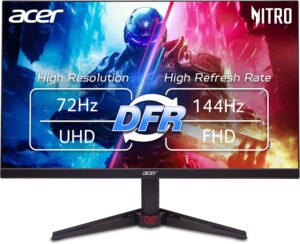
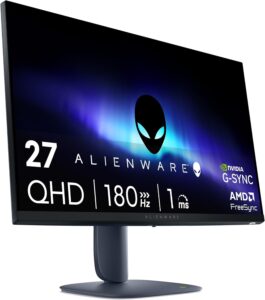
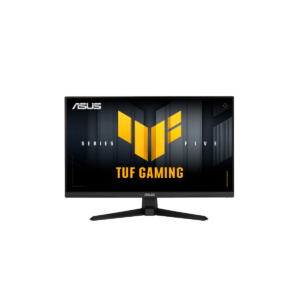
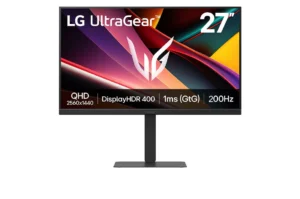
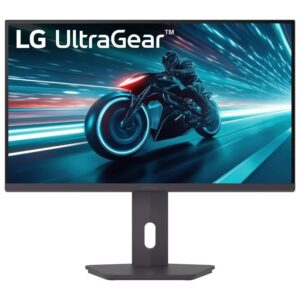
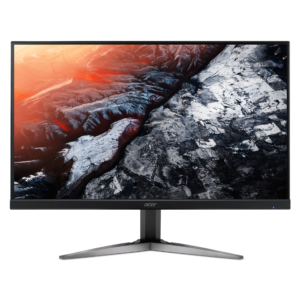
Monitors with similar specs to the Dell G2725D

Ratings & reviews
No reviews yet. Be the first to share your experience.
The bottom line
The Dell G2725D earns a VS Score of 42, below the median of the 29 IPS gaming monitors, 27 to 31 inches it is measured against (a score of 50 is level with that median).
- Who it’s for
- A player moving to a sharper, faster screen on a tight budget who already owns a monitor arm or has a desk that puts the screen at the right height.
- Who should look elsewhere
- Anyone who needs to raise, lower or rotate the screen without buying an arm, console owners expecting the top refresh rate from the console inputs, and laptop owners looking for single-cable docking.
- The trade-off that matters
- The panel matches pricier rivals, and the tilt-only stand is what pays for it. That is a daily annoyance unless an arm is already on the desk.
- The main alternative
- LG UltraGear 27G610A-B, a comparably specified gaming panel on a height-adjustable stand, for buyers who would rather not add an arm.
The VS Score is calculated from the weighted specifications above, each measured against the median of comparable IPS gaming monitors, 27 to 31 inches — a shortlisting guide, not a substitute for your own priorities. See how we score.




