Logitech Ergo M575S: Specs, Features, Pros & Cons
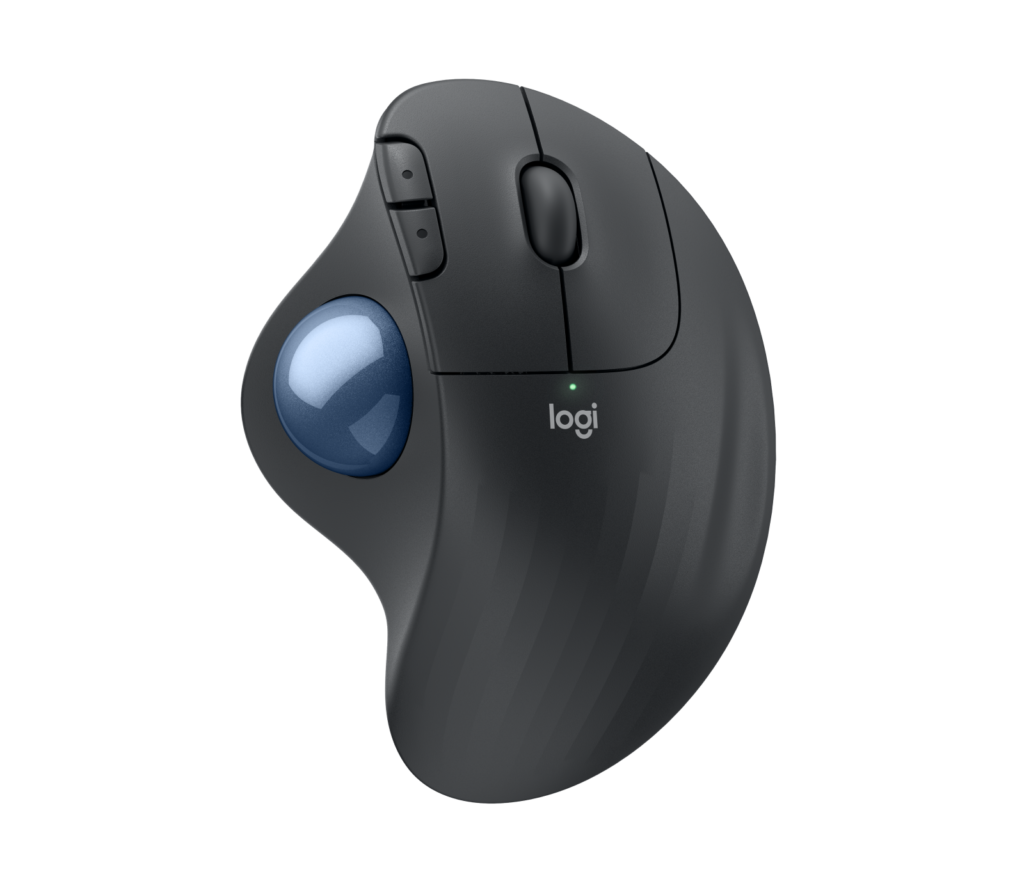
The M575S is Logitech changing as little as possible about a trackball people already liked. The shape, the thumb-operated ball and the single AA battery carry over from the original Ergo M575. What changes is the sound, because Logitech fitted silent switches and quotes a large drop in click noise, and the receiver, which is now Logi Bolt rather than the older Unifying dongle.
The defining idea is that the mouse never moves. Your thumb rolls the ball while the rest of the hand rests on a sculpted, right-handed body, so the arm and wrist stay still. That makes it useful where a normal mouse struggles – a cramped desk, a lap tray, a keyboard shelf, the arm of a sofa – and it is why trackballs appeal to people with wrist or shoulder complaints. Logitech developed the shape with its ergonomics lab, but how much that helps a particular hand is something only trying one can settle.
Day to day, the quiet clicks and the battery are what matter. A single AA that lasts well over a year takes charging out of the picture entirely, and pairing covers both the included receiver and Bluetooth Low Energy, so it moves between a desktop and a tablet without fuss. The customisable back, forward and middle buttons in Logi Options+ are a modest bonus rather than a reason to buy.
It gives up a good deal to stay simple and affordable. It is right-handed only, there is no horizontal scrolling and no rechargeable battery, and the thumb control makes it a poor fit for games. Thumb trackballs also collect dust and need an occasional clean. Priced like an everyday office mouse rather than a premium ergonomic one, it is the cheapest sensible way to find out whether a trackball suits you.
Category strengths
Where the Logitech Ergo M575S beats the average
- Much longer battery life ?13,140 h vs 162.5 h (avg)
Where the Logitech Ergo M575S trails the average
- A much lower max sensitivity ?2,000 DPI vs 25,600 DPI (avg)
- A much lower polling rate ?125 Hz vs 1,000 Hz (avg)
- A much heavier build ?145 g vs 89 g (avg)
- A much lower wireless polling rate ?125 Hz vs 1,000 Hz (avg)
- No USB-C charging ?
- No quick charge ?
- A much lower switch lifespan ?3 million clicks vs 80 million clicks (avg)
- Fewer buttons ?5 vs 6 (avg)
How this VS Score was computed
Score 38: each known spec is measured against the median of all mice (80 products, medians winsorised to the 10th–90th percentile), then weighted. 61% of the scoreable weight could be used; unknown values, features not applicable to this class and proxies (battery capacity where a rated life exists) add or remove nothing.
| Specification | This product | Cohort median | Score weight | Points moved |
|---|---|---|---|---|
| Max sensitivity | 2,000 | 25,600 | 1 | −42.0 |
| Battery life | 13,140 | 162.5 | 0.8 | +40.0 |
| Weight | 145 | 89 | 1 | −19.0 |
| USB-C charging | 0 | 1 | 0.3 | −14.4 |
| Quick charge | 0 | 1 | 0.3 | −14.4 |
| Horizontal scrolling | 0 | 0 | 0.2 | −9.6 |
| RGB lighting | 0 | 0 | 0.2 | −9.6 |
| Switch lifespan | 3 | 80 | 0.2 | −8.2 |
| Buttons | 5 | 6 | 0.6 | −4.8 |
| Polling rate | 125 | 1,000 | 0.8 | +0.0 |
| Connection | 2 | 2 | 0.8 | +0.0 |
| Wireless polling rate | 125 | 1,000 | 0.5 | +0.0 |
Not scored: Max tracking speed (unknown: not scored); Max acceleration (unknown: not scored); Adjustable lift-off distance (unknown: not scored); Grip styles (unknown: not scored); Free-spin scroll wheel (unknown: not scored); Click latency (unknown: not scored); Debounce adjustment (unknown: not scored); Battery capacity (unknown: not scored); Wireless charging (not applicable: only 13% of this class have it); Onboard memory (unknown: not scored); Software customisation (standard for the class (97% have it)); Adjustable weights (not applicable: only 2% of this class have it).
Editor’s note
I think the M575S is the trackball I would hand to anyone curious about switching, precisely because it asks so little. It costs about what a decent wireless mouse does, it runs for up to 18 months on the AA in the box, and if the thumb-ball idea does not work for you, you have not spent premium money finding out.
The upgrades over the original M575 are real but narrow. The silent switches matter in shared offices and late at night, and Logi Bolt is the receiver Logitech now supports across its range; the catch is that an older Unifying dongle will not pair with it. If you already own a working M575 and nobody complains about the clicking, there is no reason to replace it.
What would make me hesitate is the ceiling. Sensitivity tops out at 2,000 DPI, which is fine for one or two ordinary monitors but means more rolling on a large high-resolution setup, and the fixed angle of the body is the only posture on offer. The Logitech MX ERGO adds an adjustable tilt hinge, a precision-mode button and a rechargeable battery, and for someone who will use a trackball eight hours a day those extras are worth paying for.
It is also not a gaming device. The 125 Hz report rate is an office figure, and thumb control is slower than a normal mouse for fast, large movements.
One practical point: the ball pops out from the underside for cleaning, and you will need to do that now and then as dust builds up. For a right-handed office worker with a small desk, a tender wrist or a colleague who objects to loud clicks, it is an easy recommendation. For anyone who already knows they love trackballs, I would look at the MX ERGO first.
Specifications
Quality bars are generated automatically against 79 other mice.
Sensor & tracking
Design & handling
Switches & latency
Connectivity
Battery
Features
Sources and verification
Where the specifications come from
- Official product pagelogitech.com
- Datasheet or manualsupport.logi.com
- Support and firmware documentationsupport.logi.com
- Independent testingnytimes.com
- Specification database (cross-check)rtings.com
- Retailer listing (cross-check)amazon.com
Verification
- First published
- Specifications last checked
- Sheet completeness
- 25 of 34 specifications verified; the rest show as Unknown and are never estimated or scored
- Page type
- Product specification page — Compiled from the manufacturer’s published specifications and the cited sources; this is not a hands-on test.
- Basis
- Research-based: specifications and editorial text were compiled from the documents listed here and the manufacturer’s published data. We have not tested this unit ourselves; where independent measurements are mentioned they belong to the linked publication.
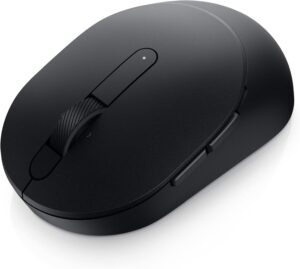
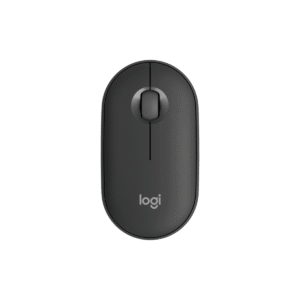
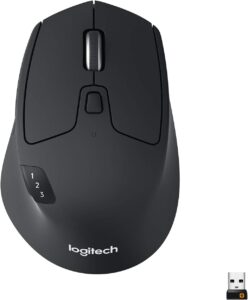
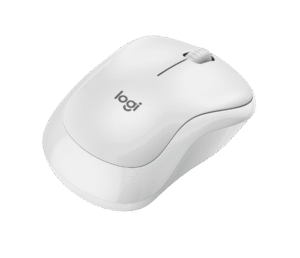
Mice with similar specs to the Logitech Ergo M575S

Ratings & reviews
No reviews yet. Be the first to share your experience.
The bottom line
The Logitech Ergo M575S earns a VS Score of 38, trailing most of the 80 mice we compare here, at least on the spec sheet.
- Who it’s for
- Right-handed office workers with a cramped desk or a sore wrist who want to try a thumb trackball without paying for a premium ergonomic model.
- Who should look elsewhere
- Left-handed users, gamers, and anyone who needs horizontal scrolling or a rechargeable battery – the shape, report rate and AA design rule them out.
- The trade-off that matters
- Keeping it simple and affordable means one fixed posture and a modest tracking ceiling, which heavy all-day users may outgrow.
- The main alternative
- The Logitech MX ERGO adds an adjustable tilt hinge, a precision button and a rechargeable battery for people who will use a trackball all day.
The VS Score is calculated from the weighted specifications above, compared with every other mouse we track — a shortlisting guide, not a substitute for your own priorities. See how we score.