24 facts in comparison
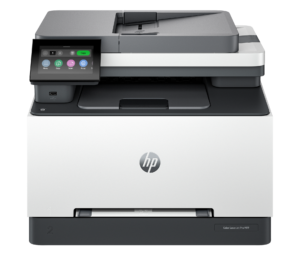
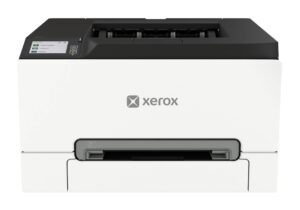
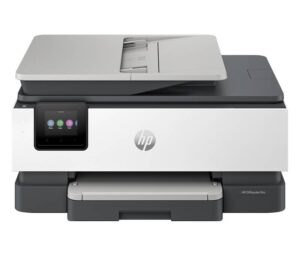
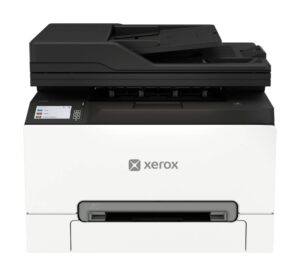
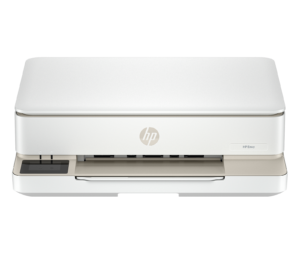
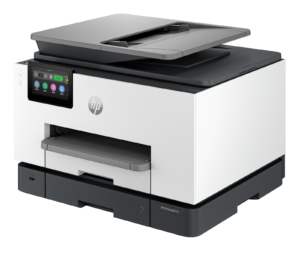
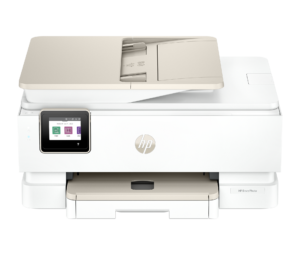
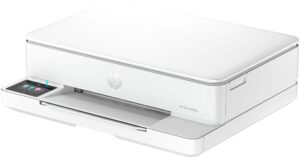
HP Color LaserJet Pro MFP 3301fdw vs Xerox C240
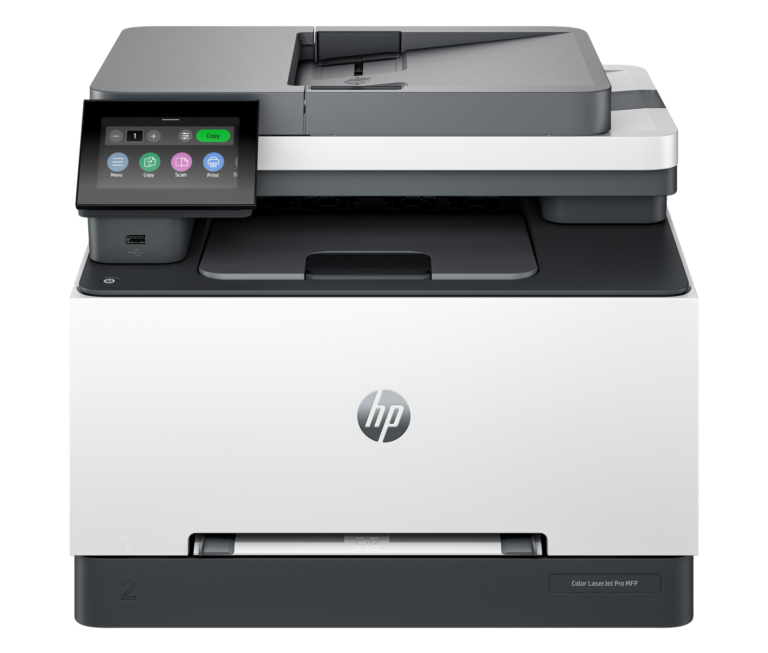
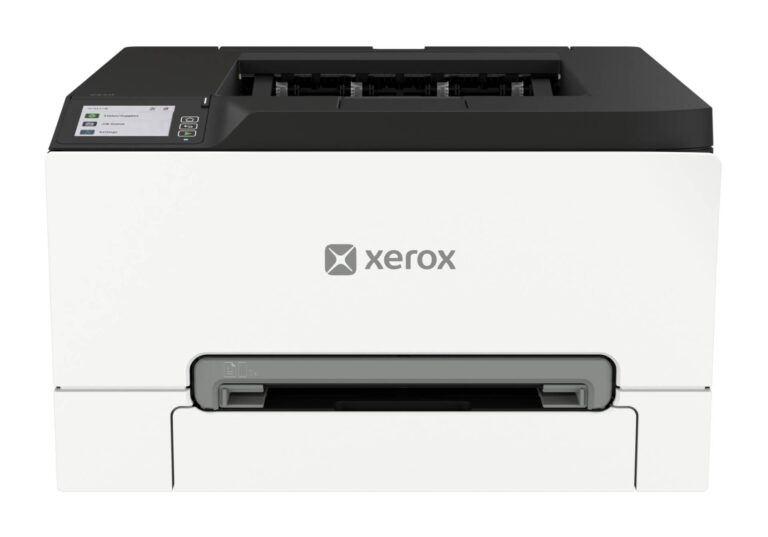
This comparison puts the HP Color LaserJet Pro MFP 3301fdw and Xerox C240 side by side — two printers measured against the same 24-spec sheet, with every meaningful gap scored and explained. On our weighted VS Score the HP Color LaserJet Pro MFP 3301fdw finishes ahead, 96 to 82 — a decisive result.
The most consequential difference is all-in-one — the HP Color LaserJet Pro MFP 3301fdw has it, the Xerox C240 does not. None of our retail partners currently lists the HP Color LaserJet Pro MFP 3301fdw, so availability may be limited and price cannot factor into this comparison.
Where the HP Color LaserJet Pro MFP 3301fdw beats the Xerox C240
- Has all-in-one ?
- Has automatic document feeder ?
- Has fax ?
- Has touchscreen display ?
Where the Xerox C240 beats the HP Color LaserJet Pro MFP 3301fdw
- A higher monthly duty cycle ?50,000 pages vs 40,000 pages
- A slightly lighter build ?16.3 kg vs 17.1 kg
Key real-world differences
The spec sheet pulls in both directions. These are the gaps big enough to shape the decision — with the actual figures, and what each one means in real-world use.
- All-in-oneScanning & copyingYes vs No — only the HP Color LaserJet Pro MFP 3301fdw has it
Scans and copies as well as prints.
- Automatic document feederScanning & copyingYes vs No — only the HP Color LaserJet Pro MFP 3301fdw has it
Feeds multi-page documents through the scanner unattended.
- Touchscreen displayDesignYes vs No — only the HP Color LaserJet Pro MFP 3301fdw has it
An onboard touchscreen makes standalone tasks easier.
- Monthly duty cyclePrinting40,000 pages vs 50,000 pages — 20% more for the Xerox C240
The maximum recommended pages per month.
Which one should you buy?
There is no single answer — it depends on what you will actually use it for. Match your priority to the pick below.
- Best for scanning & copying HP Color LaserJet Pro MFP 3301fdw takes the category 100 to 19 — driven by all-in-one (Yes vs No).
- Best for design HP Color LaserJet Pro MFP 3301fdw takes the category 63 to 37 — driven by touchscreen display (Yes vs No).
- The safe all-rounder HP Color LaserJet Pro MFP 3301fdw wins more of the categories that carry real weight, topping the overall VS Score at 96.
Where each one falls short
HP Color LaserJet Pro MFP 3301fdw
- Monthly duty cycle: 40,000 pages vs 50,000 pages
- 1 spec is unreported (shown as Unknown) and excluded from its scores.
Xerox C240
- All-in-one: Yes vs No
- Automatic document feeder: Yes vs No
- Touchscreen display: Yes vs No
- 1 spec is unreported (shown as Unknown) and excluded from its scores.
What matters to you?
Drag the sliders to weight each category and re-rank the products to suit your priorities.
Score breakdown
How the VS Score works — and what it can’t tell you
Every measurable spec is scored relative to this matchup: the best value here earns 100%, the worst 0%, and everything between scales linearly. Each spec then counts according to an editorial weight that reflects real-world impact — a battery-capacity gap moves the score far more than a colour-options list. The category scores above are the weighted results inside each group, and the overall VS Score rolls all of them together; the evidence line under each category names the specs that actually decided it.
Unknown values are never estimated. A spec a product doesn’t report simply drops out of that product’s scoring — it isn’t penalised with a guess — and a spec only one side reports can never produce a “win”. The trade-off is honest but real: a thinner spec sheet means a score built on fewer data points, which is why the completeness figures are disclosed under About this data.
Most importantly: a spec-sheet lead is not the same as a better product. Megapixels, gigahertz and benchmark points describe capacity, not experience — image processing, software optimisation, thermals, haptics and ergonomics decide how a device actually feels, and no table captures reliability or long-term support quality. Treat the scores as a structured summary of what can be measured, read the caveats under each key difference, and use the weight tuner to re-rank the comparison by what matters to you.
Printing
Laser prints crisp text fast; inkjet handles photos and colour better.
Prints in colour, not just black and white.
Black-and-white pages per minute; higher is faster.
Colour pages per minute; higher is faster.
A higher dot density produces sharper prints.
Prints both sides of the page without manual flipping.
Refillable ink tanks cut the cost per page dramatically.
The maximum recommended pages per month.
Scanning & copying
Scans and copies as well as prints.
Feeds multi-page documents through the scanner unattended.
How many pages the document feeder holds at once.
Scans both sides of a page automatically.
Sends and receives faxes.
Paper handling
A larger tray needs refilling less often.
How many printed pages the output tray holds.
The largest paper format supported (e.g. Letter, Legal, A3).
Connectivity
Print wirelessly over the home network.
Connect devices directly without a router.
A wired network port for reliable office use.
A direct USB connection to a computer.
Print from iPhone, iPad and Mac without extra drivers.
Print and manage the printer from a phone app.
Design
An onboard touchscreen makes standalone tasks easier.
A lighter printer is easier to place and move.
About this data
- Specifications are compiled from each manufacturer’s official spec sheet, cross-checked against trusted specification databases, and normalised into one schema so identical things are compared identically.
- Specifications last verified August 22, 2026.
- Data completeness: HP Color LaserJet Pro MFP 3301fdw 96% and Xerox C240 96% of the 24 specs in this category. Anything we could not verify is shown as Unknown — never estimated — and is excluded from all scores.
- Prices and availability come from live retailer feeds via our shopping partners and refresh throughout the day; a missing price means no partner currently lists the product, not that it is discontinued.
- Want the full picture? Our editorial guidelines explain how we research products, weight the scores and stay independent.
- Spotted an error in a spec? Tell us and we will correct the sheet.
Where to buy
No price is available to track yet.
Prices and availability may change. Check the retailer before buying. We may earn a commission on purchases.
What reviewers say
The bottom line
The HP Color LaserJet Pro MFP 3301fdw is the clear winner, scoring 96 to 82 on our VS Score. It leads on Scanning & copying and Design. The Xerox C240 answers back with stronger Printing. Pick the HP Color LaserJet Pro MFP 3301fdw unless Printing matters most to you — then the Xerox C240 is the smarter buy.