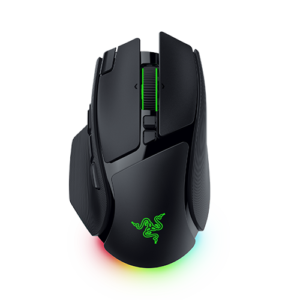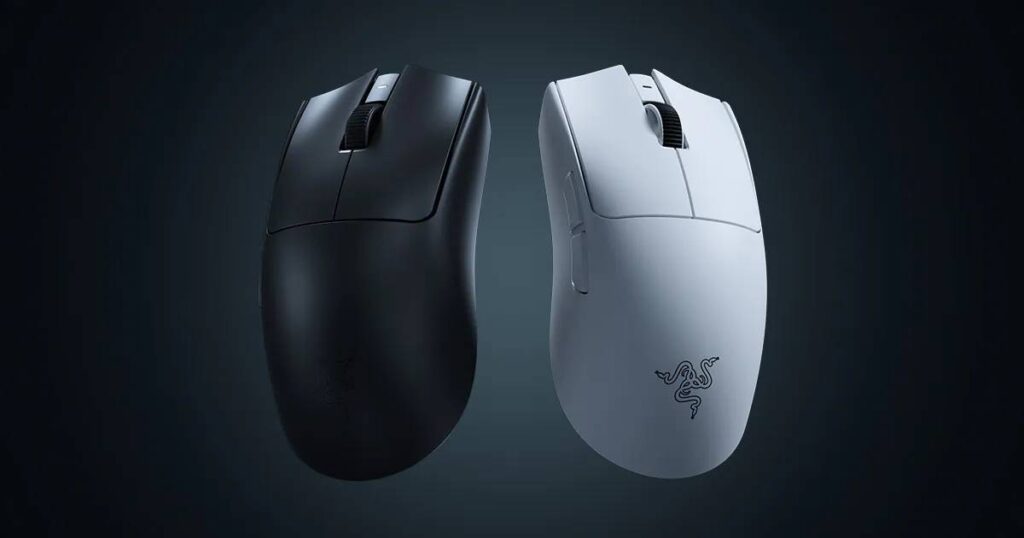
Razer Viper V4 Pro: Specs, Features, Pros & Cons
Razer's Viper line exists to answer a narrow question: what does a mouse need to be if the person holding it is playing for money? Everything about the V4 Pro follows from that, including the things it refuses to do.
It sits at the top of Razer's competitive range, above the DeathAdder shapes aimed at palm grips and the cheaper HyperSpeed models aimed at everyone else. The shell is symmetrical and shallow, built for claw and fingertip grips, and the whole design is subtractive. There is no lighting, no tilting wheel, no thumb rest, no software feature to demonstrate in a shop. What remains is a light body, a sensor that does not run out of headroom, and a wireless link quick enough that it stops being something a player thinks about.
Which of those matters day to day is worth separating out. The headline sensitivity figure is marketing. Nobody plays anywhere near it. The polling and tracking ceilings are real, but real in the way a good foundation is real: you notice them only when they are missing. What you feel is the weight and the shape, and whether the mouse suits the way you hold it.
That makes it a poor general-purpose purchase. The button count is minimal, there is no horizontal scrolling for spreadsheets, and it is priced as a flagship. Anyone whose mouse also has to handle a working day is paying a premium for austerity they will resent by the afternoon.
For a competitive player who already knows their grip and wants the hardware to stop being a variable, it is a coherent and well-judged tool. For anyone buying it because the numbers are the largest available, the money would do more good spent on a monitor.
Category strengths
Where the Razer Viper V4 Pro beats the median
- A much higher polling rate ?8,000 Hz vs 1,000 Hz (median)
- A much higher wireless polling rate ?8,000 Hz vs 1,000 Hz (median)
- A much higher max sensitivity ?50,000 DPI vs 25,600 DPI (median)
- A lighter build ?49 g vs 89 g (median)
- A higher max tracking speed ?930 IPS vs 650 IPS (median)
- A much higher max acceleration ?90 G vs 50 G (median)
- Longer battery life ?180 h vs 130 h (median)
- A higher switch lifespan ?100 million clicks vs 80 million clicks (median)
How this VS Score was computed
Score 72: each known spec is measured against the median of all mice (83 products), then weighted; 50 means level with that median. In classes of six or more, a value beyond the class’s 10th–90th percentile range counts as that limit, so one extreme product cannot set the scale. 77% of the scoreable weight could be used; unknown values, features not applicable to this class and proxies (battery capacity where a rated life exists) add or remove nothing.
| Specification | This product | Cohort median | Score weight | Points moved |
|---|---|---|---|---|
| Polling rate | 8,000 | 1,000 | 0.8 | +40.0 |
| Weight | 49 — capped at the class’s lower range (49.5) | 89 | 1 | +40.0 |
| Max sensitivity | 50,000 — capped at the class’s upper range (44,000) | 25,600 | 1 | +36.0 |
| Wireless polling rate | 8,000 | 1,000 | 0.5 | +25.0 |
| Max acceleration | 90 — capped at the class’s upper range (88) | 50 | 0.4 | +15.2 |
| Battery life | 180 | 130 | 0.8 | +15.2 |
| Adjustable lift-off distance | Yes | 65% of the class have it | 0.3 | +15.0 |
| USB-C charging | Yes | 68% of the class have it | 0.3 | +15.0 |
| Max tracking speed | 930 — capped at the class’s upper range (888) | 650 | 0.8 | +14.4 |
| Horizontal scrolling | No | 46% of the class have it | 0.2 | −9.6 |
| Free-spin scroll wheel | No | 36% of the class have it | 0.2 | −9.6 |
| RGB lighting | No | 48% of the class have it | 0.2 | −9.6 |
| Switch lifespan | 100 | 80 | 0.2 | +2.6 |
| Buttons | 6 | 6 | 0.6 | +0.0 |
| Grip styles | 2 | 2 | 0.4 | +0.0 |
| Connection | 2 | 2 | 0.8 | +0.0 |
Not scored: Click latency (unknown: not scored); Debounce adjustment (unknown: not scored); Battery capacity (unknown: not scored); Quick charge (unknown: not scored); Wireless charging (unknown: not scored); Onboard memory (standard for the class (88% have it)); Software customization (standard for the class (98% have it)); Adjustable weights (not applicable: only 2% of this class have it).
Editor’s note
Razer rates the battery at 180 hours, and that figure is for 1,000 Hz. At 8,000 Hz its tech specs give 45 hours, which is still about two weeks of evening play and more than twice what the Viper V3 Pro manages at the same rate.
The shape is listed as right-handed symmetrical, and Razer's FAQ names claw and fingertip grips. The body is even, but the mouse is not sold as ambidextrous, so a left-handed player should look at the side buttons before buying. Weight depends on the color: under 49 g in black, under 50 g in white and under 52 g for the Esports Green Edition.
The cable in the box is USB-A to USB-C, and the mouse runs wired at the full polling rate, so a flat battery in the middle of a match costs a cable swap and not the game. Lift-off and landing distances can be set separately across 26 levels, which helps a low-sensitivity player who lifts and repositions the mouse constantly far more than the DPI ceiling does.
Against the V3 Pro, which shares the shell and costs less, the battery at high polling rates is the difference an owner would notice week to week. I'd pay for it only if I meant to play at 8,000 Hz.
Specifications
Quality bars show where each figure sits between the lowest and highest of the 83 mice this VS Score is measured against.
Sensor & tracking
Design & handling
Switches & latency
Connectivity
Battery
Features
Sources and verification
Where the specifications come from
- Official product pagerazer.com
Verification
- First published
- Specifications last checked
- Sheet completeness
- 29 of 34 specifications verified; the rest show as Unknown and are never estimated or scored
- Page type
- Product specification page — Compiled from the manufacturer’s published specifications and the cited sources; this is not a hands-on test.
- Basis
- Research-based: specifications and editorial text were compiled from the documents listed here and the manufacturer’s published data. We have not tested this unit ourselves; where independent measurements are mentioned they belong to the linked publication.
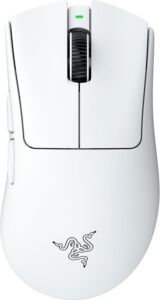
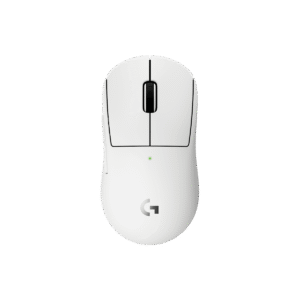
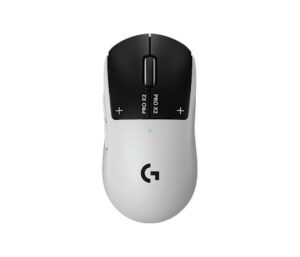
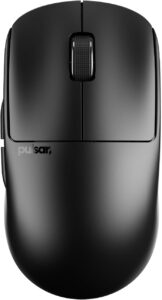
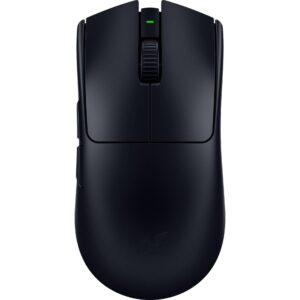
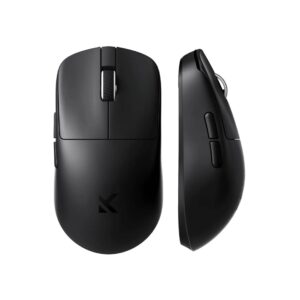
Mice with similar specs to the Razer Viper V4 Pro
Ratings & reviews
No reviews yet. Be the first to share your experience.
The bottom line
The Razer Viper V4 Pro earns a VS Score of 72, above the median of the 83 mice it is measured against (a score of 50 is level with that median).
- Who it’s for
- A competitive player with a claw or fingertip grip who wants the sensor removed from the list of things that can go wrong.
- Who should look elsewhere
- A poor choice for a mouse that also handles a working day. It has few buttons, no horizontal scrolling and a flagship price.
- The trade-off that matters
- The gain over its predecessor is hard to feel in play, so the extra money buys headroom more than anything you will notice.
- The main alternative
- Razer Viper V3 Pro: the previous model in the same shell, a few grams heavier and cheaper, for players who will run it below the top polling rate.
The VS Score is calculated from the weighted specifications above, each measured against the median of comparable mice — a shortlisting guide, not a substitute for your own priorities. See how we score.