
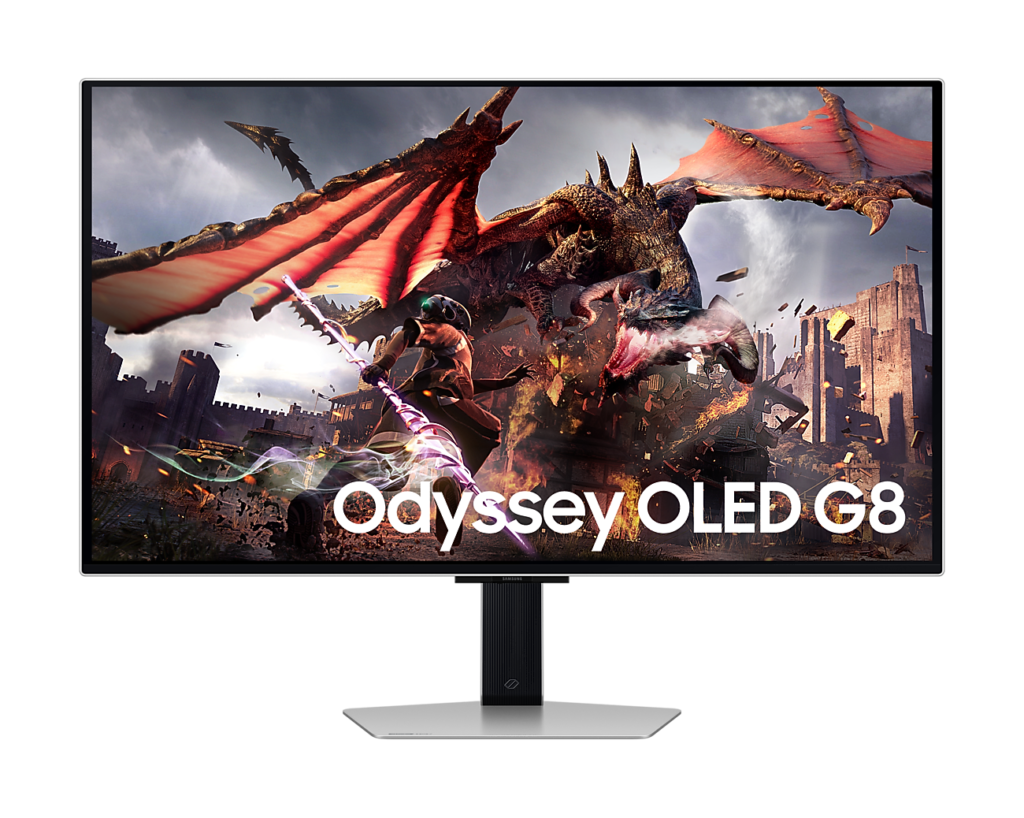
Samsung Odyssey OLED G80SD S32DG80: Specs, Pros & Cons
Samsung's G80SD is part monitor, part television, and that dual identity is the clearest way to understand it. Alongside the OLED gaming panel, it runs Samsung's Tizen smart platform with streaming apps, connects over Wi-Fi and Bluetooth, and has its own speakers, so it can play a film or a series with no computer switched on at all.
For a studio apartment, a student room or a desk that doubles as the evening screen, that is useful. For a dedicated gaming or work setup it is clutter you may never open, and the smart features are best judged as a bonus rather than a reason to buy.
The panel is the real attraction. QD-OLED delivers per-pixel contrast, very fast response and wide color, and the matte coating Samsung chose keeps reflections under control in a room with windows, at the cost of slightly lifted blacks and a faint grain on solid colors compared with glossy rivals. Which finish is better depends entirely on your lighting.
Its limits are those of OLED in general. Full-screen brightness is modest, so it is not the screen for bright-room HDR, and static elements left on screen for long periods are a wear risk that Samsung counters with a heat pipe and pixel-refresh routines. There is also no USB-C, so a laptop needs a dock to drive and charge it through one connection.
It suits someone who wants a large, sharp OLED for games, color work and streaming in one device, in a room where the light can be controlled. Anyone working in bright daylight, or needing single-cable laptop docking, should look at Mini-LED or at a model with USB-C.
Category strengths
Where the Samsung Odyssey OLED G80SD S32DG80 beats the median
- Has built-in speakers ?
Where the Samsung Odyssey OLED G80SD S32DG80 trails the median
- No USB-C ?
How this VS Score was computed
Score 48: each known spec is measured against the median of OLED gaming monitors, 32 inches and up (13 products), then weighted; 50 means level with that median. In classes of six or more, a value beyond the class’s 10th–90th percentile range counts as that limit, so one extreme product cannot set the scale. 54% of the scoreable weight could be used; unknown values, features not applicable to this class and proxies (battery capacity where a rated life exists) add or remove nothing.
| Specification | This product | Cohort median | Score weight | Points moved |
|---|---|---|---|---|
| USB-C | No | 77% of the class have it | 0.5 | −24.0 |
| Built-in speakers | Yes | 40% of the class have it | 0.2 | +10.0 |
| Pivot | Yes | 64% of the class have it | 0.02 | +1.0 |
| Screen size | 32 | 32 | 1.2 | +0.0 |
| Resolution | 4K | 4K | 1.2 | +0.0 |
| Panel type | OLED | OLED | 0.8 | +0.0 |
| Refresh rate | 240 | 240 | 1.2 | +0.0 |
| Response time | 0.03 | 0.03 | 0.8 | +0.0 |
| DCI-P3 coverage | 99 | 99 | 0.6 | +0.0 |
| Pixel density | 140 | 140 | 0.5 | +0.0 |
| Adaptive sync | G-Sync Compatible | G-Sync Compatible | 0.6 | +0.0 |
| HDMI ports | 2 | 2 | 0.4 | +0.0 |
| DisplayPort inputs | 1 | 1 | 0.4 | +0.0 |
Not scored: Color depth (unknown: not scored); Peak brightness (unknown: not scored); Contrast ratio (unknown: not scored); HDR (unknown: not scored); Local dimming (unknown: not scored); Local dimming zones (unknown: not scored); Variable refresh rate (standard for the class (100% have it)); Motion blur reduction (unknown: not scored); Input lag (unknown: not scored); Height adjustment (standard for the class (100% have it)); Tilt (standard for the class (100% have it)); Swivel (standard for the class (100% have it)); USB-C power delivery (unknown: not scored); USB hub (standard for the class (85% have it)); Headphone output (unknown: not scored); KVM switch (unknown: not scored); Webcam (unknown: not scored); Microphone (unknown: not scored); Ethernet (not applicable: only 0% of this class have it); Picture-by-picture (unknown: not scored).
Editor’s note
The G80SD is the monitor that made 32-inch 4K QD-OLED affordable, and the panel is still the reason to want one. Per-pixel light control means blacks that no backlit display can match, 240 Hz with a 0.03 ms response time, and 99 percent DCI-P3 coverage in a screen that works for both games and color work.
The coating is the first thing to decide about. Samsung uses a matte anti-glare finish where some rivals use a glossy treatment, which kills reflections but slightly lifts blacks in a bright room and gives the image a faintly grainy cast on solid colors. In a dark room glossy wins. With a window behind you, this is the better choice.
Brightness is the honest weak point. Full-screen SDR output sits around 250 nits, which is fine in controlled light and unremarkable next to a Mini-LED panel that will do four times that. HDR highlights are handled by small-area brightness rather than sustained output, so bright-room HDR is not this screen's strength.
Samsung ships it as a smart monitor: Tizen apps, Wi-Fi, Bluetooth and dual 5-watt speakers are built in, along with an NQ8 AI processor that upscales lower resolutions. Whether that is a feature or clutter depends on you. The panel-care measures (a heat pipe and pixel-refresh routines) are the more useful additions.
Connectivity is good but not complete. Two HDMI 2.1 ports, DisplayPort 1.4 and a two-port USB hub cover most desks, but there is no USB-C, so a laptop needs a separate dock to drive the screen and charge at the same time. The stand handles height, tilt, swivel and a full pivot into portrait, on a standard 100 by 100 VESA pattern.
Buy this for contrast, motion and color accuracy in a room you control. Look at Mini-LED instead if you work in bright daylight, where sustained brightness matters more than perfect blacks.
Specifications
Quality bars show where each figure sits between the lowest and highest of the 13 OLED gaming monitors, 32 inches and up this VS Score is measured against.
Picture
Gaming
Ergonomics & design
Connectivity
Features
Sources and verification
Where the specifications come from
- Official product pagesamsung.com
- Independent testingrtings.com
Verification
- First published
- Specifications last checked
- Sheet completeness
- 26 of 42 specifications verified; the rest show as Unknown and are never estimated or scored
- Page type
- Product specification page — Compiled from the manufacturer’s published specifications and the cited sources; this is not a hands-on test.
- Basis
- Research-based: specifications and editorial text were compiled from the documents listed here and the manufacturer’s published data. We have not tested this unit ourselves; where independent measurements are mentioned they belong to the linked publication.
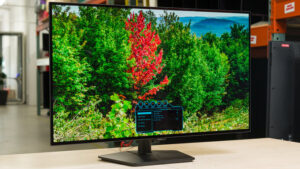
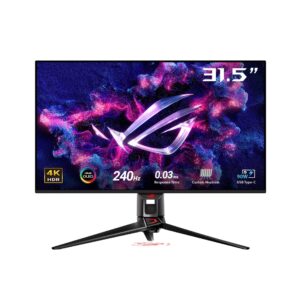
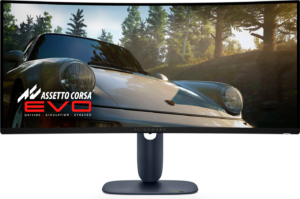
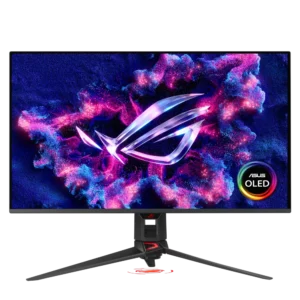
Monitors with similar specs to the Samsung Odyssey OLED G80SD S32DG80
Ratings & reviews
No reviews yet. Be the first to share your experience.
The bottom line
The Samsung Odyssey OLED G80SD S32DG80 earns a VS Score of 48, below the median of the 13 OLED gaming monitors, 32 inches and up it is measured against (a score of 50 is level with that median).
- Who it’s for
- Someone who wants one large OLED screen for games, color work and streaming, in a room that doubles as a living space and where the light can be controlled.
- Who should look elsewhere
- Bright, sunlit rooms where OLED's modest full-screen brightness shows, and laptop owners who want single-cable USB-C docking.
- The trade-off that matters
- Superb contrast and motion with smart-TV extras, against limited sustained brightness and the long-term care every OLED needs.
- The main alternative
- Samsung Odyssey Neo G7 S32BG75: a Mini-LED screen of the same size that trades OLED's perfect blacks for far higher sustained brightness.
The VS Score is calculated from the weighted specifications above, each measured against the median of comparable OLED gaming monitors, 32 inches and up — a shortlisting guide, not a substitute for your own priorities. See how we score.





