
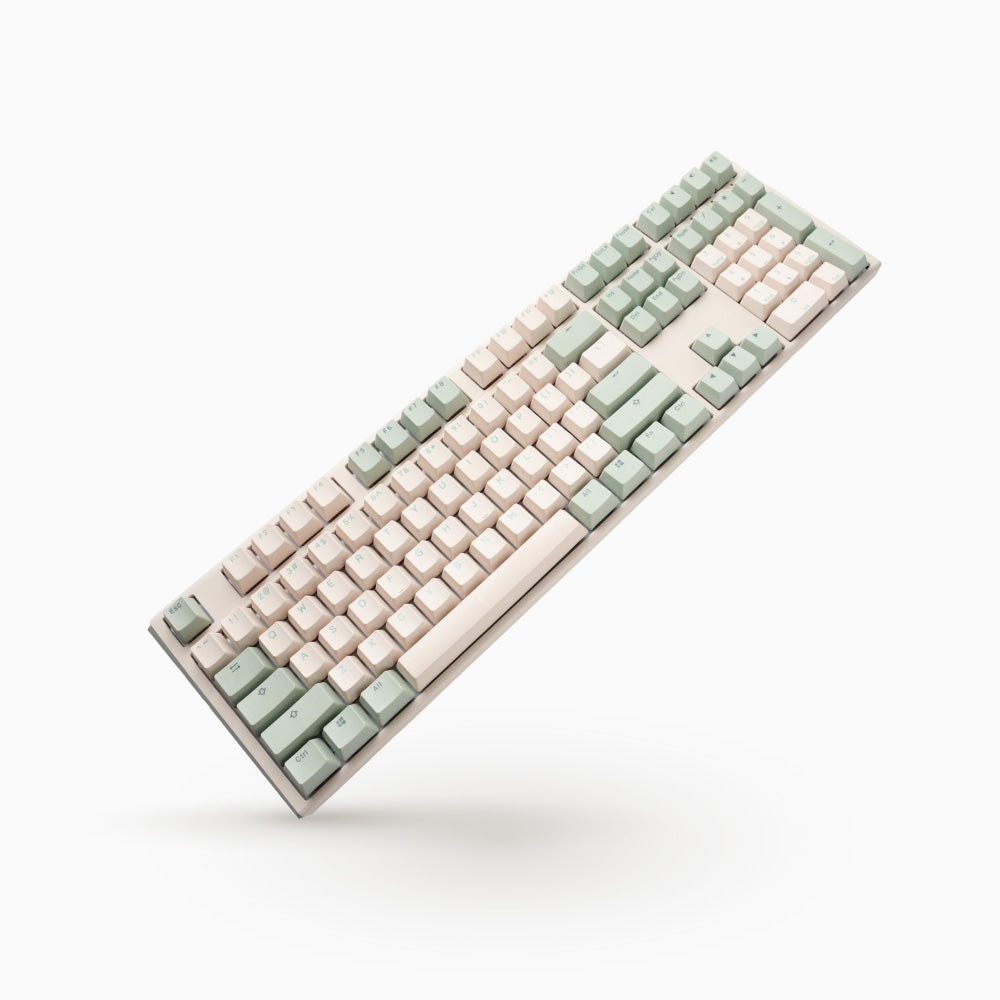
Ducky One 3: Specs, Features, Pros & Cons
This listing is the unlit One 3, the same full-size Ducky board as the RGB model with no backlight at all, so confirm the variant before ordering.
Ducky's One 3 is a wired mechanical keyboard with Cherry MX switches in hot-swap sockets, doubleshot PBT keycaps and foam inside the case. Owners can change switches with a puller instead of a soldering iron, and the foam gives a deeper sound than an empty plastic shell. The Cherry range on offer runs from heavy linear switches to quiet ones. Everything is set on the keyboard itself. Macros, onboard profiles, media keys, remaps and a mouse-control layer are recorded through key combinations, and DIP switches underneath change the rest. There is no companion app at all.
A spec sheet counts the missing app as a weakness, next to the lack of a rotary knob and of any wireless mode. The missing app was a design choice, though. It means your layout survives a move to a locked work computer, a console or a borrowed PC without anything being installed. The cost is slower setup, done by memorizing key combinations and checking the manual. It is also a large board, full width with a keypad and heavy on the desk, and it has none of the magnetic switch features that competitive players now look for, such as rapid trigger or a movable actuation point.
The buyer it suits types for a living on more than one computer and wants a keyboard that behaves the same on all of them. On this variant, that buyer also needs to touch-type without a backlight.
Category strengths
Where the Ducky One 3 trails the median
- Fewer connection options ?
- No rotary knob ?
- No configuration software ?
How this VS Score was computed
Score 38: each known spec is measured against the median of all keyboards (101 products), then weighted; 50 means level with that median. In classes of six or more, a value beyond the class’s 10th–90th percentile range counts as that limit, so one extreme product cannot set the scale. 44% of the scoreable weight could be used; unknown values, features not applicable to this class and proxies (battery capacity where a rated life exists) add or remove nothing.
| Specification | This product | Cohort median | Score weight | Points moved |
|---|---|---|---|---|
| Hot-swappable | Yes | 61% of the class have it | 0.6 | +30.0 |
| Connection | 1 | 3 | 0.8 | −26.4 |
| Rapid trigger | No | 25% of the class have it | 0.5 | −24.0 |
| Adjustable actuation | No | 24% of the class have it | 0.4 | −19.2 |
| Sound dampening | Yes | 76% of the class have it | 0.3 | +15.0 |
| Backlight | None | RGB | 0.3 | −14.4 |
| Rotary knob | No | 53% of the class have it | 0.2 | −9.6 |
| Configuration software | No | 95% of the class have it | 0.2 | −9.6 |
| Switch technology | Mechanical | Mechanical | 1 | +0.0 |
| Keycap material | PBT | PBT | 0.4 | +0.0 |
Not scored: Actuation force (unknown: not scored); N-key rollover (standard for the class (85% have it)); Analog input (not applicable: only 14% of this class have it); Polling rate (unknown: not scored); Wired latency (unknown: not scored); Wireless latency (unknown: not scored); Front height (unknown: not scored); Bluetooth devices (unknown: not scored); Battery life (unknown: not scored); Battery capacity (unknown: not scored); USB passthrough (not applicable: only 4% of this class have it); Programmable keys (standard for the class (99% have it)); Media controls (standard for the class (97% have it)); Onboard profiles (standard for the class (89% have it)).
Editor’s note
The Ducky One 3 is what people mean when they say a keyboard is "boring in the right way", and after several years on sale that is still its strongest recommendation.
There is no software. Not a lightweight utility, none at all. Macros, six onboard profiles, media keys, key remapping and a mouse-control layer are all recorded on the board itself through Fn combinations, with four DIP switches underneath for the rest. That sounds archaic until you plug it into a locked-down work machine, or a console, or a friend's PC, and everything you configured is still there. If you have ever lost a keyboard's settings to a cloud account or a broken driver update, this is the antidote.
The build backs it up. Doubleshot PBT keycaps that will not go shiny, hot-swap sockets so switches can be changed without soldering, and internal foam that gives it a deeper, less hollow sound than most boards at the price. Cherry MX switches come in the usual spread from Black through Silent Red.
The compromises are equally clear. This full-size version is 1,250 grams and 450 mm wide, so it dominates a desk. It is wired only, with no wireless option in the range. There is no adjustable actuation, no rapid trigger and no analog input, so competitive players chasing the lowest possible actuation distance should look at Hall-effect or optical boards instead. And this variant has no backlighting at all. The RGB version is a separate purchase.
Buy it if you type for a living, want to tune the feel by swapping switches, and would rather not install anything. Skip it if you want wireless, per-key lighting as shipped, or the newest gaming switch technology.
Specifications
Quality bars show where each figure sits between the lowest and highest of the 101 keyboards this VS Score is measured against.
Switches & typing
Performance
Layout & size
Connectivity
Build & sound
Features
Sources and verification
Where the specifications come from
- Official product pageducky.global
- Independent testingrtings.com
Verification
- First published
- Specifications last checked
- Sheet completeness
- 21 of 34 specifications verified; the rest show as Unknown and are never estimated or scored
- Page type
- Product specification page — Compiled from the manufacturer’s published specifications and the cited sources; this is not a hands-on test.
- Basis
- Research-based: specifications and editorial text were compiled from the documents listed here and the manufacturer’s published data. We have not tested this unit ourselves; where independent measurements are mentioned they belong to the linked publication.
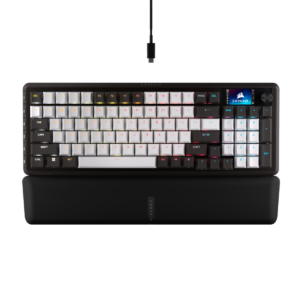
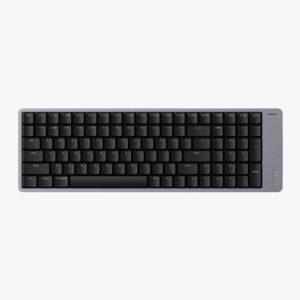
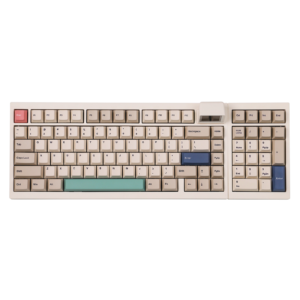
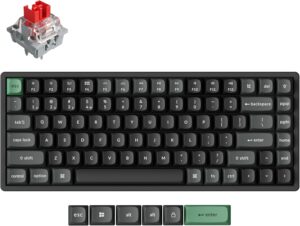
Keyboards with similar specs to the Ducky One 3

Ratings & reviews
No reviews yet. Be the first to share your experience.
The bottom line
The Ducky One 3 earns a VS Score of 38, below the median of the 101 keyboards it is measured against (a score of 50 is level with that median).
- Who it’s for
- Writers and admins who move between locked-down work machines and want every setting stored on the keyboard with nothing installed.
- Who should look elsewhere
- Pass on this variant if you want wireless or lit keys, and competitive players should look at magnetic or optical boards.
- The trade-off that matters
- Configuring it through key combinations and DIP switches is reliable but slow, and there is no screen or app to show what you have set.
- The main alternative
- Keychron V5 Max: a compact keypad board with a gasket mount, tri-mode wireless and a knob, for less width and no cable.
The VS Score is calculated from the weighted specifications above, each measured against the median of comparable keyboards — a shortlisting guide, not a substitute for your own priorities. See how we score.




