
Acer KA242Y G0bi: Specs, Features, Pros & Cons
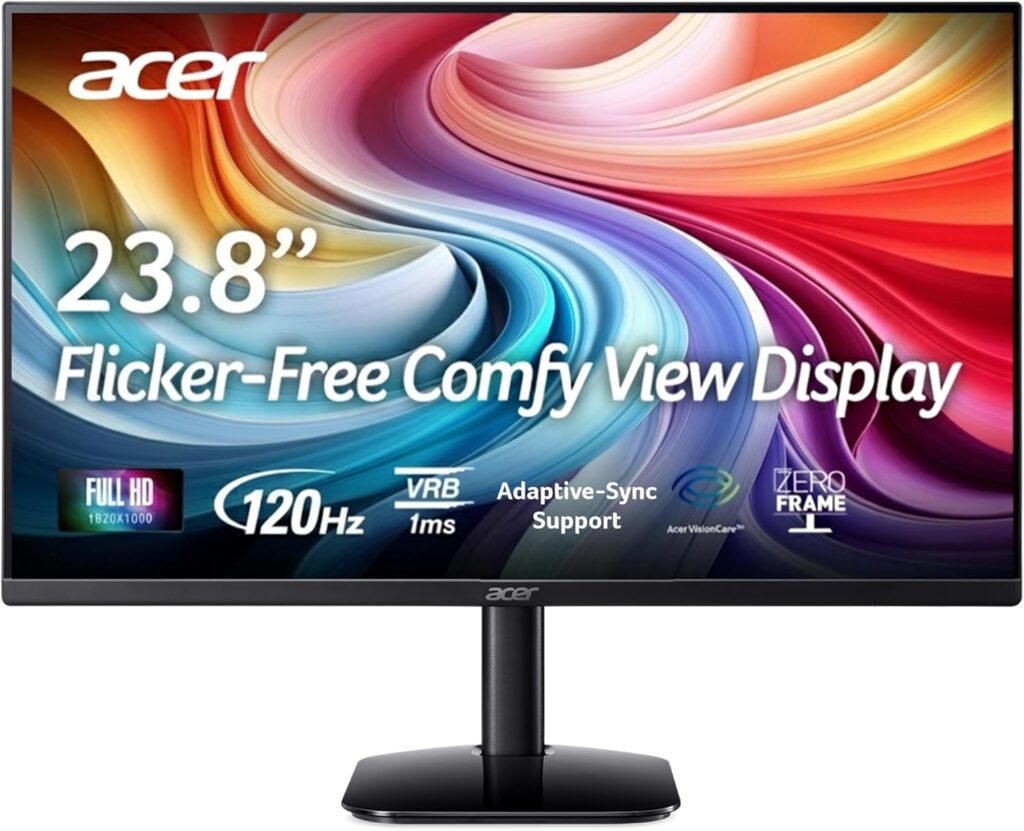
The monitor equivalent of a reliable commuter car, and there is more competence here than the price suggests. Acer's 23.8-inch office IPS runs at 120 Hz (double the refresh this category clung to for a decade), which makes scrolling documents, dragging windows and the occasional after-hours game noticeably smoother than the panels it replaces.
The essentials are sensibly chosen. Full HD at this size works out to 92 ppi, the comfortable density where text is sharp without scaling headaches. The IPS panel keeps colors stable across viewing angles with 99% sRGB coverage, Adaptive-Sync smooths frame delivery, and the zero-frame bezels suit a multi-monitor row, with a matte coating for office lighting.
The economies are visible and honest. 250 nits is adequate indoors and no more, so keep it away from bright windows. The stand only tilts. Connectivity is one HDMI plus a VGA port (the latter a small time capsule that still matters to anyone connecting older office hardware), with no DisplayPort, no USB-C and no speakers in the listing we verified. The 1 ms figure on the box is Acer's VRB blur-reduction number, not a gray-to-gray measurement.
As a home-office workhorse or a second screen bought on price, it does exactly what it should and nothing it shouldn't.
Category strengths
Where the Acer KA242Y G0bi trails the median
- No height adjustment ?
- A lower refresh rate ?120 Hz vs 180 Hz (median)
- No headphone output ?
- Lower peak brightness ?250 nits vs 300 nits (median)
How this VS Score was computed
Score 39: each known spec is measured against the median of IPS gaming monitors, under 27 inches (7 products), then weighted; 50 means level with that median. In classes of six or more, a value beyond the class’s 10th–90th percentile range counts as that limit, so one extreme product cannot set the scale. 61% of the scoreable weight could be used; unknown values, features not applicable to this class and proxies (battery capacity where a rated life exists) add or remove nothing.
| Specification | This product | Cohort median | Score weight | Points moved |
|---|---|---|---|---|
| Adaptive sync | FreeSync | G-Sync Compatible | 0.6 | −28.8 |
| Height adjustment | No | 71% of the class have it | 0.4 | −19.2 |
| HDR | None | HDR10 | 0.5 | −12.5 |
| Refresh rate | 120 — capped at the class’s lower range (144) | 180 | 1.2 | −12.0 |
| Swivel | No | 43% of the class have it | 0.2 | −9.6 |
| Built-in speakers | No | 29% of the class have it | 0.2 | −9.6 |
| Headphone output | No | 86% of the class have it | 0.2 | −9.6 |
| Peak brightness | 250 | 300 | 0.8 | −6.4 |
| Pivot | No | 29% of the class have it | 0.02 | −1.0 |
| Screen size | 24 | 24 | 1.2 | +0.0 |
| Resolution | 1080p | 1080p | 1.2 | +0.0 |
| Panel type | IPS | IPS | 0.8 | +0.0 |
| Color depth | 8 | 8 | 0.3 | +0.0 |
| Contrast ratio | 1,000 | 1,000 | 0.6 | +0.0 |
| Pixel density | 92 | 92 | 0.5 | +0.0 |
| HDMI ports | 1 | 1 | 0.4 | +0.0 |
| DisplayPort inputs | 0 — capped at the class’s lower range (1) | 1 | 0.4 | +0.0 |
Not scored: Response time (unknown: not scored); DCI-P3 coverage (unknown: not scored); Local dimming (not applicable: only 0% of this class have it); Local dimming zones (unknown: not scored); Variable refresh rate (standard for the class (100% have it)); Motion blur reduction (unknown: not scored); Input lag (unknown: not scored); Tilt (standard for the class (100% have it)); USB-C (not applicable: only 14% of this class have it); USB-C power delivery (unknown: not scored); USB hub (not applicable: only 0% of this class have it); KVM switch (not applicable: only 0% of this class have it); Webcam (not applicable: only 0% of this class have it); Microphone (not applicable: only 0% of this class have it); Ethernet (not applicable: only 0% of this class have it); Picture-by-picture (unknown: not scored).
Editor’s note
The KA242Y G0bi is what I would put on a desk that needs a second screen this month rather than a better screen someday. Nothing on it surprises, which at the bottom of the market is precisely the compliment.
In use, the doubled refresh is the feature people notice without knowing why: the cursor keeps up, pages glide, and the office monitor it replaced suddenly feels old. It is a comfort upgrade, though the sync support means an evening game does not tear.
The VGA port deserves a word in its defense. Offices keep old machines alive for one stubborn program, and this is one of the few current panels that will still talk to them without an adapter.
Place it with the light in mind (the brightness budget assumes a wall behind you) and mount it on an arm if the fixed tilt annoys, since the VESA holes are there.
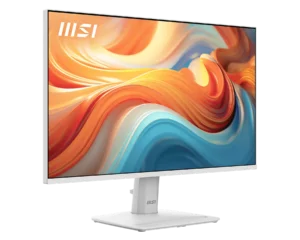
Against MSI's PRO MP251W, the same brief comes with speakers, a white chassis and a slightly faster panel, and this Acer counters on price and on IPS. Either way the buyer gets a monitor that goes to work.
Specifications
Quality bars show where each figure sits between the lowest and highest of the 7 IPS gaming monitors, under 27 inches this VS Score is measured against.
Picture
Gaming
Ergonomics & design
Connectivity
Features
Sources and verification
Where the specifications come from
- Official product pageacer.com
- Retailer listing (cross-check)amazon.com
Verification
- First published
- Specifications last checked
- Sheet completeness
- 31 of 42 specifications verified; the rest show as Unknown and are never estimated or scored
- Page type
- Product specification page — Compiled from the manufacturer’s published specifications and the cited sources; this is not a hands-on test.
- Basis
- Research-based: specifications and editorial text were compiled from the documents listed here and the manufacturer’s published data. We have not tested this unit ourselves; where independent measurements are mentioned they belong to the linked publication.
Monitors with similar specs to the Acer KA242Y G0bi
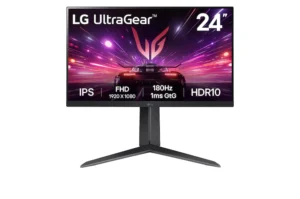
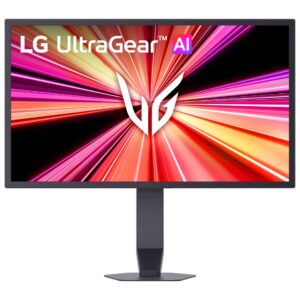
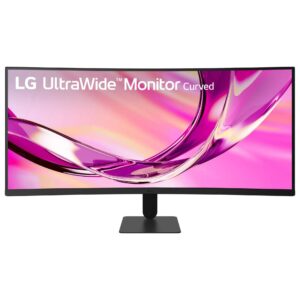
Ratings & reviews
No reviews yet. Be the first to share your experience.
The bottom line
The Acer KA242Y G0bi earns a VS Score of 39, below the median of the 7 IPS gaming monitors, under 27 inches it is measured against (a score of 50 is level with that median).
- Who it’s for
- Home-office desks and second screens bought on price: smooth scrolling, IPS stability and full sRGB in a zero-frame chassis.
- Who should look elsewhere
- Bright rooms, ergonomic setups (the stand only tilts) and anyone needing DisplayPort or USB-C, since the ports are HDMI and legacy VGA.
- The trade-off that matters
- Honest economy: double the usual office refresh rate in exchange for every convenience feature the price had to cut.
- The main alternative
- MSI's PRO MP251W is the same brief with speakers and a white chassis at 144 Hz, while this Acer counters on price and IPS.
The VS Score is calculated from the weighted specifications above, each measured against the median of comparable IPS gaming monitors, under 27 inches — a shortlisting guide, not a substitute for your own priorities. See how we score.





