
ASUS ProArt Wireless Mouse MD301: Specs, Price, Pros & Cons
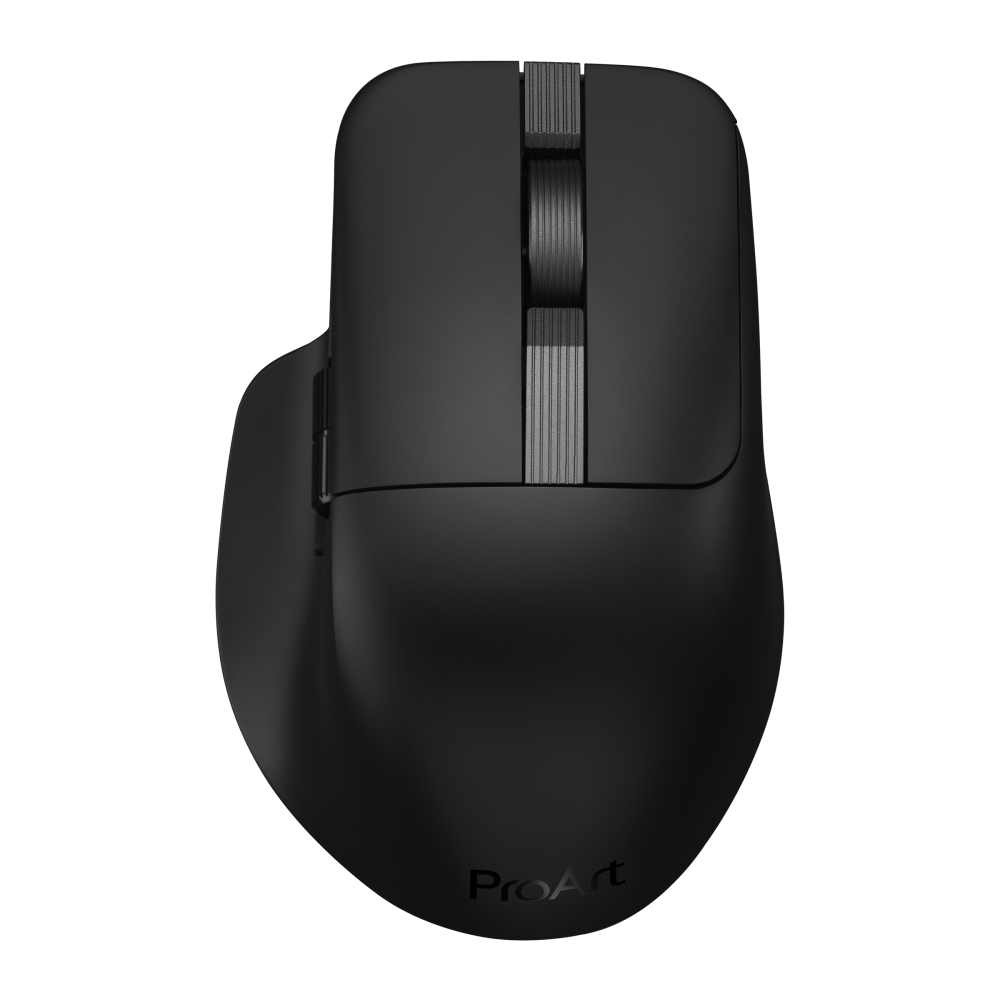
ASUS sells its ProArt range to photographers, video editors and designers, and the MD301 is the mouse in that desk set, meant to sit beside the matching keyboard. It is a right-handed productivity mouse in the tradition of the big office workhorses, with six programmable buttons and no lighting.
Its sensor tops out at 8,000 DPI, well below current gaming mice and more than enough to place a cursor on a single pixel of a large, sharp monitor. ASUS has built the rest around long life. Its battery rating is far longer than most mice claim, it charges over USB-C, and it connects by cable, by receiver or over Bluetooth to several devices at once. The detail that separates it from other mice is inside the shell. The main switches are designed to be pulled and replaced by the owner, and ASUS includes the tool. When the familiar double-click fault eventually appears, the repair is two parts and a few minutes.
Several things a creator might expect are missing. There is no horizontal scrolling and no free-spinning wheel, so wide timelines and spreadsheets move with the ordinary wheel alone. Settings are not stored on the mouse, which means they stay with the computer running ASUS's software. Charging is standard speed, with no quick-charge mode, and the lift-off distance cannot be adjusted.
It belongs on a desk where editing and documents fill the day, and where a mouse that can be repaired is worth more than gaming figures. Owners of the ProArt keyboard get a matched pair. If you scroll long timelines with your thumb, check whether the plain wheel will do before ordering.
Category strengths
Where the ASUS ProArt Wireless Mouse MD301 beats the median
- Much longer battery life ?4,320 h vs 150 h (median)
- More connection options ?
Where the ASUS ProArt Wireless Mouse MD301 trails the median
- A much lower max sensitivity ?8,000 DPI vs 25,600 DPI (median)
- No adjustable lift-off distance ?
- No quick charge ?
- No onboard memory ?
- A heavier build ?99.7 g vs 89 g (median)
How this VS Score was computed
Score 45: each known spec is measured against the median of all mice (81 products), then weighted; 50 means level with that median. In classes of six or more, a value beyond the class’s 10th–90th percentile range counts as that limit, so one extreme product cannot set the scale. 68% of the scoreable weight could be used; unknown values, features not applicable to this class and proxies (battery capacity where a rated life exists) add or remove nothing.
| Specification | This product | Cohort median | Score weight | Points moved |
|---|---|---|---|---|
| Battery life | 4,320 — capped at the class’s upper range (2,920) | 150 | 0.8 | +40.0 |
| Max sensitivity | 8,000 | 25,600 | 1 | −34.0 |
| Connection | 3 | 2 | 0.8 | +20.0 |
| USB-C charging | Yes | 67% of the class have it | 0.3 | +15.0 |
| Adjustable lift-off distance | No | 61% of the class have it | 0.3 | −14.4 |
| Quick charge | No | 55% of the class have it | 0.3 | −14.4 |
| Onboard memory | No | 86% of the class have it | 0.3 | −14.4 |
| Horizontal scrolling | No | 45% of the class have it | 0.2 | −9.6 |
| Free-spin scroll wheel | No | 34% of the class have it | 0.2 | −9.6 |
| RGB lighting | No | 46% of the class have it | 0.2 | −9.6 |
| Weight | 99.7 | 89 | 1 | −5.0 |
| Polling rate | 1,000 | 1,000 | 0.8 | +0.0 |
| Buttons | 6 | 6 | 0.6 | +0.0 |
| Switch lifespan | 80 | 80 | 0.2 | +0.0 |
| Wireless polling rate | 1,000 | 1,000 | 0.5 | +0.0 |
Not scored: Max tracking speed (unknown: not scored); Max acceleration (unknown: not scored); Grip styles (unknown: not scored); Click latency (unknown: not scored); Debounce adjustment (not applicable: only 20% of this class have it); Battery capacity (capacity is a proxy; the rated battery life is scored instead); Wireless charging (not applicable: only 14% of this class have it); Software customization (standard for the class (97% have it)); Adjustable weights (not applicable: only 2% of this class have it).
Editor’s note
The MD301 is what happens when a company designs a mouse for people who fight with selection edges in Photoshop rather than opponents in a shooter. Nothing about it chases numbers, and that is either its appeal or its problem depending on which desk it lands on.
The shape is a full-size right-handed hump, 99.7 g, with six programmable buttons and no RGB anywhere. The sensor ceiling is one gaming mice left behind years ago, and entirely sufficient for pixel work on a 4K display. It connects three ways, pairs with up to five devices alongside the KD300 keyboard, and ASUS quotes up to 180 days from the 800 mAh cell.
The detail I rate most: the main button switches are user-swappable, and ASUS puts a switch puller in the box. The fitted TTC switches are rated for 80 million clicks, and when they eventually develop the dreaded double-click, you replace two switches instead of the mouse. Almost nobody does this at any price.
What ASUS does not tell you matters too. There is no named sensor model, no tracking speed, no acceleration figure, no lift-off spec and no click latency, so an objective comparison against a G Pro or a Viper is not possible. Bluetooth polling drops sharply, and this is a brand-new listing with two Amazon reviews, so real-world reports barely exist yet.
For me this is the mouse for the ProArt desk set it was designed around, or for anyone who wants an MX Master-style workhorse with repairable switches. If you want gaming credentials or published performance data, Logitech and Razer document their hardware properly.
Specifications
Quality bars show where each figure sits between the lowest and highest of the 81 mice this VS Score is measured against.
Sensor & tracking
Design & handling
Switches & latency
Connectivity
Battery
Features
Sources and verification
Where the specifications come from
- Official product pageasus.com
- Retailer listing (cross-check)amazon.com
Verification
- First published
- Specifications last checked
- Sheet completeness
- 29 of 34 specifications verified; the rest show as Unknown and are never estimated or scored
- Page type
- Product specification page — Compiled from the manufacturer’s published specifications and the cited sources; this is not a hands-on test.
- Basis
- Research-based: specifications and editorial text were compiled from the documents listed here and the manufacturer’s published data. We have not tested this unit ourselves; where independent measurements are mentioned they belong to the linked publication.
Where to buy
Prices and availability may change. Check the retailer before buying. We may earn a commission on purchases.
Price history
Mice with similar specs to the ASUS ProArt Wireless Mouse MD301

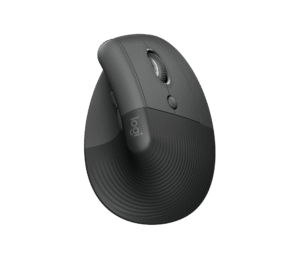
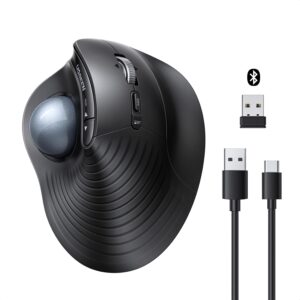
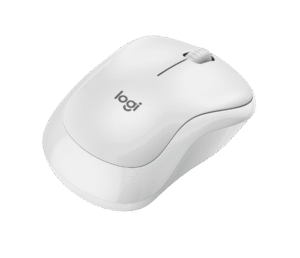
Ratings & reviews
No reviews yet. Be the first to share your experience.
The bottom line
The ASUS ProArt Wireless Mouse MD301 earns a VS Score of 45, below the median of the 81 mice it is measured against (a score of 50 is level with that median).
- Who it’s for
- Creator and office desks that want an MX Master-style workhorse with a rare virtue: when the click switches wear out, you swap them with the included puller instead of binning the mouse.
- Who should look elsewhere
- Gamers and spec-comparers: a modest dpi ceiling, 1,000 Hz, and no published sensor model, tracking speed or latency figure to judge it by.
- The trade-off that matters
- Repairability and 180-day battery in place of performance credentials ASUS does not publish. You buy it on philosophy, with no measurements to go on.
- The main alternative
- Logitech MX Master 4 is the established choice in this shape, with a documented sensor, a thumbwheel and years of owner reports behind it.
The VS Score is calculated from the weighted specifications above, each measured against the median of comparable mice — a shortlisting guide, not a substitute for your own priorities. See how we score.




