42 facts in comparison
Dell Alienware AW3225QF vs Dell Alienware AW3225DM vs Dell Alienware AW3425DW
Three Alienware monitors whose model numbers are almost impossible to tell apart, and which are different products: two QD-OLEDs (one 32-inch 16:9, one 34-inch ultrawide) and one 32-inch 1440p VA.
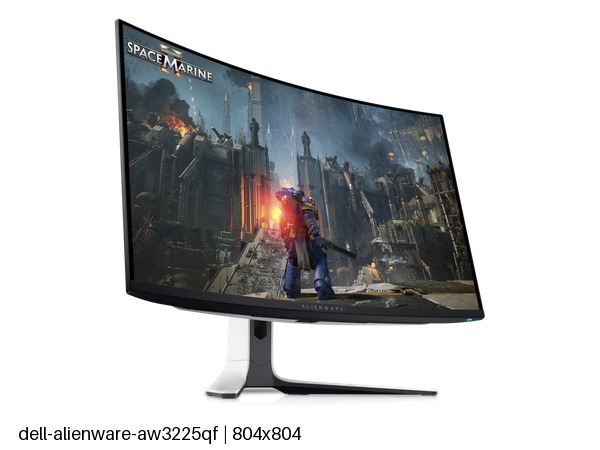
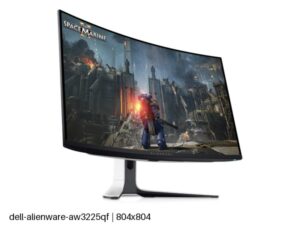
The AW3225QF is the 4K OLED: 240 Hz, per-pixel black, a 1,000-nit HDR peak with True Black certification, and the sharpest of the three at 140 pixels per inch. Next to it, the AW3425DW is the ultrawide OLED: 3440 by 1440 with the same refresh rate and panel qualities, a lower density that suits games and film more than text, and USB-C where the other two have none. The AW3225DM is the odd one out: 1440p at 180 Hz on a VA panel, with a 400-nit HDR badge that means little, a 93-pixel-per-inch density that looks coarse at 32 inches, and a stand that does not swivel.
The gap between the OLEDs and the VA is honest. The two OLEDs are in another class for response time, contrast and HDR. For the DM, the case is price alone, plus immunity from the burn-in question that shadows the other two on static desktop work.
Between the OLEDs, the decision is shape. The 16:9 4K is the better all-rounder and the sharper text display, and it suits console use. The ultrawide fills more of your view in games and film, carries the single-cable USB-C convenience, and shares a desk badly with a second monitor.
A buyer who wants an Alienware OLED should be choosing between the QF and the DW on aspect ratio. A buyer who wants Alienware styling on a mid-range card and a modest budget is the only person for whom the DM is the answer, and they should know what the letter costs them.
Editor’s note
All three of these are curved, which the model numbers never mention. The QF bends a conventional widescreen panel at 1700R, an unusual choice at this size: it wraps a game around the player, and it also bows spreadsheet gridlines in a way you may never get used to.
The QF pairs a first-rate image with a bare back panel. There is no USB-C, no speaker and no headphone socket, so a laptop needs its own charger and cables, and headphones have to run back to the tower. Fine on a gaming desk, irritating on a shared one.
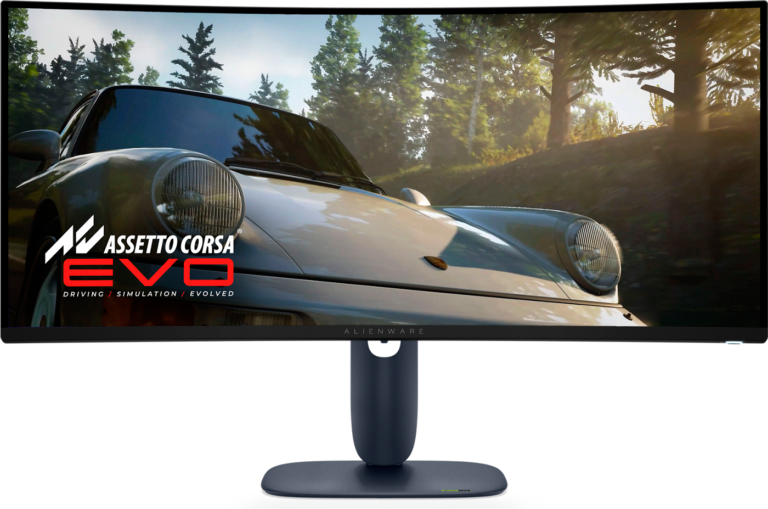
The DW is the specialist. Racing and flight games, video timelines and trading layouts get real use out of the width, and its gentler 1800R curve suits the shape. Its USB-C port, though, supplies only 15 W, so treat it as a display and data link rather than a laptop dock.
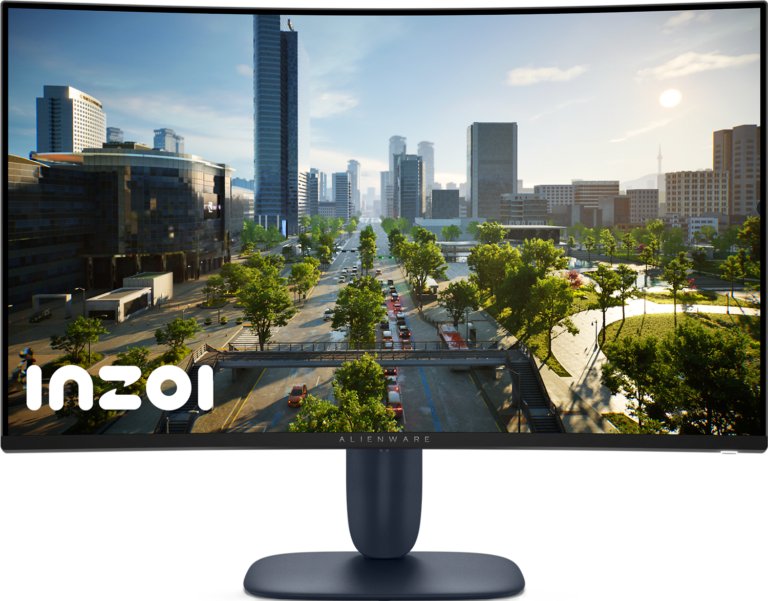
The DM's HDR mode adds little, and its VA panel smears dark detail in fast motion, which a big screen makes easy to see. What it does well is contrast for an LCD, keeping night scenes deeper than an IPS panel manages, and it is the only one here with nothing to fear from a static taskbar. As a first big monitor for a dark room it makes sense. As an Alienware bought for the picture it does not.
Category strengths
- Dell Alienware AW3225QF
- Dell Alienware AW3225DM
- Dell Alienware AW3425DW
Spec wins (head-to-head)
- Dell Alienware AW3225QF 2
- Dell Alienware AW3225DM 0
- Dell Alienware AW3425DW 3
Why Dell Alienware AW3225QF?
- 4K Resolution ?4K vs 1440p
- A higher pixel density ?140 ppi vs 110 ppi
Why Dell Alienware AW3225DM?
No standout advantages.
Why Dell Alienware AW3425DW?
- A slightly bigger screen ?34" (86.36 cm) vs 31.6" (80.26 cm)
- A much higher contrast ratio ?1500000:1 vs 1000000:1
- Has USB-C ?
Key real-world differences
The spec sheet pulls in both directions. These are the gaps big enough to shape the decision — with the actual figures, and what each one means in real-world use.
- ResolutionPicture4K vs 1440p vs — — advantage Dell Alienware AW3225QF
The total pixel count; higher is sharper.
- Contrast ratioPicture1000000:1 vs 3000:1 vs 1500000:1 — 500× more for the Dell Alienware AW3425DW
The ratio between the brightest and darkest output.
- USB-CConnectivityNo vs No vs Yes — only the Dell Alienware AW3425DW has it
A USB-C input, often with power delivery for laptops.
Which one should you buy?
There is no single answer — it depends on what you will actually use it for. Match your priority to the pick below.
- Best for picture Dell Alienware AW3425DW takes the category 95 to 84 — driven by contrast ratio (1000000:1 vs 3000:1 vs 1500000:1).
- Best for connectivity Dell Alienware AW3425DW takes the category 100 to 69 — driven by USB-C (No vs No vs Yes).
- The safe all-rounder Dell Alienware AW3425DW wins 2 of 4 categories, which together carry most of the weight, and tops the overall VS Score at 97.
Where each one falls short
Dell Alienware AW3225QF
- USB-C: No vs No vs Yes
- 4 specs are unreported (shown as Unknown) and excluded from its scores.
Dell Alienware AW3225DM
- Resolution: 4K vs 1440p vs —
- Contrast ratio: 1000000:1 vs 3000:1 vs 1500000:1
- Pixel density: 140 ppi vs 93 ppi vs 110 ppi
- 4 specs are unreported (shown as Unknown) and excluded from its scores.
Dell Alienware AW3425DW
- No major spec weaknesses in this matchup — the gaps that exist are small.
- 17 specs are unreported (shown as Unknown) and excluded from its scores.
What matters to you?
Drag the sliders to weight each category and re-rank the products to suit your priorities.
Score breakdown
Picture
Gaming
Ergonomics & design
Connectivity
Features
Specs last verified September 24, 2026Dell Alienware AW3225QF: 38 of 42 specs verified (90%)Dell Alienware AW3225DM: 38 of 42 specs verified (90%)Dell Alienware AW3425DW: 25 of 42 specs verified (60%)Unverified specs show as Unknown — never estimated, never scored
Where to buy
No price is available to track yet.
No price is available to track yet.
Prices and availability may change. Check the retailer before buying. We may earn a commission on purchases.
What reviewers say
The bottom line
The deciding question is how much of the day the screen spends on static work. On a gaming-first desk the QF is the default, and the DW replaces it only for a player who specifically wants width for racing, flight or film. The two share an image, so shape is the whole choice. On a desk that also carries a working day of documents and toolbars, both OLEDs ask for screen-care habits, and a laptop user will lean toward the DW.
The DM earns a place in one narrow case: a gamer on a mid-range card who wants a large curved screen and would rather accept an LCD's motion limits than manage burn-in risk. For anyone buying Alienware for the picture itself it is the wrong screen, and the extra money for an OLED is the better spend.
Latest comparisons

Latest Monitors