42 facts in comparison
AOC Q27G3XMN vs ASUS ROG Swift OLED PG32UCDM Gen3
A budget 27-inch Mini-LED VA against a 32-inch 4K QD-OLED at several times the price. What the price gap hides is that the cheap one does something specific very well.
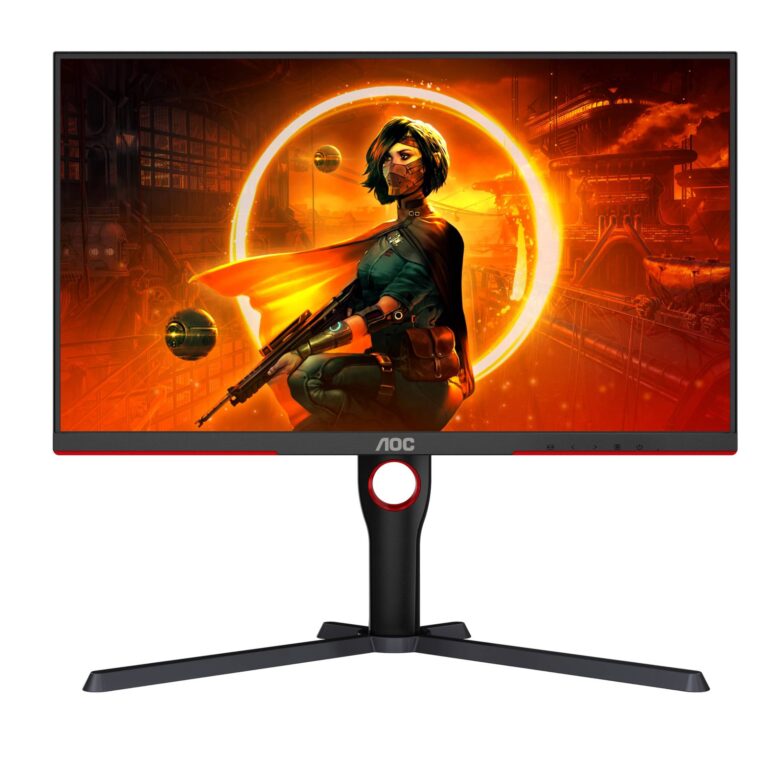
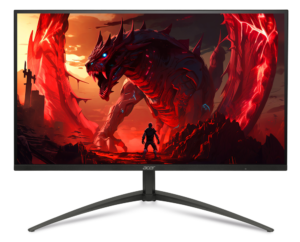
The AOC Q27G3XMN is a 1440p, 180 Hz VA panel with a full-array Mini-LED backlight, which is how it earns a DisplayHDR 1000 certification at a price where most monitors carry a 400 sticker. In HDR content it gets bright, and its VA contrast is deep by LCD standards. Its costs are VA's slower dark transitions, a 1-millisecond response that is a different order of magnitude from OLED's, and a plain port set with no USB-C or hub.
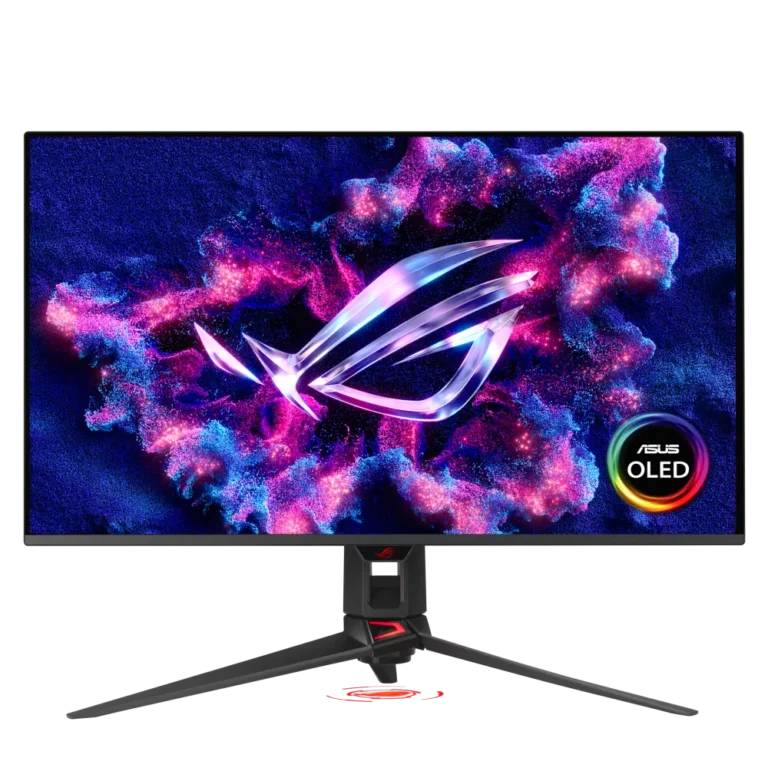
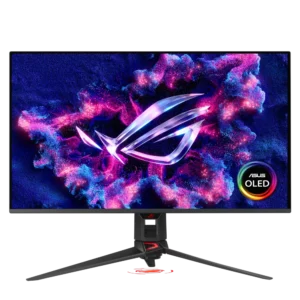
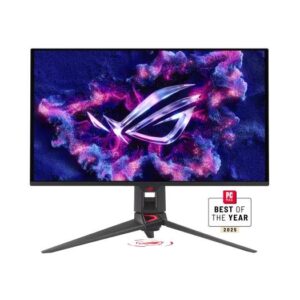
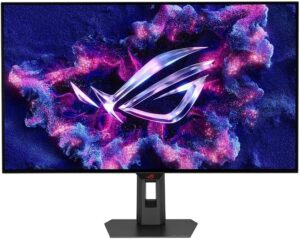
The ASUS PG32UCDM Gen3 is a 4K, 240 Hz QD-OLED with per-pixel black, an effectively infinite contrast ratio, near-complete DCI-P3 coverage, USB-C and a USB hub. It is the better screen for games and films in every respect except full-screen brightness, and it carries OLED's two standing caveats: burn-in risk with static desktop layouts, and dimmer full-white than an LCD.
The sizes and resolutions are not equivalent either. Both land near 109 pixels per inch at 27 inches and 140 at 32, so the ASUS is sharper as well as larger.
This pairing is for a buyer deciding whether to spend a little or a lot. The AOC is the right answer for a bright-room desk that wants convincing HDR on a budget and a mixed work-and-play use where OLED's burn-in question is unwelcome. The ASUS is the right answer when the budget allows and the desk is mostly for games and media, where its response time and black level are in another class.
Editor’s note
Each of these asks you to live with something, and neither manufacturer advertises it.
The AOC's is VA smearing. Dark transitions on this panel type are slower than the headline response figure suggests, and in dim scenes fast motion trails in a way no overdrive setting fully clears. Its Mini-LED backlight also divides the screen into far fewer zones than the picture has pixels, so bright objects on black backgrounds carry a halo. Both are the price of buying certified HDR brightness cheaply, and both show up more in games than in films.
The ASUS asks for maintenance instead. OLED panels run pixel-refresh cycles, dim static bright areas automatically, and reward an owner for hiding taskbars and varying what is on screen. None of that is difficult, but it is a relationship rather than a purchase, and a desk displaying the same spreadsheet layout for eight hours a day is close to the worst possible use of one.
The buyer who regrets the AOC bought it for competitive games on dark maps. The buyer who regrets the ASUS bought it as a work monitor first and a games monitor second.
Head-to-head points: every spec is scaled between these products only, so a product can score high here and modestly on its own page, where the VS Score measures it against the median of its class.
Where the AOC Q27G3XMN beats the ASUS ROG Swift OLED PG32UCDM Gen3
- DisplayHDR 1000 HDR ?DisplayHDR 1000 vs HDR10
- Has pivot adjustment ?
Where the ASUS ROG Swift OLED PG32UCDM Gen3 beats the AOC Q27G3XMN
- A bigger screen ?32" (81.28 cm) vs 27" (68.58 cm)
- 4K Resolution ?4K vs 1440p
- OLED Panel type ?OLED vs VA
- A higher refresh rate ?240 Hz vs 180 Hz
- A much faster response time ?0.03 ms vs 1 ms
- A much higher contrast ratio ?1500000:1 vs 4000:1
- Slightly wider DCI-P3 colour coverage ?99 % vs 96 %
- A higher pixel density ?140 ppi vs 109 ppi
- G-Sync Compatible Adaptive sync ?G-Sync Compatible vs FreeSync
Key real-world differences
The spec sheet pulls in both directions. These are the gaps big enough to shape the decision — with the actual figures, and what each one means in real-world use.
- Response timePicture1 ms vs 0.03 ms — 97% less for the ASUS ROG Swift OLED PG32UCDM Gen3
Gray-to-gray response; lower reduces motion blur.
- ResolutionPicture1440p vs 4K — advantage ASUS ROG Swift OLED PG32UCDM Gen3
The total pixel count; higher is sharper.
- USB-CConnectivityNo vs Yes — only the ASUS ROG Swift OLED PG32UCDM Gen3 has it
A USB-C input, often with power delivery for laptops.
- Adaptive syncGamingFreeSync vs G-Sync Compatible — advantage ASUS ROG Swift OLED PG32UCDM Gen3
Variable-refresh technology for tear-free motion.
- USB hubConnectivityNo vs Yes — only the ASUS ROG Swift OLED PG32UCDM Gen3 has it
Built-in USB ports for peripherals.
Which one should you buy?
There is no single answer — it depends on what you will actually use it for. Match your priority to the pick below.
- Best for picture ASUS ROG Swift OLED PG32UCDM Gen3 takes the category 94 to 19 — driven by response time (1 ms vs 0.03 ms).
- Best for connectivity ASUS ROG Swift OLED PG32UCDM Gen3 takes the category 100 to 50 — driven by USB-C (No vs Yes).
- Best for gaming ASUS ROG Swift OLED PG32UCDM Gen3 takes the category 100 to 45 — driven by adaptive sync (FreeSync vs G-Sync Compatible).
- Best for ergonomics & design AOC Q27G3XMN takes the category 100 to 80 — driven by pivot (Yes vs No).
- The safe all-rounder ASUS ROG Swift OLED PG32UCDM Gen3 wins 3 of 4 categories, which together carry most of the weight, and tops the overall VS Score at 94.
Where each one falls short
AOC Q27G3XMN
- Response time: 1 ms vs 0.03 ms
- Resolution: 1440p vs 4K
- Contrast ratio: 4000:1 vs 1500000:1
- 4 specs are unreported (shown as Unknown) and excluded from its scores.
ASUS ROG Swift OLED PG32UCDM Gen3
- HDR: DisplayHDR 1000 vs HDR10
- Pivot: Yes vs No
- 8 specs are unreported (shown as Unknown) and excluded from its scores.
What matters to you?
Drag the sliders to weight each category and re-rank the products to suit your priorities.
Score breakdown
Picture
Gaming
Ergonomics & design
Connectivity
Features
Specs last verified October 5, 2026AOC Q27G3XMN: 38 of 42 specs verified (90%)ASUS ROG Swift OLED PG32UCDM Gen3: 34 of 42 specs verified (81%)Unverified specs show as Unknown — never estimated, never scored
What reviewers say
The bottom line
The price gap here is large enough that the recommendation depends on what else the money is for.
If the monitor is a work display that also plays games in the evening, the cheaper one is the better decision. It carries no burn-in question and no brightness limiter, and its shortcomings appear mainly in the content it will spend the least time showing.
For a desk built around games and films, in a room that can be dimmed, the OLED is a different class of picture, and nothing near the AOC's price approaches it.
The one thing neither buyer should do is choose on the certification labels. One of these carries the higher HDR badge and the lower picture quality.
Latest comparisons

Latest Monitors