
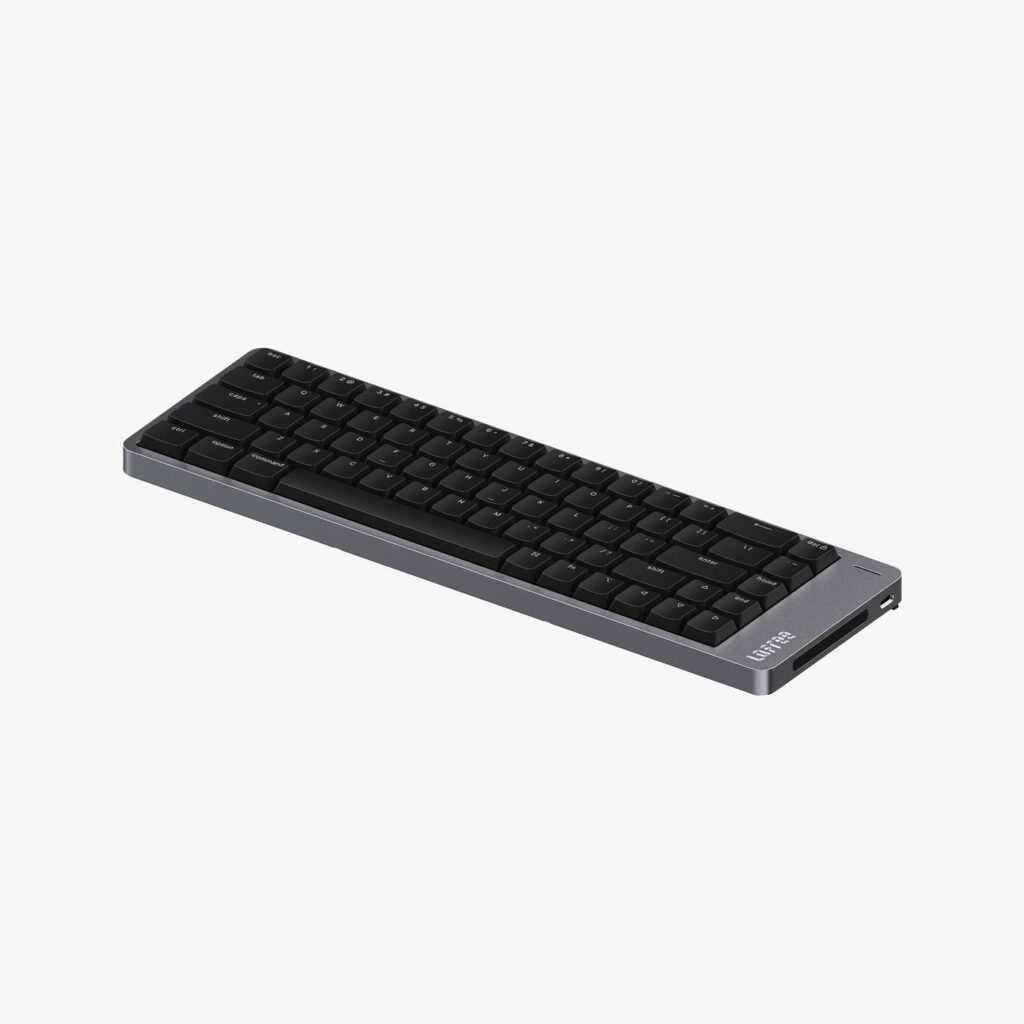
Lofree Flow 2 68: Specs, Price, Pros & Cons
Lofree's smallest aluminum keyboard is built for a desk where the mouse gets most of the room. In a 65% layout it keeps the letters, the number row, the arrows and a slim column of navigation keys, and very little else. With so little width to the right of the Enter key, the mouse can sit closer to the middle of the desk.
It is the smallest of the Flow 2 sizes. The 84-key model puts the function row back at the cost of a little extra width and weight, and the whole range shares the milled aluminum case and the low-profile Kailh Cloud switches in hot-swap sockets, so the choice comes down to layout.
Configuration software does real work on this size. With no dedicated F-keys, the layer that holds them is laid out through VIA, and arranging it is the first job after unboxing. The caps are double-shot PBT and PC, lit by a white backlight. Mac and Windows typists are both covered.
The board connects by cable, by a wireless dongle or over Bluetooth, which gives it more ways in than most keyboards in the category. There is no rotary knob, and the battery gives out sooner than on most wireless keyboards, since the smaller case holds a smaller cell than its siblings.
Its owner mostly writes, wants the smallest layout that still has arrows, and is happy to set up a function layer once. A spreadsheet habit, a numpad or fast competitive play all point toward the larger Flow 2 sizes or a different keyboard, and a USB-C cable handles the charging whichever one ends up on the desk.
Category strengths
Where the Lofree Flow 2 68 trails the median
- Much shorter battery life ?90 h vs 325 h (median)
- No rotary knob ?
How this VS Score was computed
Score 41: each known spec is measured against the median of all keyboards (101 products), then weighted; 50 means level with that median. In classes of six or more, a value beyond the class’s 10th–90th percentile range counts as that limit, so one extreme product cannot set the scale. 52% of the scoreable weight could be used; unknown values, features not applicable to this class and proxies (battery capacity where a rated life exists) add or remove nothing.
| Specification | This product | Cohort median | Score weight | Points moved |
|---|---|---|---|---|
| Hot-swappable | Yes | 61% of the class have it | 0.6 | +30.0 |
| Rapid trigger | No | 25% of the class have it | 0.5 | −24.0 |
| Battery life | 90 — capped at the class’s lower range (100) | 325 | 0.6 | −21.0 |
| Adjustable actuation | No | 24% of the class have it | 0.4 | −19.2 |
| Rotary knob | No | 53% of the class have it | 0.2 | −9.6 |
| Backlight | White | RGB | 0.3 | −7.5 |
| Switch technology | Mechanical | Mechanical | 1 | +0.0 |
| Polling rate | 1,000 | 1,000 | 0.7 | +0.0 |
| Connection | 3 | 3 | 0.8 | +0.0 |
| Keycap material | PBT | PBT | 0.4 | +0.0 |
Not scored: Actuation force (unknown: not scored); N-key rollover (unknown: not scored); Analog input (not applicable: only 14% of this class have it); Wired latency (unknown: not scored); Wireless latency (unknown: not scored); Front height (unknown: not scored); Bluetooth devices (unknown: not scored); Battery capacity (capacity is a proxy; the rated battery life is scored instead); USB passthrough (unknown: not scored); Sound dampening (unknown: not scored); Programmable keys (unknown: not scored); Media controls (unknown: not scored); Onboard profiles (unknown: not scored); Configuration software (standard for the class (95% have it)).
Editor’s note
The Flow 2 68 is the compact end of Lofree's aluminum low-profile range, and the trade it asks for is the function row. You keep arrows and a slim navigation column. F1 to F12 move onto a held layer. If you live in spreadsheets or lean on function keys in creative software, that will irritate you daily. Someone who mostly types and wants desk space back will stop noticing within a week.
At 635 g it is 110 g lighter than the 84-key model and 107 mm deep, so it frees up room for a mouse. It is still aluminum and still dense for its size: portable in the sense that it fits a bag, not in the sense that you will enjoy carrying it.
Switches are the same hot-swappable Kailh Cloud units as the rest of the range, with double-shot PBT and PC keycaps, a white-only backlight and VIA for remapping. Given the missing F-row, that remapping matters more here than on the larger models: getting a layer laid out to suit you is part of the setup, not an optional extra.
Battery is where the smaller case shows. The cell drops to 2,000 mAh, and Lofree quotes up to 90 hours with the lighting off against 13 hours with it on. Charging takes three to five hours over USB-C.
One caution on the published figures: Lofree's own spec sheet lists the same 341.2 mm width for this board as for the 84-key version, which cannot be correct for a 65% layout, so treat the stated footprint with care and measure your desk against the depth instead.
Good for minimal desks, Mac and Windows typists, and anyone who wants repairable low-profile switches in the smallest sensible layout. Wrong for anyone who needs a numpad, F-row regulars, and gamers chasing 8K polling.
Specifications
Quality bars show where each figure sits between the lowest and highest of the 101 keyboards this VS Score is measured against.
Switches & typing
Performance
Layout & size
Connectivity
Build & sound
Features
Sources and verification
Where the specifications come from
- Official product pagelofree.co
Verification
- First published
- Specifications last checked
- Sheet completeness
- 19 of 34 specifications verified; the rest show as Unknown and are never estimated or scored
- Page type
- Product specification page — Compiled from the manufacturer’s published specifications and the cited sources; this is not a hands-on test.
- Basis
- Research-based: specifications and editorial text were compiled from the documents listed here and the manufacturer’s published data. We have not tested this unit ourselves; where independent measurements are mentioned they belong to the linked publication.
Where to buy
Prices and availability may change. Check the retailer before buying. We may earn a commission on purchases.
Price history
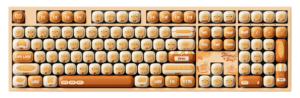
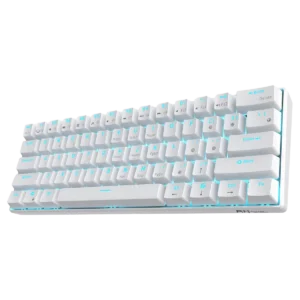
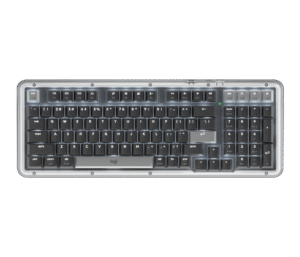
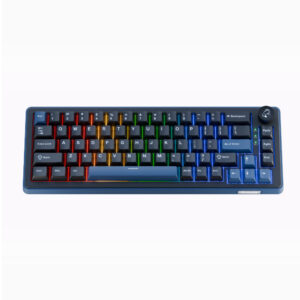
Keyboards with similar specs to the Lofree Flow 2 68

Ratings & reviews
No reviews yet. Be the first to share your experience.
The bottom line
The Lofree Flow 2 68 earns a VS Score of 41, below the median of the 101 keyboards it is measured against (a score of 50 is level with that median).
- Who it’s for
- A minimalist who mostly types, wants the smallest sensible low-profile board, and is willing to set up a function layer.
- Who should look elsewhere
- Spreadsheet users, numpad users, heavy function-key users in creative software and gamers chasing top polling rates should all look elsewhere.
- The trade-off that matters
- The missing function row. Remapping makes it workable, but F-keys on a held layer are a daily cost for anyone whose software leans on them.
- The main alternative
- Lofree Flow 2 84: adds the function row back for a little more width and weight.
The VS Score is calculated from the weighted specifications above, each measured against the median of comparable keyboards — a shortlisting guide, not a substitute for your own priorities. See how we score.




