
Logitech Flip Folio: Specs, Features, Pros & Cons
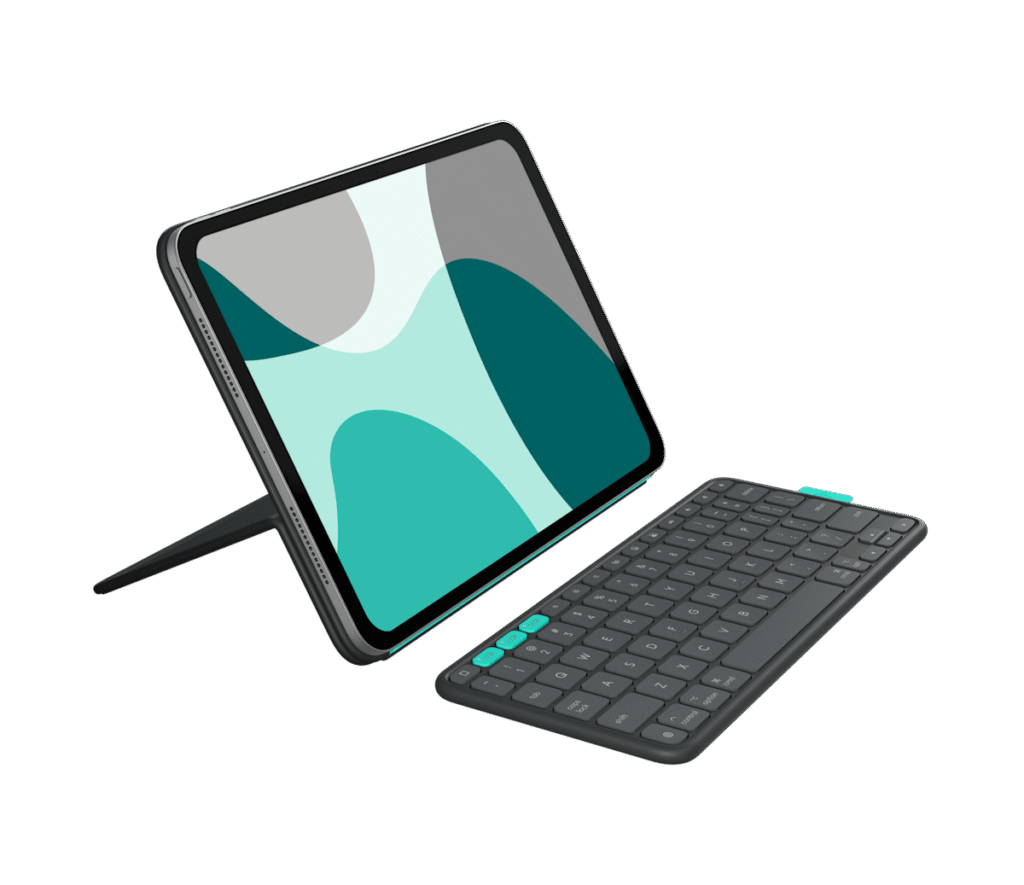
With a front edge of 7 mm, the keyboard half of the Flip Folio sits far lower than an ordinary desk keyboard, and it has to, because it lives folded against the back of an iPad. Logitech sells it as a case first. The keyboard is the part that comes off.
That split design sets it apart from the rigid keyboard cases with a built-in trackpad. The tablet stays in a protective shell that props it up in portrait or landscape, and the keyboard is a separate Bluetooth slab that can sit closer, further away or off to one side. When it is not needed, magnets hold it on the back of the case.
The keys are membrane, with no backlight, no programmable layer and no switches to replace. Media keys sit in a shortcut row laid out for iPadOS, and Easy-Switch buttons let it jump between three paired devices, so a phone can take a message without the keyboard being re-paired. Power comes from coin cells, which is why it is rated to run for years on one set.
It is made for an owner of an iPad Pro or iPad Air who writes in short stretches on trains, in hotel rooms and at shared tables. Fit is tied to the exact model and generation, and the eleven- and thirteen-inch versions differ in key spacing as well as size.
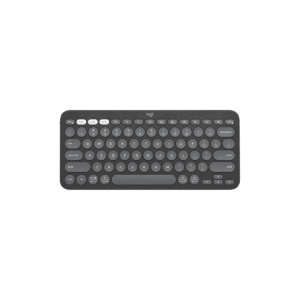
The design gives up three things a laptop-style case keeps. There is no trackpad, typing on a lap is awkward with two loose pieces, and the pair needs more table than a single folding shell. Logitech's Pebble Keys 2 K380s covers the buyer who wants one keyboard for several tablets and phones. The Flip Folio is for one iPad, fitted exactly.
Category strengths
Where the Logitech Flip Folio beats the median
- Much longer battery life ?17,520 h vs 325 h (median)
- A much lower front height ?7 mm vs 20.2 mm (median)
Where the Logitech Flip Folio trails the median
- No hot-swappable switches ?
- Fewer connection options ?
- No programmable keys ?
- No onboard profiles ?
- No rotary knob ?
- No configuration software ?
How this VS Score was computed
Score 25: each known spec is measured against the median of all keyboards (101 products), then weighted; 50 means level with that median. In classes of six or more, a value beyond the class’s 10th–90th percentile range counts as that limit, so one extreme product cannot set the scale. 55% of the scoreable weight could be used; unknown values, features not applicable to this class and proxies (battery capacity where a rated life exists) add or remove nothing.
| Specification | This product | Cohort median | Score weight | Points moved |
|---|---|---|---|---|
| Battery life | 17,520 — capped at the class’s upper range (1,600) | 325 | 0.6 | +30.0 |
| Hot-swappable | No | 61% of the class have it | 0.6 | −28.8 |
| Connection | 1 | 3 | 0.8 | −26.4 |
| Rapid trigger | No | 25% of the class have it | 0.5 | −24.0 |
| Adjustable actuation | No | 24% of the class have it | 0.4 | −19.2 |
| Programmable keys | No | 99% of the class have it | 0.4 | −19.2 |
| Switch technology | Membrane | Mechanical | 1 | −17.0 |
| Backlight | None | RGB | 0.3 | −14.4 |
| Onboard profiles | No | 89% of the class have it | 0.3 | −14.4 |
| Front height | 7 | 20.2 | 0.2 | +10.0 |
| Rotary knob | No | 53% of the class have it | 0.2 | −9.6 |
| Configuration software | No | 95% of the class have it | 0.2 | −9.6 |
| Bluetooth devices | 3 | 3 | 0.3 | +0.0 |
Not scored: Actuation force (unknown: not scored); N-key rollover (unknown: not scored); Analog input (not applicable: only 14% of this class have it); Polling rate (unknown: not scored); Wired latency (unknown: not scored); Wireless latency (unknown: not scored); Battery capacity (unknown: not scored); USB passthrough (not applicable: only 4% of this class have it); Keycap material (unknown: not scored); Sound dampening (unknown: not scored); Media controls (standard for the class (97% have it)).
Editor’s note
Flip Folio is a protective iPad case with a detachable Bluetooth keyboard that stores magnetically on the back. Its strongest feature is flexibility: the iPad can sit in portrait or landscape while the keyboard moves to a comfortable position, and Easy-Switch keys can control up to three devices. That arrangement works well for travel, shared tables, media viewing, and occasional writing.
It is not a laptop conversion in the same sense as a rigid keyboard case with a trackpad. There is no trackpad, no backlight, and the two-piece setup needs more surface area on a desk or tray. The combined weight is substantial once an iPad is installed, and the case must match the exact 11- or 13-inch iPad Pro or Air generation.
The keyboard uses four replaceable CR2016 coin cells rather than a rechargeable battery, and Logitech rates them for up to two years under light daily use. Key pitch and weight differ between the 11- and 13-inch versions. Bluetooth Low Energy supports several platforms for basic typing, but the shortcut row is optimized for iPadOS. The case provides front and back protection without promising rugged drop certification.
Consider Flip Folio for iPad owners who value viewing angles, detachable typing, and multi-device control more than a trackpad. Skip it for lap-heavy work, dark-room typing, or buyers seeking a single rigid notebook-like unit. Pricing must match the correct iPad size, color, and regional part number, since the two sizes are not interchangeable and should ideally have separate product variants.
Diagonal size alone is not enough: choose by the exact iPad model and generation. Camera cutouts, magnets, and dimensions must align, and similar-looking 11-inch tablets are not automatically compatible. The detachable design is attractive for casual work, but frequent lap typists should test stability and viewing angles before replacing a conventional keyboard case.
Specifications
Quality bars show where each figure sits between the lowest and highest of the 101 keyboards this VS Score is measured against.
Switches & typing
Performance
Layout & size
Connectivity
Build & sound
Features
Sources and verification
Where the specifications come from
- Official product pagelogitech.com
- Independent testingrtings.com
Verification
- First published
- Specifications last checked
- Sheet completeness
- 20 of 34 specifications verified; the rest show as Unknown and are never estimated or scored
- Page type
- Product specification page — Compiled from the manufacturer’s published specifications and the cited sources; this is not a hands-on test.
- Basis
- Research-based: specifications and editorial text were compiled from the documents listed here and the manufacturer’s published data. We have not tested this unit ourselves; where independent measurements are mentioned they belong to the linked publication.
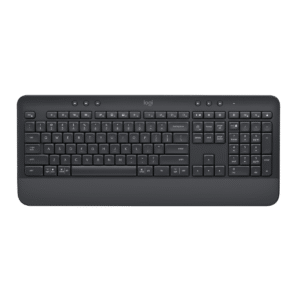
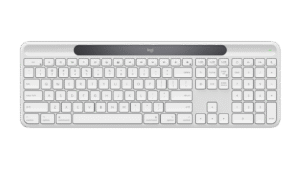
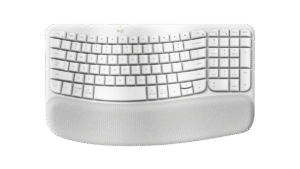
Keyboards with similar specs to the Logitech Flip Folio

Ratings & reviews
No reviews yet. Be the first to share your experience.
The bottom line
The Logitech Flip Folio earns a VS Score of 25, below the median of the 101 keyboards it is measured against (a score of 50 is level with that median).
- Who it’s for
- An iPad Pro or Air owner who types in short bursts on trips and wants the tablet upright or sideways with the keyboard wherever it suits.
- Who should look elsewhere
- Not for lap typing, dim rooms, or anyone who wants a trackpad and a rigid laptop-like case. Owners of other tablets should look elsewhere, since fit is model-specific.
- The trade-off that matters
- Two separate pieces. The freedom to place the keyboard anywhere costs table space and makes typing on a lap awkward.
- The main alternative
- Logitech Pebble Keys 2 K380s: a standalone travel keyboard that works with any tablet or phone, without the case.
The VS Score is calculated from the weighted specifications above, each measured against the median of comparable keyboards — a shortlisting guide, not a substitute for your own priorities. See how we score.




