
Keychron B1 Pro: Specs, Price, Pros & Cons
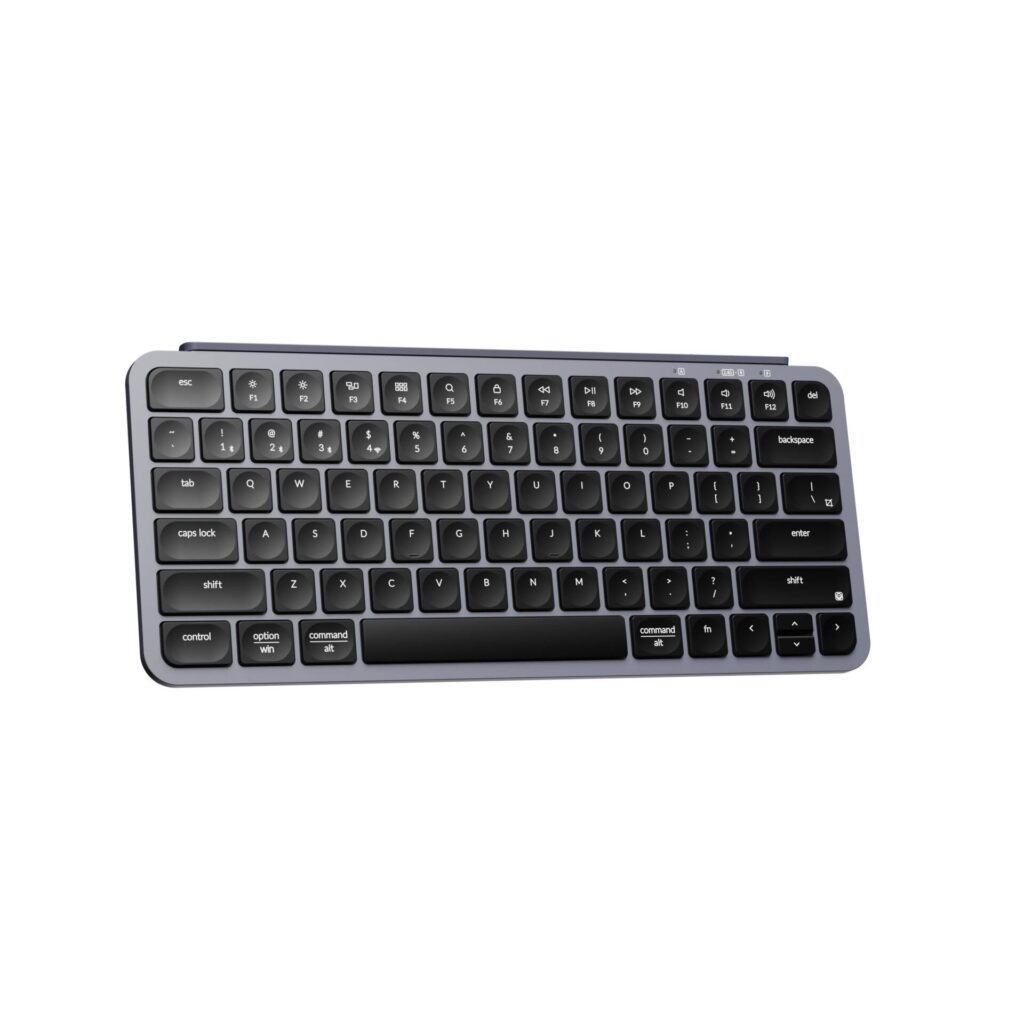
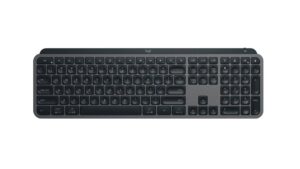
Scissor keys under a compact layout with a function row and arrow keys make the B1 Pro closer to the keyboard of a laptop than to the mechanical boards Keychron made its name with.
Keychron's aluminum Q boards occupy the heavy end of its range, and this one the light end. It is built to go in a bag and pair with whatever you carry. Its front edge is thin enough to keep the wrist nearly flat, and its rated battery life runs to several times that of a typical wireless keyboard. The battery figure owes a lot to the lack of any backlight, since there are no LEDs to feed. It connects over a cable, a receiver or Bluetooth to three devices, and it works across the major desktop and mobile operating systems. Keys are programmable, so a shortcut or a symbol you use often can be moved.
Three shortfalls come with the design. The switches are soldered and cannot be swapped, which is normal for a scissor board. There is no N-key rollover, so fast games that need several keys held at once are the wrong use for it. And there is no rotary knob. The keycaps and case are ABS, which polishes with heavy use.
Typing on it feels short, soft and quiet, the stroke a laptop trains into the fingers, and hands used to deep mechanical switches will find it shallow at first. Its natural home is a laptop typist's desk, a tablet stand or a hot desk, in a room bright enough to read legends that never light up.
Category strengths
Where the Keychron B1 Pro beats the median
- Much longer battery life ?1,200 h vs 325 h (median)
- A much lower front height ?5.2 mm vs 20.2 mm (median)
Where the Keychron B1 Pro trails the median
- No hot-swappable switches ?
- No n-key rollover ?
- No rotary knob ?
How this VS Score was computed
Score 34: each known spec is measured against the median of all keyboards (101 products), then weighted; 50 means level with that median. In classes of six or more, a value beyond the class’s 10th–90th percentile range counts as that limit, so one extreme product cannot set the scale. 61% of the scoreable weight could be used; unknown values, features not applicable to this class and proxies (battery capacity where a rated life exists) add or remove nothing.
| Specification | This product | Cohort median | Score weight | Points moved |
|---|---|---|---|---|
| Battery life | 1,200 | 325 | 0.6 | +30.0 |
| Hot-swappable | No | 61% of the class have it | 0.6 | −28.8 |
| N-key rollover | No | 85% of the class have it | 0.5 | −24.0 |
| Rapid trigger | No | 25% of the class have it | 0.5 | −24.0 |
| Adjustable actuation | No | 24% of the class have it | 0.4 | −19.2 |
| Switch technology | Membrane | Mechanical | 1 | −17.0 |
| Backlight | None | RGB | 0.3 | −14.4 |
| Front height | 5.2 — capped at the class’s lower range (7) | 20.2 | 0.2 | +10.0 |
| Keycap material | ABS | PBT | 0.4 | −10.0 |
| Rotary knob | No | 53% of the class have it | 0.2 | −9.6 |
| Polling rate | 1,000 | 1,000 | 0.7 | +0.0 |
| Connection | 3 | 3 | 0.8 | +0.0 |
| Bluetooth devices | 3 | 3 | 0.3 | +0.0 |
Not scored: Actuation force (unknown: not scored); Analog input (not applicable: only 14% of this class have it); Wired latency (unknown: not scored); Wireless latency (unknown: not scored); Battery capacity (capacity is a proxy; the rated battery life is scored instead); USB passthrough (not applicable: only 4% of this class have it); Sound dampening (unknown: not scored); Programmable keys (standard for the class (99% have it)); Media controls (standard for the class (97% have it)); Onboard profiles (unknown: not scored); Configuration software (standard for the class (95% have it)).
Editor’s note
The B1 Pro is Keychron working at the opposite end of its range from the aluminum Q boards, and it is worth judging on its own terms rather than against them. This is a 5.2 mm scissor-switch keyboard weighing 425 grams, built to slide into a bag and pair with whatever device you are carrying.
Scissor switches are the same mechanism laptops use. Travel is short, the sound is soft, and there is none of the depth a mechanical board gives you. Coming from mechanical keyboards, you will find it shallow. If you type on a laptop all day and want that feel with a better layout and a proper wrist position, it is exactly right.
Battery is where it leads. An 800 mAh cell with no backlight to feed is rated at up to eight months of use, and it recharges over USB-C in about two and a half hours. Tri-mode connectivity covers 2.4 GHz, Bluetooth 5.2 and wired, and it works across macOS, iOS, Windows, Android and Linux, which helps if you rotate between a work laptop, a tablet and a phone.
There is no backlight at all, so this is a daylight or well-lit-desk keyboard. There is no N-key rollover, which rules it out for gaming that needs several simultaneous inputs. Bluetooth polling drops to 90 Hz, noticeably slower than the 1,000 Hz you get wired or on the dongle. And the keycaps and case are both ABS, which will develop a shine with heavy use.
For a keyboard this cheap, none of that is unreasonable. Buy it as a travel or secondary board, or as a cheap upgrade over a bundled office keyboard. Do not buy it as your main gaming keyboard, or if you type in the dark.
Specifications
Quality bars show where each figure sits between the lowest and highest of the 101 keyboards this VS Score is measured against.
Switches & typing
Performance
Layout & size
Connectivity
Build & sound
Features
Sources and verification
Where the specifications come from
- Official product pagekeychron.com
Verification
- First published
- Specifications last checked
- Sheet completeness
- 26 of 34 specifications verified; the rest show as Unknown and are never estimated or scored
- Page type
- Product specification page — Compiled from the manufacturer’s published specifications and the cited sources; this is not a hands-on test.
- Basis
- Research-based: specifications and editorial text were compiled from the documents listed here and the manufacturer’s published data. We have not tested this unit ourselves; where independent measurements are mentioned they belong to the linked publication.
Where to buy
Prices and availability may change. Check the retailer before buying. We may earn a commission on purchases.
Price history
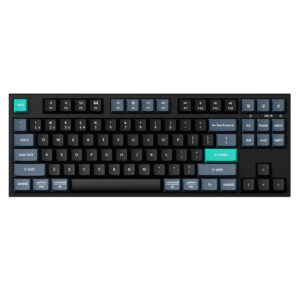
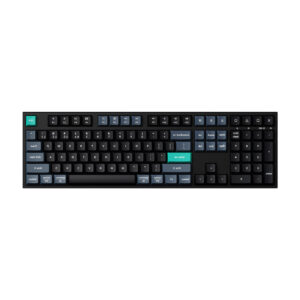
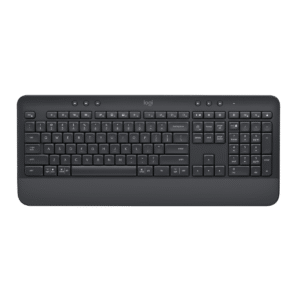
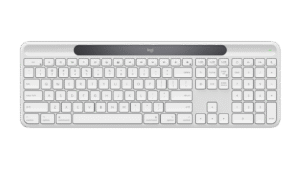
Keyboards with similar specs to the Keychron B1 Pro
Ratings & reviews
No reviews yet. Be the first to share your experience.
The bottom line
The Keychron B1 Pro earns a VS Score of 34, below the median of the 101 keyboards it is measured against (a score of 50 is level with that median).
- Who it’s for
- A laptop typist who wants a thin, light second keyboard for a bag, a tablet or a hot desk, and hates charging.
- Who should look elsewhere
- Gamers, people who type in the dark and anyone who wants the depth of a mechanical switch should buy something else.
- The trade-off that matters
- Shallow scissor keys. They are quiet and quick for hands trained on a laptop, but anyone moving over from a mechanical board will find them flat.
- The main alternative
- Logitech Pebble Keys 2 K380s: another small multi-device board for a bag, running on replaceable AAA cells instead of a charge.
The VS Score is calculated from the weighted specifications above, each measured against the median of comparable keyboards — a shortlisting guide, not a substitute for your own priorities. See how we score.





